


ColorPages (BestColoringPages) Photo to Coloring Page Converter
Turn any photo into a printable line-art coloring page in seconds with AI.
What is ColorPages (BestColoringPages) Photo to Coloring Page Converter?
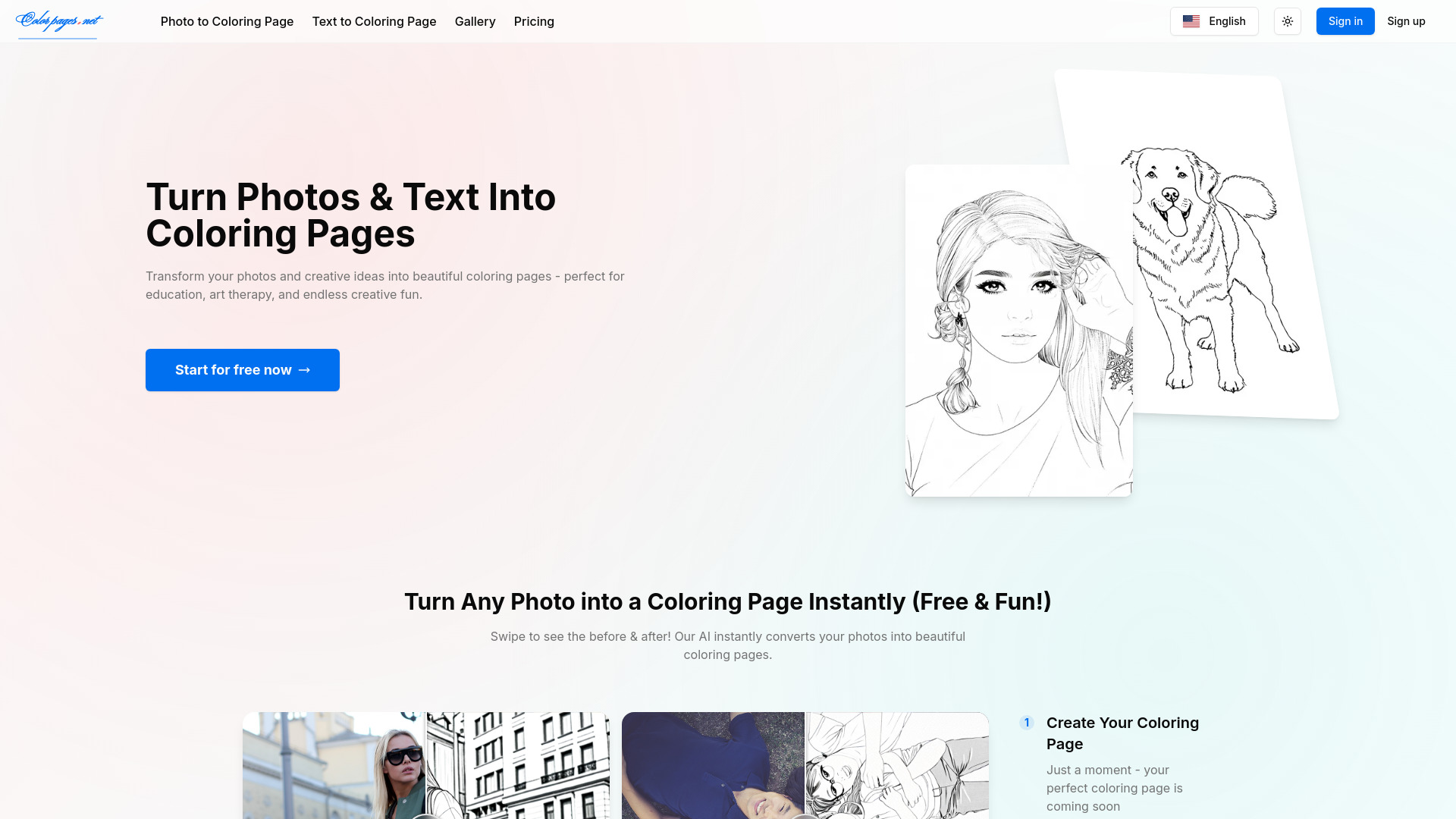
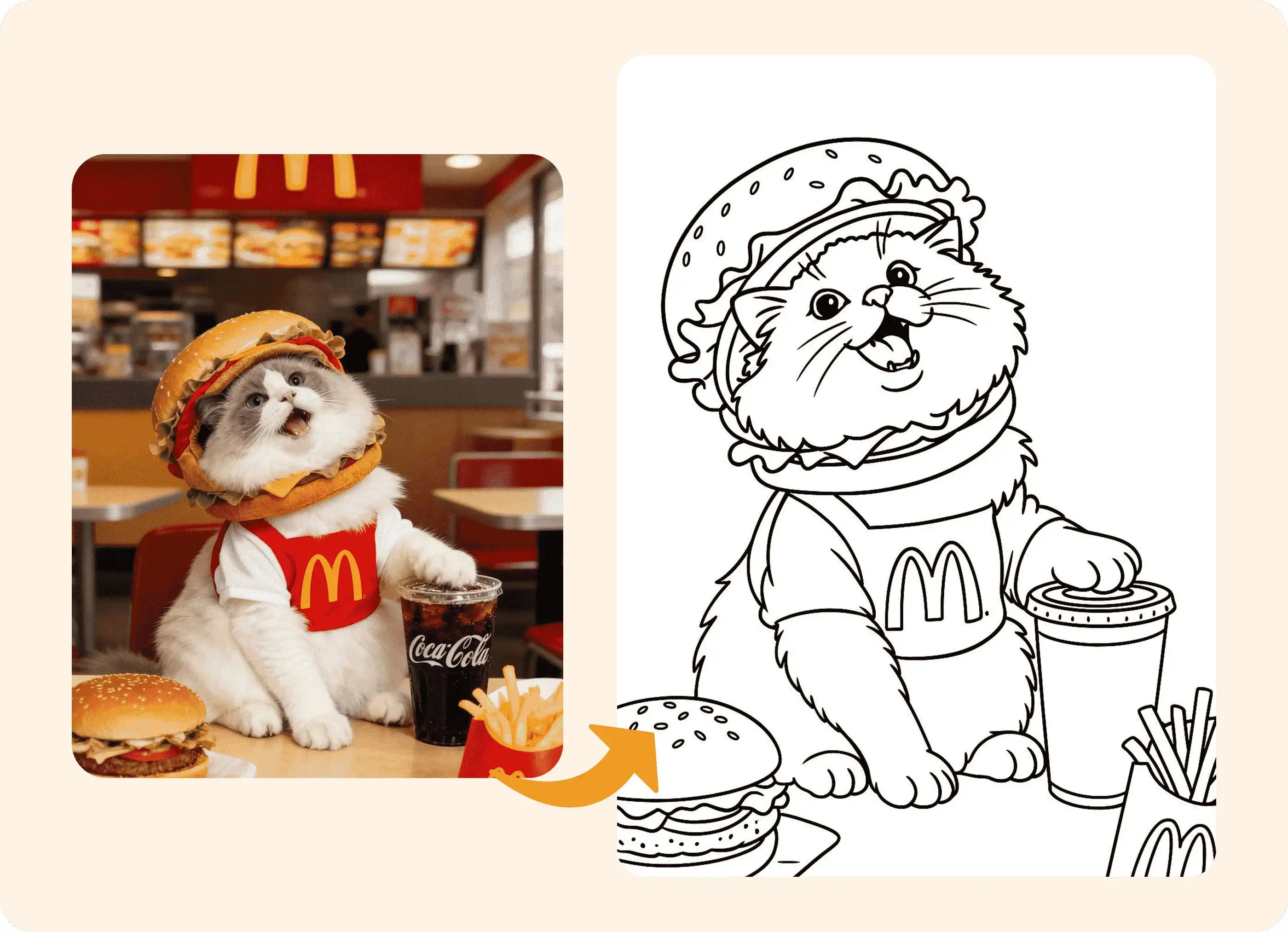
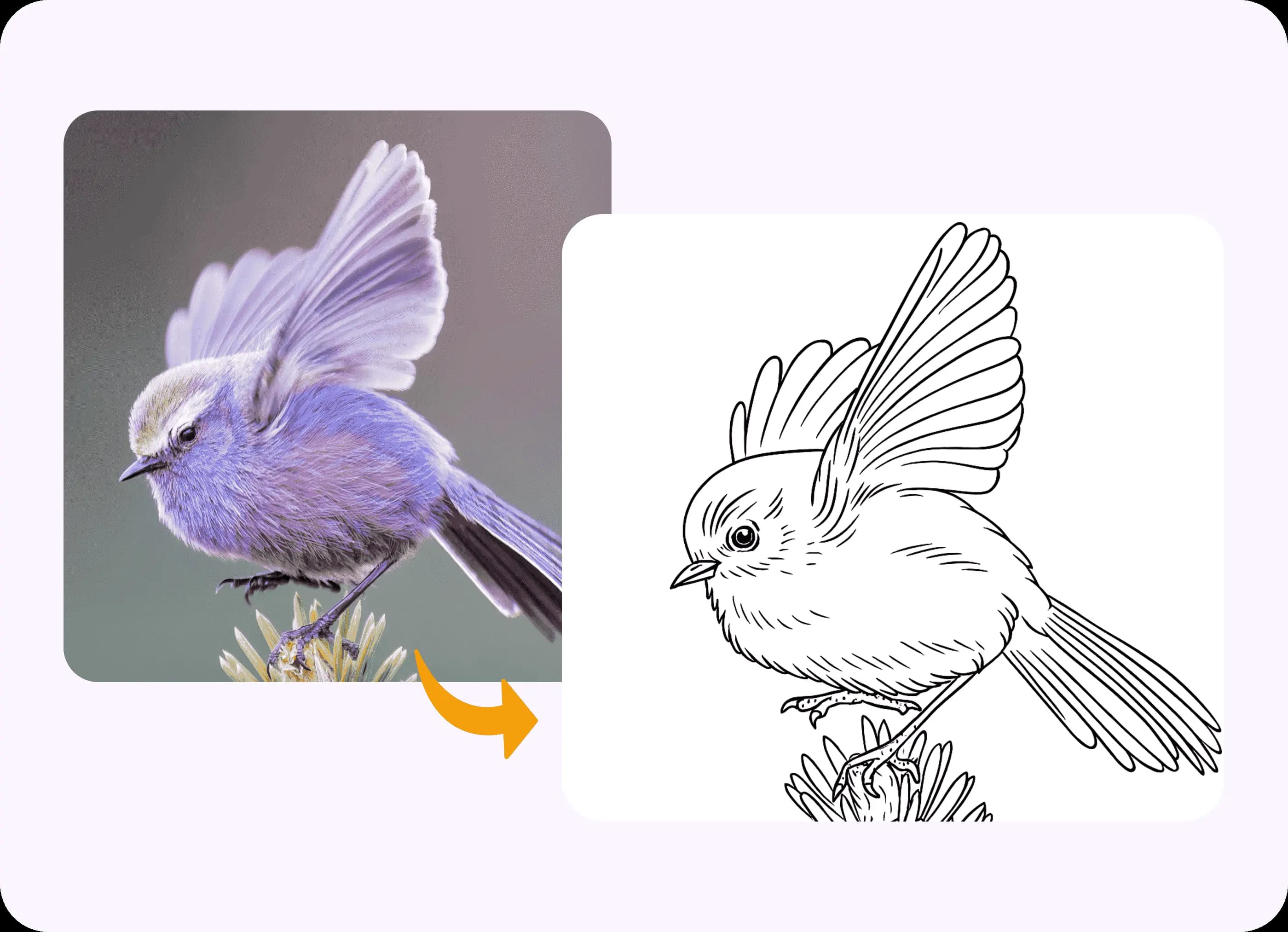
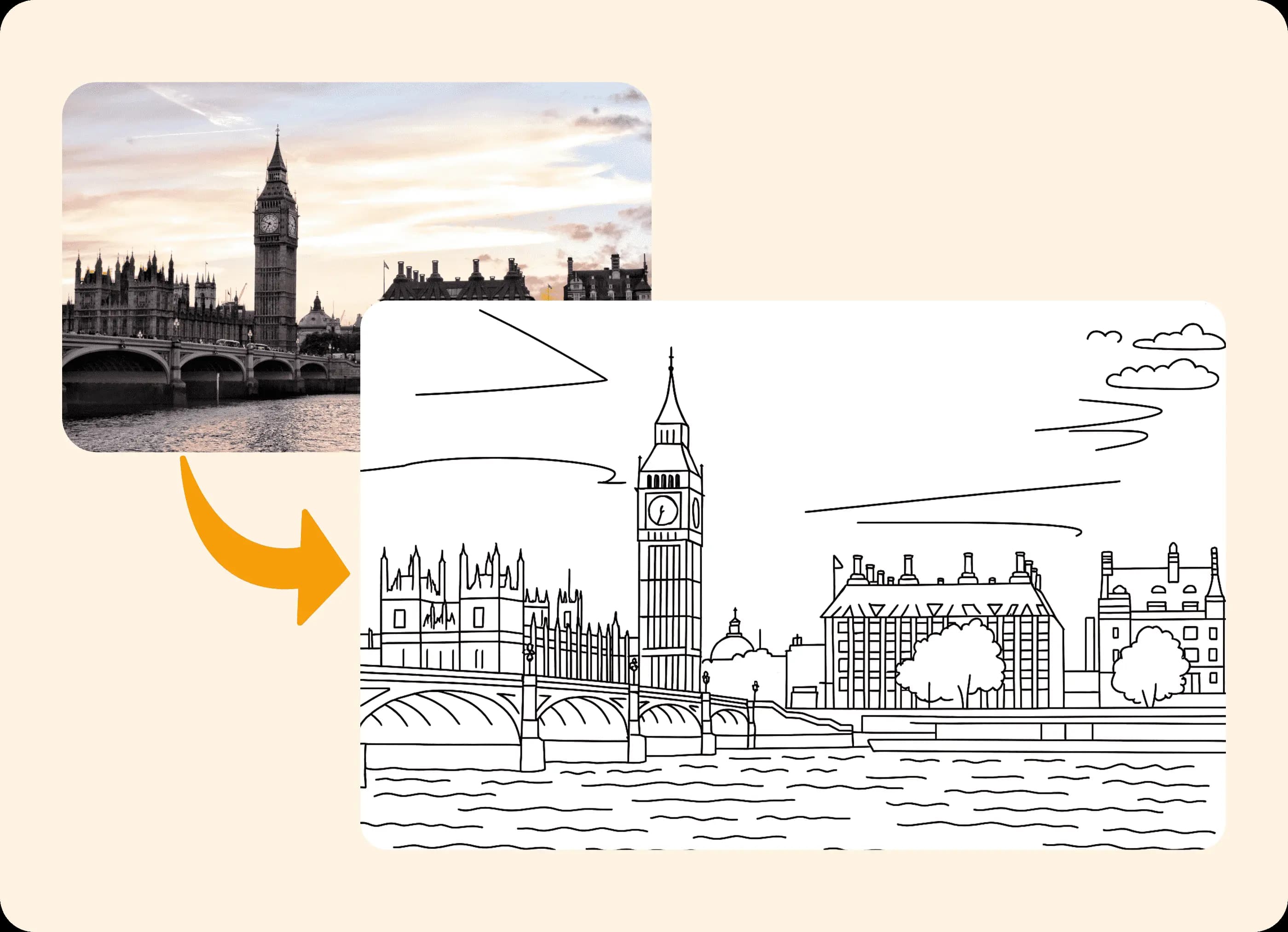
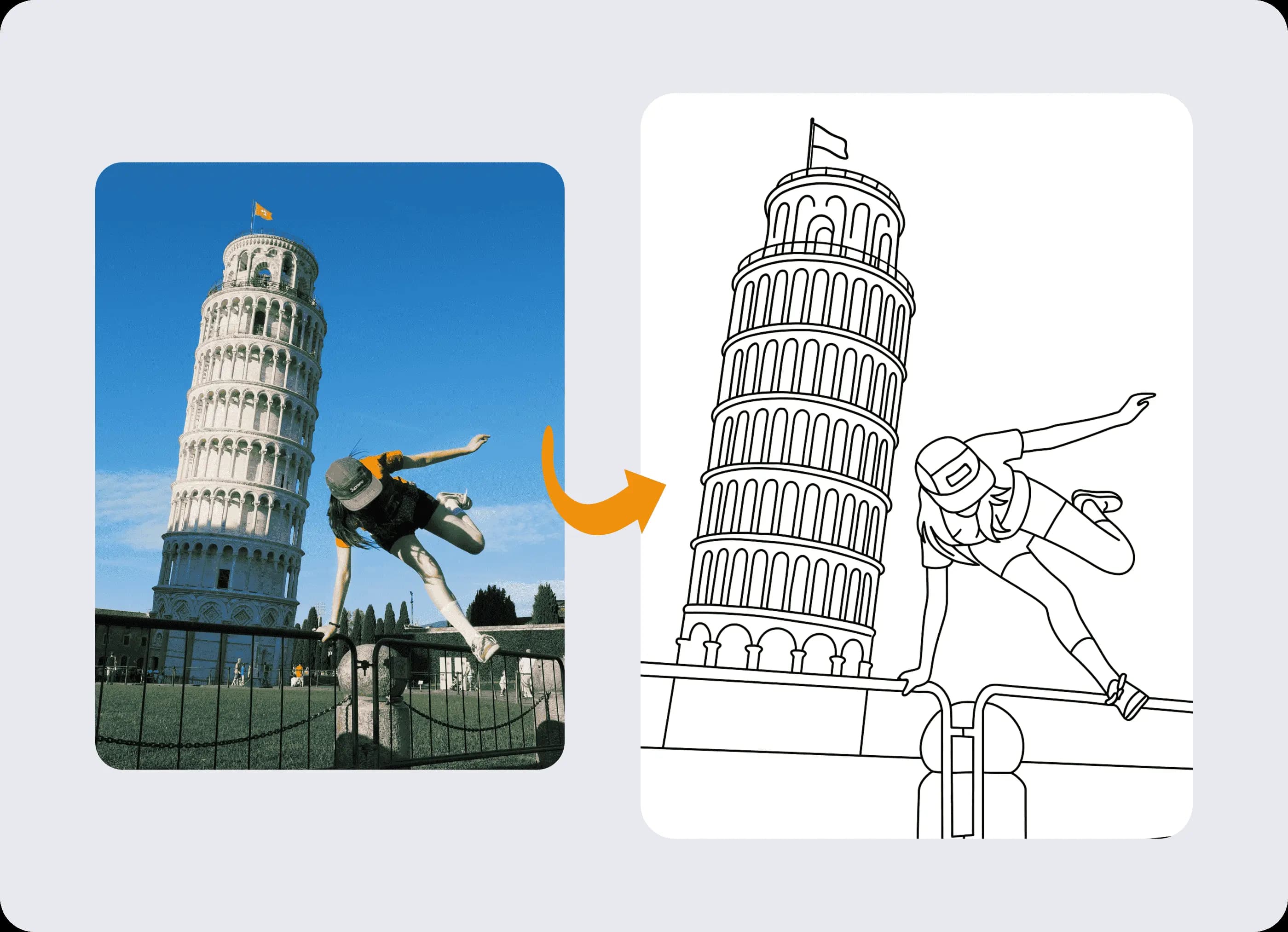
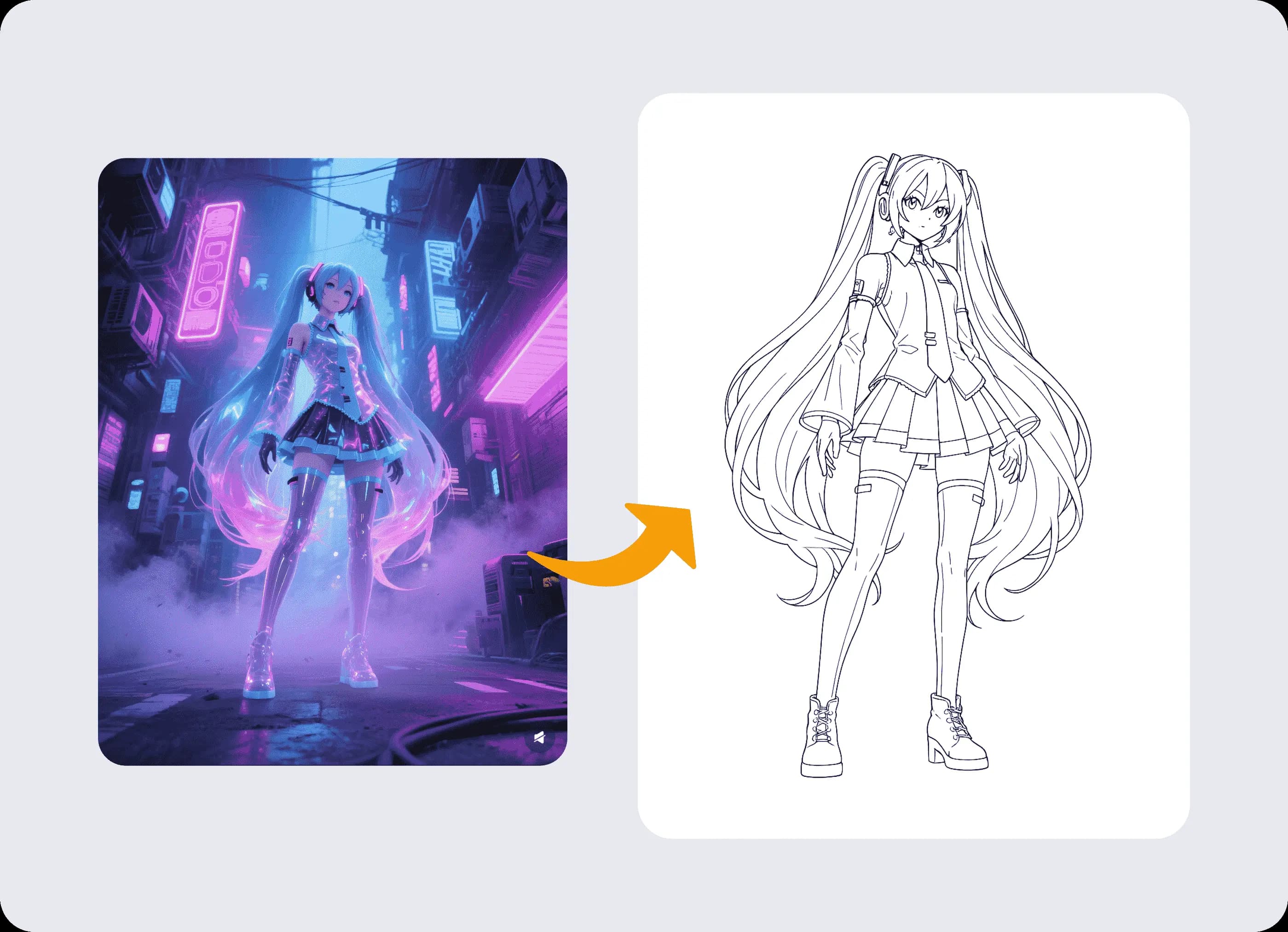
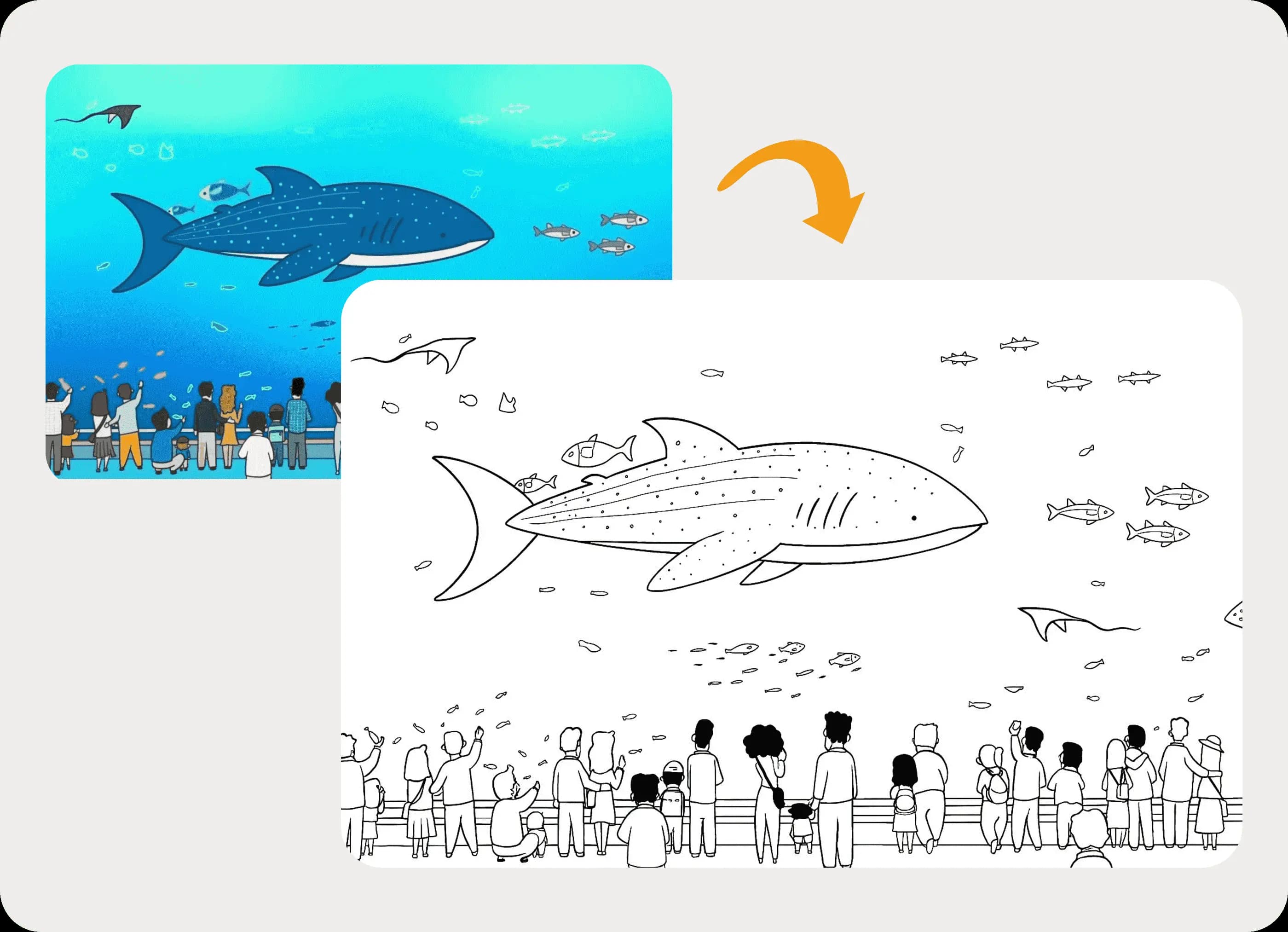
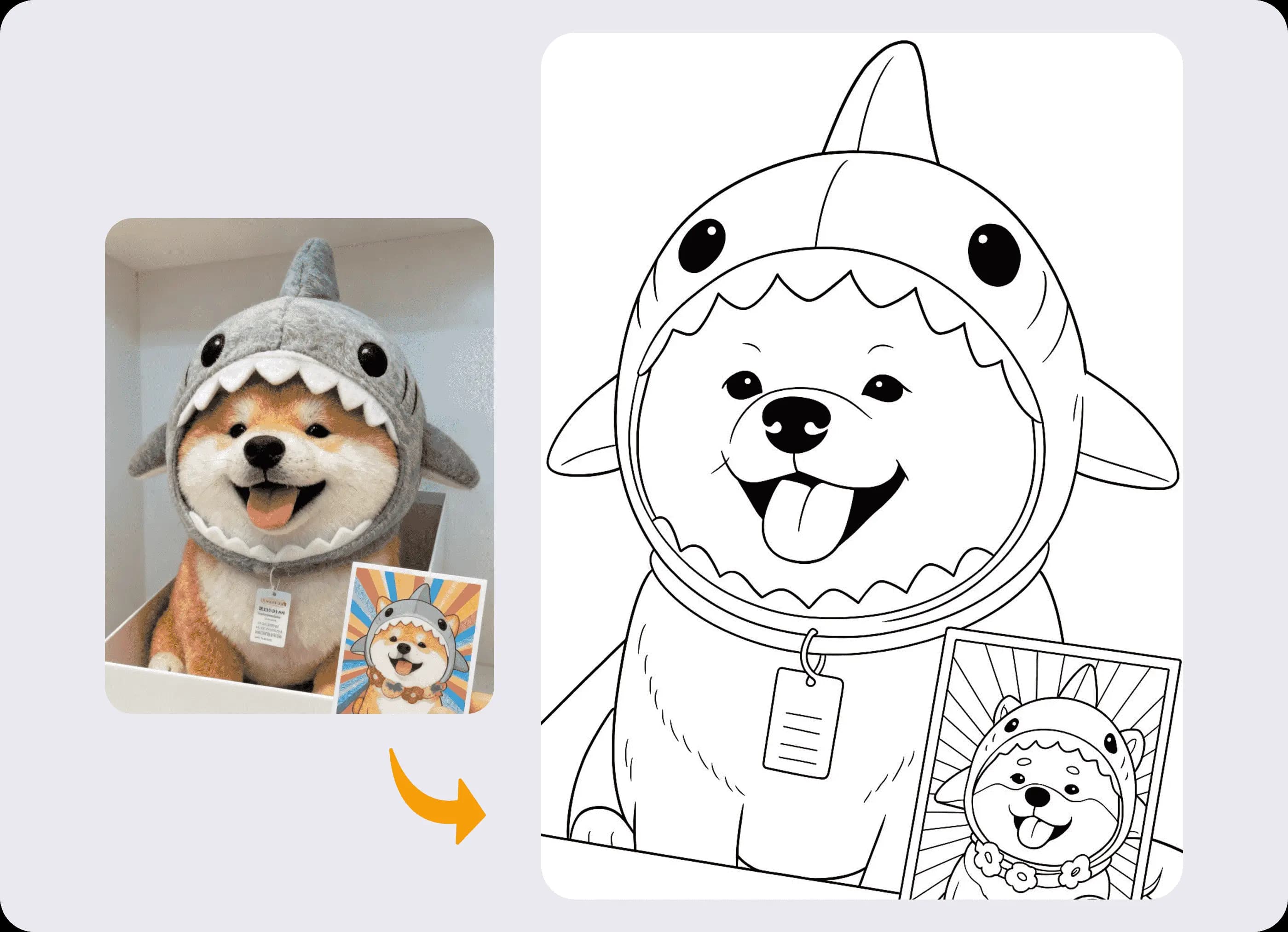
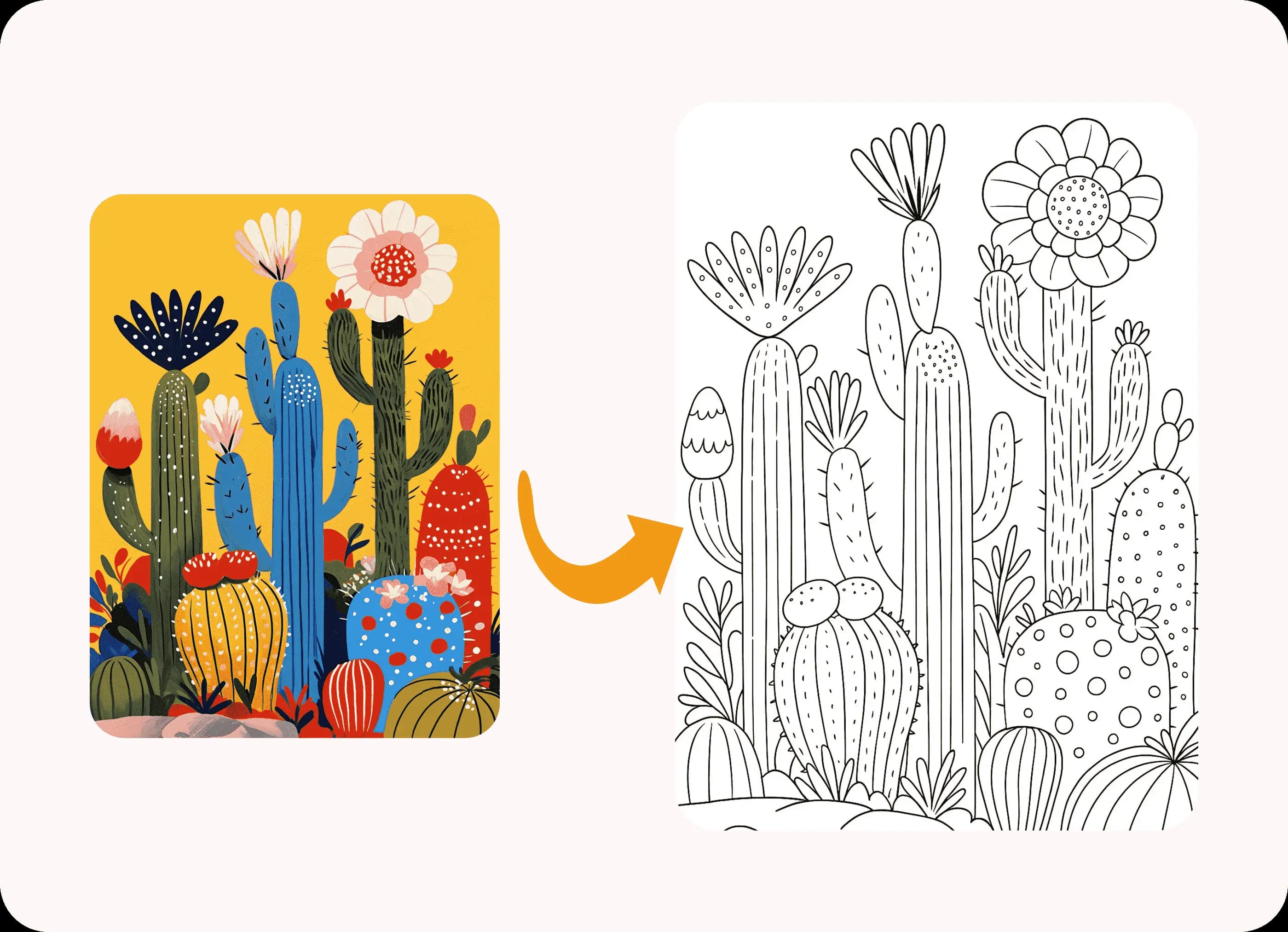
ColorPages, operated under the BestColoringPages brand, is a free online tool that converts ordinary photographs into printable line-art coloring pages. Users upload a JPEG, PNG, or WEBP image (up to 10 MB), and an AI model extracts the main outlines and details, producing a black-and-white drawing that can be printed and colored by hand. The site presents the conversion as a one-click process, making it accessible to parents, teachers, hobbyists, and anyone who wants to turn personal memories into something tangible. The tool offers several optional controls that shape the output. Users can choose to remove the photo's background so only the subject remains, keep facial features intact when portraits are involved, mark uploads as private, and remove watermarks from the result. These options make it flexible enough to handle everything from pet photos and family snapshots to landscapes, travel shots, and stylized artwork. The website's gallery shows before-and-after examples ranging from animals in costumes and famous landmarks to anime scenes, underwater views, and fantasy illustrations. The platform is aimed primarily at casual creators, families, and educators who want custom coloring material without drawing from scratch. Because it is positioned as free, it suits quick, one-off projects, though users wanting large volumes or advanced editing may look for more robust tools. Overall, it delivers a simple, focused workflow centered on a single clear outcome: turning a photo into a ready-to-color page.
SpecificationsAI-estimated
Key Features of ColorPages (BestColoringPages) Photo to Coloring Page Converter
Use Cases for ColorPages (BestColoringPages) Photo to Coloring Page Converter
Custom coloring pages for kids
Parents can turn pets, family photos, or vacation snapshots into personalized coloring sheets for children.
Classroom activities
Teachers can convert images of landmarks, animals, or science subjects into printable worksheets for students.
Personalized gifts
Users can create custom coloring pages of loved ones or memorable moments as a unique present.
Pet portraits
Pet owners can transform photos of their animals into line art for fun coloring or keepsakes.
Travel memories
Travelers can convert landmark photos into coloring pages to relive their trips through art.
Relaxation and mindfulness
Adults can use the tool to create personalized coloring pages for stress relief and creative leisure.
How to use ColorPages (BestColoringPages) Photo to Coloring Page Converter?
Upload your photo
Drag and drop a JPEG, PNG, or WEBP image (up to 10 MB) or click to browse your files.
Choose your options
Select whether to remove the background, keep facial features, mark the upload as private, and remove watermarks.
Generate the coloring page
Click Generate and let the AI convert your photo into line art.
Download and print
Save the resulting coloring page and print it for coloring.
Pros & Cons of ColorPages (BestColoringPages) Photo to Coloring Page Converter
Pros
- Free, fast, and simple one-click conversion from photo to line art
- Optional background removal, face preservation, and watermark removal
- Private upload option for personal photos
- Accepts common image formats (JPEG, PNG, WEBP) up to 10 MB
Cons
- Output quality depends on the complexity and clarity of the source photo
- Limited editing or customization of the generated line art
- Free-tier restrictions and upsell prompts (e.g., coloring book and art supply promotions) may be present
Frequently Asked Questions
Is the photo to coloring page converter free?
The core converter is presented as free, though the site also promotes paid offerings such as coloring books and art supplies.
What image formats are supported?
The tool accepts JPEG, PNG, and WEBP files up to 10 MB in size.
What does the Remove Background option do?
It isolates the main subject of the photo so the coloring page shows only that subject without the surrounding scene.
What does Keep Face do?
It is intended to preserve facial features when converting portraits so the result remains recognizable.
Is my uploaded photo kept private?
There is a Private option that can be selected when uploading; users should review the site's privacy policy for full details on data handling.
Can I remove the watermark from my coloring page?
Yes, a Remove Watermark option is available during generation.
Will every photo convert well?
Results depend on image clarity and complexity; simple photos with clear outlines generally produce cleaner line art.
Pricing Overview
View full pricing →The page offers free photo-to-coloring-page conversion with optional paid coloring book purchases, but no specific dollar-amount plans are stated in the provided content.
Reviews & Ratings0.0
No reviews yet. Be the first to write one!
Top Alternatives & Similar Software
View all alternatives & similar software→No alternatives available yet.
People also viewed

Related searches
Is this your tool?
Claim this page to update details, reply to user reviews, and drive more traffic to your product.
Claim this Product →
Tags
Keep up with ColorPages (BestColoringPages) Photo to Coloring Page Converter alternatives
New alternatives, pricing changes and the week's biggest movers - one email every Tuesday.