


Dashworks
AI that answers all your team’s questions
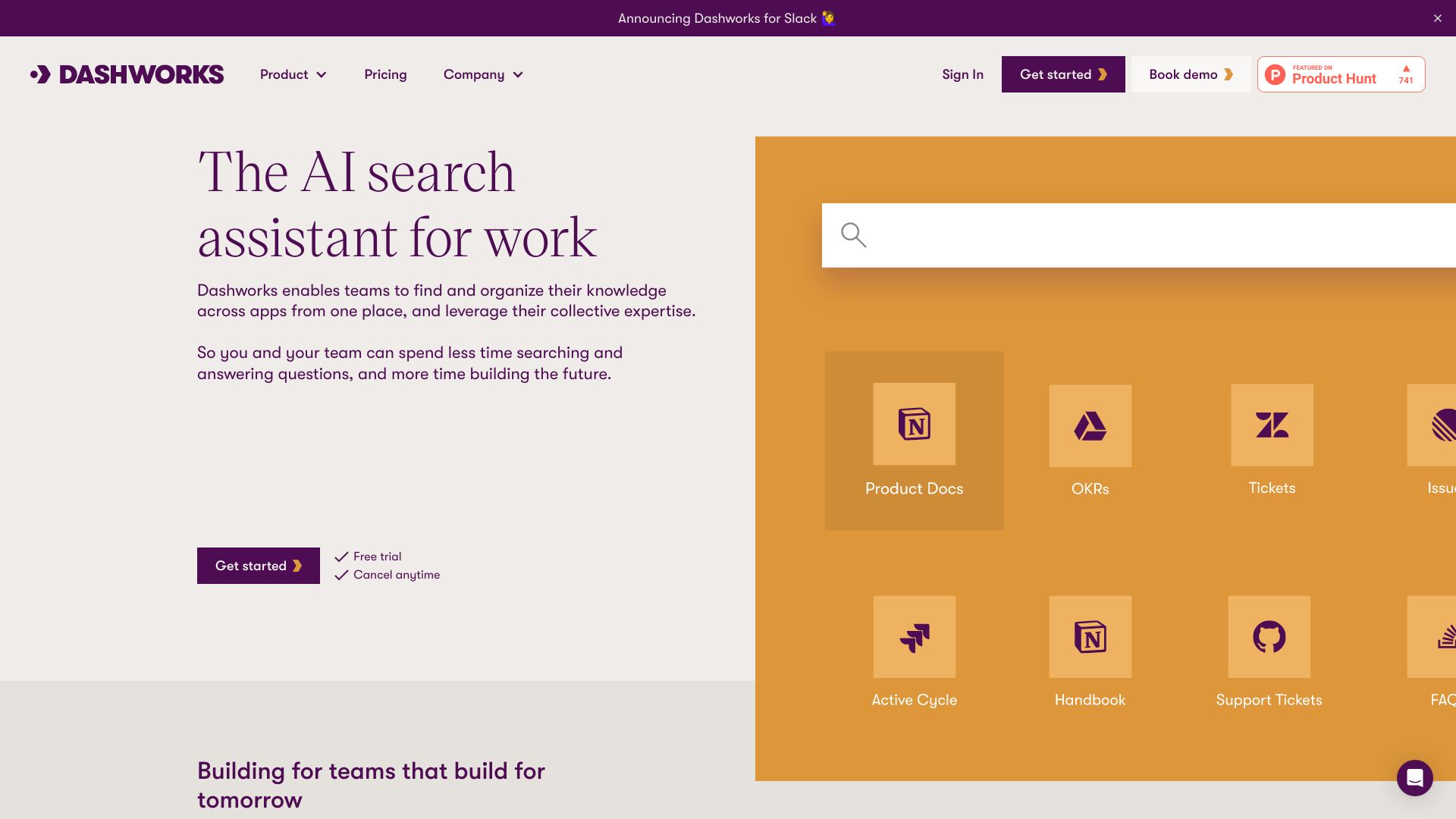
What is Dashworks?
Dashworks is an AI-powered enterprise search and workplace knowledge assistant that unifies all of a team’s apps, docs, and knowledge bases into one searchable interface. It answers internal questions in real time using live search, with citations, and can be embedded in Slack or used as a browser homepage. Dashworks markets itself as an alternative to legacy enterprise search because it does not require data indexing or syncing, enabling faster setup, fresher answers, and stronger security posture.
SpecificationsAI-estimated
Key Features of Dashworks
Use Cases for Dashworks
Customer Support
Support reps can find answers buried in historical tickets, support docs, and product wikis, reducing response times and improving CSAT.
Sales
Sales teams can self-serve answers to customer questions and close deals faster.
Engineering
Engineers can search across codebases, docs, issues, and Slack threads to resolve bugs and on-call issues faster.
Product Management
Product teams can ask natural-language questions across product data and tools to get precise answers instantly.
HR & Onboarding
HR teams can use Dashworks to automate onboarding and answer employee policy questions.
How to use Dashworks?
Connect your apps
Connect Dashworks to the tools your team uses like Slack, Confluence, Notion, Salesforce, Zendesk, Jira, Google Drive, and more.
Let Dashworks index live
Dashworks starts searching live across all connected knowledge sources without lengthy indexing.
Ask questions
Ask questions in natural language from the Dashworks dashboard, Slack, or browser homepage.
Create custom AI assistants
Build specialized assistants or bots for onboarding, product, support, sales, engineering, and more.
Pros & Cons of Dashworks
Pros
- No indexing or sync needed means fast setup and always-fresh answers
- Searches across many fragmented tools at once
- Automates a high percentage of repetitive internal questions
- Respects live permissions and ACLs, reducing security risk
- Flexible for support, sales, engineering, product, and HR teams
- Provides answers with citations for verification
- Strong security and compliance credentials
Cons
- Exact pricing is not listed on the landing page, requiring contact with sales.
- May rely on third-party LLMs, which could raise data governance considerations.
- Could require careful configuration to get high-quality answers across many enterprise sources.
- Enterprise-grade features may be more than small teams need.
Frequently Asked Questions
Does Dashworks require data indexing or syncing?
No, Dashworks uses live search and does not require lengthy indexing or syncing, so setup can be completed in minutes.
How do teams access Dashworks?
Dashworks can be used directly in Slack and as a browser homepage, in addition to its web-based interface.
Which apps can Dashworks connect to?
Dashworks supports integrations with Confluence, Notion, Google Drive, Slack, Salesforce, Zendesk, Jira, Linear, GitHub, GitLab, Microsoft Teams, SharePoint, Intercom, HubSpot, ServiceNow, and many other workplace tools.
Is Dashworks enterprise-grade and security compliant?
Dashworks is SOC 2 Type 2, GDPR, and HIPAA Type 2 compliant. It also supports zero-data retention for maximum security.
Pricing Overview
View full pricing →Start with a 14 day free trial, no credit card required.
Reviews & Ratings0.0
No reviews yet. Be the first to write one!
Top Alternatives & Similar Software
View all alternatives & similar software→No alternatives available yet.
People also viewed
Related searches
About the Product
Is this your tool?
Claim this page to update details, reply to user reviews, and drive more traffic to your product.
Claim this Product →
Tags
Explore Related Topics
Keep up with Dashworks alternatives
New alternatives, pricing changes and the week's biggest movers - one email every Tuesday.