




What is Datascale?
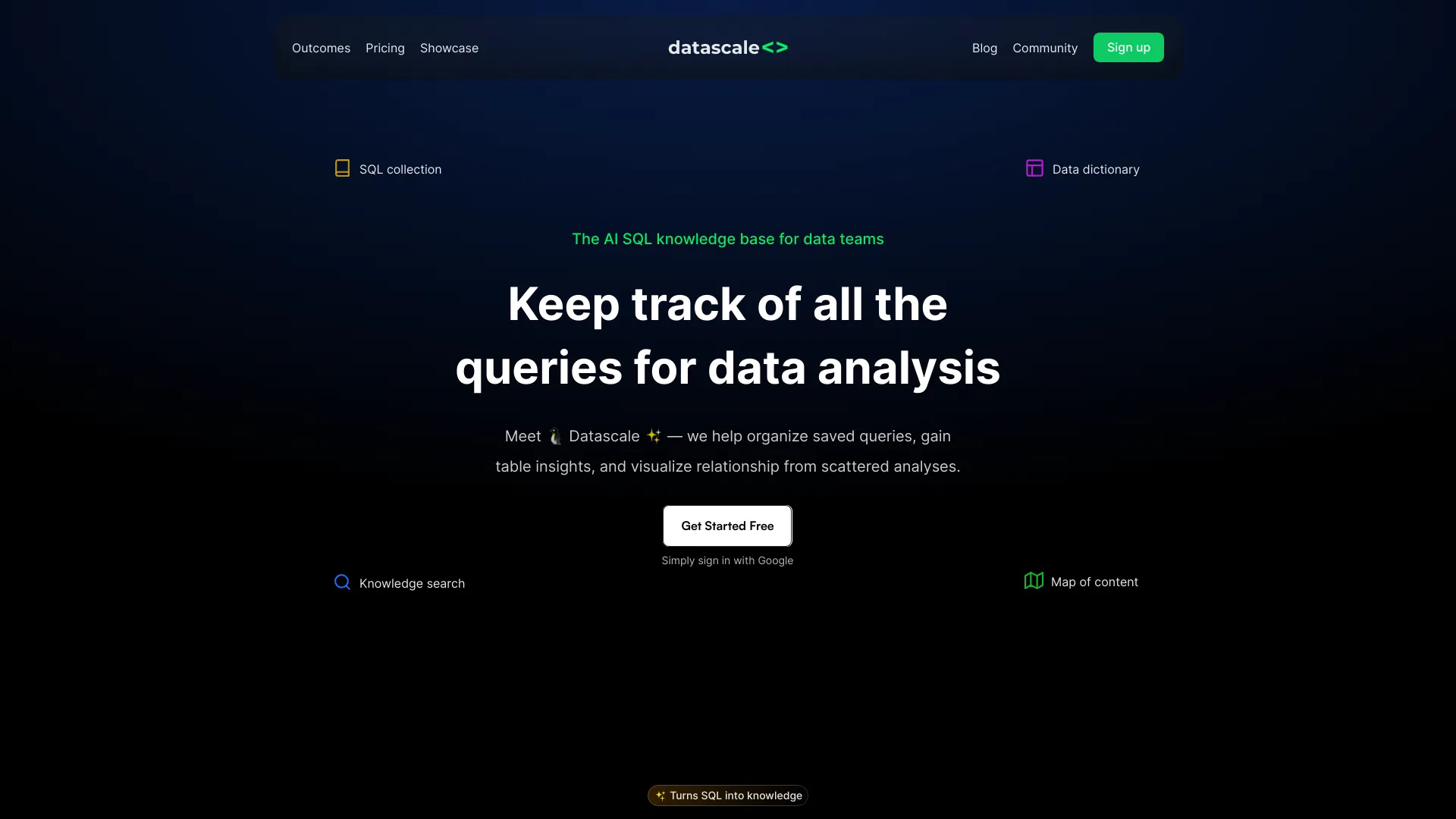
Datascale is an AI-native data design tool that combines data diagrams, wikis, flowcharts, and markdown notes on a single collaborative canvas. Positioned as "Cursor meets Miro for databases," it lets engineers and data teams move from rough ideas to structured database designs without switching between separate diagramming, documentation, and modeling tools. Users can drag-select any nodes on the canvas and chat with an integrated AI assistant directly about the selected parts of their design. A standout capability is reverse engineering. Datascale reads existing SQL code, including CTAS statements and implicit joins, to automatically reconstruct a team's data architecture. It can infer primary and foreign keys even when they are not formally defined, map cross-table relationships grounded in the actual code, and trace downstream data dependencies so that users can visualize the impact of a change. This makes it practical for onboarding onto legacy warehouses or documenting systems that have grown organically, without requiring migrations or framework changes. The product is aimed at data engineers, analytics engineers, backend developers, and technical teams who want their design docs, data specs, and architecture diagrams to live in one place. Its AI features are oriented toward drafting system designs from brief ideas, polishing technical documentation, evaluating trade-offs such as normalization versus denormalization, and receiving feedback on data models. Boards can be made public and embedded elsewhere, supporting team collaboration and external sharing.
SpecificationsAI-estimated
Key Features of Datascale
Use Cases for Datascale
Documenting legacy warehouses
Reverse engineer an existing SQL-based data warehouse into a visual map of tables and relationships without manual reconstruction.
Onboarding new data engineers
Give new team members a navigable diagram of how datasets and transformations connect across the organization.
Assessing change impact
Trace downstream dependencies from a source table to understand which models and reports a schema change would affect.
Designing new data models
Sketch a database design on the canvas and use AI to evaluate normalization trade-offs and query patterns.
Writing data specs and design docs
Turn rough notes into polished technical documentation alongside the diagrams they describe.
Sharing architecture publicly
Publish boards and embed them in wikis or blogs so stakeholders can view the data design without needing an account.
How to use Datascale?
Create a board
Sign up for free and open a new canvas for your data project.
Import or reverse engineer SQL
Paste or connect your existing SQL code so Datascale can detect tables, joins, and dependencies.
Refine the diagram
Arrange nodes, add markdown notes, and draw flowcharts to document the design.
Use AI on selected nodes
Drag-select parts of the design and chat with AI for feedback, trade-off analysis, or drafting docs.
Share or embed
Make the board public and embed it wherever your team documents its work.
Pros & Cons of Datascale
Pros
- Reverse engineers existing SQL to reveal implicit joins, keys, and table relationships without migrations
- Combines diagrams, markdown notes, and flowcharts on one collaborative canvas
- AI chat works directly on selected nodes, giving context-aware design help
- Traces downstream data dependencies to visualize the impact of schema changes
- Boards can be made public and embedded for easy sharing
Cons
- Public information on pricing and plan limits is sparse in the scraped content
- Value depends heavily on having SQL codebases to analyze; less useful for purely greenfield work
- Relatively new product with limited third-party reviews or integration details visible
- Specific database dialect and warehouse integration support is not clearly documented
Frequently Asked Questions
Do I need a credit card to start?
No. Datascale can be used without a credit card to get started.
How does reverse engineering work?
Datascale reads your existing SQL code, including CTAS statements and joins, and reconstructs the tables and relationships it implies, even without defined primary or foreign keys.
Do I need to migrate my database or change frameworks?
No. The product is designed to analyze your existing code without requiring migrations or framework changes.
Can I use AI on specific parts of my design?
Yes. You can drag-select any nodes on the canvas and chat with the AI directly about those elements.
Can I share my boards publicly?
Yes. You can make boards public and embed them in other sites.
What kinds of documents can the AI help with?
The AI can help draft system designs, improve technical docs, write PRDs and data specs, evaluate design trade-offs, and provide best-practice feedback.
Pricing Overview
View full pricing →The page states 'No credit card required' and references choosing a plan, but no plan names or prices are shown in the extracted content.
Reviews & Ratings0.0
No reviews yet. Be the first to write one!
Top Alternatives & Similar Software
View all alternatives & similar software→No alternatives available yet.
People also viewed


Related searches
Is this your tool?
Claim this page to update details, reply to user reviews, and drive more traffic to your product.
Claim this Product →
Tags
Explore Related Topics
Keep up with Datascale alternatives
New alternatives, pricing changes and the week's biggest movers - one email every Tuesday.