


Design.com
Create professional logos, social media graphics, and print-ready designs in seconds with AI-powered tools and thousands of templates.


What is Design.com?
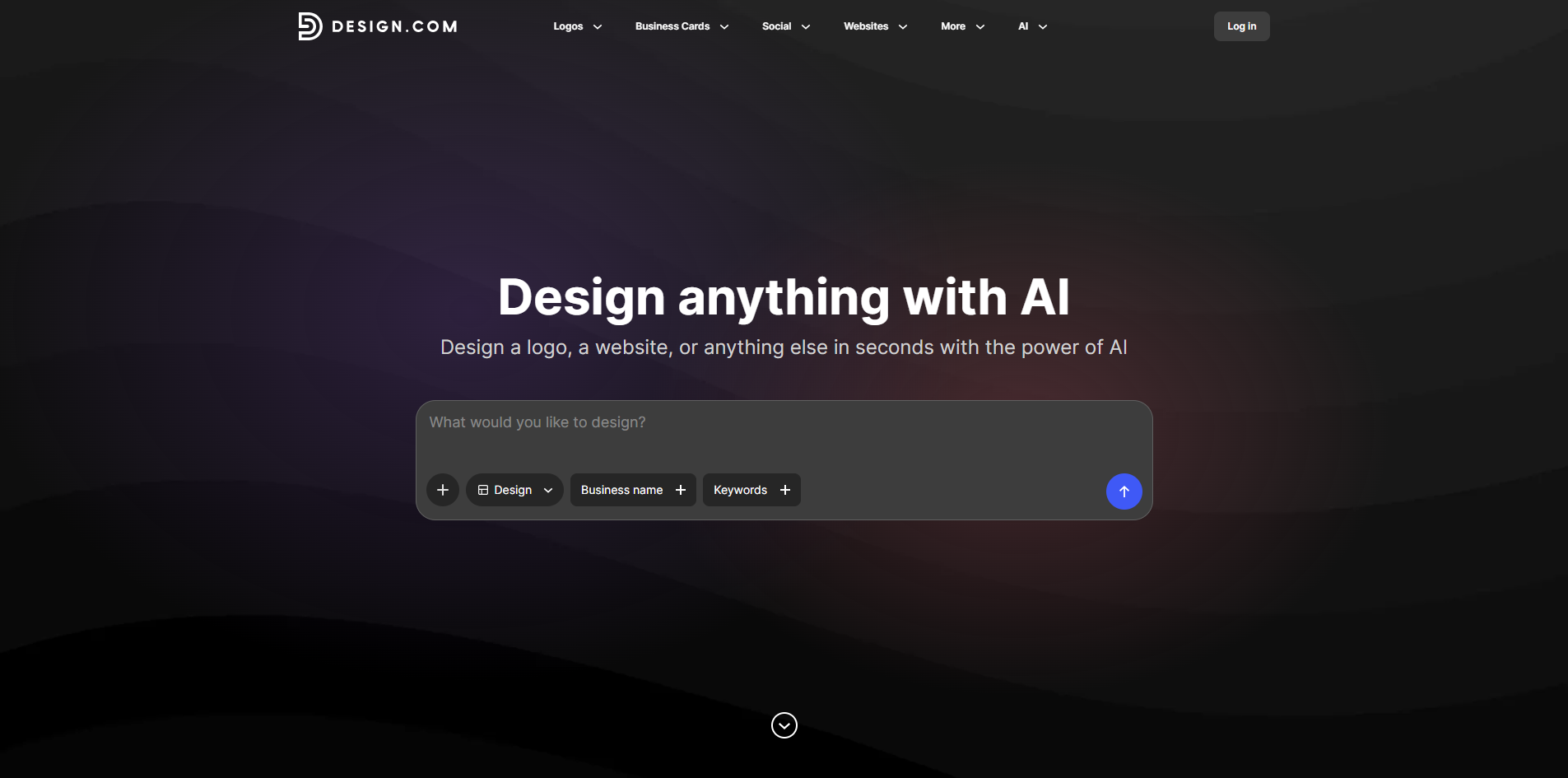
Design.com is an AI-powered design platform that helps users create everything from logos and business cards to social media graphics, posters, flyers, and more. It combines smart automation with an extensive library of professionally curated templates, allowing people to generate polished visuals in minutes. The platform is built around prompt-based editing, meaning users can describe changes in natural language and the AI adjusts colors, fonts, and layouts accordingly. At its core, Design.com is a versatile branding and marketing toolkit. It covers a wide range of design categories including Facebook covers and posts, Instagram stories and posts, YouTube and LinkedIn banners, email signatures, letterheads, t-shirts, and print-ready materials like posters and flyers. Each category offers thousands of customizable templates, so users are not starting from a blank canvas but rather adapting proven designs to their own brand identity. Design.com is especially useful for entrepreneurs, small business owners, content creators, and marketing teams who need quick, consistent, and attractive visuals without hiring a professional designer. Its AI-assisted workflow simplifies the creative process, while still providing enough manual controls for personalized tweaks. The result is a practical balance between automation and human creativity that helps brands stand out across digital and print channels.
SpecificationsAI-estimated
Key Features of Design.com
Use Cases for Design.com
Launching or rebranding a business
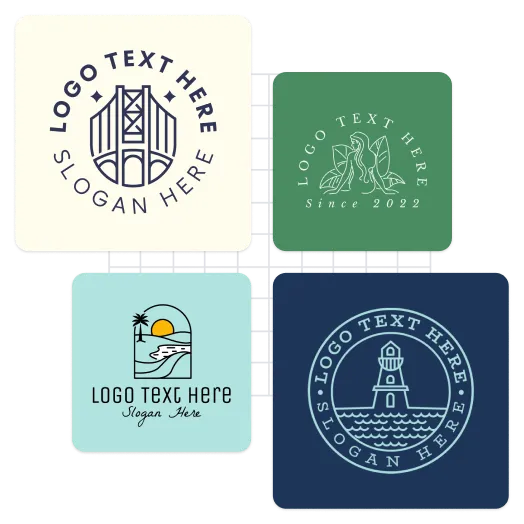
Create a unique logo for your startup or refresh an existing brand identity using AI-powered logo generation and customization tools.
Building professional brand collateral
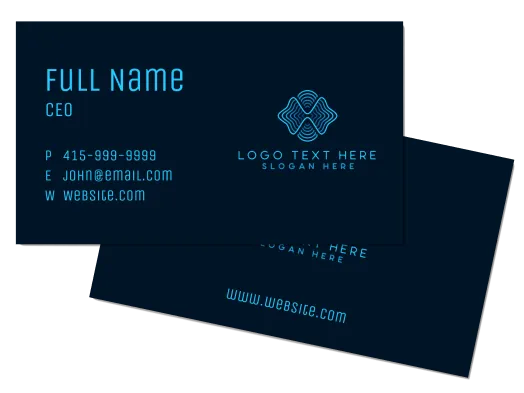
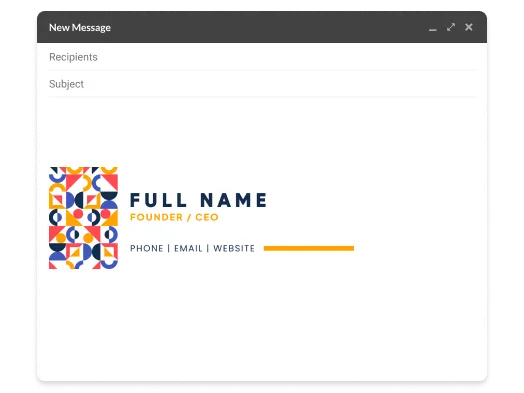
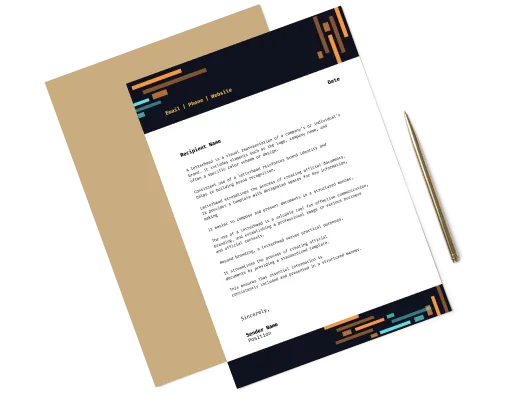
Design professional business cards, letterheads, and email signatures that keep your brand consistent across all collateral.
Creating social media content
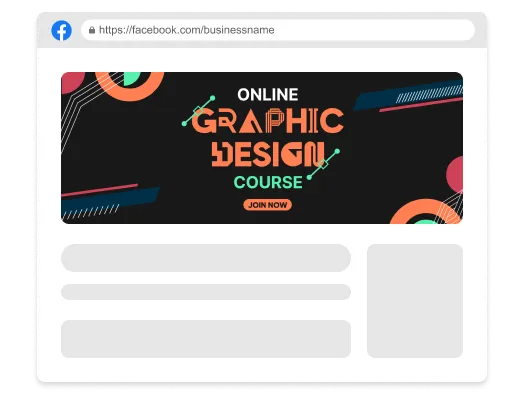
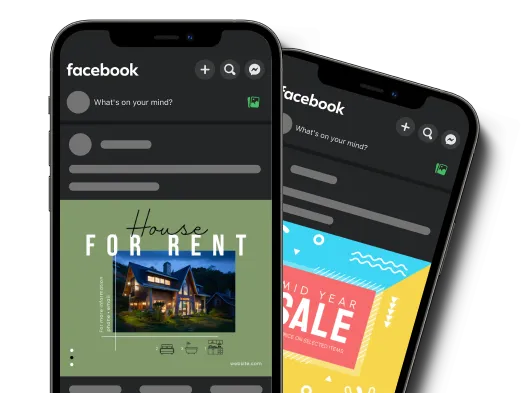
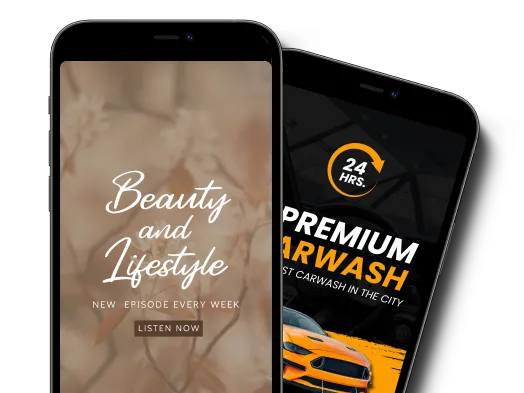
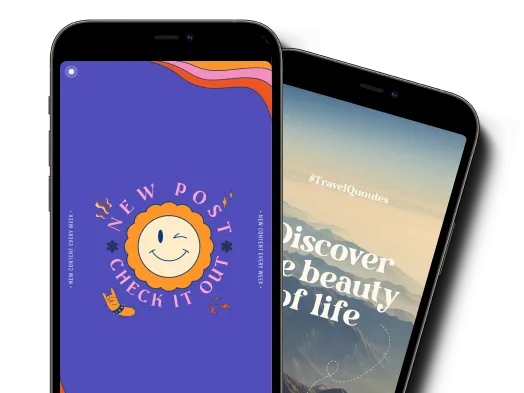
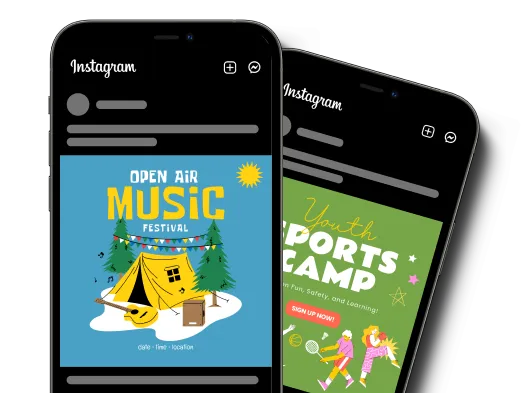
Create engaging Facebook covers, posts, stories, and Instagram graphics that match your brand and increase audience engagement.
Promoting events and campaigns
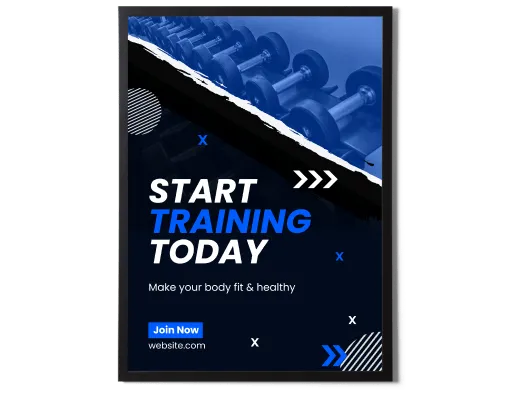
Design eye-catching posters and flyers for business promotions, events, concerts, or advertising campaigns.
Designing custom t-shirts and merchandise
Use the t-shirt designer to create custom apparel for your clothing brand, events, or personal projects, with print-ready downloads.
Enhancing YouTube and LinkedIn profiles
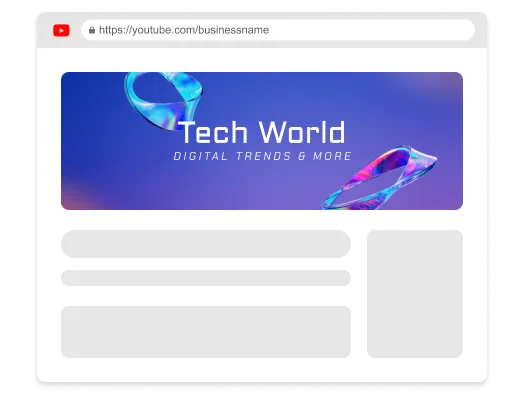
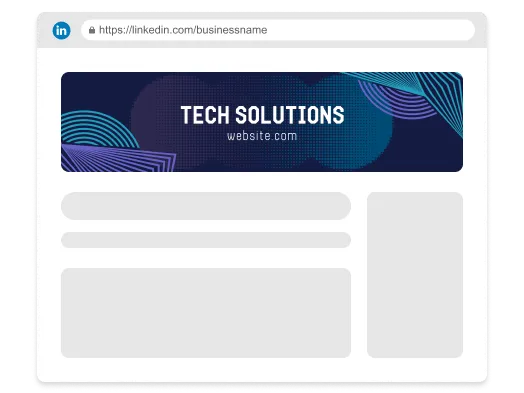
Design polished YouTube and LinkedIn banners to boost your channel or establish authority on your professional profile.
How to use Design.com?
Choose a design type and template
Select the type of design you need, such as a logo, business card, Instagram post, poster, or flyer, and browse through the available template library to find a starting point that matches your brand.
Customize with AI prompts
Use simple natural language prompts to tell the AI what changes you want, such as adjusting colors, changing fonts, or rearranging layouts, and let the smart tools apply those changes.
Fine-tune fonts, colors, and layout
Refine your design by manually tweaking specific elements like text, images, shapes, colors, and layout to ensure everything aligns perfectly with your brand identity.
Download, print, or share
Once you are happy with the design, download a high-quality file for print or digital use, or share your creation directly to your social media profiles.
Pros & Cons of Design.com
Pros
- Wide range of design categories from logos to social media banners and print materials
- AI prompt-based editing makes design accessible to beginners
- Thousands of professionally curated templates save time
- Covers both digital needs and print-ready outputs like flyers, posters, and t-shirts
- Suitable for branding consistency across multiple platforms
Cons
- Does not provide clearly published pricing details on the main page, so it is unclear whether all features require a paid plan
- AI-generated designs may still require manual refinement to achieve a fully unique professional finish
- Primarily focused on template-based designs, so it may not replace advanced professional design software
- Some advanced customization options may require a learning curve for users unfamiliar with design tools
Frequently Asked Questions
What types of designs can I create with Design.com?
Design.com allows you to create a wide range of designs including logos, business cards, Facebook covers and posts, Instagram stories and posts, YouTube banners, LinkedIn banners, posters, flyers, t-shirts, email signatures, and letterheads.
Do I need design experience to use Design.com?
No, Design.com is designed for all skill levels. Its AI-powered tools and thousands of templates let beginners create professional-looking designs without any prior graphic design experience.
Can I customize my designs with AI prompts?
Yes, Design.com uses custom trained AI that allows you to edit design elements such as fonts, colors, and layouts through simple natural language prompts, making it easy to customize your designs.
Can I download files for printing?
Yes, Design.com mentions that you can download high-quality files that are ready for both print and digital use for products such as flyers, posters, and t-shirts.
Does Design.com provide templates for social media?
Yes, Design.com offers specifically sized tools and templates for Facebook covers, Facebook posts, Facebook stories, Instagram posts, Instagram stories, YouTube banners, and LinkedIn banners.
Is Design.com suitable for both business and personal projects?
Yes, Design.com can be used by businesses and individuals. It is suitable for startups launching a brand, businesses refreshing their identity, event promoters, and anyone creating custom apparel or personal design projects.
Can I design custom t-shirts on Design.com?
Yes, Design.com allows you to customize thousands of t-shirt templates using your own colors, text, fonts, and graphics, and then download high-quality print-ready files for custom apparel.
Can I create a professional email signature with Design.com?
Yes, Design.com provides email signature templates and a design library so you can create professional email signatures that build credibility and trust with your audience.
Reviews & Ratings0.0
No reviews yet. Be the first to write one!
Top Alternatives & Similar Software
View all alternatives & similar software→No alternatives available yet.
People also viewed


Related searches
Is this your tool?
Claim this page to update details, reply to user reviews, and drive more traffic to your product.
Claim this Product →
Keep up with Design.com alternatives
New alternatives, pricing changes and the week's biggest movers - one email every Tuesday.