



Microsoft Designer
Describe it, and Microsoft Designer creates it — AI-powered graphic design for everyone.

What is Microsoft Designer?
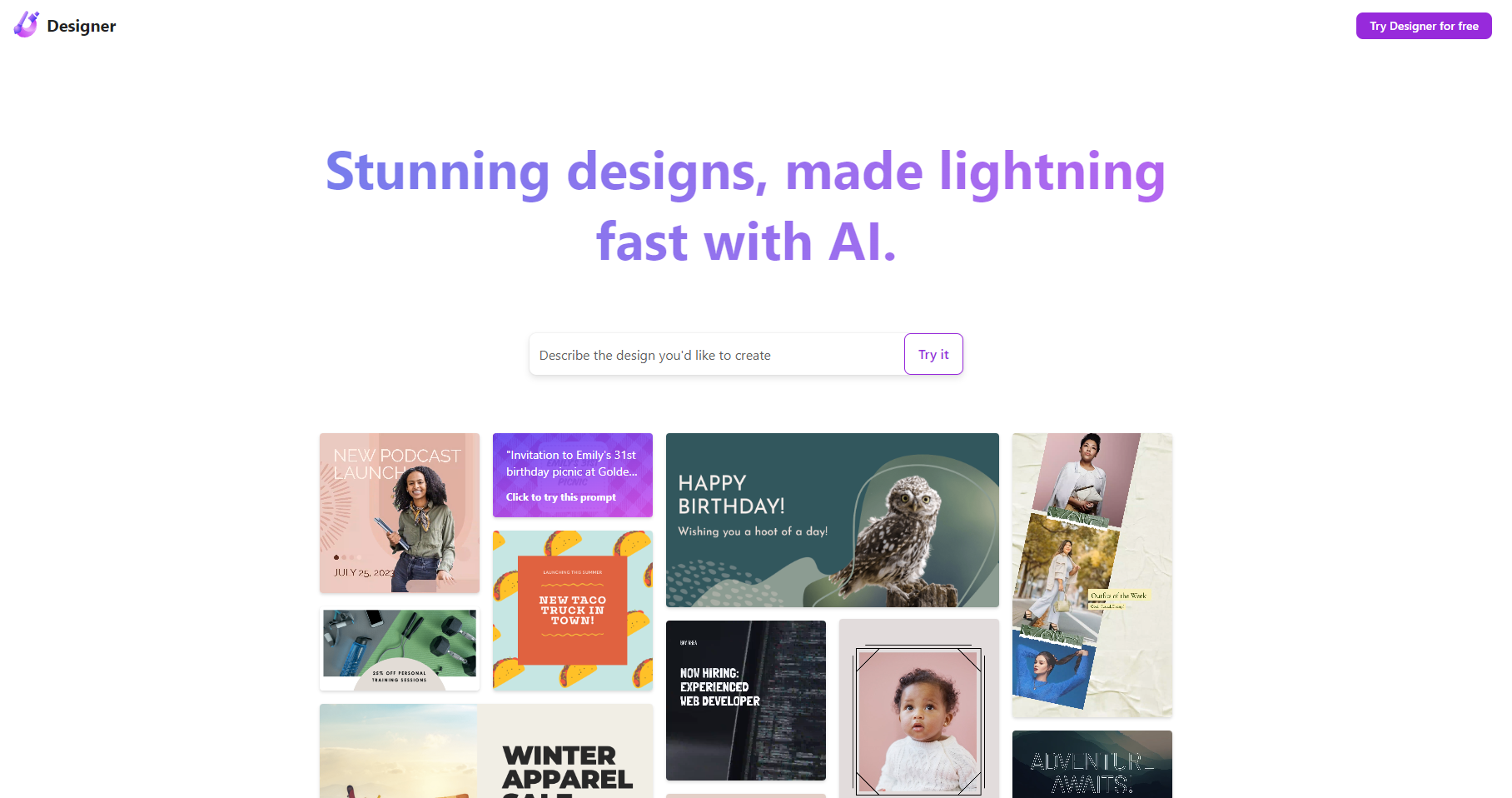
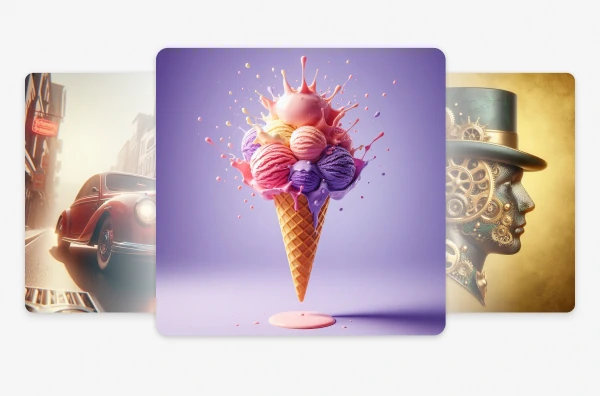
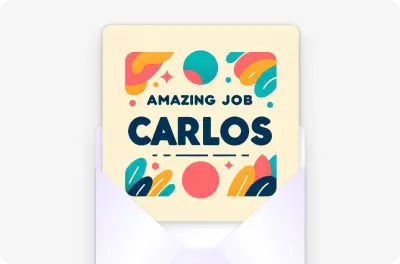
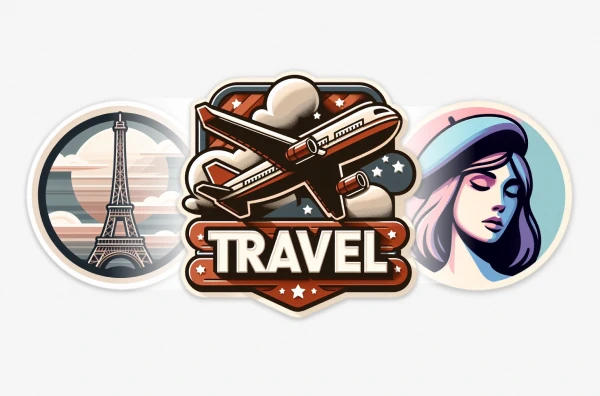
Microsoft Designer is an AI-powered graphic design tool that turns a simple text description into custom images and polished layouts in just a few seconds. Rather than forcing users through a complex design suite, the web app opens with a simple "What do you want to design?" prompt and lets anyone generate images, social posts, invitations, wallpapers, avatars, and more using natural language. It combines Microsoft's generative AI capabilities with a large library of ready-made templates and design formats. The homepage surfaces dozens of creative categories, from AI-generated images, icons, stickers, and emojis, to practical assets like posters, banners, greeting cards, coloring book pages, monograms, and collages. For social media managers and marketers, there are pre-sized canvases for Instagram, Facebook, LinkedIn, Pinterest, and Twitter. There are also dedicated templates for Microsoft 365 surfaces such as Teams headers, Word headers, PowerPoint covers, Outlook email headers, and SharePoint banners. Beyond creation, Microsoft Designer includes an "Edit with AI" suite with tools for editing images, removing backgrounds, framing images, and generative erase to clean up photos. Because it is designed to be fast and intuitive, it is a great fit for non-designers, students, small business owners, and creators who need professional-looking visuals without learning complicated design software.
SpecificationsAI-estimated
Key Features of Microsoft Designer
Use Cases for Microsoft Designer
Social media content creation
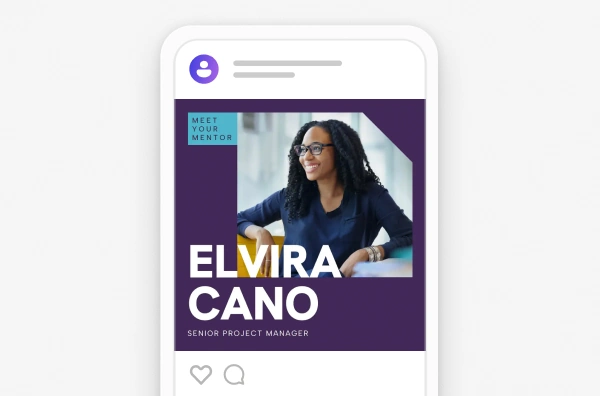
Create Instagram posts and stories, Facebook ads and covers, LinkedIn posts, Pinterest pins, and Twitter headers in seconds with pre-sized templates.
Marketing and promotional assets
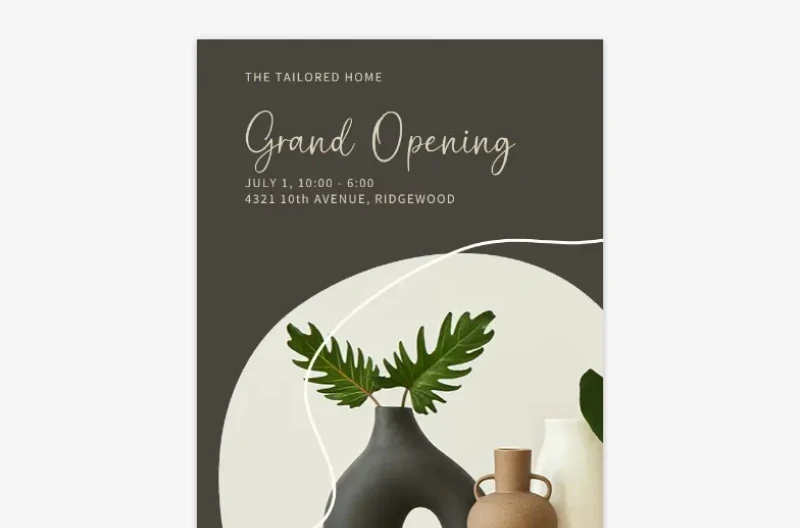
Produce posters, flyers, banners, brochures, gift certificates, and email signatures for events, sales, and business promotions.
Personal event invitations and cards
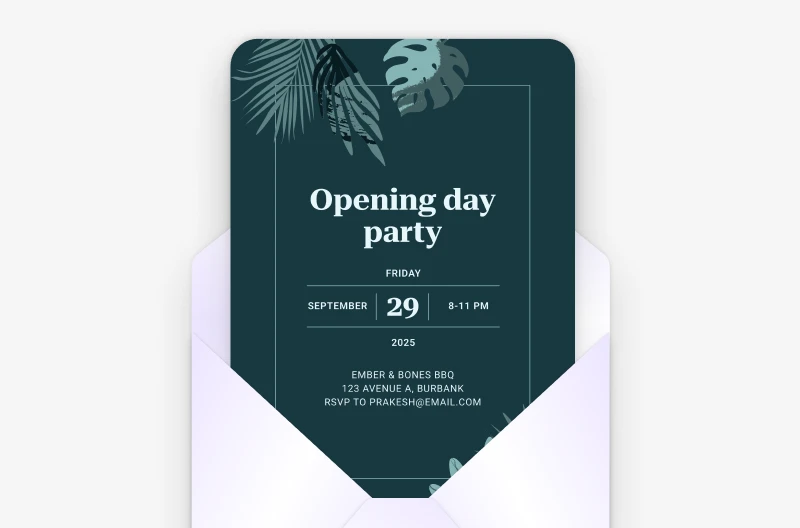
Design invitations, greeting cards, folded cards, postcards, and monograms for weddings, birthdays, holidays, and special events.
Custom AI image generation
Generate unique AI images from text prompts for blog posts, video thumbnails, presentations, and branding projects.
Microsoft 365 office assets
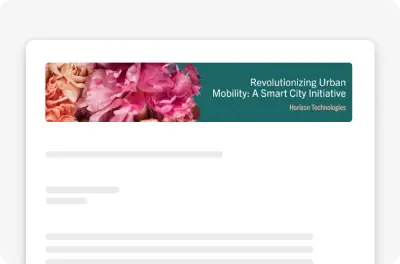
Build SharePoint banners, Teams headers, Outlook email headers, Word headers, and PowerPoint covers that fit perfectly inside Microsoft 365 apps.
Quick photo editing
Remove backgrounds, erase unwanted objects with generative erase, frame images, and quickly touch up photos without a full photo editor.
Wallpapers, avatars, and fun graphics
Generate personalized wallpapers, avatars, stickers, emojis, and coloring book pages for fun, personalization, or children's activities.
How to use Microsoft Designer?
Open Microsoft Designer
Go to designer.microsoft.com and sign in with your Microsoft account to start creating.
Describe your design or choose a category
Type what you want to make into the "What do you want to design?" prompt, or pick a category like Images, Posters, Icons, Social Posts, or Invitations.
Generate and customize
Let AI generate images or apply a template, then browse variations and customize text, colors, and layout to match your needs.
Edit with AI tools
Use the Edit with AI tools to remove image backgrounds, erase unwanted objects, frame images, and make other quick adjustments.
Download or share your design
Choose your final format, download your design, or share it directly to your social channels and Microsoft 365 apps.
Pros & Cons of Microsoft Designer
Pros
- Free to use with AI-powered creation
- Extremely easy for non-designers to get professional-looking results
- Deep integration with Microsoft 365 apps and social media formats
- Wide variety of templates, canvas sizes, and AI editing tools
- No software installation required—works in the browser
Cons
- Free AI credits can be used up quickly, requiring a Microsoft 365 subscription or paid plan for more
- Advanced, pixel-level control is more limited than professional tools like Photoshop or Illustrator
- Requires a Microsoft account and internet connection to use
- Results depend heavily on prompt quality and AI generation can occasionally produce imperfect or unexpected outputs
Frequently Asked Questions
What is Microsoft Designer?
Microsoft Designer is an AI-powered web-based graphic design tool from Microsoft that creates images, social posts, invitations, banners, and other visuals from text prompts or templates.
Is Microsoft Designer free to use?
Microsoft Designer is positioned as a free-to-use AI design tool. As with many Microsoft AI services, a Microsoft 365 subscription can provide additional AI credits and premium features.
Do I need design skills to use Microsoft Designer?
No. The entire workflow is designed to be simple: type what you want to create, pick a suggestion or template, and let AI handle the design work. No graphic design experience is required.
What kinds of designs can I create?
You can create AI images, icons, wallpapers, avatars, emojis, backgrounds, banners, posters, social posts, greeting cards, invitations, monograms, stickers, collages, clip art, and coloring book pages.
Can I use Microsoft Designer for social media content?
Yes. There are pre-sized templates for Instagram square posts and stories, Facebook posts, stories, page covers, event covers and ads, LinkedIn posts and sponsored content, Pinterest pins and stories, and Twitter headers and posts.
What AI editing tools are included in Microsoft Designer?
The "Edit with AI" section includes image editing, background removal, frame image, and generative erase tools to modify or clean up photos.
What canvas sizes and formats are available?
Available canvas sizes include A4 and A5 in portrait and landscape, US letter portrait and landscape, square, 4 x 6 and 5 x 7 photos, phone portrait and landscape, plus social platform-specific dimensions.
Does Microsoft Designer integrate with Microsoft 365 apps?
Yes. Microsoft Designer has ready-made header and cover formats for Word, PowerPoint, Teams, Outlook, and SharePoint, making it easy to create branded assets for the Microsoft 365 ecosystem.
Reviews & Ratings0.0
No reviews yet. Be the first to write one!
Top Alternatives & Similar Software
View all alternatives & similar software→No alternatives available yet.
People also viewed


Related searches
Is this your tool?
Claim this page to update details, reply to user reviews, and drive more traffic to your product.
Claim this Product →
Tags
Explore Related Topics
Keep up with Microsoft Designer alternatives
New alternatives, pricing changes and the week's biggest movers - one email every Tuesday.