



DraftCheck
Draft and Redline Professional Documents — Fast, Precise, and Under Your Control.
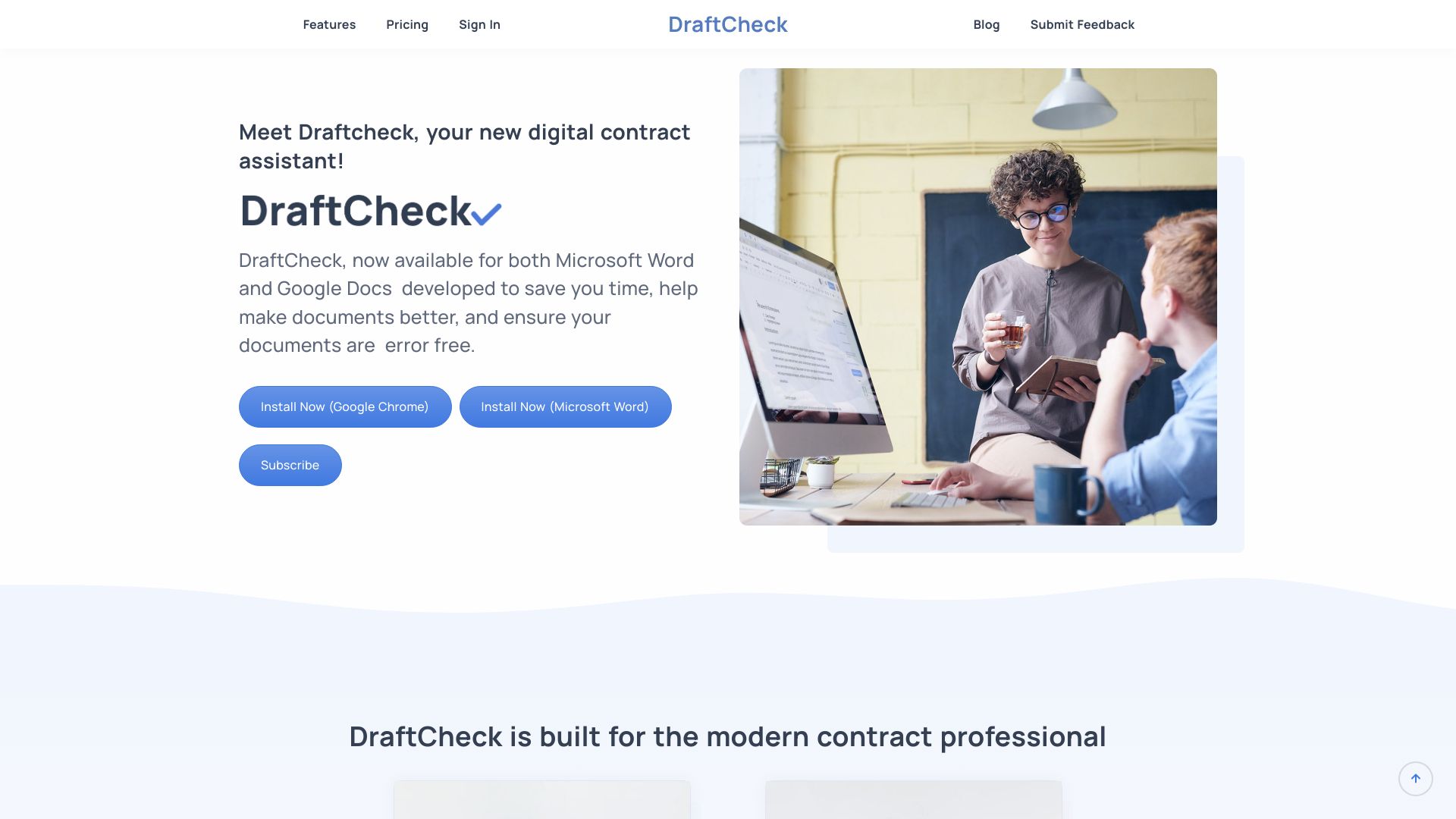
What is DraftCheck?
DraftCheck is an AI-powered document drafting, redlining, and review tool that works inside Microsoft Word and Google Docs. Built by lawyers for Legal, HR, Compliance, and Operations teams, it uses Human-Guided Agentics to follow user templates, policies, and preferences while automating drafting, redlining, comparison, merging, and document cleanup.
SpecificationsAI-estimated
Key Features of DraftCheck
Use Cases for DraftCheck
Legal Agreement Review
Review and redline contracts and agreements against preferred templates and playbooks.
HR Handbook Drafting
Draft and maintain employee handbooks, policies, and procedures with consistent language.
Compliance Document Auditing
Automatically check compliance documents for errors, missing references, and inconsistencies.
Document Cleanup Before Sharing
Remove hidden metadata, tracked changes, and comments before sending final documents.
How to use DraftCheck?
Install DraftCheck
Add the DraftCheck extension to Microsoft Word or Google Docs.
Set Your Standards
Upload templates, policies, or playbooks to guide the AI.
Draft or Redline
Generate, edit, or redline documents section by section or as a whole.
Review Automatically
Let DraftCheck flag errors, cross-references, and inconsistencies.
Share a Clean Version
Use SmartShare to scrub metadata and finalize the document.
Pros & Cons of DraftCheck
Pros
- Works directly inside Microsoft Word and Google Docs
- Local-first AI helps keep data private
- Built by lawyers for legal, HR, compliance, and operations use
- Human-guided control over drafting and redlining
- Automated review catches errors, broken cross-references, and inconsistencies
- SmartCompare and SmartMerge for document comparison and merging
- AI Q&A provides source citations for verification
- SmartShare scrubs hidden metadata, tracked changes, and comments
- 30-day free trial with no credit card required
Cons
- Pricing for heavy users can reach $120/month
- Requires installation as an add-in for Word or Google Docs
Frequently Asked Questions
Does DraftCheck work inside Word and Google Docs?
Yes, DraftCheck is designed to work directly inside Microsoft Word and Google Docs.
Is DraftCheck secure for confidential documents?
DraftCheck uses local-first AI to keep data private, making it suitable for sensitive legal, HR, and compliance documents.
How much does DraftCheck cost?
DraftCheck starts at $20/month and scales up to $120/month for heavy users. There is also a 30-day free trial with no credit card required.
Who is DraftCheck for?
DraftCheck is built for legal, HR, compliance, and operations teams who need precise document drafting and review.
Reviews & Ratings0.0
No reviews yet. Be the first to write one!
Top Alternatives & Similar Software
View all alternatives & similar software→No alternatives available yet.
People also viewed




Related searches
About the Product
Is this your tool?
Claim this page to update details, reply to user reviews, and drive more traffic to your product.
Claim this Product →
Tags
Explore Related Topics
Keep up with DraftCheck alternatives
New alternatives, pricing changes and the week's biggest movers - one email every Tuesday.