


Law Insider
Verifiable AI for Lawyers In Your Browser and in Word
What is Law Insider?
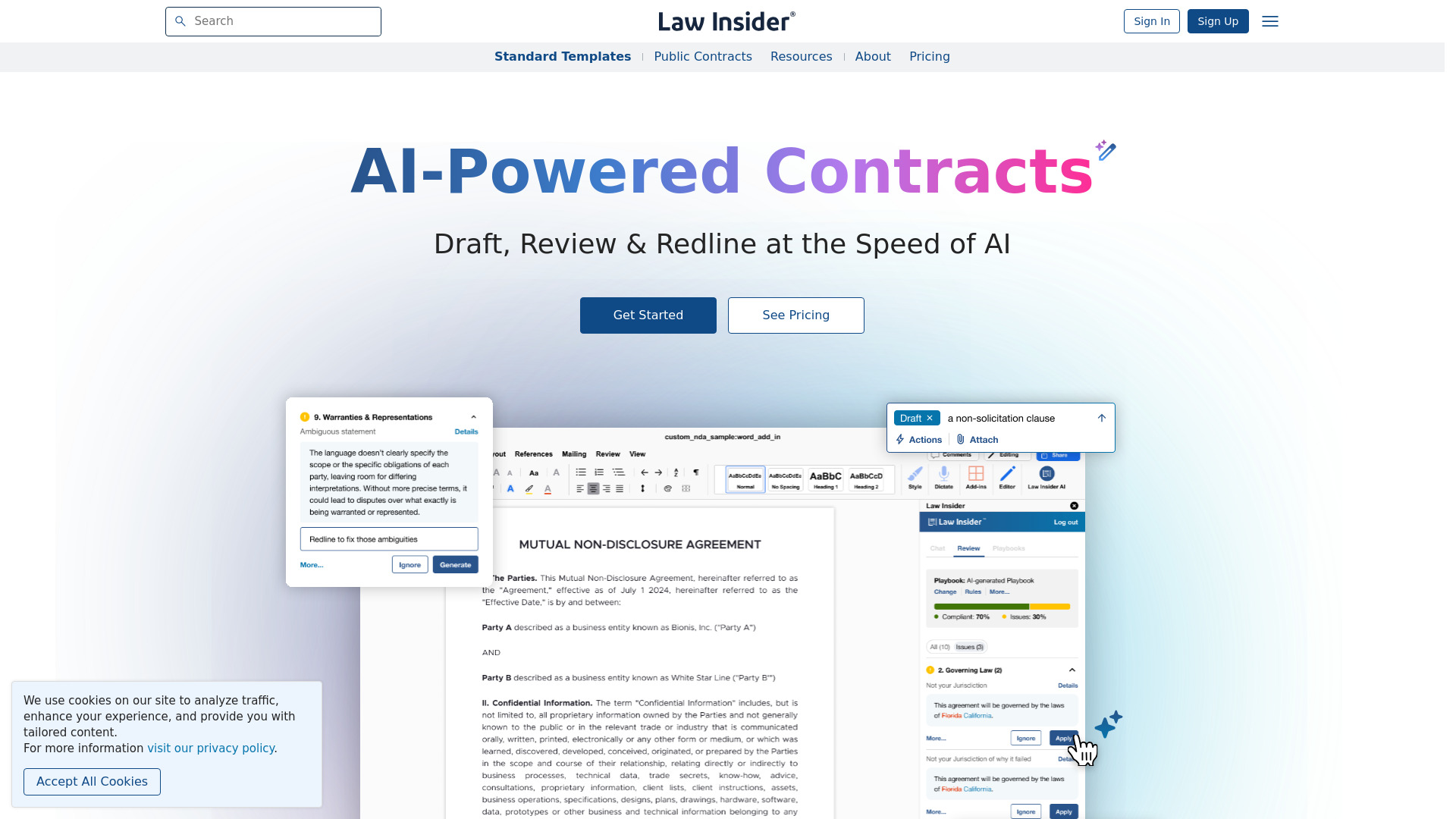
Law Insider is an AI-powered contract drafting, review, redlining, and legal research platform for lawyers. It combines an AI Assistant, a Microsoft Word add-in powered by SimpleAI, and a large searchable contract database with 5M+ contracts and 200M+ clauses across 100+ jurisdictions and 40+ languages.
SpecificationsAI-estimated
Key Features of Law Insider
Use Cases for Law Insider
Drafting contracts
Draft single clauses or complete agreements using AI grounded in a real contract database.
Reviewing agreements
Upload agreements and review risk-ranked issues with suggested redlines.
Word-based redlining
Use the Word Add-In to review, redline, draft and compare contracts without leaving the document.
Legal research
Ask legal questions and select jurisdictions; AI returns answers with citations to official sources.
Contract benchmarking
Search and compare actual contract clauses by type, jurisdiction, industry, company, and date.
How to use Law Insider?
Start trial
Create an account and start a 7-day free trial of Law Insider Pro.
Choose workflow
Use the browser AI Assistant, Microsoft Word Add-In, or standalone contract search depending on your task.
Review and verify
Let the AI draft or redline, inspect the suggested changes, and verify against source contract language.
Manage with playbooks
Use standard playbooks or upload your own preferred positions to guide the review process.
Pros & Cons of Law Insider
Pros
- Source-verified AI outputs with real contract references
- Large contract database: 200M+ clauses, 5M+ contracts, 100+ jurisdictions
- Deep Microsoft Word integration for redlining and tracked changes
- Risk-ranked contract review
- Strong security compliance: SOC 2 Type II, TX-RAMP, GDPR
- No training on user data
Cons
- Card required for free trial
- Pro pricing may be high for solo practitioners
- No clear free tier mentioned
- AI output still requires lawyer review
Frequently Asked Questions
Does Law Insider train its models on my data?
No. Law Insider states it does not train its models on user data, and it is not used to improve a model or leak into other users' results.
Can I cancel anytime?
Yes, you can upgrade, downgrade, or cancel from your account page.
Does Law Insider work in languages other than English?
Yes. The AI Assistant and Word Add-In work across languages and jurisdictions. You can specify the language when requesting a translation.
Can I search contracts without using AI?
Yes. Law Insider Search works independently, allowing you to search and filter contract language by contract type, jurisdiction, company and more.
Which versions of Word are supported?
The Law Insider Word Add-In works in Microsoft Word for Windows, Mac, and the web.
Pricing Overview
View full pricing →Law Insider Pro costs $179/mo after a 7-day free trial, and Teams requires contacting sales for pricing.
Reviews & Ratings0.0
No reviews yet. Be the first to write one!
Top Alternatives & Similar Software
View all alternatives & similar software→




People also viewed


Related searches
About the Product
Is this your tool?
Claim this page to update details, reply to user reviews, and drive more traffic to your product.
Claim this Product →
Tags
Explore Related Topics
Keep up with Law Insider alternatives
New alternatives, pricing changes and the week's biggest movers - one email every Tuesday.