



Droplette
An AI color palette generator that lives inside Figma and FigJam and builds on the colors you already use.
What is Droplette?
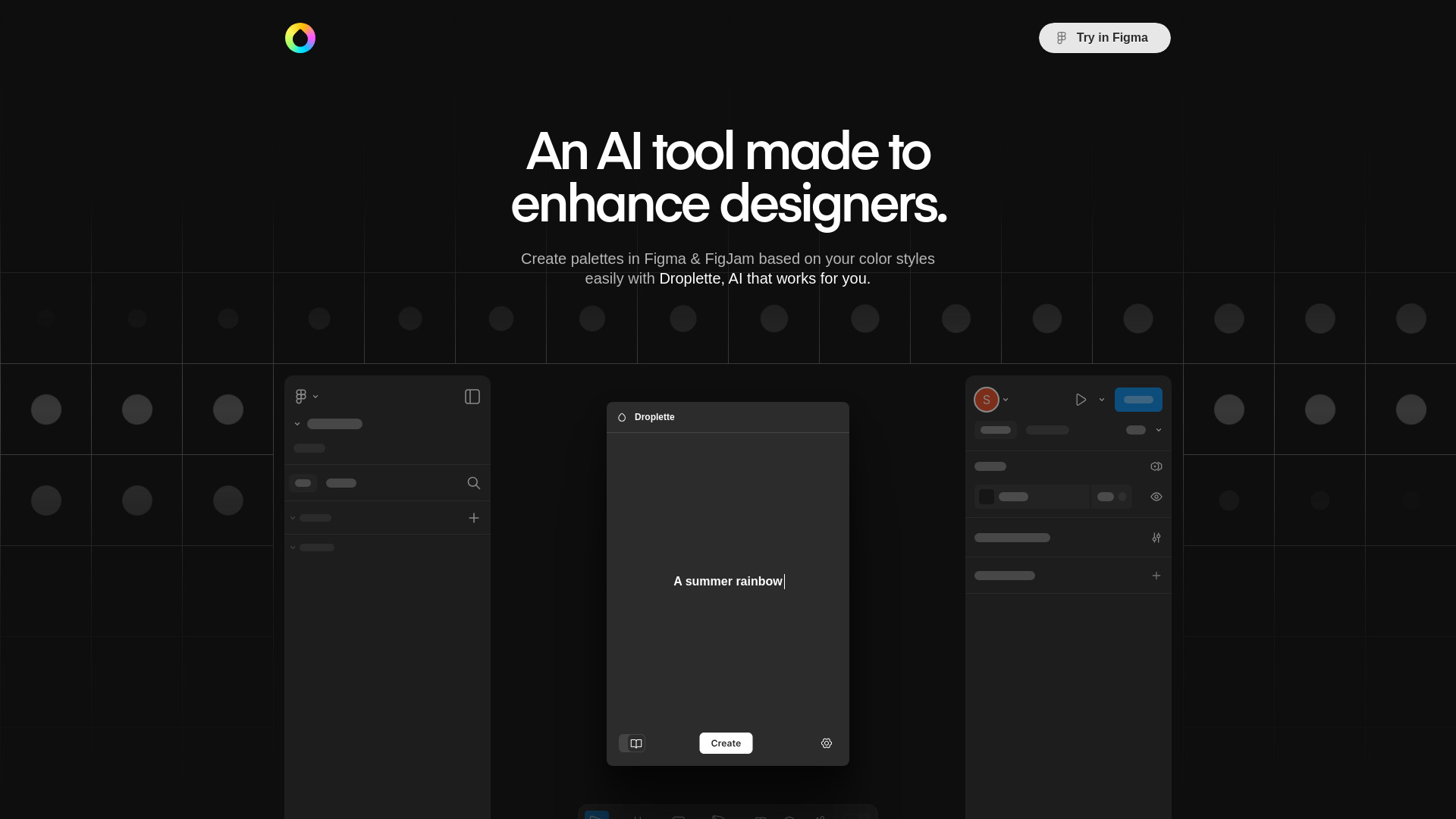
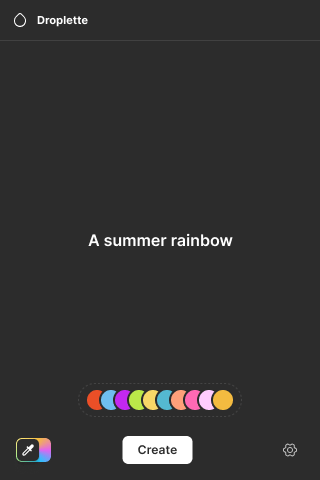
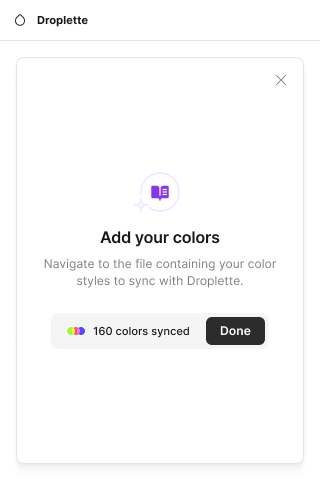
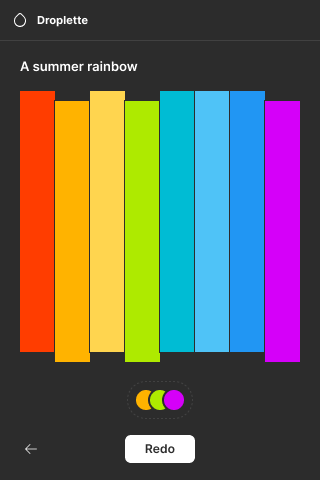
Droplette is an AI-powered color palette tool built as a plugin for Figma and FigJam, designed to help designers generate cohesive, on-brand color palettes without leaving their design workflow. Rather than starting from a blank slate, designers can feed Droplette the colors already present in their frames or sync their existing Figma color styles, and the AI uses those colors as a foundation to build new palettes that stay consistent with the project's visual identity. The workflow is intentionally simple. Users either select frames on the canvas, from which Droplette extracts dominant colors, or link their color styles so the AI knows which colors it is allowed to work with. From there, generated palettes can be fine-tuned manually, and the designer can iterate with the AI by suggesting colors to carry forward or by regenerating from scratch. This back-and-forth makes it useful both for exploring new directions and for refining a palette that is almost right. Droplette is aimed at UI and product designers, brand designers, and design teams who work in Figma and want to speed up the often tedious process of color exploration. It is sold as a one-time purchase rather than a subscription, with users bringing their own OpenAI API key, which appeals to those who want predictable costs and control over their AI usage.
SpecificationsAI-estimated
Key Features of Droplette
Use Cases for Droplette
Exploring new brand color directions
Quickly generate several palette options from a starting set of brand colors to compare directions before committing.
Maintaining on-brand UI palettes
Sync existing color styles so new palettes stay consistent with a design system's established colors.
Refining an almost-right palette
Adjust a generated palette manually or ask the AI to iterate on specific colors you like.
Building palettes from reference designs
Select frames containing inspiration or existing mockups to extract their colors as a starting point.
Speeding up early-stage design exploration
Reduce the time spent manually picking colors during wireframing and visual exploration.
Collaborative palette workshops in FigJam
Use FigJam sessions with a team to generate and discuss palette options together on a shared canvas.
How to use Droplette?
Install the plugin and add your OpenAI API key
Set up Droplette in Figma or FigJam and connect your own OpenAI API key.
Choose your color source
Select frames on the canvas to extract colors, or sync your existing Figma color styles.
Generate a palette
Let the AI create a palette based on the selected colors or styles.
Adjust and refine
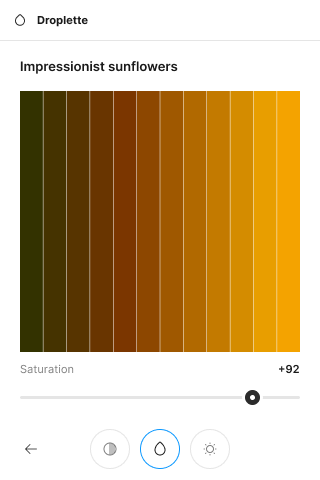
Tweak individual colors manually or use redo to iterate with suggestions until the palette fits.
Pros & Cons of Droplette
Pros
- Works directly inside Figma and FigJam, so there is no context switching between tools
- Can sync with existing color styles to keep generated palettes on brand
- Iterative redo workflow lets designers refine palettes through suggestions and regeneration
- One-time payment with no subscription and bring-your-own OpenAI key keeps costs transparent
Cons
- Requires the user to supply and pay for their own OpenAI API key
- Output quality depends on the underlying AI model and the input colors provided
- Limited to Figma and FigJam, so it is not useful for designers working in other tools
Frequently Asked Questions
Give me the elevator pitch for Droplette
Droplette is an AI tool that generates color palettes directly inside Figma and FigJam, using your existing colors or color styles as a starting point.
Is Droplette free to use?
Droplette is a one-time paid purchase, currently offered at a special launch price of $9, with no subscription. You also need your own OpenAI API key.
What languages does Droplette support?
The source content does not specify supported languages.
How accurate is Droplette?
The source content does not provide specific accuracy metrics; palette quality depends on the AI model and input colors, and you can refine results manually or through redo.
How long does Droplette take to run?
The source content does not specify run times.
How do I set up Droplette?
Install the plugin in Figma or FigJam, add your OpenAI API key, then select frames or sync your color styles and start generating palettes.
Pricing Overview
View full pricing →Droplette is a single one-time payment with no subscription, offered at a special launch price of $9 (bring your own OpenAI API key).
Reviews & Ratings0.0
No reviews yet. Be the first to write one!
Top Alternatives & Similar Software
View all alternatives & similar software→No alternatives available yet.
People also viewed


Related searches
Is this your tool?
Claim this page to update details, reply to user reviews, and drive more traffic to your product.
Claim this Product →
Tags
Keep up with Droplette alternatives
New alternatives, pricing changes and the week's biggest movers - one email every Tuesday.