


Editaimg
A free, no-sign-up AI image editor for background removal, retouching, upscaling, and creative photo transformations in seconds.














What is Editaimg?
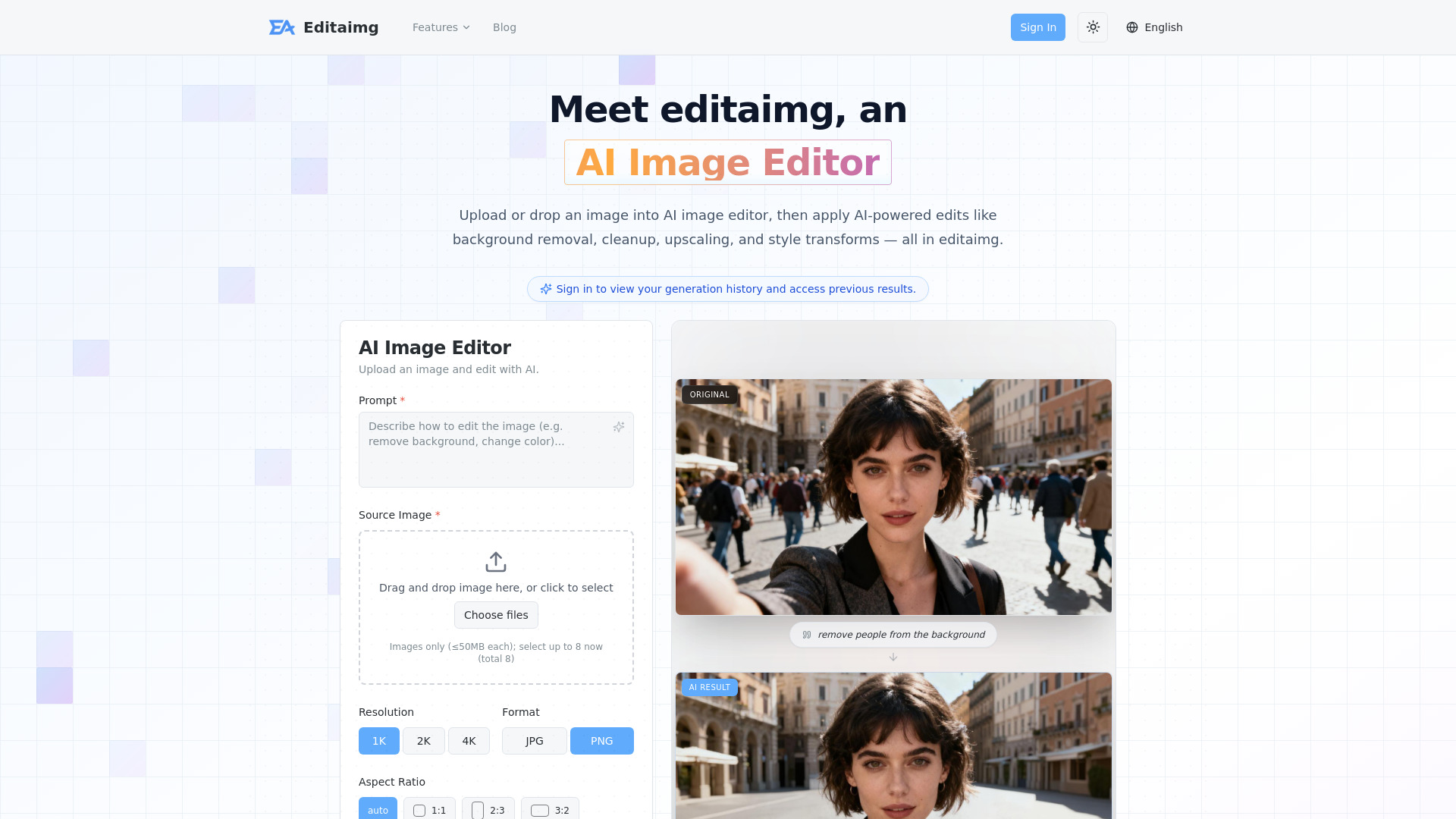
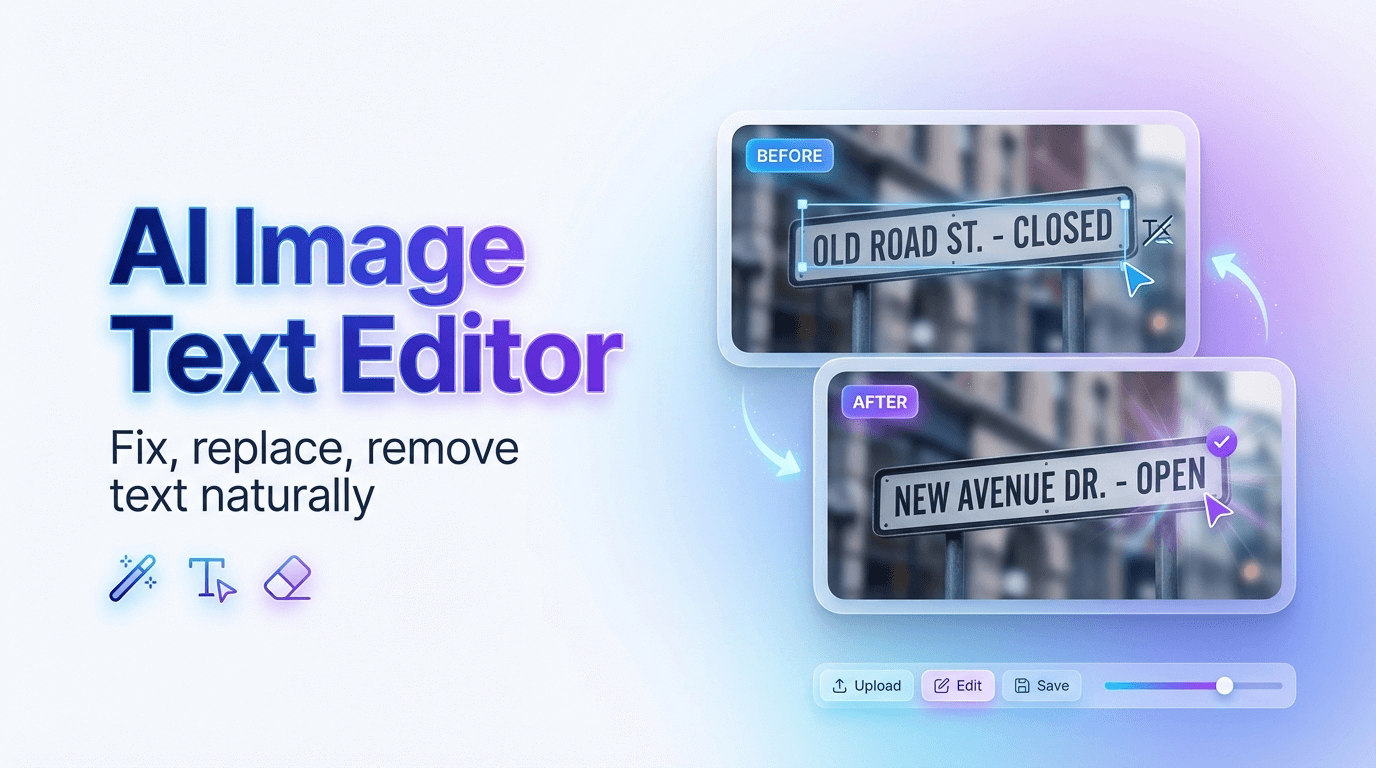
Editaimg is an online, AI-powered image editor that lets you touch up, clean, upscale, and completely restyle photos directly in your browser — no sign-up or software installation required. Built around a simple prompt box and an image upload, the tool handles tasks that traditionally need pixel-level retouching skills: removing unwanted objects, changing backgrounds, recoloring products, opening closed eyes, whitening teeth, enlarging to 4K, and even translating text in images while preserving the original style. It presents results in a clean grid with instant previews and one-click export, making professional-level editing approachable for everyone. Under one roof, Editaimg bundles a suite of specialized one-click tools, including an AI Teeth Fixer, Open Eyes in Photo, Image Upscaler, Jewellery Retouch, AI Image Changer, AI Image Translator, Gemini Watermark Remover, AI Snow, and the playful AI Kiss Generator. It also supports creative workflows like replacing objects seamlessly, turning plain product shots into realistic lifestyle scenes, and adding a person to an existing photo with natural blending. These features are aimed at creators, e-commerce sellers, social media users, and anyone who wants fast, polished visuals without professional photo-editing experience. Editaimg is free to start and doesn't require an account for editing; signing in is only needed to view generation history and previous results. Heavy usage is handled through one-time credit packs — Basic, Standard, and Pro — that never expire and include priority generation queue access. For users who need quick, batch-friendly edits like removing a photobomber, cleaning up product photos, or creating consistent visual content, Editaimg delivers a simple, credit-based alternative to complex desktop software.
SpecificationsAI-estimated
Key Features of Editaimg
Use Cases for Editaimg
Remove unwanted objects or people
Erase photobombers, utility poles, trash, or other distractions while the AI seamlessly reconstructs the background.
Create professional product shots
Turn plain white-background products into realistic lifestyle shots, or clean jewelry photos into white-background marketplace listings.
Retouch portraits
Whiten teeth, fix closed eyes, or add a person to an existing photo with natural blending.
Upscale images
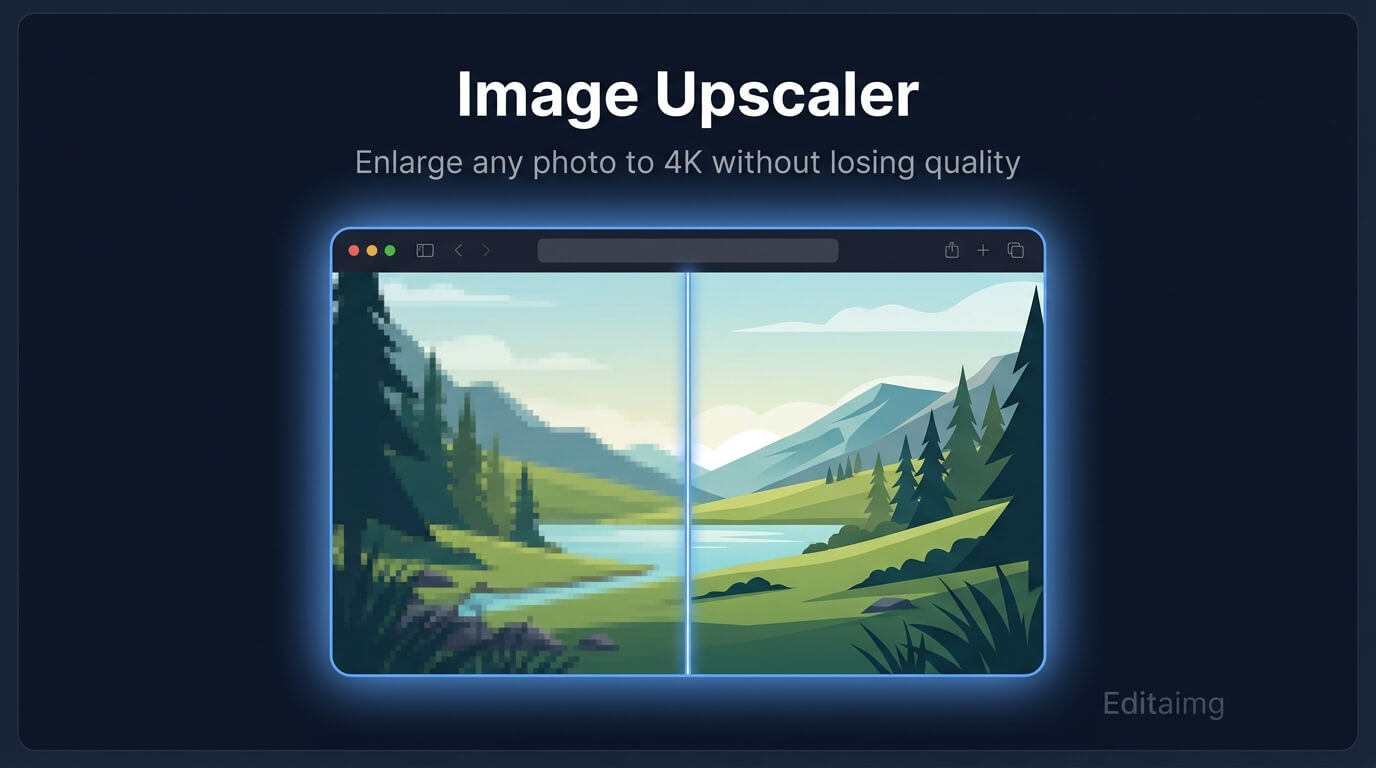
Enlarge images to 1K, 2K, or 4K for print, web, or social media while preserving sharpness and detail.
Change colors and styles
Recolor clothing, cars, furniture, or backgrounds and apply artistic color grading and lighting changes.
Translate text in images
Localize signs, menus, posters, or screenshots into over 130 languages while keeping the original look.
Generate creative visuals
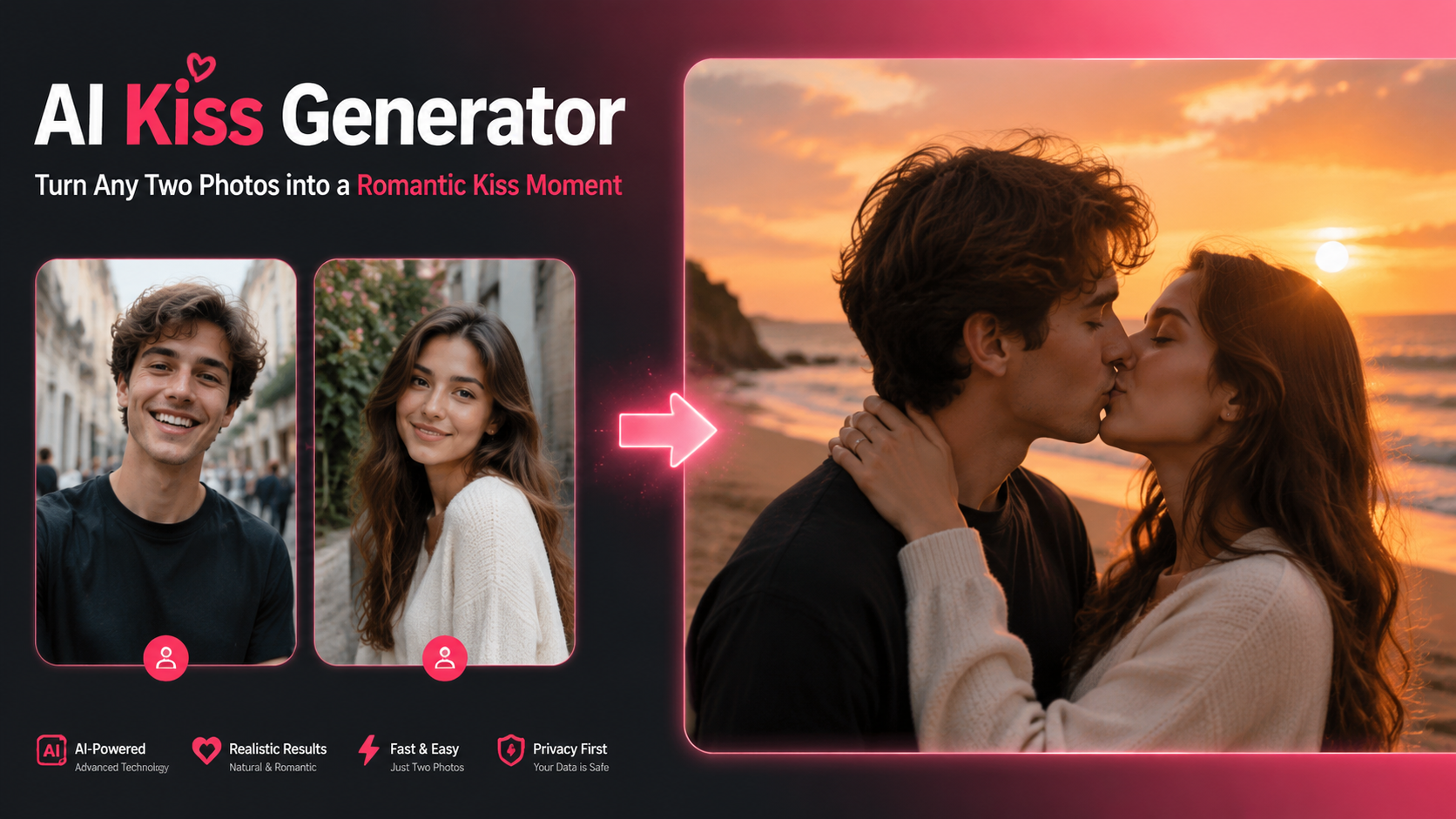
Create romantic or cinematic visuals from two photos, or even a single portrait, using the AI Kiss Generator.
Add seasonal atmosphere
Add realistic snowfall, seasonal atmosphere, and lighting adjustments to any image.
How to use Editaimg?
Import your image
Drag and drop your file directly into the AI Image Editor, or click to select. Images only, up to 50MB each and 8 at a time.
Describe your idea
Use the prompt box to tell the AI exactly what you need, such as removing an object, changing the style, or recoloring an item.
Choose settings
Fine-tune the output by adjusting aspect ratio, selecting resolution, choosing file format, and controlling style strength.
Generate your edit
Click the Edit button and watch your photo transform in seconds. Review the high-quality results in the grid and download with one click.
Pros & Cons of Editaimg
Pros
- No sign-up needed for core editing and free to start.
- One-time credit packs with no subscription and no credit expiration.
- Wide range of specialized AI tools: teeth fixing, eye opening, upscaling, translating, and more.
- Batch upload support for up to 8 images at once.
- Instant previews and one-click export for quick workflows.
Cons
- Free usage is limited; advanced edits consume paid credits.
- Generation history and previous results require signing in.
- 2K output is unavailable for certain aspect ratios and automatically switches to 1:1.
- Each image upload is capped at 50MB.
Frequently Asked Questions
Is Editaimg really free?
The AI Image Editor can be used without signing up, but advanced edits consume credits. Credit packs are one-time purchases with no expiration: Basic 160 credits, Standard 800 credits, and Pro 4000 credits.
Do I need to create an account?
No, sign-up is not required for editing. Signing in lets you view your generation history and access previous results.
What are the image upload limits?
You can upload image files up to 50MB each and select up to 8 images at once (8 total).
What output resolutions are supported?
The upscaler supports 1K, 2K, and 4K outputs. 2K isn't available for certain aspect ratios — choosing it automatically switches to 1:1.
What can the AI editor do?
It handles background removal, object cleanup/inpainting, upscaling, style transforms, recoloring, text editing/translation, and specialized features like teeth fixing, eye opening, jewelry retouching, and AI kisses.
How do credits work?
Credits are bought in one-time packs that never expire and include a priority generation queue. There is no subscription required.
Can I translate text in an image?
Yes, the AI Image Translator supports over 130 languages while preserving the original style and formatting.
Can I remove the Gemini watermark?
Yes, there is a dedicated Gemini Watermark Remover that removes visible Gemini watermarks in your browser for clean, privacy-first exports.
Reviews & Ratings0.0
No reviews yet. Be the first to write one!
Top Alternatives & Similar Software
View all alternatives & similar software→No alternatives available yet.
People also viewed



Related searches
Is this your tool?
Claim this page to update details, reply to user reviews, and drive more traffic to your product.
Claim this Product →
Tags
Explore Related Topics
Keep up with Editaimg alternatives
New alternatives, pricing changes and the week's biggest movers - one email every Tuesday.