


AI Image Editor
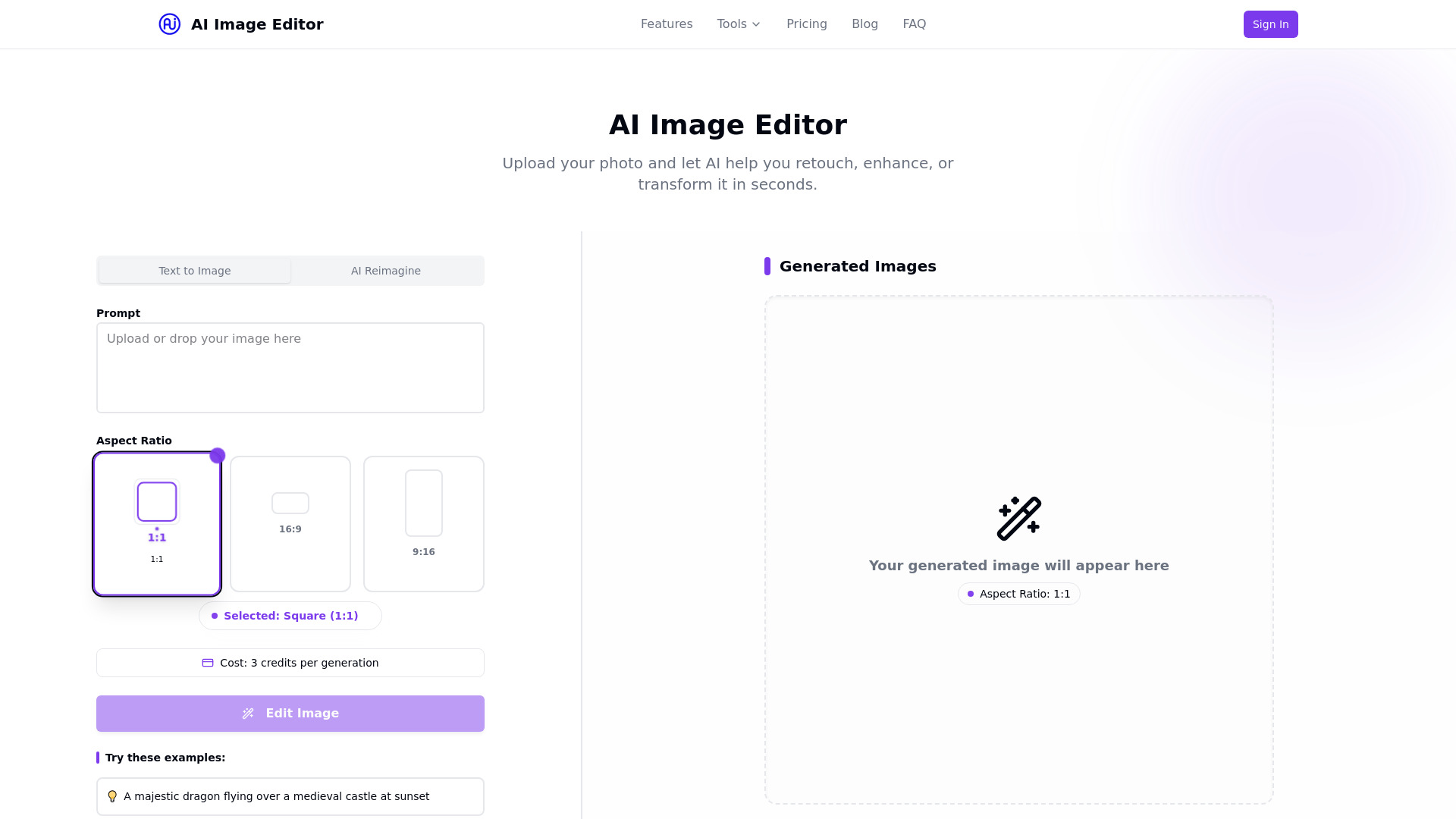
Upload your photo and let AI help you retouch, enhance, or transform it in seconds.
What is AI Image Editor?
AI Image Editor is a free online photo editor and enhancement tool that lets users upload photos and use AI to retouch, enhance, or transform them in seconds. It offers features such as background removal, skin retouching, artistic filters, AI upscaling, and an AI outfit generator. The platform provides multiple pricing plans including a free tier, Pro, and Premium subscriptions.
SpecificationsAI-estimated
Key Features of AI Image Editor
Use Cases for AI Image Editor
Remove or replace image backgrounds
Automatically remove or replace image backgrounds with one click, useful for product photos, portraits, and e-commerce images.
Retouch portraits and enhance photos
Enhance skin, adjust lighting, and fix imperfections instantly for professional-looking portraits.
Apply artistic effects and color grading
Apply artistic styles, color grading, and modern effects to give photos a creative look.
Upscale low-resolution images
Increase resolution without losing quality using AI upscaling, ideal for printing or enlarging images.
Try new outfits virtually
Upload a photo and instantly try different outfits, clothing styles, and fashion looks with the AI Outfit Generator.
How to use AI Image Editor?
Upload Your Image
Drag and drop or upload an image you want to edit.
Choose Editing Tools
Select from background removal, filters, retouching, and more.
Download Results
Save your enhanced and edited image instantly.
Pros & Cons of AI Image Editor
Pros
- AI-powered editing makes professional-quality results accessible to everyone
- Multiple tools in one place: background removal, retouching, filters, upscaling, and outfit generation
- Free plan available with 5 free edits per month
- Simple 3-step process: upload, choose tools, download
- Affordable paid plans with credits and batch editing on Pro
- No design skills required
- 4K export support on Premium plan
Cons
- Free plan is limited to 5 edits per month
- Credits system may require purchasing a plan for heavy usage
- Advanced features like batch editing and 4K export are locked behind paid tiers
- No explicit mention of supported file formats or privacy policy
- Limited information about the AI model or output quality
Frequently Asked Questions
What is an AI Image Editor?
An AI Image Editor is an online tool that uses artificial intelligence to help users retouch, enhance, or transform photos quickly and easily, without requiring complex manual editing skills.
Is the AI Image Editor free to use?
Yes, there is a free plan that includes limited features and 5 free edits per month. Paid plans are available for more advanced tools and higher usage.
Can I remove backgrounds from photos?
Yes, the AI Image Editor can automatically remove or replace image backgrounds with one click. Basic background removal is available on the free plan, and high-quality background removal is available on paid plans.
Do I need design skills to use this tool?
No, the tool is designed to be user-friendly and accessible to everyone. You can edit images with just a few clicks using AI-powered features.
What formats are supported?
The website does not explicitly list supported formats, but typical image formats such as JPG, PNG, and WEBP are commonly supported by similar online AI image editors.
Pricing Overview
View full pricing →Free plan available; paid plans start at $19.99/month (Pro) and $39.99/month (Premium).
Reviews & Ratings0.0
No reviews yet. Be the first to write one!
Top Alternatives & Similar Software
View all alternatives & similar software→


People also viewed


Related searches
About the Product
Is this your tool?
Claim this page to update details, reply to user reviews, and drive more traffic to your product.
Claim this Product →
Tags
Explore Related Topics
Keep up with AI Image Editor alternatives
New alternatives, pricing changes and the week's biggest movers - one email every Tuesday.