


Ez Img Editor
An online AI image editor that removes objects, swaps backgrounds, and creates pro headshots from a simple text prompt.
What is Ez Img Editor?
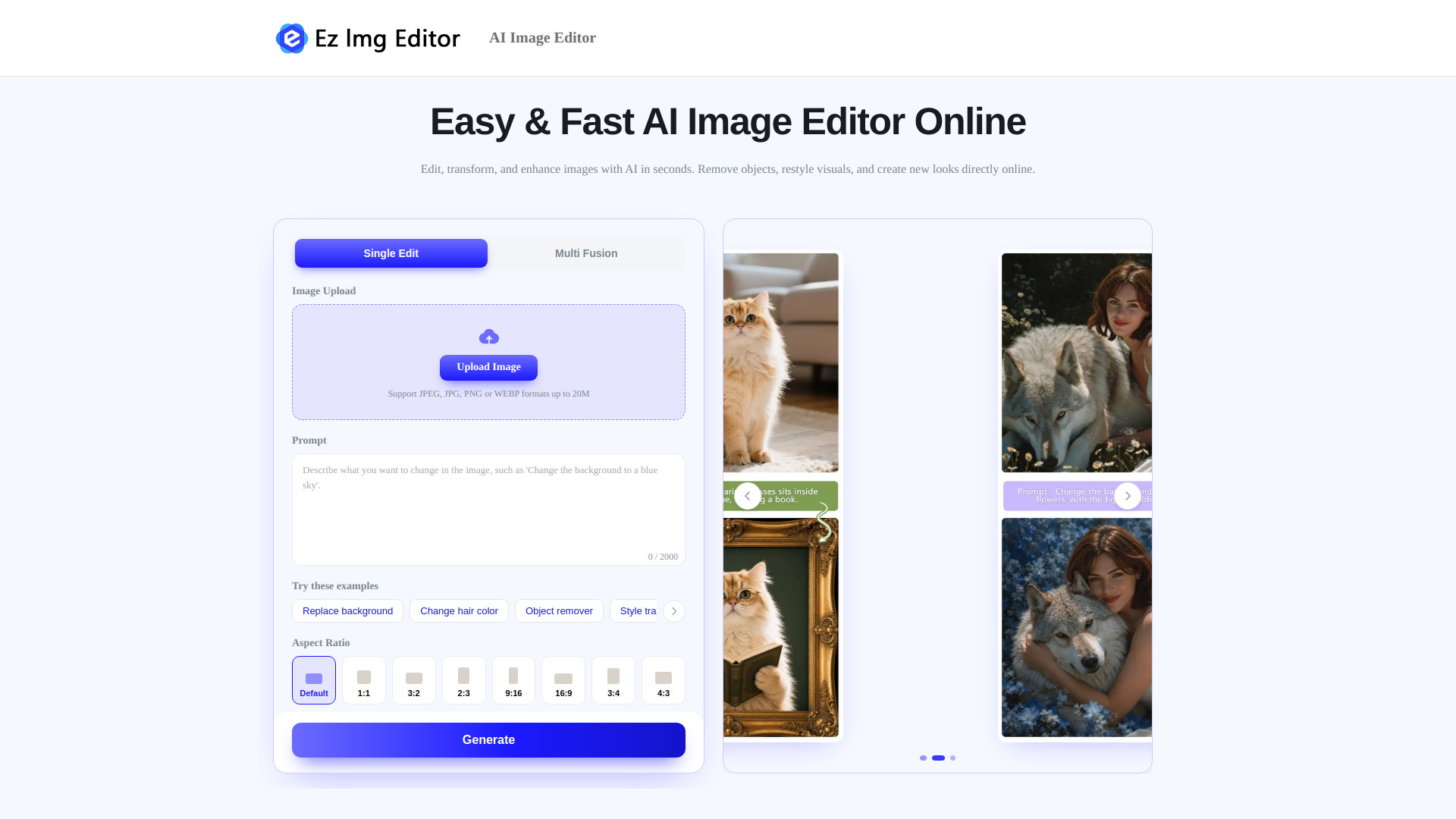
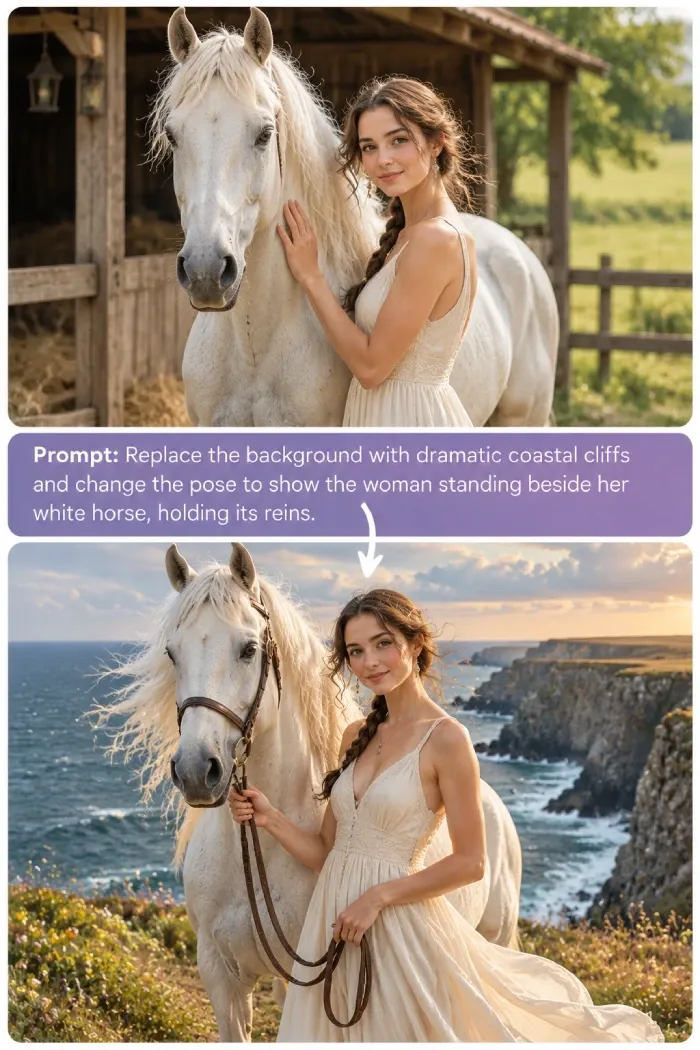
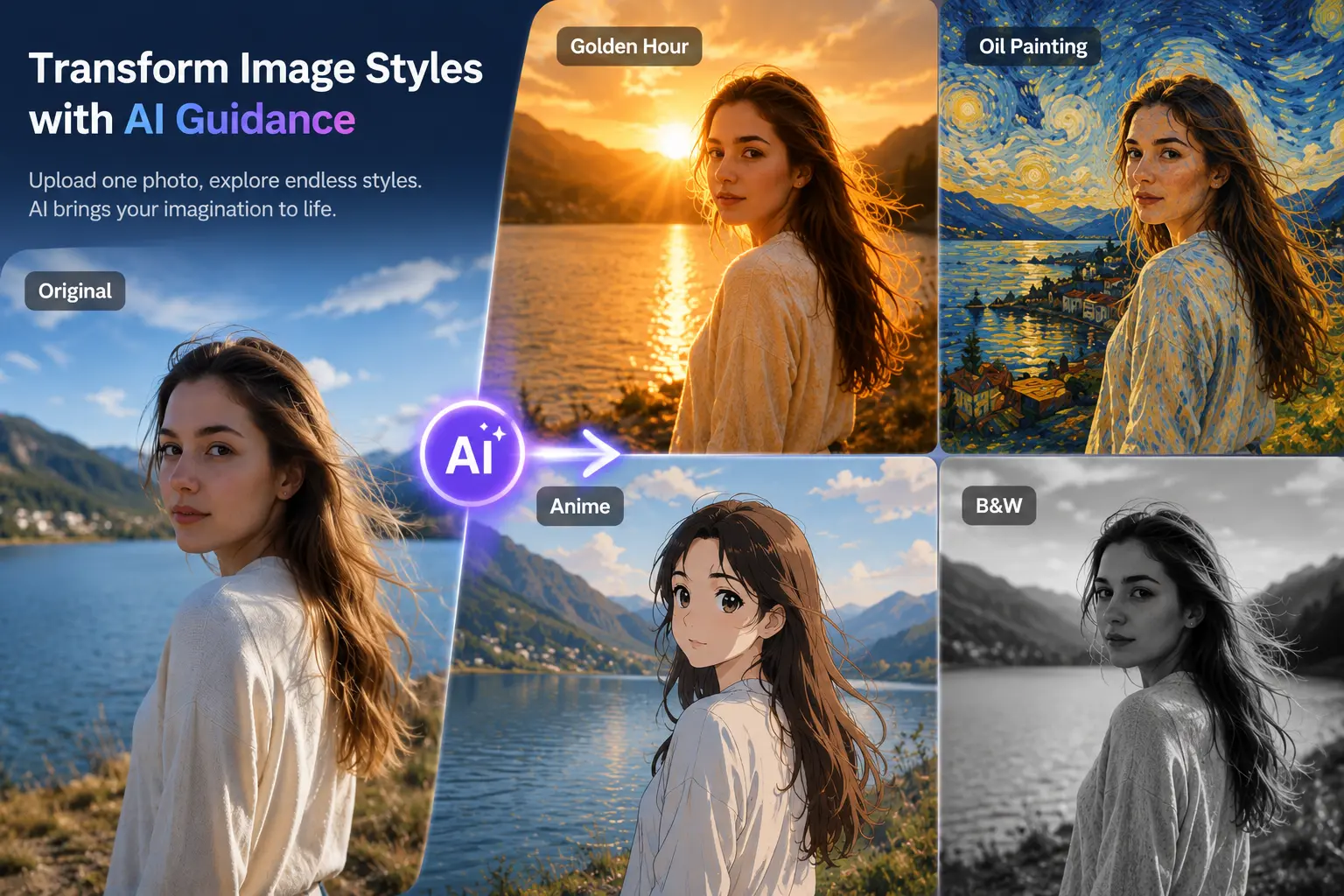
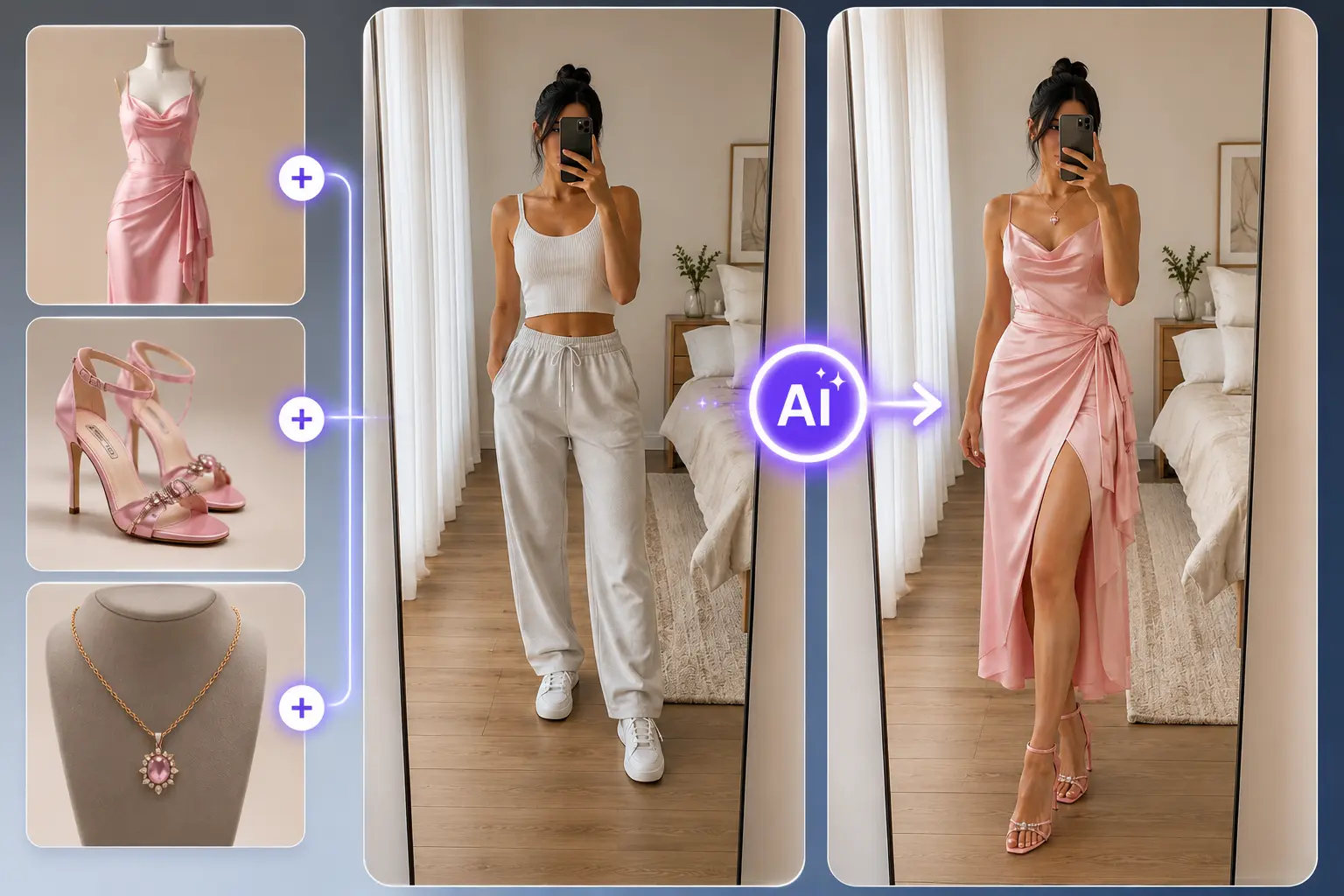
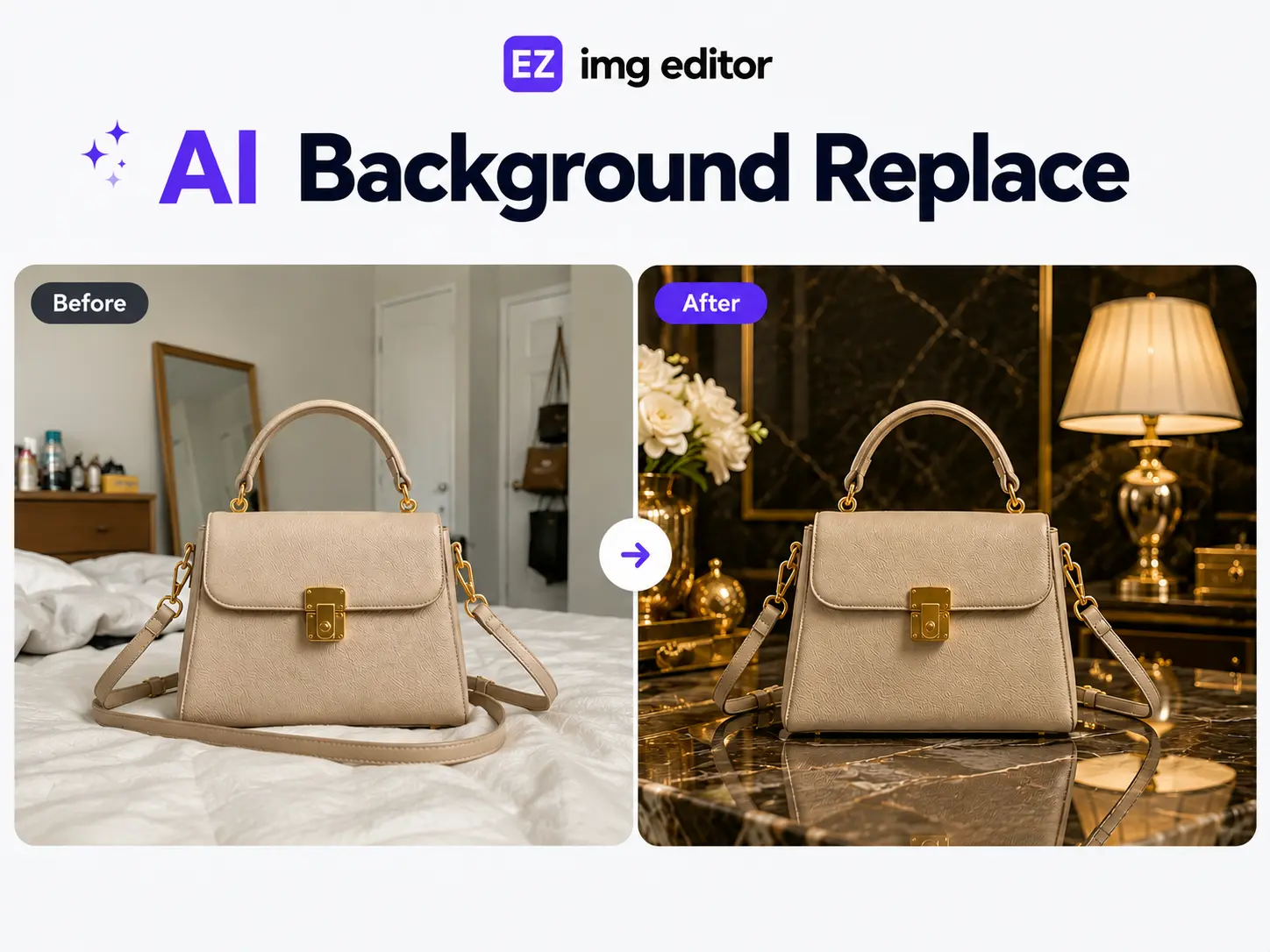
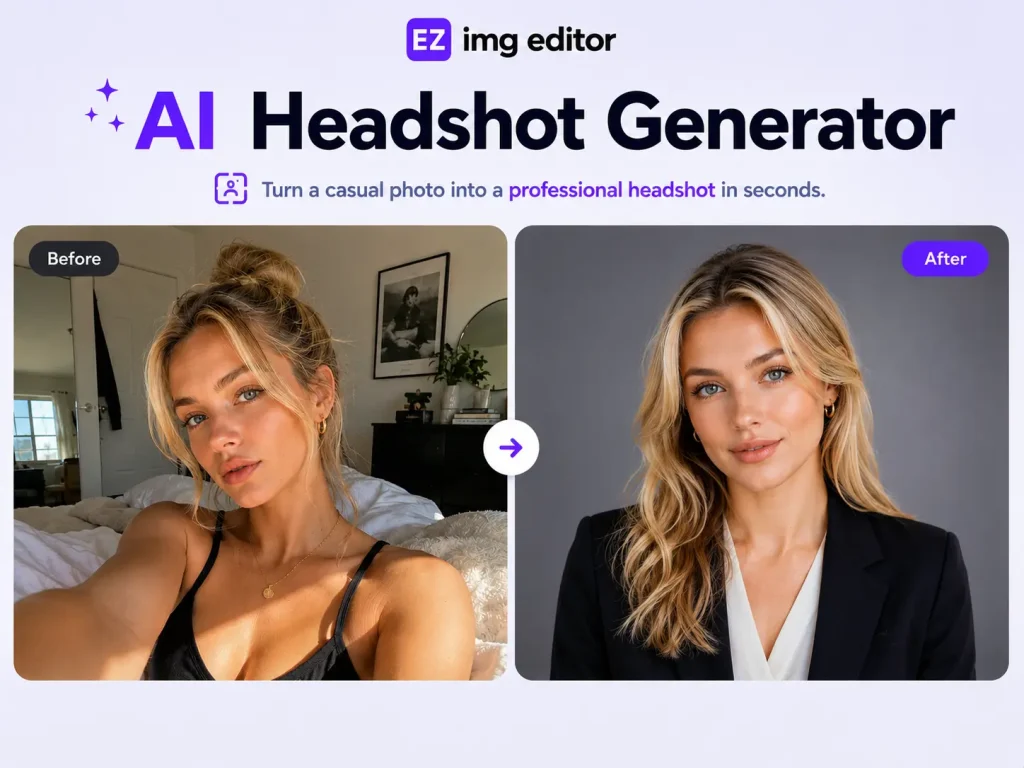
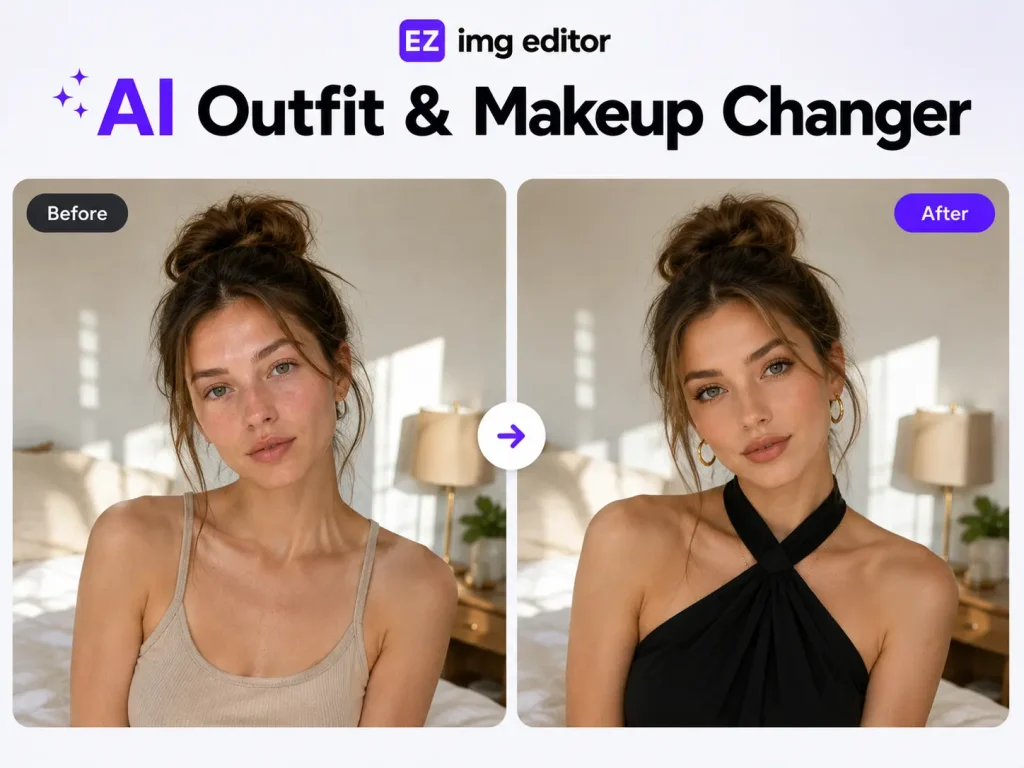
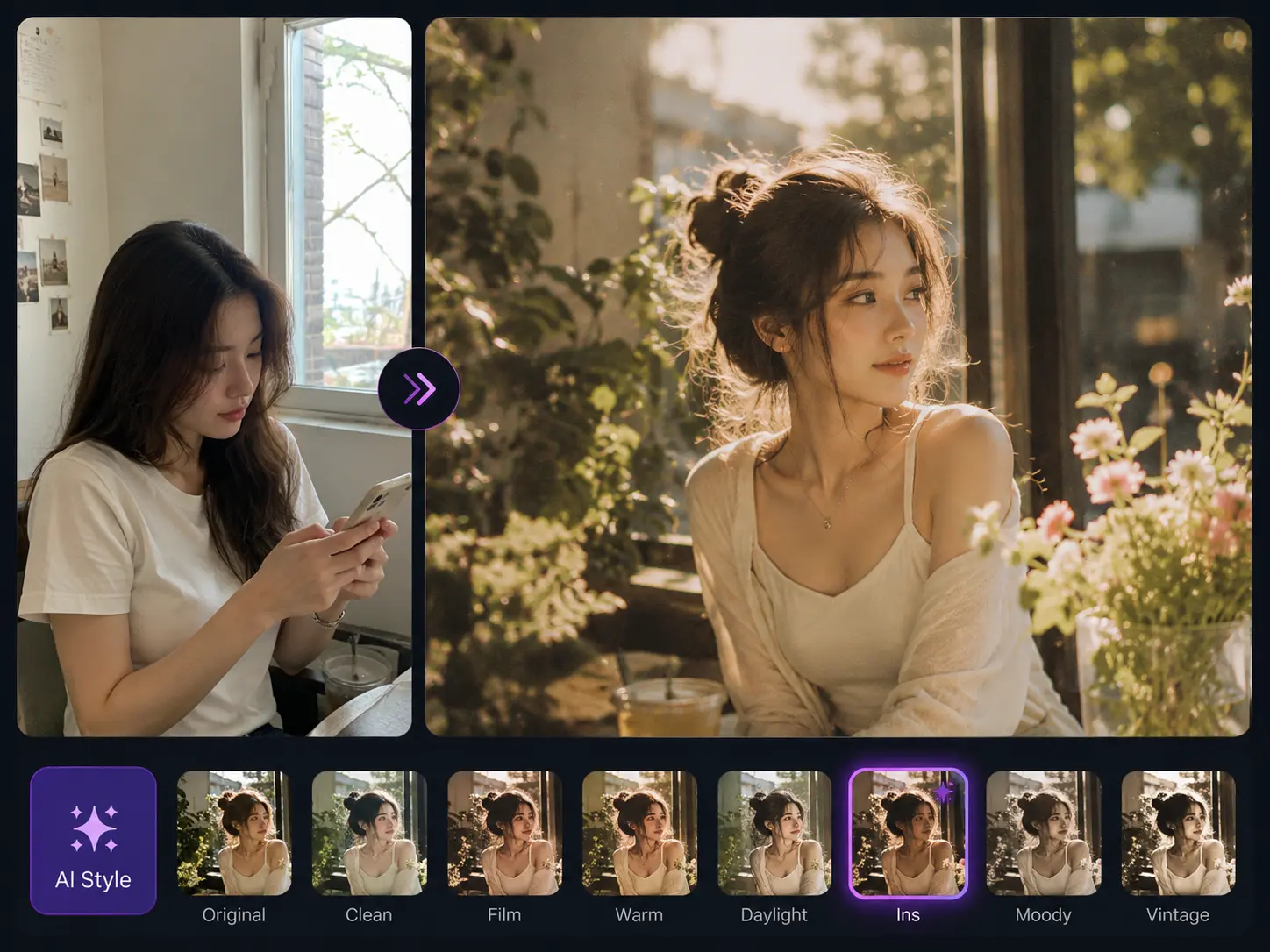
Ez Img Editor is a browser-based, AI-powered image editing platform that lets users edit, enhance, and transform photos without installing any software. Its core workflow is simple: upload an image (JPEG, JPG, PNG, or WEBP up to 20MB), describe the change you want in a text prompt, and the AI applies it in seconds. It is built for people who need fast, practical results rather than the layered controls of a traditional desktop editor like Photoshop. The platform offers two main editing modes. Single Image Editing lets you adjust colors, lighting, and visual tone, transform styles, refine portrait details, and add creative effects through text prompts. Multi-Image Blending goes further by merging elements, subjects, or styles from several photos into a single composition. Alongside these modes, dedicated tools handle common tasks: an Object Remover that erases photobombers, clutter, or watermarks and intelligently fills the gap, a Pro Headshot feature that turns casual selfies into polished portraits, and a Change Background tool for product, marketing, and social media imagery. Ez Img Editor is aimed at a broad range of users, from e-commerce sellers, real estate agents, and HR recruiters to influencers and interior designers. Free daily credits make it easy to try the tools before committing to a paid plan. Results are generally strongest with clear, high-quality source images, and complex backgrounds can still require manual touch-ups, but for quick, no-software-required edits it offers a fast and accessible alternative to traditional editing workflows.
SpecificationsAI-estimated
Key Features of Ez Img Editor
Use Cases for Ez Img Editor
E-commerce Product Photos
Replace backgrounds and remove distractions to create clean, consistent product listing images.
Real Estate Listings
Remove trash bins, signs, and other clutter from property photos before publishing listings.
Professional Headshots
Turn everyday selfies into polished portraits suitable for LinkedIn, resumes, and company pages.
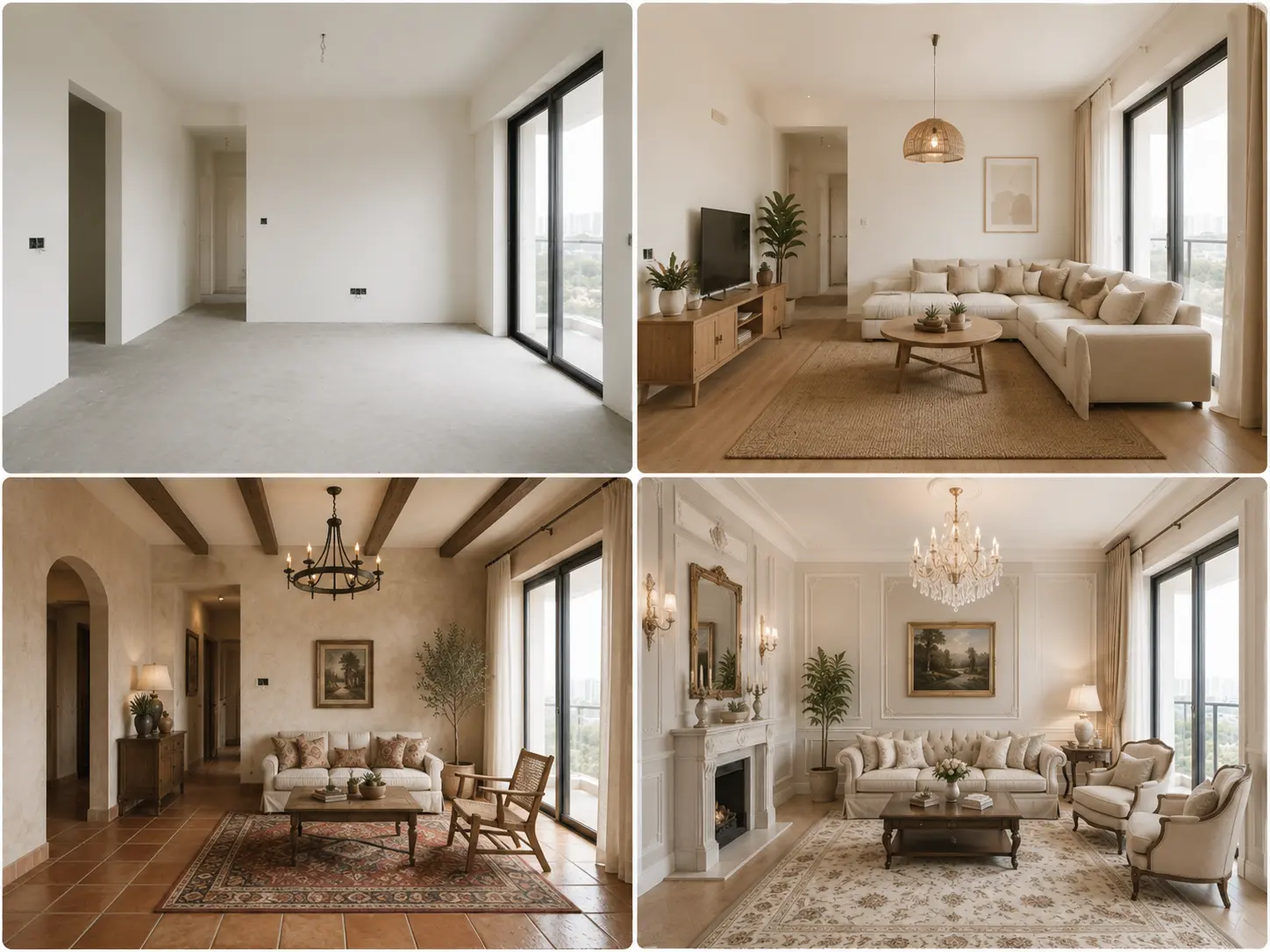
Interior Design Visualization
Explore room layouts, furniture arrangements, and styles from ideas or photos in seconds.
Social Media Content
Apply stylish AI filters and enhancements to keep a consistent, eye-catching visual brand.
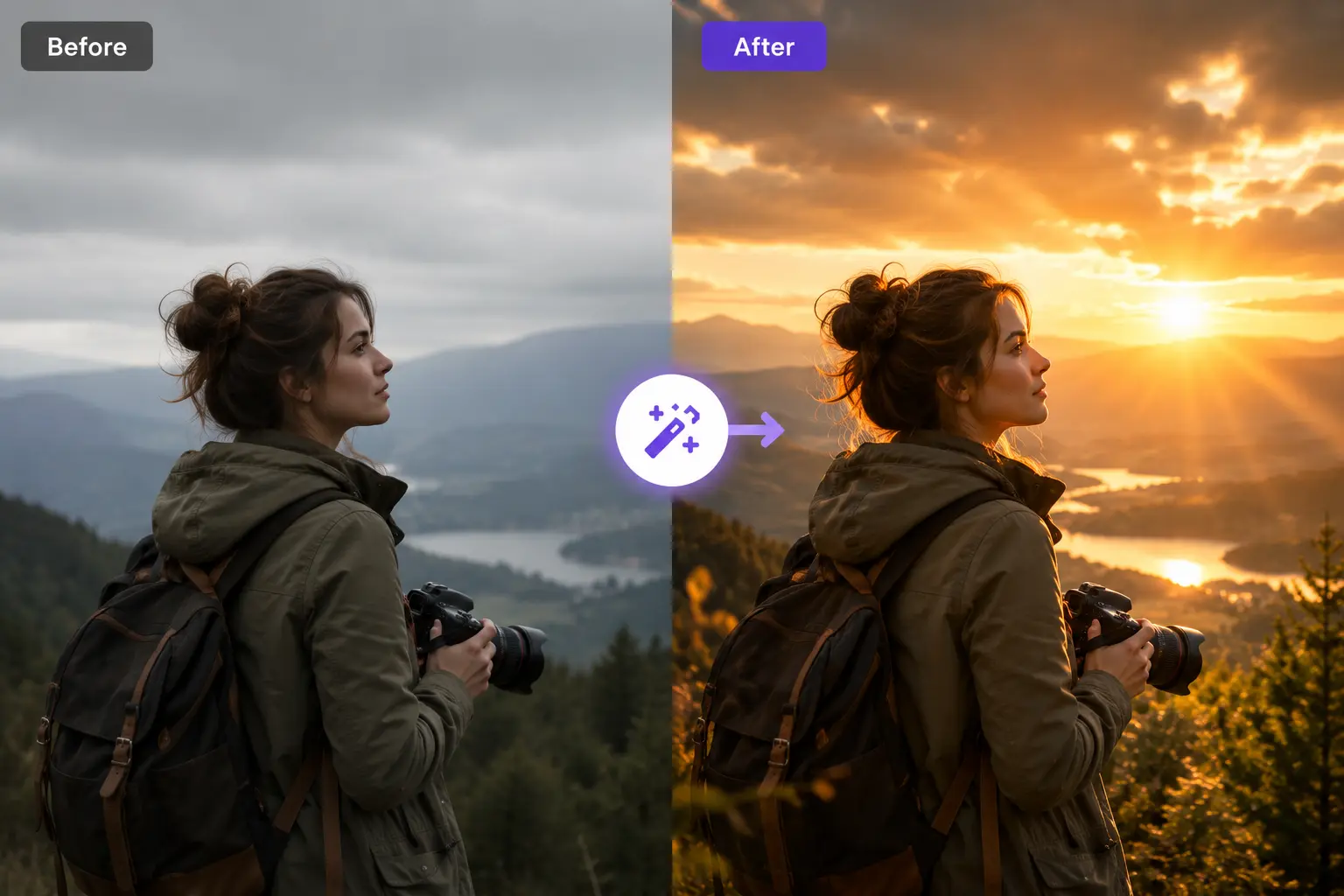
Cinematic Photo Enhancement
Transform the lighting and mood of ordinary photos with golden-hour effects and dramatic atmosphere.
How to use Ez Img Editor?
Upload your image
Drag in a JPEG, JPG, PNG, or WEBP file up to 20MB.
Choose a tool or mode
Select Single Image Editing, Multi-Image Blending, Object Remover, Pro Headshot, or Change Background.
Describe the edit
Enter a text prompt explaining the change you want, or pick one of the quick prompts.
Set the aspect ratio
Choose the output dimensions that suit your platform or use case.
Generate and download
Run the edit, review the result, and download the image.
Pros & Cons of Ez Img Editor
Pros
- Fast, prompt-driven editing that delivers results in seconds without a learning curve
- Dedicated one-click tools for object removal, background changes, and headshots
- Free daily credits let users try the AI tools without paying
- Runs entirely in the browser with no software installation required
- Uploaded files are removed after processing and not used to train AI models
Cons
- Output quality depends heavily on the source image; low-quality photos produce weaker results
- Complex backgrounds can make object removal and background replacement imperfect
- Advanced users may find the prompt-based approach less precise than traditional layer-based editing
- Free tier usage is limited by daily credits, with faster processing requiring an upgrade
Frequently Asked Questions
What is Ez Img Editor?
It is an all-in-one AI image editor for editing, enhancing, and transforming images online, offering tools for object removal, background changes, AI headshots, and image quality improvement.
Is Ez Img Editor free?
Yes, it offers free daily credits that refresh automatically so you can use many AI tools without paying. Paid upgrades provide more usage and faster processing.
Is my uploaded image kept private?
Images are processed securely, are not used to train AI models, and are automatically removed after processing.
Will the edited images look realistic?
In most cases yes, since the tool is designed to preserve realistic lighting, textures, and details. Clear, high-quality source images give the best results.
Can I use edited images commercially?
Generally yes, for business, marketing, e-commerce, and social media, as long as you have the rights to the original content you upload.
Will the platform keep improving?
The developers regularly add new AI models, tools, and workflow improvements based on user feedback and the latest AI advances.
Reviews & Ratings0.0
No reviews yet. Be the first to write one!
Top Alternatives & Similar Software
View all alternatives & similar software→No alternatives available yet.
People also viewed


Related searches
Is this your tool?
Claim this page to update details, reply to user reviews, and drive more traffic to your product.
Claim this Product →
Tags
Explore Related Topics
Keep up with Ez Img Editor alternatives
New alternatives, pricing changes and the week's biggest movers - one email every Tuesday.