



GRID
A deterministic, Excel-compatible spreadsheet engine that lets AI agents read, calculate, and edit workbooks through structured calls instead of generated code.




What is GRID?
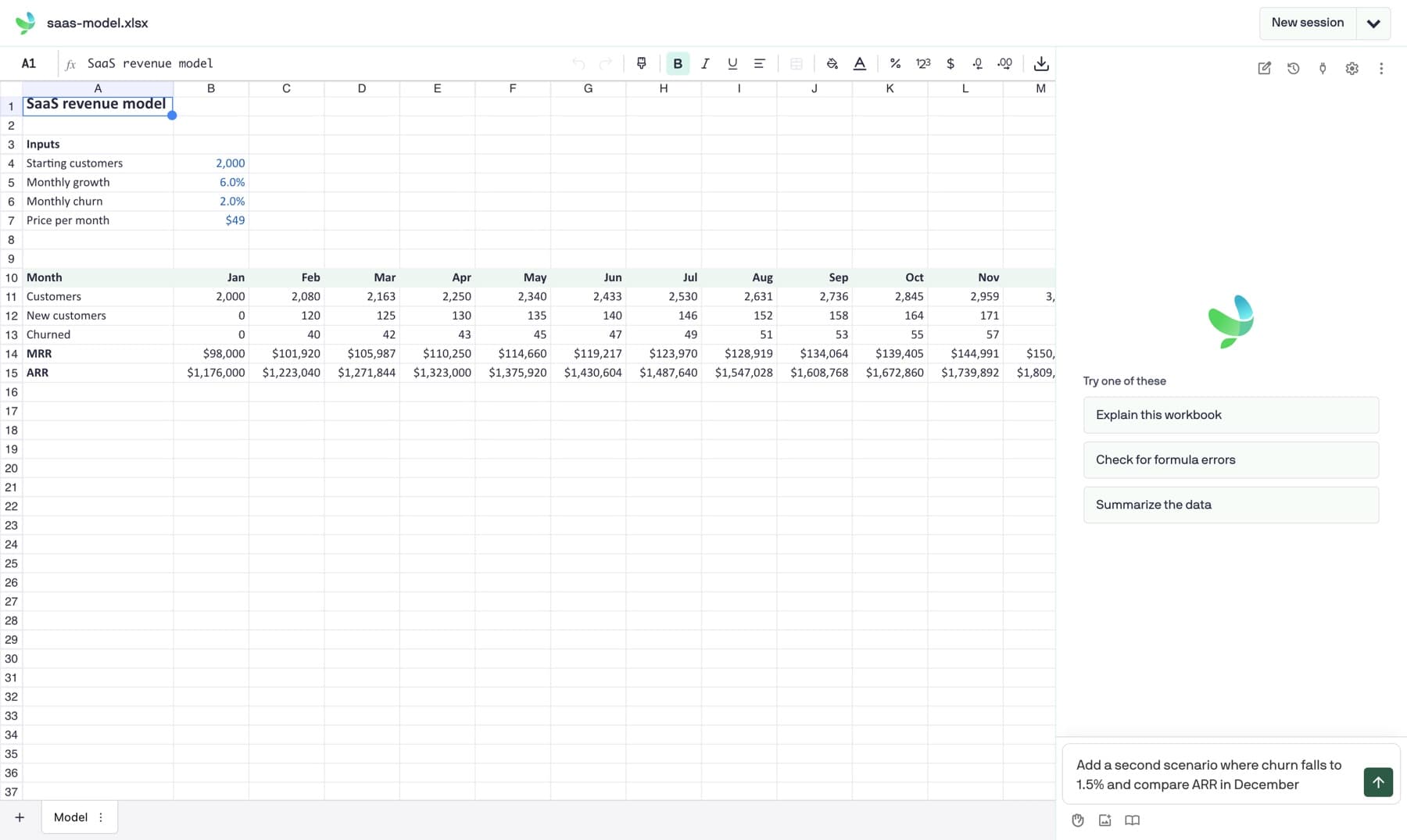
GRID is a spreadsheet engine built for AI agents and the applications that embed them. Instead of having a language model generate and execute code every time it needs to read or modify a spreadsheet, GRID exposes structured operations: an agent can read cells, apply changes, and recalculate through function calls. The underlying engine is designed to behave like Excel and Google Sheets, so results are deterministic and formula-compatible, and it can be installed as a headless npm package (@grid-is/spreadsheet-engine) inside a developer's own application. The platform targets two audiences. For developers, GRID offers a headless spreadsheet engine that runs natively inside an application, along with installable agent skills and an MCP server (@grid-is/agent-tools) so that coding agents can calculate, read, and edit workbooks directly. For end users who need to inspect or edit data themselves, GRID also provides a ready-made spreadsheet UI that sits alongside chat-based assistants, so people can open an .xlsx file, ask an AI to change it, edit cells manually, and download the result. GRID positions itself as infrastructure rather than a standalone spreadsheet replacement. Its claimed advantages are faster responses and roughly one-third the token usage compared with code-generation approaches, strong Excel formula compatibility (reported at 99.9% on its own benchmark), and top placement on the SpreadsheetBench evaluation of agents performing real spreadsheet tasks. Products from partners in wealth management, real estate, and AI-for-finance already use the technology, and the company says it powers spreadsheet capabilities for a leading LLM provider.
SpecificationsAI-estimated
Key Features of GRID
Use Cases for GRID
Financial modeling in AI tools
Let AI assistants read and update financial models, such as investment or valuation workbooks, through reliable structured operations.
Real estate calculators
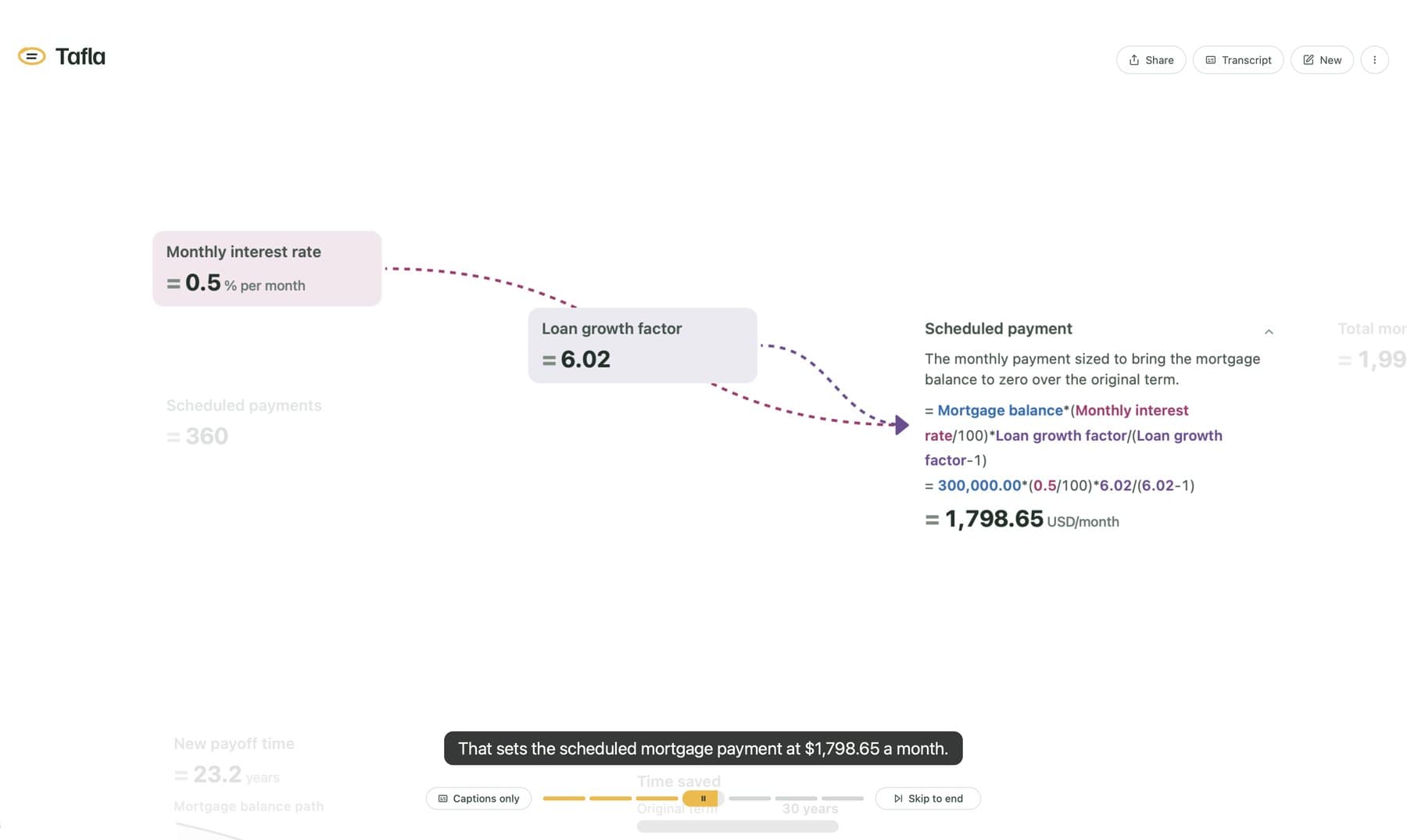
Power property analysis and mortgage or amortisation tools where cells recalculate live as inputs change.
Wealth management platforms
Embed spreadsheet logic into client-facing portfolio and planning applications.
Excel add-ins with AI
Build add-ins where a model edits spreadsheets safely, with errors caught before the source file is touched.
Agent-driven spreadsheet automation
Give coding agents an MCP server so they can calculate, audit, and edit workbooks without writing throwaway code.
AI-generated spreadsheets
Have language models create new workbooks from scratch at scale using a deterministic calculation backend.
How to use GRID?
Install the engine
Run npm install @grid-is/spreadsheet-engine in your project, or request a free evaluation license from the GRID site.
Connect your agent
Add the MCP server with npx @grid-is/agent-tools, or install the spreadsheet-engine skill for your coding agent.
Load or create workbooks
Open existing .xlsx files or have the agent generate new spreadsheets through the engine's structured operations.
Read, calculate, and edit
Let the agent or your application call read, write, and recalculation operations on cells and formulas.
Ship to production
Move from evaluation to a production license and integrate with support from the GRID team.
Pros & Cons of GRID
Pros
- Agents call structured spreadsheet operations instead of generating code, reducing token usage and latency
- Excel and Google Sheets formula compatibility with deterministic, repeatable recalculation
- Available as a headless npm package that embeds directly into existing applications
- Includes a ready-made spreadsheet UI and AI assistant skill for human review and editing
- Ships an MCP server and installable agent skills for quick integration with coding agents
Cons
- Primarily aimed at developers and product teams; non-technical users need an application built on top of it
- Performance and accuracy claims come from the vendor's own benchmarks and illustrative figures
- Full production use requires a paid license after the free evaluation tier
Frequently Asked Questions
What is GRID?
GRID is a spreadsheet engine that lets AI agents and applications read, calculate, and edit spreadsheets through structured operations rather than generated code.
Is GRID compatible with Excel?
GRID is designed to match Excel and Google Sheets formula behavior. The company reports 99.9% formula compatibility on its own benchmark.
How do I install GRID?
Install the engine from npm with npm install @grid-is/spreadsheet-engine, or add the agent tools with npx @grid-is/agent-tools.
Does GRID work with AI coding agents?
Yes. GRID provides an MCP server and installable agent skills so coding agents can use spreadsheet operations directly.
Is there a free option?
A free evaluation license is available to start building. Production use requires a paid license.
Can end users edit spreadsheets with GRID?
GRID offers a ready-made spreadsheet UI and an AI assistant skill, so people can open .xlsx files, ask for changes, edit cells, and download updated files.
Pricing Overview
View full pricing →The page does not state any pricing; it only provides installation instructions for GRID's npm packages and agent tools.
Detailed plans are not listed. Visit the official website for pricing information.
Reviews & Ratings0.0
No reviews yet. Be the first to write one!
Top Alternatives & Similar Software
View all alternatives & similar software→No alternatives available yet.
People also viewed



Related searches
Is this your tool?
Claim this page to update details, reply to user reviews, and drive more traffic to your product.
Claim this Product →
Tags
Explore Related Topics
Keep up with GRID alternatives
New alternatives, pricing changes and the week's biggest movers - one email every Tuesday.