



HelpMeTeach
The ultimate AI tool for teachers—create lessons, assessments, reports, and differentiated resources in seconds.



What is HelpMeTeach?
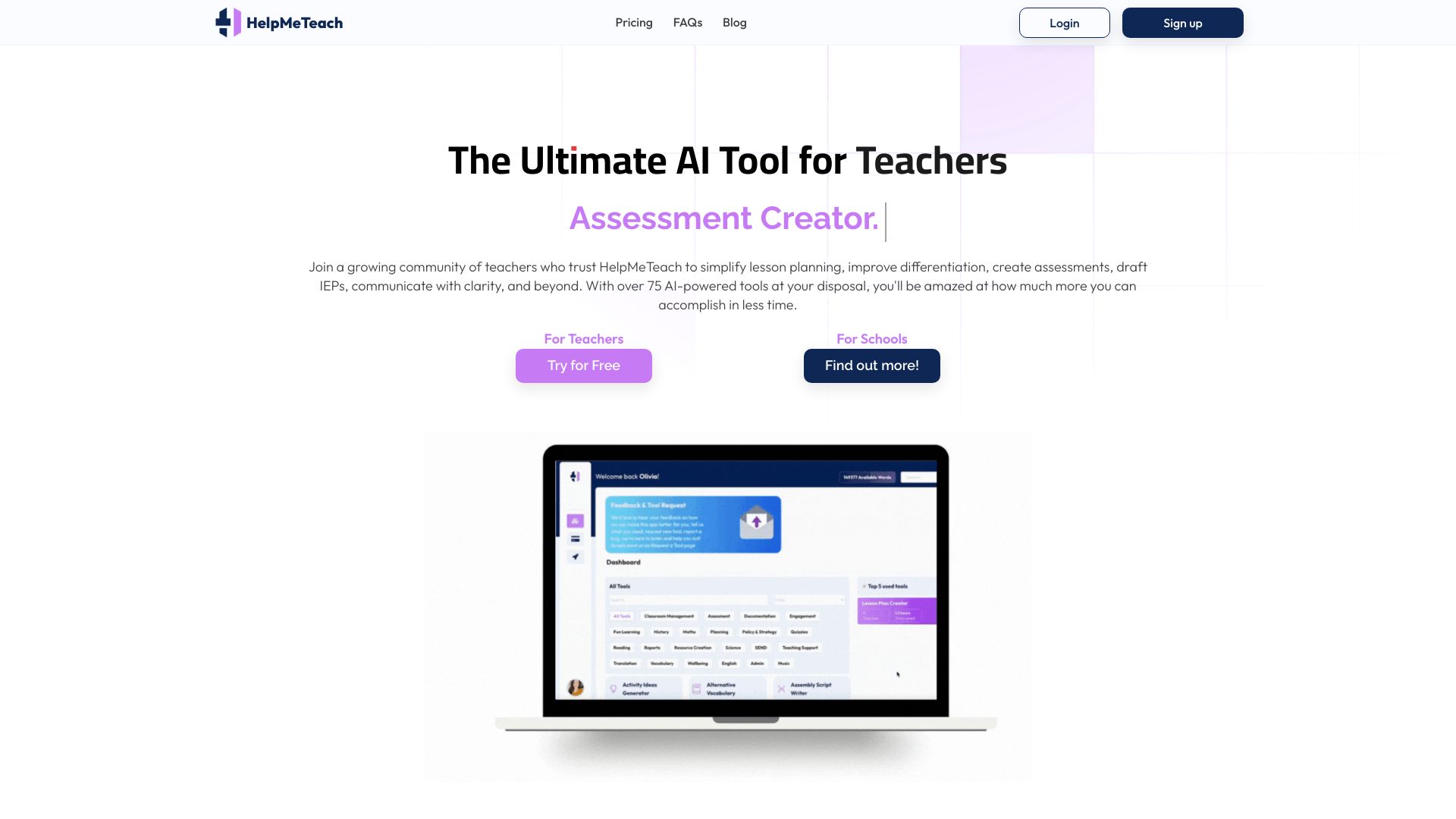
HelpMeTeach is an AI-powered teaching toolkit designed to reduce the time educators spend on planning, assessment, and administrative work. It brings together more than 80 specialized tools in one platform, allowing teachers to generate lesson plans, worksheets, quizzes, report comments, IEPs, slideshows, and even quiz formats compatible with Blooket, Kahoot, and Quizizz. Built on fine-tuned OpenAI models, the platform is organized into collections like Help Me Plan, Help Me Assess, Help Me Teach, Help Me Support, and Help Me with Admin, making it easy to find the right resource generator for almost any classroom task.
SpecificationsAI-estimated
Key Features of HelpMeTeach
Use Cases for HelpMeTeach
Lesson Planning
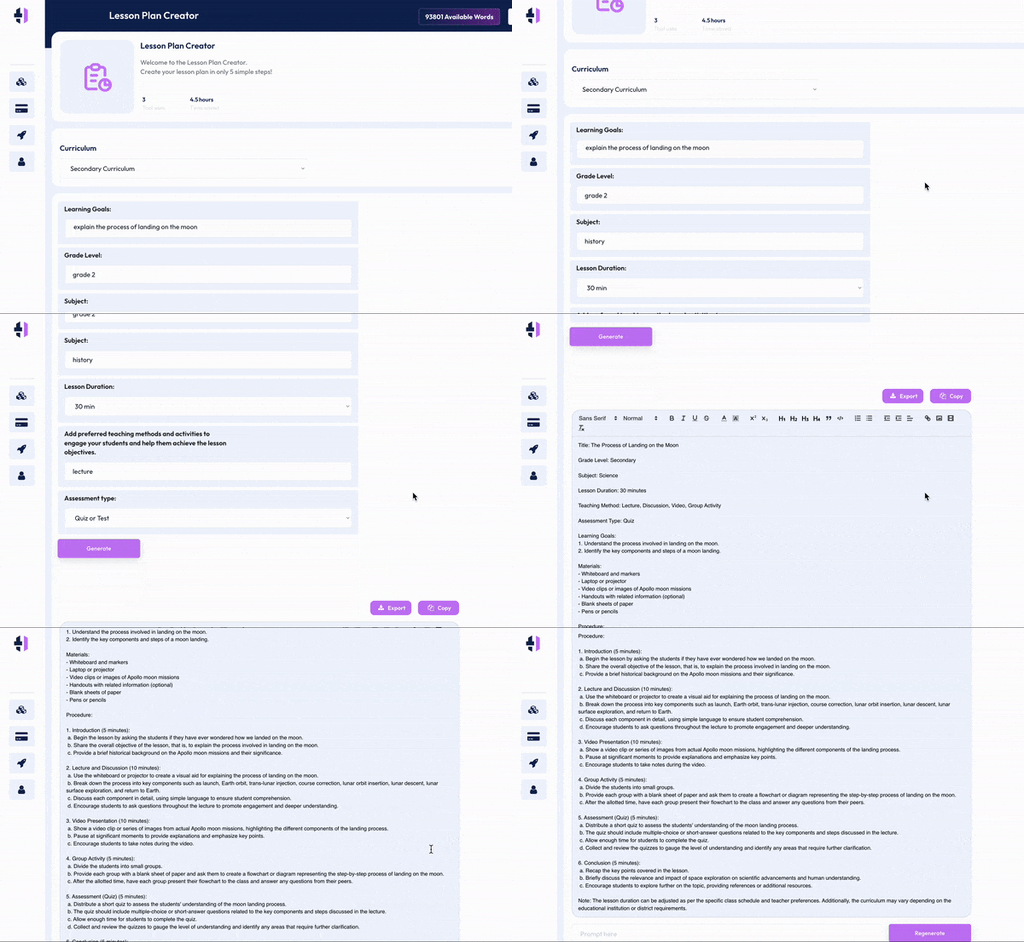
Quickly generate complete, tailored lesson plans aligned to grade, subject, and preferred teaching methods.
Assessment Creation
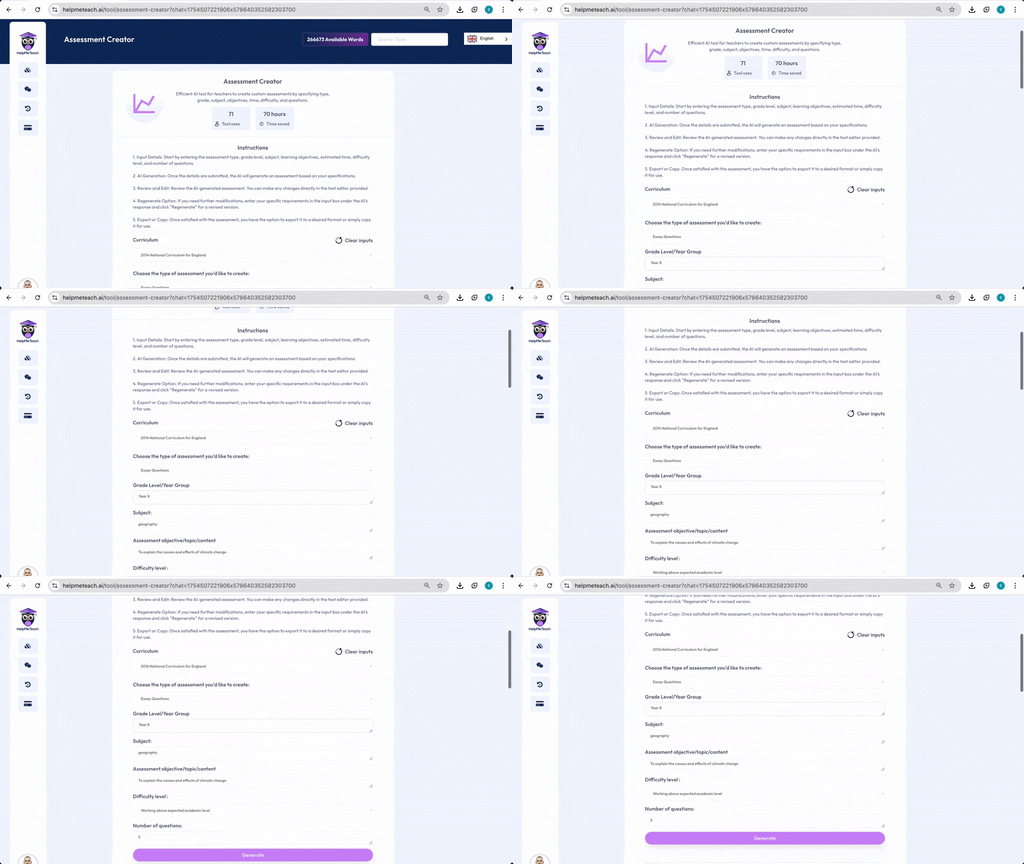
Build custom summative and formative assessments, quizzes, and math worksheets for any topic or level.
Report Writing
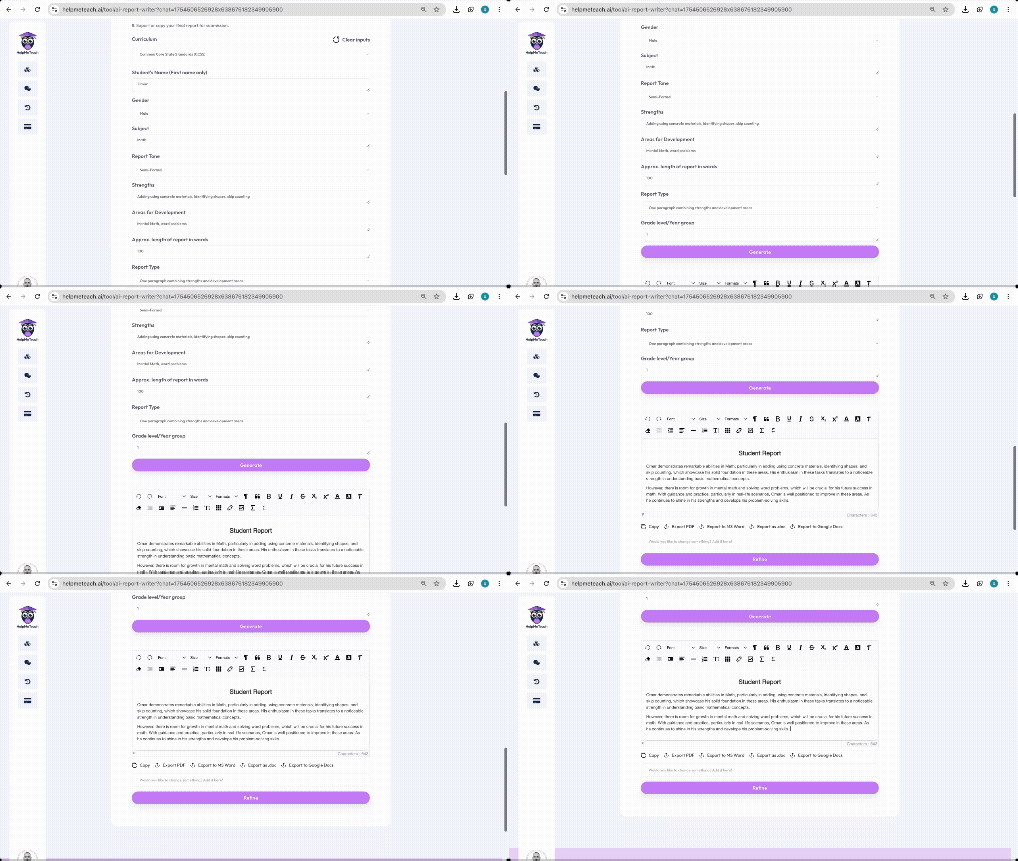
Draft personalized student progress reports, curriculum reports, and IEPs in seconds.
Differentiation & SEND Support
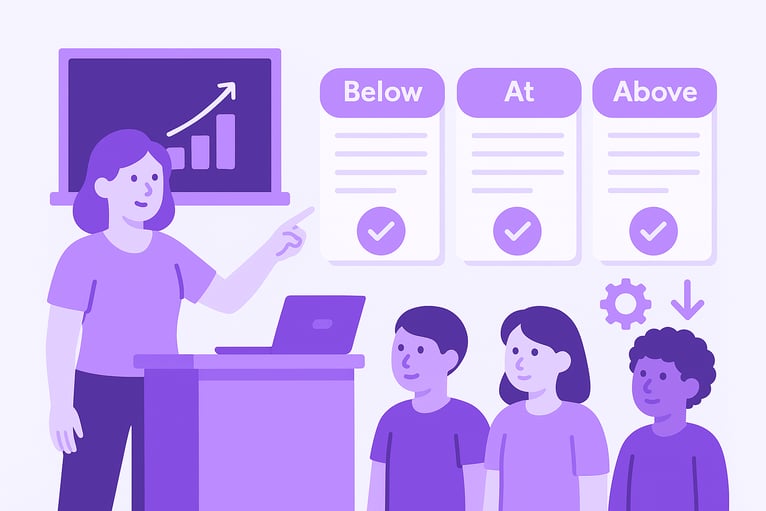
Adapt reading comprehensions, worksheets, and other resources for EAL, SEND, and learners working at different achievement levels.
Administrative Tasks
Create policies, risk assessments, permission slips, performance management targets, and other school admin documents.
Review & Exam Prep
Generate SPAG SATs questions, MAP test practice, low-stakes retrieval quizzes, and reading comprehension tasks for exam preparation.
Classroom Engagement
Create slideshows, WAGOLLs, stories, and interactive quiz activities to boost student engagement.
School Improvement
Support school-wide priorities with tools for school improvement plans, intent/implementation/impact statements, and activity ideas.
How to use HelpMeTeach?
Select a Tool
Choose from 80+ tools across collections like Help Me Plan, Help Me Assess, Help Me Teach, Help Me Support, and Help Me with Admin.
Fill Your Prompt
Tell the AI what you need. Keep it simple and specific, mentioning grade, subject, goals, or preferred methods.
Click Generate
Your resource will be ready in seconds. Edit, copy, or use it directly from the output area.
Refine (Optional)
Use the refine tool to adjust the difficulty level, tailor the output for specific learners, or modify the content as needed.
Export
Export your finalized resource in your preferred format, such as PDF, Doc, Slides, or Spreadsheets.
Pros & Cons of HelpMeTeach
Pros
- Massive library of 80+ specialized teaching tools in one platform
- Fine-tuned AI outputs tailored to curriculum requirements and teacher language
- Strong differentiation and refinement capabilities for SEND, EAL, and varied ability levels
- Supports popular classroom quiz platforms like Blooket, Kahoot, and Quizizz
- Affordable paid plans plus school and enterprise customization
Cons
- The free plan is quite limited, offering only 5 AI generations and 50,000 words per month, so meaningful evaluation requires a paid plan.
- Paid plans still have word and image generation caps, which may be restrictive for teachers producing large volumes of media-heavy resources.
- No dedicated mobile app or offline access is mentioned; all generation depends on an internet connection and the availability of the underlying OpenAI models.
Frequently Asked Questions
How does HelpMeTeach work?
HelpMeTeach leverages OpenAI's cutting-edge models, enhanced through meticulous refinement of inputs, adjustment of model parameters, and extensive training and testing. This fine-tuning tailors the GPT capabilities specifically for educators.
What are the best practices for using HelpMeTeach?
Don't hesitate to regenerate. If the initial response doesn't meet your expectations, use the regeneration feature for another attempt.
Can you develop a new feature I've thought of?
Yes, you can message the team via the Contact Us page and they will look into creating your suggested tool.
How can I cancel my subscription?
To cancel your subscription, visit the 'Plan & Billing' page and select 'Cancel' to cancel your subscription.
Do you offer subscriptions for schools and educational institutes?
Yes, HelpMeTeach offers premium packages for schools and educational institutes based on the number of staff needed, and also offers customized AI tools specific to their requirements. Visit the AI for Schools page or email [email protected].
Is there a free plan?
Yes, the Free plan costs $0 per month and includes 5 AI generations, 50,000 words per month, curriculum-specific output, time-saved tracking, and access to future tools.
What export formats are supported?
Resources can be exported in several formats, including PDF, Doc, Slides, Spreadsheets, and more, depending on the tool.
Does HelpMeTeach replace teachers?
No, HelpMeTeach is built on a teacher-led framework that enhances rather than replaces a teacher's pedagogical content knowledge. It supports professional judgment and keeps the art of teaching in the hands of the educator.
Reviews & Ratings0.0
No reviews yet. Be the first to write one!
Top Alternatives & Similar Software
View all alternatives & similar software→No alternatives available yet.
People also viewed


Related searches
Is this your tool?
Claim this page to update details, reply to user reviews, and drive more traffic to your product.
Claim this Product →
Tags
Explore Related Topics
Keep up with HelpMeTeach alternatives
New alternatives, pricing changes and the week's biggest movers - one email every Tuesday.