


What is to teach?
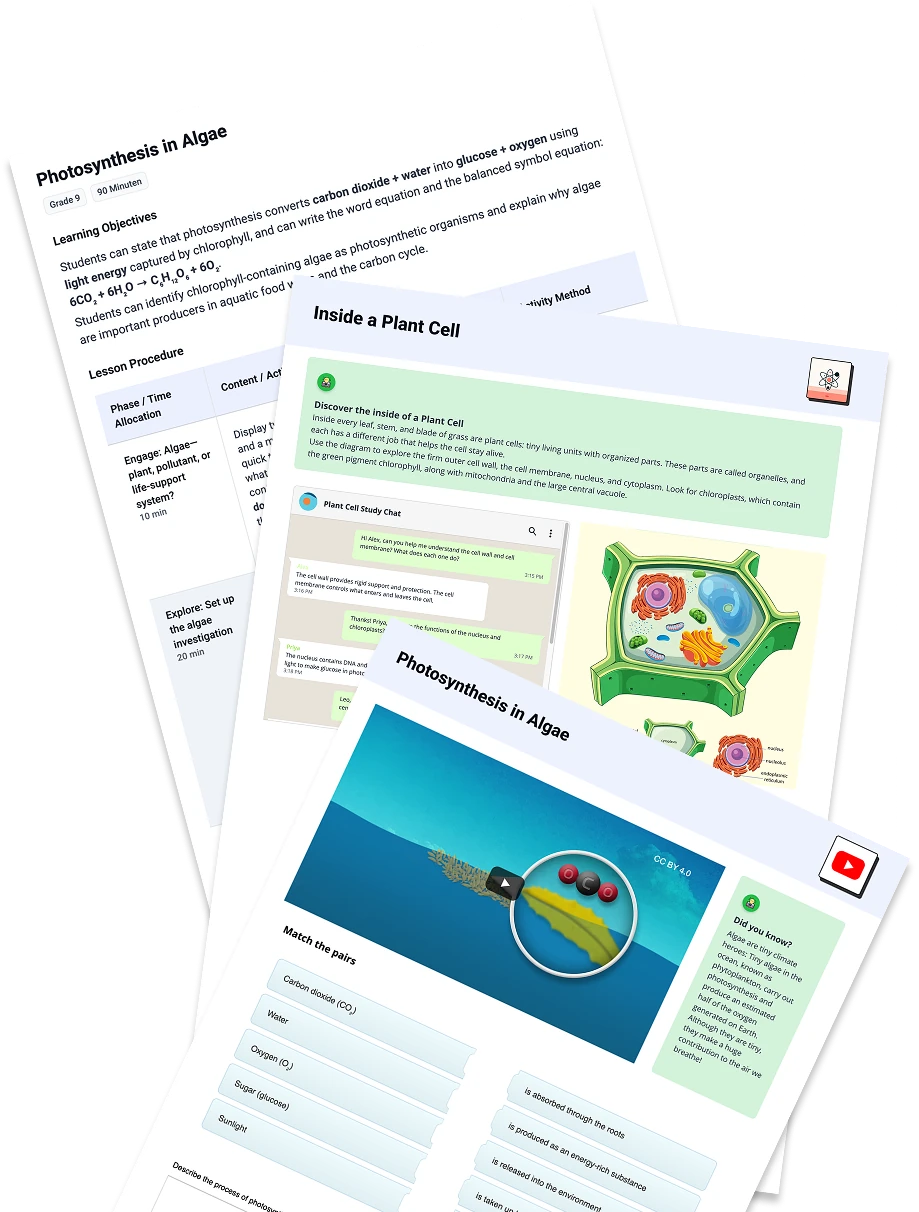
to teach is an AI-powered platform for teachers that turns a topic, idea, or existing resource into complete lesson plans, worksheets, presentations, quizzes, and interactive activities. It supports differentiation by letting teachers adjust language and difficulty for different learner levels, and it integrates with tools like Google Classroom, Canva, H5P, and fobizz.
SpecificationsAI-estimated
Key Features of to teach
Use Cases for to teach
Quick lesson planning
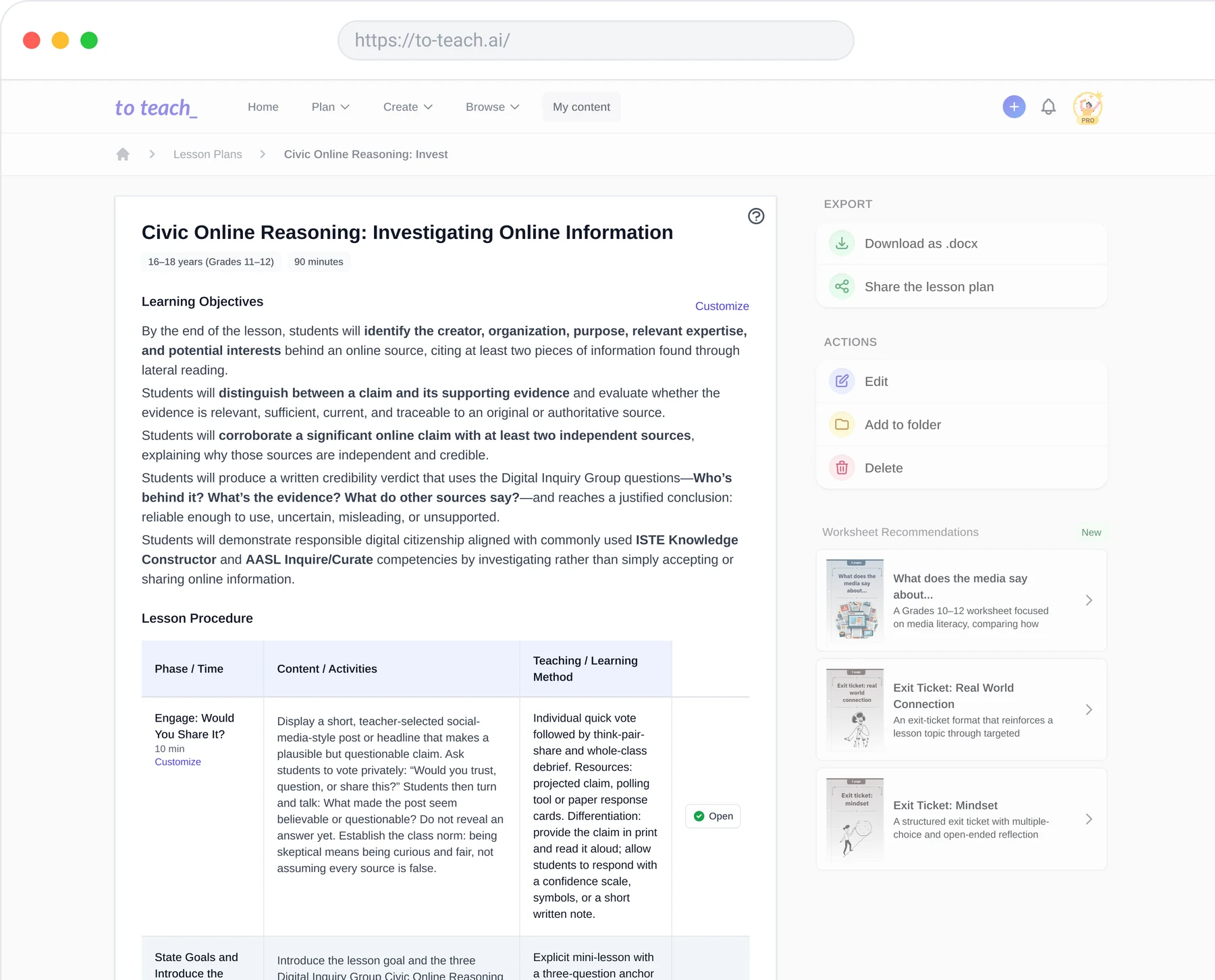
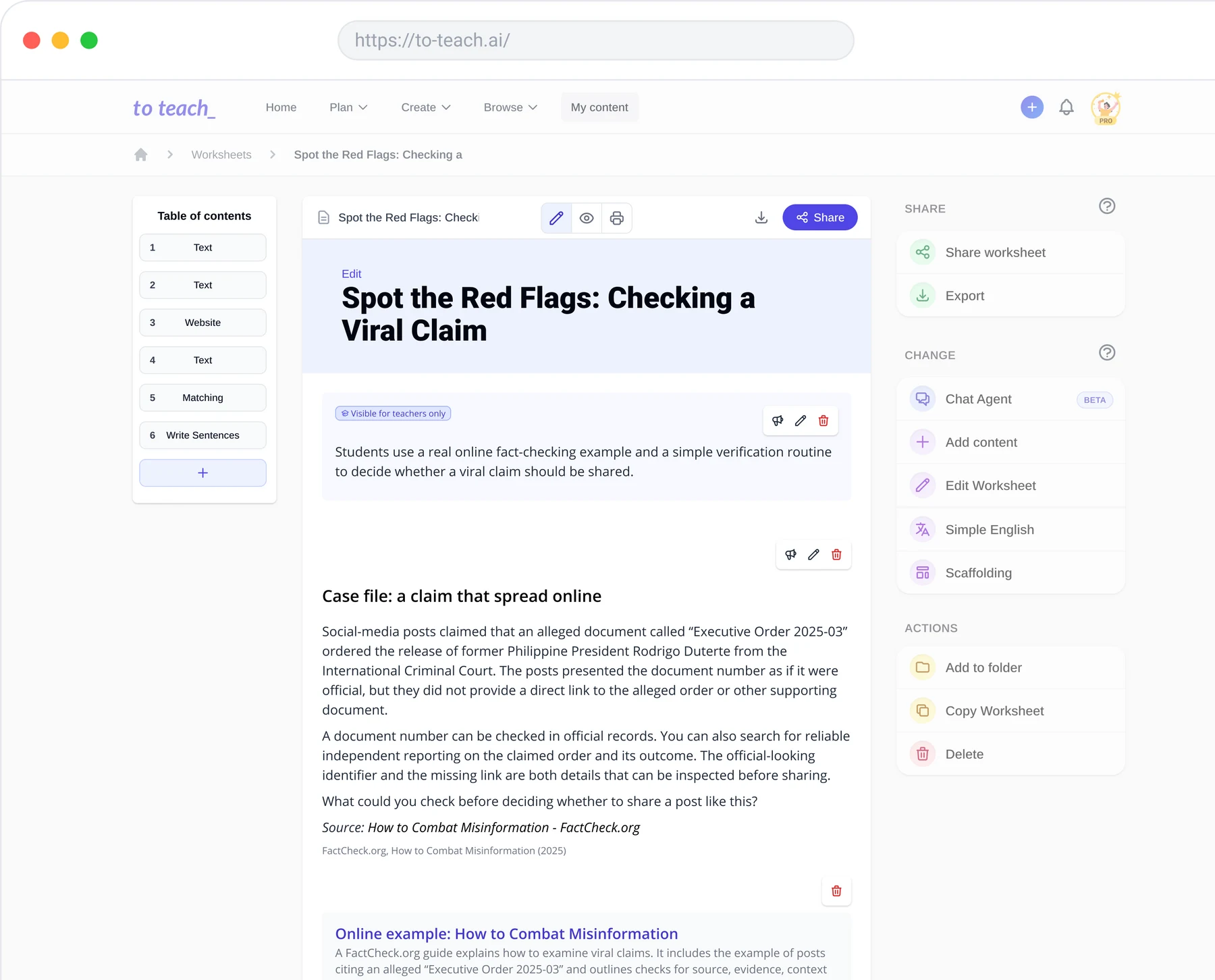
Generate a structured lesson plan with learning objectives and activities from a topic, subject, and grade level.
Differentiated instruction
Adjust the language and difficulty of texts and exercises to support different learner levels in the same class.
Last-minute cover lessons
Turn any YouTube video into a ready-to-use worksheet for substitute or emergency lessons.
Interactive digital assignments
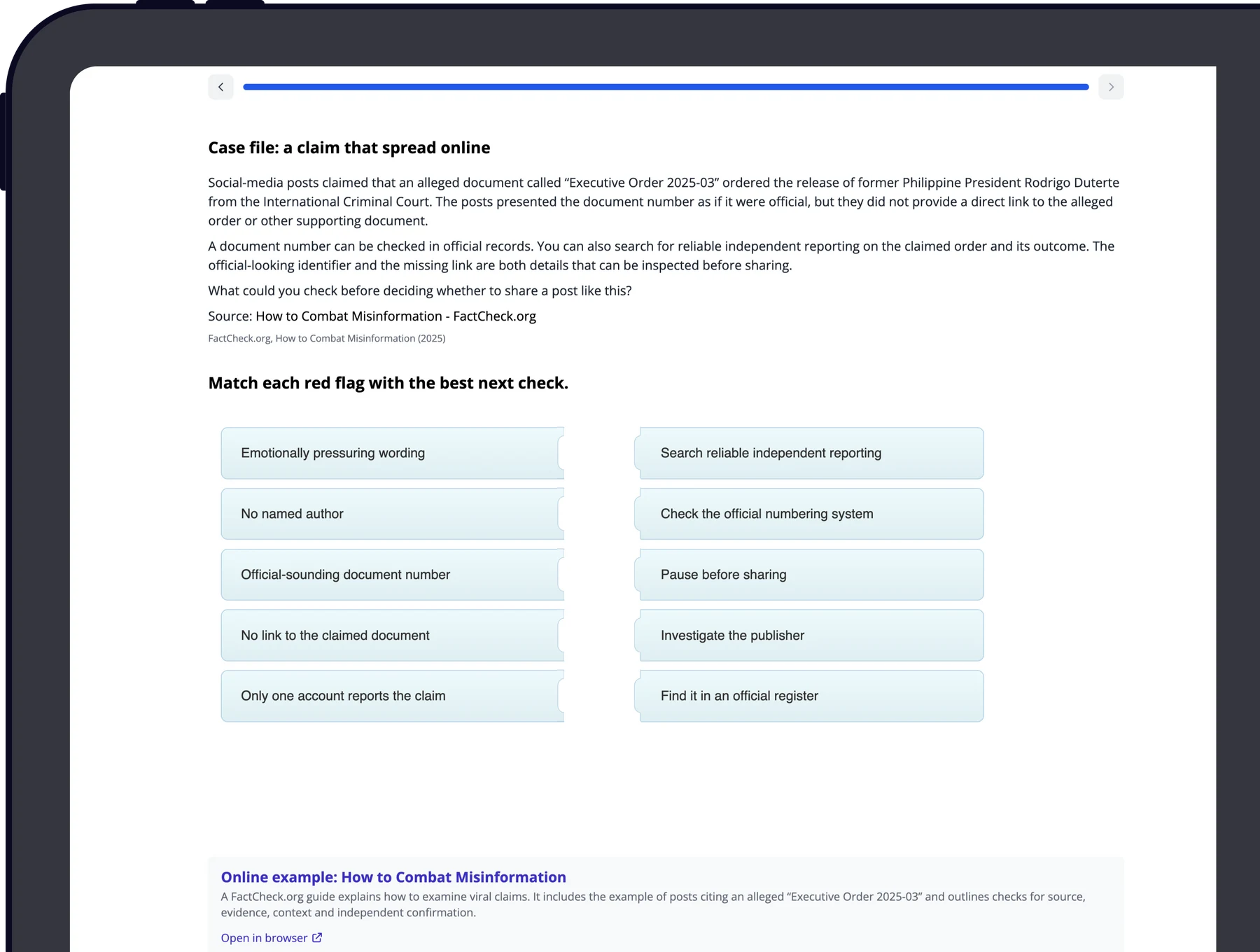
Create H5P activities and share them via LMS platforms like Moodle, Google Classroom, or Canva.
How to use to teach?
Plan your lesson
Tell to teach your topic, subject, and audience to get a structured lesson plan with learning objectives and activities.
Create teaching materials
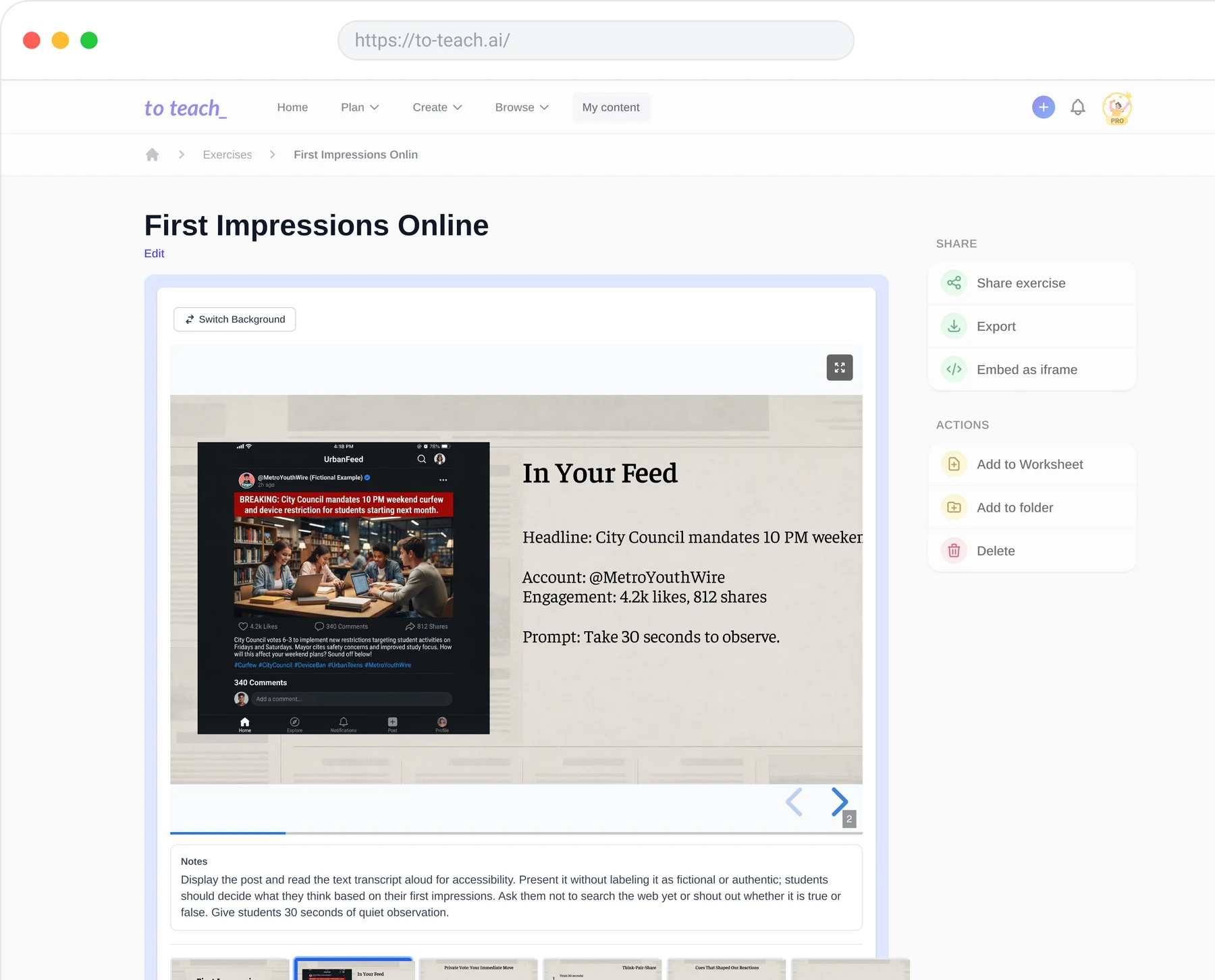
Turn the lesson plan into worksheets, presentations, and interactive activities, or use your own resources as a starting point.
Adapt materials for your students
Adjust language, difficulty, and scaffolding to match your students' needs.
Print or share
Print worksheets for in-class use or share interactive activities digitally.
Pros & Cons of to teach
Pros
- Saves significant lesson preparation time
- Creates differentiated materials for different student levels
- Supports multiple formats: lesson plans, worksheets, quizzes, presentations, interactive videos
- Can turn YouTube videos into worksheets
- Export to PDF, DOCX, H5P, Google Classroom, Canva, and fobizz
- Free plan available for testing
- No student account required
Cons
- Free plan is limited (5 exercises, 3 worksheets, 2 lesson plans per month)
- AI-generated content may contain mistakes and needs teacher review
- Advanced features require a paid subscription
Frequently Asked Questions
Can I try it for free?
Yes. A free account allows limited creation of lesson plans, worksheets, and exercises.
Will it work for my subject and grade level?
You can specify subject, topic, and grade level, then adapt the language and difficulty of materials.
Can I use my own materials and curriculum?
Yes. You can upload your own texts, documents, links, and curriculum to guide the AI.
Do my students need an account?
No. Students can use printed worksheets or open shared interactive exercises without an account.
Can I cancel my subscription at any time?
Yes. You can cancel monthly or yearly subscriptions; paid access continues until the end of the billing period.
Reviews & Ratings0.0
No reviews yet. Be the first to write one!
Top Alternatives & Similar Software
View all alternatives & similar software→No alternatives available yet.
People also viewed


Related searches
Is this your tool?
Claim this page to update details, reply to user reviews, and drive more traffic to your product.
Claim this Product →
Tags
Explore Related Topics
Keep up with to teach alternatives
New alternatives, pricing changes and the week's biggest movers - one email every Tuesday.