


HitPaw VikPea
AI Video Enhancer for 8K Upscaling


What is HitPaw VikPea?
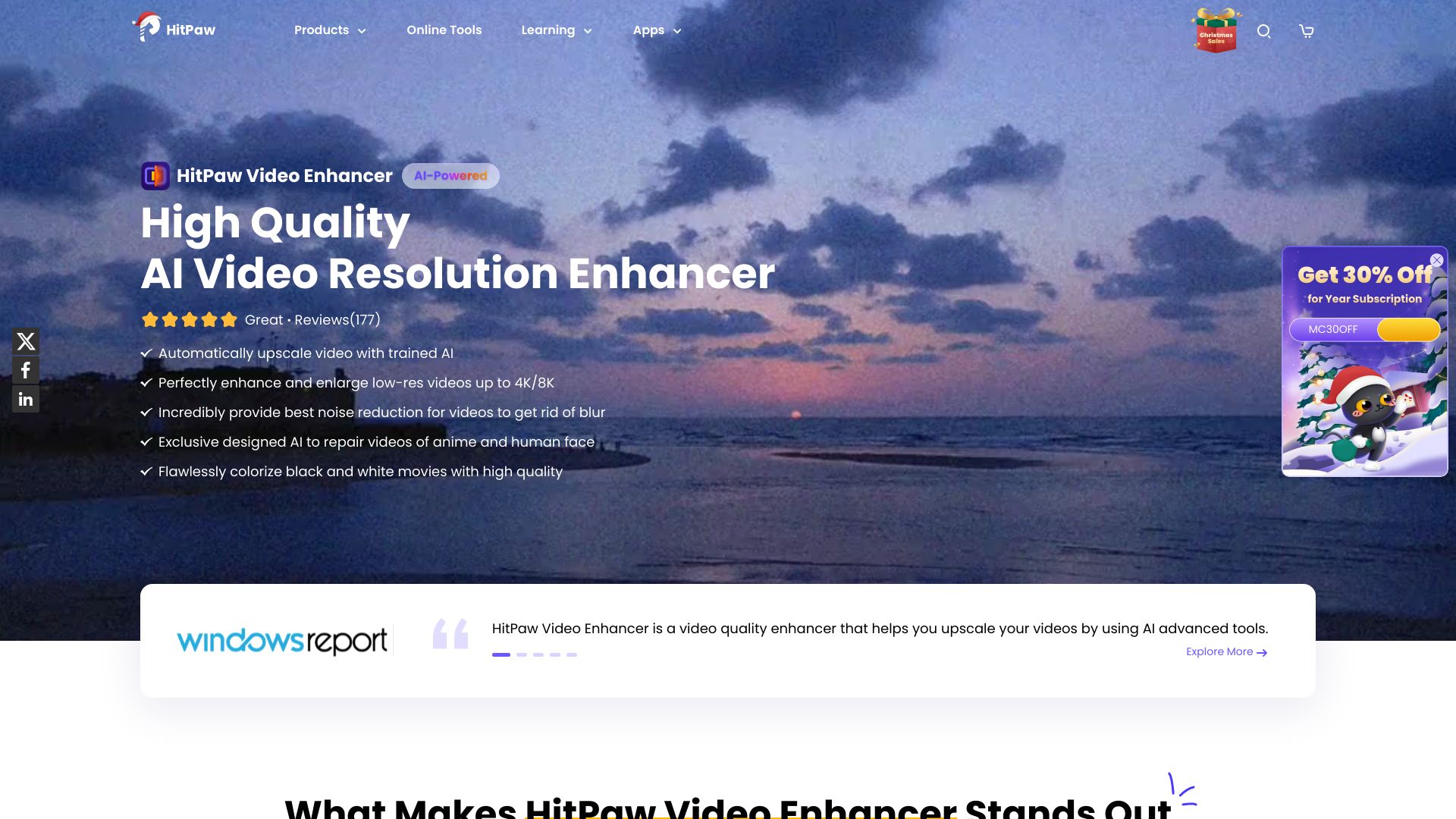
HitPaw VikPea is an AI-powered video enhancer and upscaler that upgrades videos to 4K/8K, removes noise, fixes blurry footage, stabilizes shaky videos, restores old/damaged clips, and enhances AI-generated videos from tools like Kling, Sora, Veo, and Seedance.
SpecificationsAI-estimated
Key Features of HitPaw VikPea
Use Cases for HitPaw VikPea
Old family tapes and VHS restoration
Reduce noise, improve clarity, and restore faded colors in archived home videos.
Low-light and blurry footage
Sharpen details and enhance visibility in dark, grainy, or shaky videos.
AI-generated video enhancement
Upscale and refine videos created with Sora, Kling, Veo, Seedance, and other AI video generators.
E-commerce and marketing content
Improve product video clarity and texture for online stores and promotional use.
Film and archival restoration
Repair damaged, compressed, or corrupted footage while preserving the original look.
How to use HitPaw VikPea?
Launch and Upload
Launch the video quality enhancer software and upload your video(s).
Select AI Model
Choose one AI model based on video type to get the best enhancement effect.
Preview and Export
Preview the AI-enhanced video and export the upscaled result.
Pros & Cons of HitPaw VikPea
Pros
- One-click AI enhancement workflow
- Multiple specialized AI models for different video types
- Cloud GPU accelerated rendering for faster processing
- Supports 4K/8K upscaling, stabilization, frame interpolation, colorization, and repair
- Works with many formats including MP4, MOV, MKV, AVI, FLV, and WMV
- Includes extra tools like background remover, AI video generator, and watermark removal
Cons
- Not free; requires purchase or subscription after trial
- Desktop app only
- Cloud rendering may require internet and raise privacy considerations
- Exact pricing is not clearly listed on the page
Frequently Asked Questions
What is the difference between HitPaw VikPea and HitPaw Video Enhancer?
HitPaw Video Enhancer was officially renamed to HitPaw VikPea on 29 October 2024. VikPea adds cloud GPU rendering, 8K neural models, and native support for Kling/Sora AI videos.
Can HitPaw VikPea fix blurry or pixelated videos?
Yes. It analyzes each frame, reconstructs missing details, sharpens edges, and reduces noise to make blurry or pixelated footage look clearer.
Is HitPaw VikPea free?
VikPea offers a free trial that lets you preview AI enhancement results on your own footage. Full use requires a paid plan.
Pricing Overview
View full pricing →No specific pricing, plans, or dollar amounts are explicitly stated in the provided content.
Detailed plans are not listed. Visit the official website for pricing information.
Reviews & Ratings0.0
No reviews yet. Be the first to write one!
Top Alternatives & Similar Software
View all alternatives & similar software→No alternatives available yet.
People also viewed


Related searches
Is this your tool?
Claim this page to update details, reply to user reviews, and drive more traffic to your product.
Claim this Product →
Tags
Keep up with HitPaw VikPea alternatives
New alternatives, pricing changes and the week's biggest movers - one email every Tuesday.