


Image Processing Tools (imgupscaling.com)
A free, browser-based image editor that uses AI and local WebAssembly processing to upscale, crop, convert, and compress images in batches without uploading them.
What is Image Processing Tools (imgupscaling.com)?
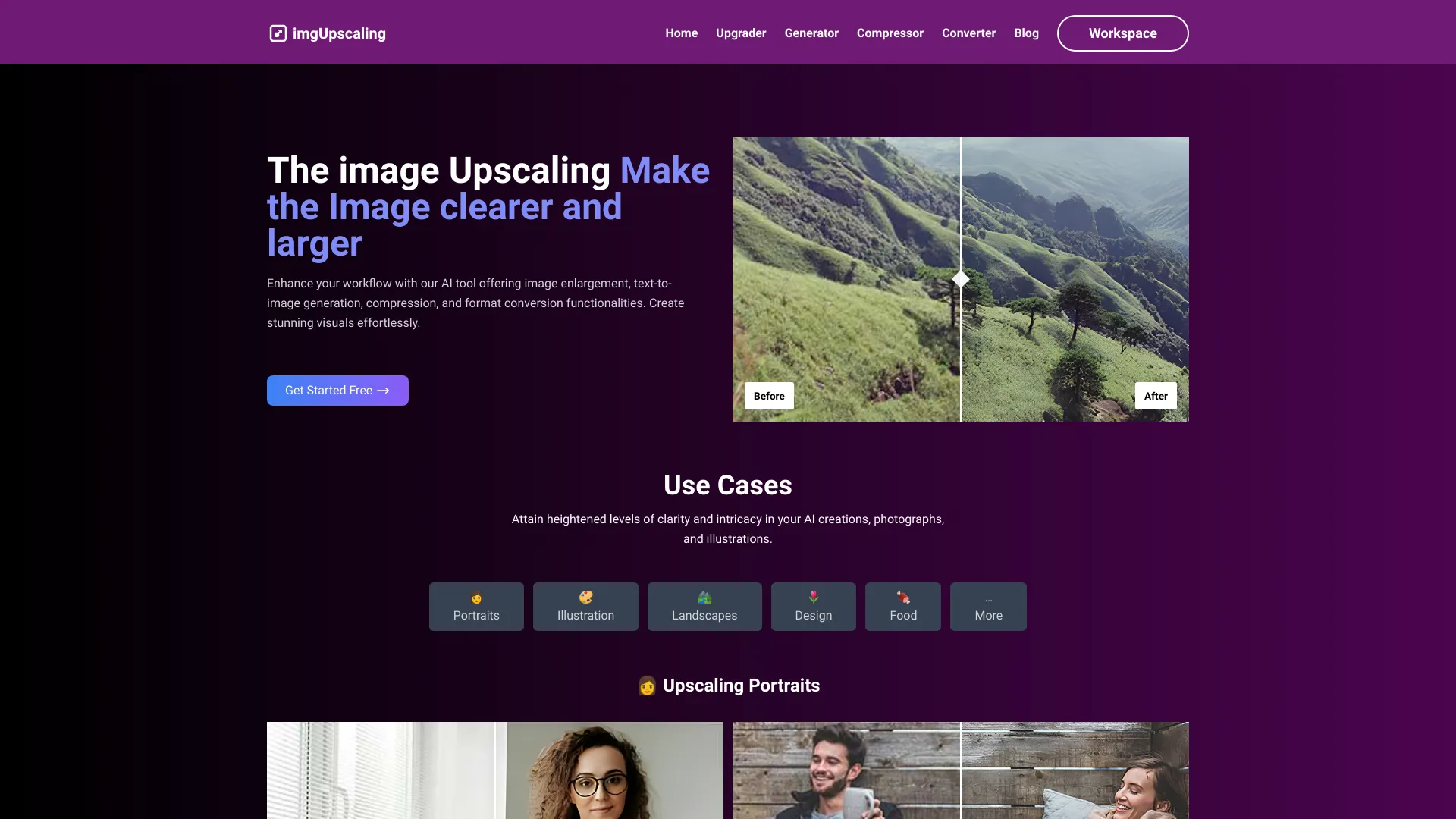
Image Processing Tools is a browser-based suite of AI-assisted image editing utilities offered at imgupscaling.com. It is designed to let users upload, transform, and export images without installing desktop software. According to the site, the collection includes more than 20 tools covering operations such as AI expansion, smart cropping, format conversion, and compression optimization. The workflow is intentionally simple: users upload one or more images in common formats such as JPEG, PNG, WebP, and GIF, choose the tools they want to apply, and then preview and download the processed results at original resolution. The platform emphasizes speed and privacy. The site states that processing runs locally in the browser using WebAssembly and multi-threading, which it claims makes operations roughly ten times faster than traditional solutions, and that no images are uploaded to a server. Batch processing lets users run several images through custom workflows at once, and the service advertises support for 16-bit color depth so that professional designers can preserve image fidelity. Because it runs in a web browser, it works across desktop, tablet, and mobile devices without requiring any software installation. The product targets a broad audience, from casual users who need quick resizing or format changes to designers and small businesses that process images in volume. Its no-registration model and free access make it approachable for occasional use, while the batch and high bit-depth features give more demanding users a reason to rely on it regularly. Prospective users should verify the performance and privacy claims against their own requirements, since the marketing copy does not provide independent benchmarks or detailed documentation.
SpecificationsAI-estimated
Key Features of Image Processing Tools (imgupscaling.com)
Use Cases for Image Processing Tools (imgupscaling.com)
Quick format conversion
Convert images between JPEG, PNG, WebP, and GIF for websites, email, or apps without installing software.
Bulk image compression
Reduce file sizes across many images at once to speed up web pages and save storage.
Smart cropping for social media
Crop images to platform-specific dimensions with automatic subject-aware framing.
AI canvas expansion
Extend the edges of an image so it fits a new aspect ratio or layout.
Professional design prep
Process high bit-depth images while preserving quality for designers and print workflows.
Privacy-sensitive editing
Edit images locally so that confidential or personal photos never leave the user's device.
How to use Image Processing Tools (imgupscaling.com)?
Upload your images
Drag in one or more images in JPEG, PNG, WebP, GIF, or other supported formats.
Choose tools
Select the processing tools you need, such as AI expand, smart crop, format conversion, or compression.
Preview the results
Check the real-time preview to confirm the effect before committing to the output.
Download
Export the processed images at original resolution with a single click.
Pros & Cons of Image Processing Tools (imgupscaling.com)
Pros
- Runs entirely in the browser with local processing, so images are not sent to a server
- No registration or software installation required, with free access to the core tools
- Batch processing and custom workflows improve productivity for multi-image jobs
- Supports 16-bit color depth and original-resolution export for professional-quality output
Cons
- Performance and speed claims (such as 10x faster) are not backed by published benchmarks
- Feature set beyond the highlighted tools is not fully documented on the page
- Advanced AI capabilities rely on unspecified models, limiting transparency for professional users
- Browser-based processing depends on device hardware, which may limit performance on older machines
Frequently Asked Questions
Do I need to create an account to use the tools?
No. The site states that no registration is required and you can start processing images immediately.
Are my images uploaded to a server?
According to the site, all processing happens locally in your browser, so images are not uploaded to a server.
What image formats are supported?
The tools support JPEG, PNG, WebP, GIF, and additional formats.
Can I process multiple images at once?
Yes. Batch upload and batch processing with custom workflows are supported.
Does the service preserve image quality?
The site advertises 16-bit color depth processing and original-resolution export to maintain quality.
Which devices can I use?
The tools work in modern browsers on desktop, tablet, and mobile devices without installing software.
Pricing Overview
View full pricing →The page describes its image processing tools as free to start with no registration required, but lists no specific pricing tiers or amounts.
Detailed plans are not listed. Visit the official website for pricing information.
Reviews & Ratings0.0
No reviews yet. Be the first to write one!
Top Alternatives & Similar Software
View all alternatives & similar software→No alternatives available yet.
People also viewed


Related searches
Is this your tool?
Claim this page to update details, reply to user reviews, and drive more traffic to your product.
Claim this Product →
Tags
Explore Related Topics
Keep up with Image Processing Tools (imgupscaling.com) alternatives
New alternatives, pricing changes and the week's biggest movers - one email every Tuesday.