


Image Upscaler
A browser-based AI tool that upscales, deblurs, and enhances photos and videos without installing software.


What is Image Upscaler?
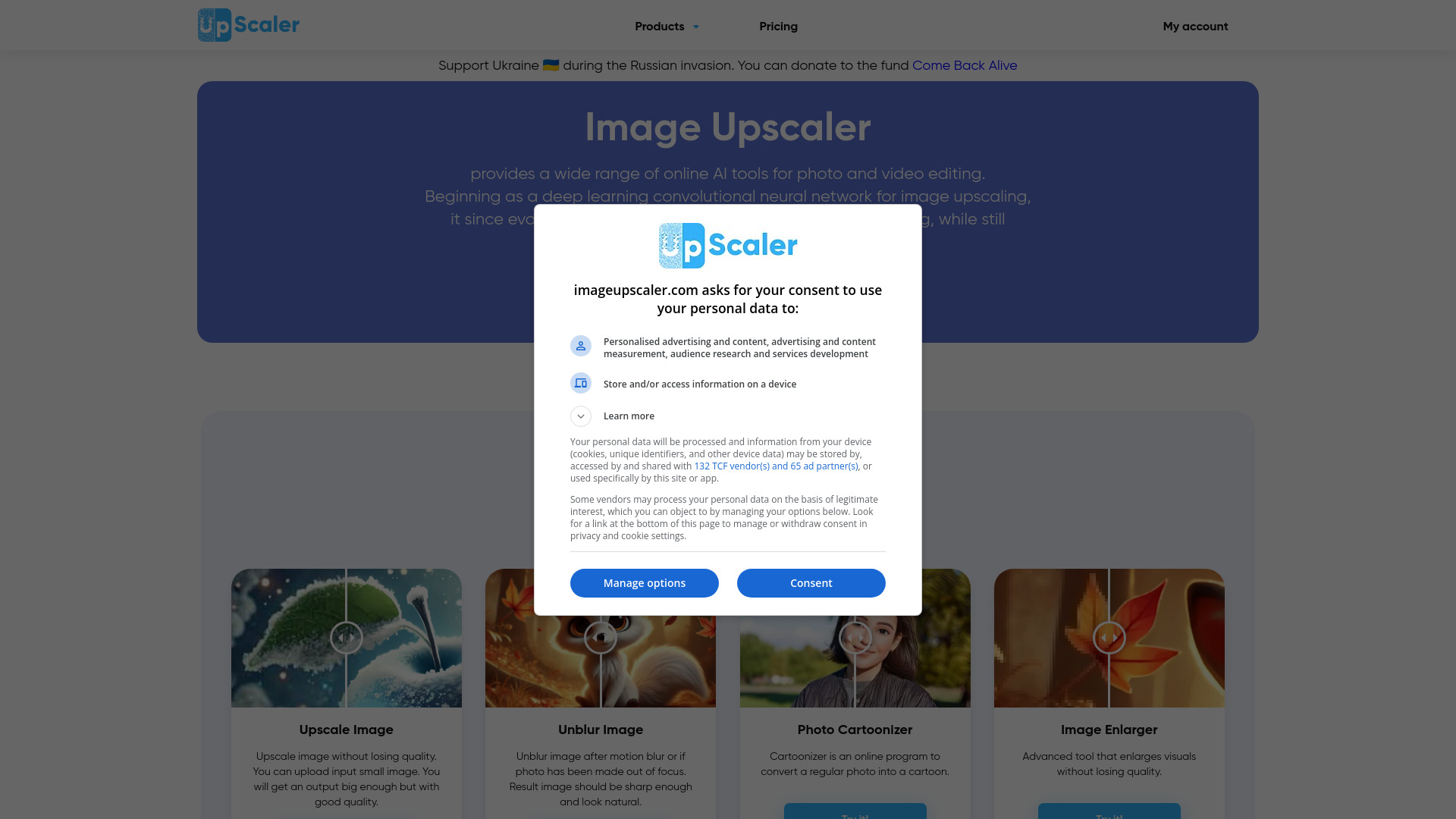
Image Upscaler is an online AI photo editing service that began as a deep learning convolutional neural network for upscaling images and has since grown into a multi-tool platform for photo and video editing. Its core function remains increasing image resolution while preserving natural textures, edges, and fine details, making it useful for enlarging low-resolution photos, digital artwork, and product images. Beyond upscaling, the platform offers image deblurring, including a dedicated FacePro option for sharpening facial features, as well as cartoon conversion for videos and AI image generation. The service is built around a browser-based workflow. Users upload a photo or video, select the tool they need, and processing runs automatically on the company's servers, so no software installation is required. The platform supports a broad range of formats, including JPEG, PNG, WebP, HEIC, BMP, TIFF, AVIF, JFIF, and PDF for images, and MP4 and AVI for video. Uploaded files are reportedly deleted after 60 minutes once processing completes, which the company presents as part of its privacy practices. Image Upscaler is aimed at a wide audience, including social media creators and bloggers on Instagram, Facebook, Twitter, and Pinterest, website owners, designers, photographers, students, and small business operators who need visuals for ads, presentations, or product listings. A free tier allows a limited number of credits without registration, with additional credits after signing up, and paid subscriptions provide monthly credit allotments for heavier use.
SpecificationsAI-estimated
Key Features of Image Upscaler
Use Cases for Image Upscaler
Enlarging low-resolution photos
Increase the resolution of small or compressed photos so they can be printed or displayed at larger sizes.
Improving social media visuals
Creators on Instagram, Facebook, Twitter, and Pinterest can sharpen images before posting.
Recovering blurry portraits
Use the deblurring and FacePro tools to bring clarity to soft or out-of-focus face photos.
Upscaling product images for e-commerce
Sellers can produce higher-resolution product photos for listings and storefronts.
Enhancing digital artwork
Artists can upscale illustrations and anime or comic-style images while preserving texture.
Preparing visuals for presentations and ads
Marketers and students can improve image quality for slides, websites, and advertising materials.
How to use Image Upscaler?
Open the website
Go to imageupscaler.com in any modern web browser. No download or installation is needed.
Upload your file
Upload a supported image or video file from your device.
Choose a tool
Select upscaling, deblurring, FacePro, or another tool depending on your goal.
Process the image
Start processing and wait a few seconds while the AI analyzes and enhances the file on the servers.
Download the result
Preview the enhanced output and download it. Remember that uploaded files are deleted after 60 minutes.
Pros & Cons of Image Upscaler
Pros
- Preserves natural details and textures during upscaling, producing sharp results according to user testimonials
- Works entirely in the browser with no installation and fast processing
- Free tier available without registration, plus paid plans for heavier use
- Supports a wide range of image formats including HEIC, TIFF, AVIF, and PDF
Cons
- Free usage is limited to a small number of credits, which may not suit heavy users
- Video support is limited to MP4 and AVI formats
- Results depend on the source image and may not match professional manual retouching
- Relies on uploading images to remote servers, which some users may be cautious about
Frequently Asked Questions
What is Image Upscaler?
Image Upscaler is an online platform that uses AI and deep learning convolutional neural networks to enhance images, including upscaling, deblurring, and other photo editing tools.
Is Image Upscaler free?
Yes, you can try it for free with 5 credits without registration, plus 6 more after signing up. Paid subscriptions are available for additional credits.
What image problems can it fix?
It can address low resolution, unclear details, textures, unwanted objects, and JPEG artifacts.
Is my data safe when I upload photos?
According to the company, uploaded photos are processed and deleted after 60 minutes once enhancement is complete.
Which file formats are supported?
Images in JPEG, PNG, WebP, HEIC, BMP, TIFF, AVIF, JFIF, and PDF are supported, and videos in MP4 and AVI.
Do I need to install any software?
No. All tools run in the browser, and processing happens automatically on the company's servers.
Pricing Overview
View full pricing →Image Upscaler offers a free tier (5 free credits without registration, plus 6 more after signing up) and subscription plans providing 50 to 1000 credits monthly, but the page does not state dollar amounts for any plan.
Reviews & Ratings0.0
No reviews yet. Be the first to write one!
Top Alternatives & Similar Software
View all alternatives & similar software→No alternatives available yet.
People also viewed


Related searches
Is this your tool?
Claim this page to update details, reply to user reviews, and drive more traffic to your product.
Claim this Product →
Tags
Explore Related Topics
Keep up with Image Upscaler alternatives
New alternatives, pricing changes and the week's biggest movers - one email every Tuesday.