


ImageEditor.AI
A browser-based AI photo editor that removes backgrounds, erases objects, upscales, and restores old photos without installing any software.
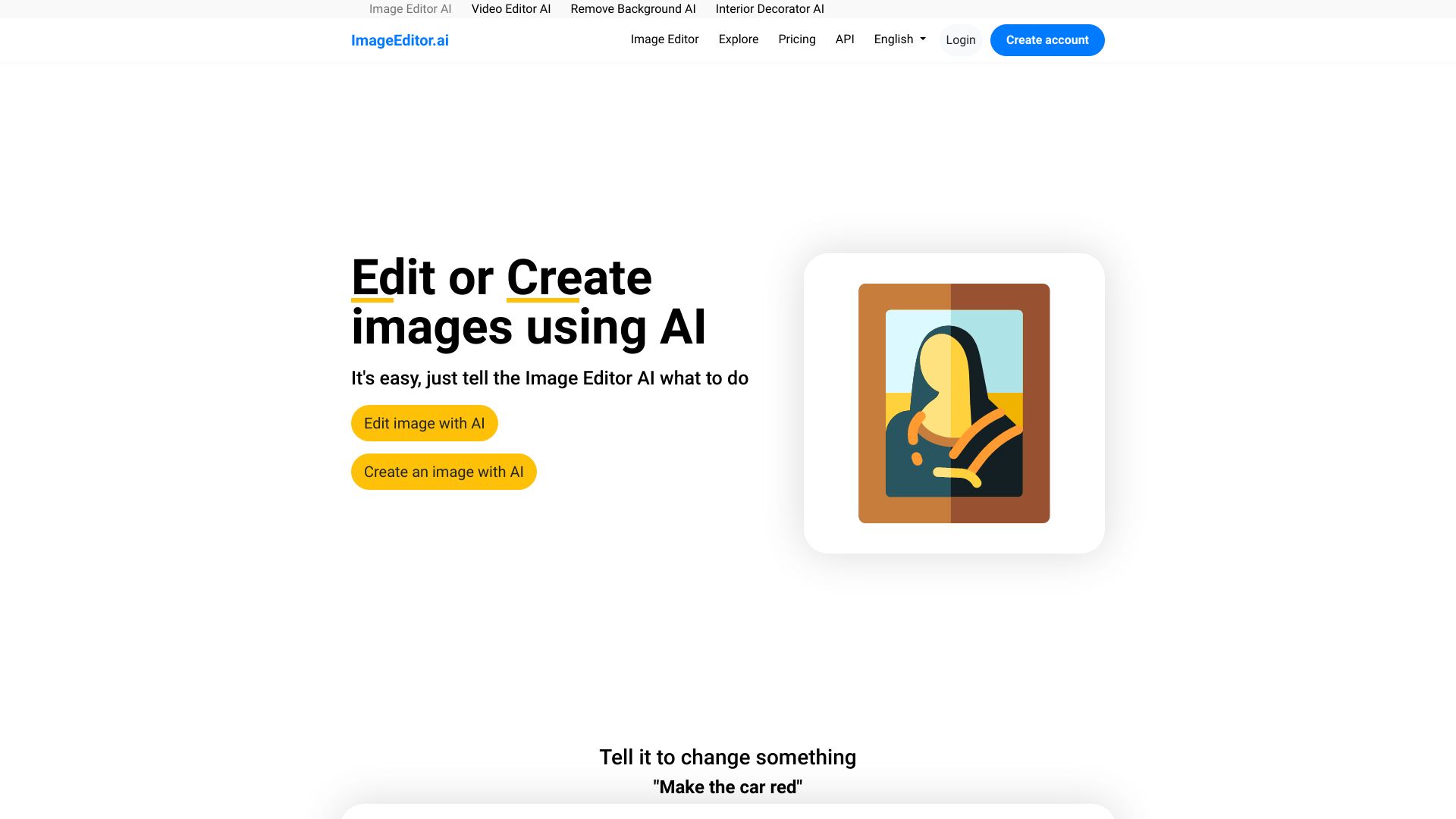
What is ImageEditor.AI?
ImageEditor.AI is a browser-based AI photo editing suite that bundles a wide range of image tools into a single platform, requiring no software installation. Users can drop in a JPG, PNG, or WebP file and immediately access tools for removing backgrounds, erasing unwanted objects, upscaling resolution up to 4x, restoring damaged or faded old photos, colorizing black-and-white pictures, and sharpening blurry images or faces. Beyond core retouching, the platform offers a broad set of generative and creative capabilities. Generative Fill and Expand/Uncrop use AI inpainting and outpainting to replace masked areas or extend photos beyond their original edges, while Replace Background and Relight Photo help produce polished product or portrait imagery. Users can also transform photos into artistic styles, generate headshots from casual selfies, or describe edits in plain English through the Edit with AI tool. Utility tools for compressing, resizing, cropping, converting formats, and vectorizing raster images to SVG round out the offering. The product is aimed at general consumers, small businesses, e-commerce sellers, designers, and anyone who needs quick, high-quality image edits without a steep learning curve. A free tier allows five AI edits per day with no credit card required and commercial use permitted, while a Pro plan unlocks premium tools, unlimited edits, watermark-free exports, and batch processing. An API is also available for developers who want to integrate these capabilities programmatically.
SpecificationsAI-estimated
Key Features of ImageEditor.AI
Use Cases for ImageEditor.AI
E-commerce product photography
Remove backgrounds or swap in AI-generated scenes to produce clean product listings for online stores.
Restoring family photos
Repair scratches, fading, and damage on old prints and colorize black-and-white pictures.
Social media content
Upscale, crop, resize, and compress images to fit platform-specific dimensions and file size limits.
Professional headshots
Turn a casual selfie into a polished headshot for LinkedIn or company profiles.
Fixing low-quality images
Sharpen blurry photos and enhance faces in portraits that were captured with poor focus or resolution.
Logo and design work
Convert raster artwork into scalable SVG vectors for use in print and digital branding.
How to use ImageEditor.AI?
Upload your image
Drag and drop a JPG, PNG, or WebP file onto the editor or click to browse for it.
Choose a tool
Select the tool you need, such as Remove Background, Upscale, or Restore Old Photo.
Apply the edit
Let the AI process your image, which typically takes only seconds.
Download the result
Export your edited file in high quality, ready for web, social media, or print.
Pros & Cons of ImageEditor.AI
Pros
- Wide range of tools in one place, from background removal and object erasure to restoration and vectorization
- No software installation required; runs entirely in the browser
- Free tier with five AI edits per day, no credit card needed, and commercial use allowed
- Developer API available for programmatic access to editing tools
Cons
- Free edits may include a watermark, and many premium tools are locked behind the Pro plan
- Daily edit cap on the free tier may be limiting for heavy users
- Privacy relies on the platform's processing statements rather than a detailed public policy in the provided content
Frequently Asked Questions
Is this AI image editor free?
Yes, every image editing tool can be tried for free. A free account provides more daily edits, and Pro offers unlimited use.
Do I need an account to edit?
No. You can start editing immediately, though signing up free gives you more daily edits and lets you save your work.
Are my images private?
Images are processed only for the requested edit and are not shared publicly, according to the site.
Is there a watermark on edited images?
Free edits may include a small watermark, while Pro exports are clean and watermark-free.
Can I use edited images commercially?
Yes, edited images can be used for commercial projects.
What file formats are supported?
JPG, PNG, and WebP are supported, and the Convert tool lets you switch between them.
Pricing Overview
View full pricing →ImageEditor.AI offers free AI image editing with 5 AI edits per day and no credit card required, plus a Pro tier for unlimited use and premium tools; no Pro dollar amount is stated on the page.
Reviews & Ratings0.0
No reviews yet. Be the first to write one!
Top Alternatives & Similar Software
View all alternatives & similar software→No alternatives available yet.
People also viewed

Related searches
Is this your tool?
Claim this page to update details, reply to user reviews, and drive more traffic to your product.
Claim this Product →
Tags
Explore Related Topics
Keep up with ImageEditor.AI alternatives
New alternatives, pricing changes and the week's biggest movers - one email every Tuesday.