



ImageMover
Turn image into video in seconds. Perfect for social media, marketing, and creators.
What is ImageMover?
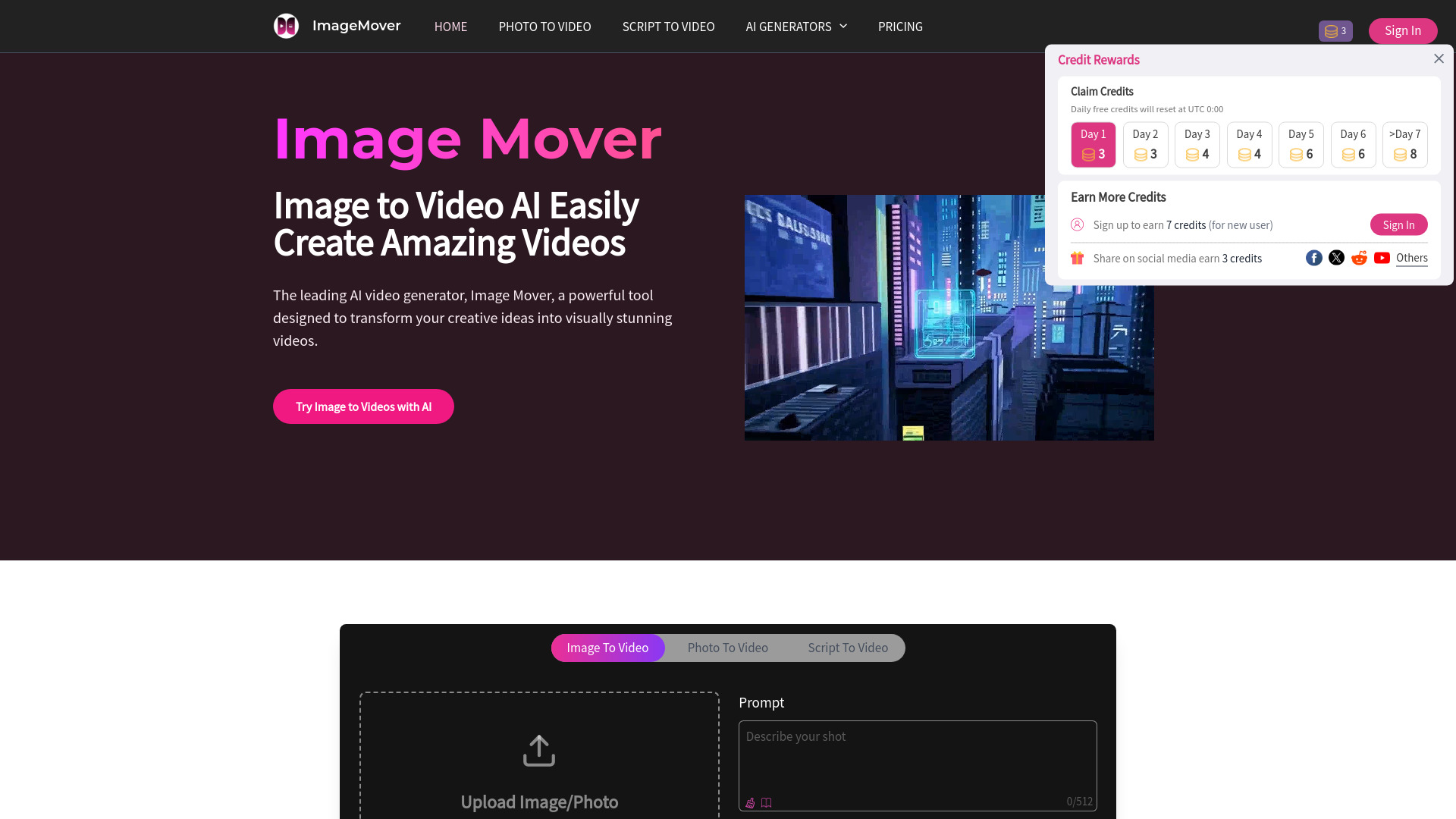
ImageMover is an online AI image-to-video generator that turns static images into dynamic videos in seconds. It supports multiple AI models, custom start and end frame controls, consistent character and scene preservation, automatic AI sound effects, and template-based creation. Built for creators, marketers, and businesses, it simplifies video production for social media, marketing campaigns, and content creation.
SpecificationsAI-estimated
Key Features of ImageMover
Use Cases for ImageMover
Marketing campaigns
Create promotional videos and product commercials quickly using AI-powered tools.
Social media content
Generate TikTok videos, YouTube Shorts, and other short-form content from still images.
Creative projects
Make AI music videos, talking avatars, pet videos, action scenes, and more.
How to use ImageMover?
Upload Your Image
Upload an image in PNG, JPG, or WEBP format, up to 16MB.
Customize Video Settings
Choose a model, set duration, resolution, start/end frames, sound effects, and other options.
Refine & Download
Preview, edit, extend, or regenerate the video, then download the final MP4.
Pros & Cons of ImageMover
Pros
- Easy to use with a simple upload-and-generate workflow
- Multiple AI models: Fast 2.1, Pro 2.6, Sora 2, and Veo 3.1
- Custom start and end frame control for better scene transitions
- Consistent character and scene preservation
- AI-generated sound effects and immersive audio
- No watermarks on high-quality exports
- Free tier available; supports multiple languages
Cons
- Free version may limit credits or features
- Requires uploads, so privacy depends on platform trust
- High-quality outputs may require paid plans
Frequently Asked Questions
What is an AI Image to Video Generator?
It transforms static images into dynamic videos using AI, adding motion, transitions, and even sound effects.
What file formats are supported?
PNG, JPG, and WEBP images up to 16MB.
What is the output format?
Videos are exported as MP4 files.
Is ImageMover free?
It offers a free experience for testing, with premium plans for additional features and credits.
Does ImageMover add a watermark?
No. It supports high-quality video exports without watermarks.
Reviews & Ratings0.0
No reviews yet. Be the first to write one!
Top Alternatives & Similar Software
View all alternatives & similar software→


People also viewed

Related searches
About the Product
Is this your tool?
Claim this page to update details, reply to user reviews, and drive more traffic to your product.
Claim this Product →
Tags
Explore Related Topics
Keep up with ImageMover alternatives
New alternatives, pricing changes and the week's biggest movers - one email every Tuesday.