


ImagesArt AI
A multi-model online AI video generator that turns text or images into short 4K clips with native audio.
What is ImagesArt AI?
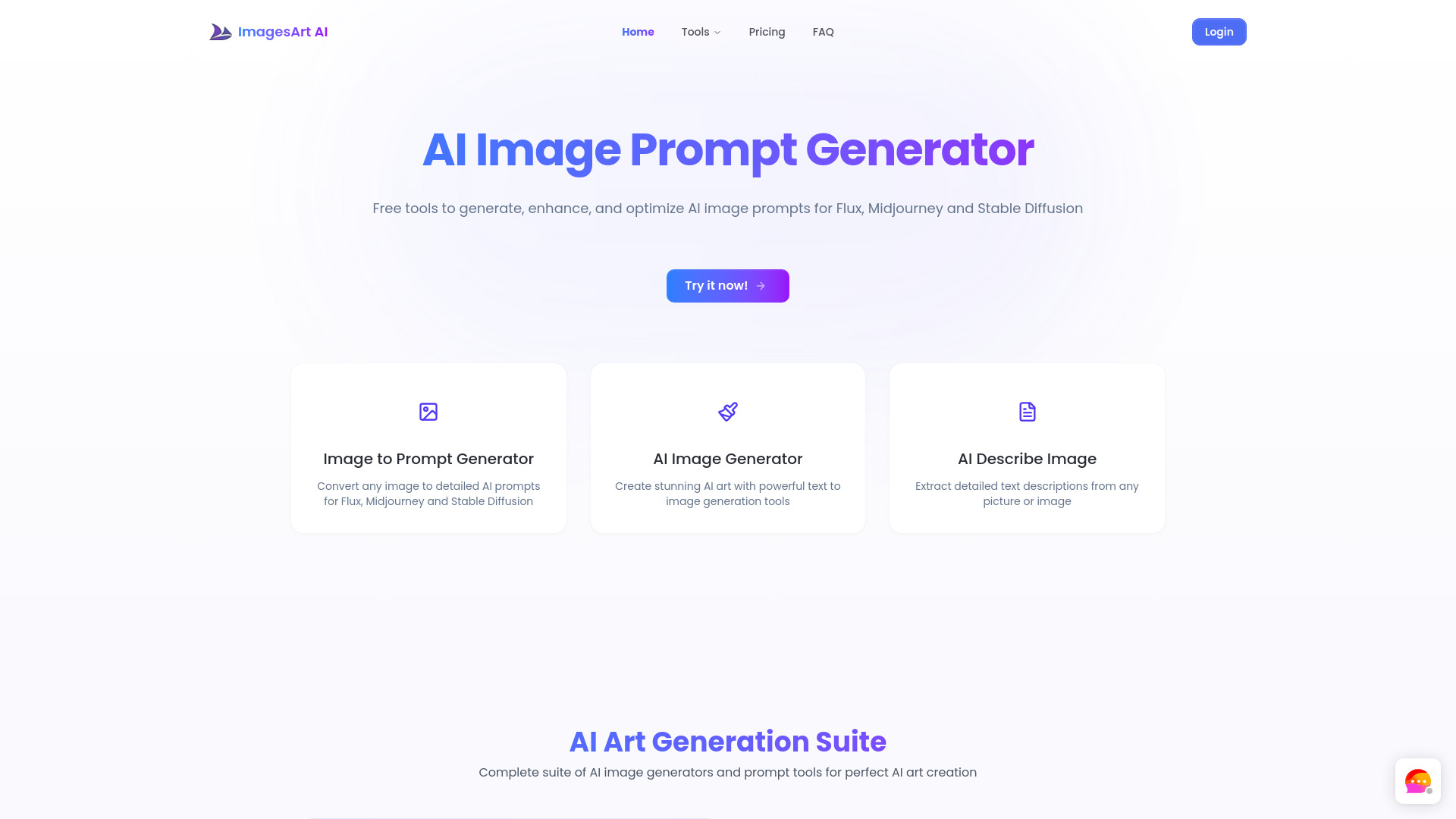
ImagesArt AI is an online AI video generator that turns text prompts or single images into short video clips of 1 to 15 seconds, with native audio generated in the same pass as the picture. It bundles several leading video models, including Seedance, Kling, Veo, Grok Imagine, MiniMax and Wan, into one dropdown so users can switch models without switching tools. The platform also offers AI image, music and voice tools on the same account. The product supports three generation modes: Text to Video, Image to Video, and Start-End Frame or Reference-based generation. Output resolution ranges from 360p for quick drafts up to 4K for final delivery, with 480p available on the free tier and higher resolutions unlocked on paid plans or credit packs. Every new account receives 15 free credits, enough for a 5-second 480p test clip without a credit card. ImagesArt AI is aimed at creators, marketers and small businesses who want to produce social clips, product ads, animated artwork or concept videos without editing skills. Credit-based pricing shows the exact cost before each generation, and generated videos are offered for commercial use under the platform's terms.
SpecificationsAI-estimated
Key Features of ImagesArt AI
Use Cases for ImagesArt AI
Social media clips
Create short vertical or square videos for Instagram, TikTok and YouTube Shorts from a single prompt or image.
Product advertising
Animate product photos into short promotional clips for e-commerce listings and ad campaigns.
Animated artwork
Bring illustrations, photos or concept art to life with motion and ambient sound.
Concept and pitch videos
Visualize ideas quickly for presentations, pitch decks or creative briefs without a production crew.
Cinematic previews
Generate short cinematic scenes to test camera moves, mood and storytelling before a full shoot.
Marketing experiments
Test multiple video styles across different models at low cost using the free credits and credit packs.
How to use ImagesArt AI?
Choose your mode
Select Text to Video, Image to Video, Start-End Frame or Reference depending on what you want to create.
Write a prompt or upload an image
Describe the scene, motion, camera move and sound you want, or upload a picture and describe how it should move.
Select a model and settings
Pick a video model, duration and resolution; the credit cost is shown on the Create button.
Generate and download
Click Create, preview the result, and download the video for use on social media, ads or presentations.
Pros & Cons of ImagesArt AI
Pros
- Free starting tier with 15 credits and no credit card required
- Access to multiple leading video models (Seedance, Kling, Veo, Grok Imagine, MiniMax, Wan) in one place
- Three generation modes covering text, image, and start-end frame inputs
- Native audio generated in sync with the video
- Exact credit cost is displayed before generating, with no hidden fees
Cons
- Clip length is limited to 1 to 15 seconds per video
- There is no unlimited free plan; higher resolutions and longer videos require paid credits
- Output quality and available lengths vary by model, so users must test which model fits their needs
Frequently Asked Questions
What is an AI video generator?
An AI video generator creates short video clips from a text prompt or an image using an AI model. On ImagesArt you describe a scene or upload a picture and receive a 1 to 15 second video with native audio.
Is ImagesArt AI free to use?
New accounts receive 15 free credits, enough for a 5-second 480p clip on Grok Imagine 1.5. Longer or higher-resolution videos require paid credits from a plan or credit pack.
What generation modes are available?
Three modes are offered: Text to Video, Image to Video, and Start-End Frame, with a Reference mode also listed.
How long can generated videos be?
Videos run from 1 to 15 seconds depending on the model. Some models allow any length within their range, while others offer fixed lengths such as 4, 6 or 8 seconds.
What resolutions are supported?
Output ranges from 360p up to 4K depending on the model. 480p is available on the free tier, and 720p, 1080p and 4K require a paid plan or credit pack.
Can I use the videos commercially?
Videos you generate can be used for commercial projects, subject to the platform's terms of service, and a commercial license is included on paid plans.
How are credits calculated?
Each video costs credits based on the model, resolution and length. For example, a 5-second 480p clip on Grok Imagine 1.5 costs 12 credits, and the exact cost is shown before you generate.
How do I delete my generated videos?
Open My Assets from the sidebar, click the "..." button on a card, choose Delete and confirm. Deleted items cannot be restored.
Pricing Overview
View full pricing →ImagesArt AI offers a free tier plus Starter, Pro, and Ultimate subscription plans billed monthly or yearly, with yearly billing offering up to 55% off.
Reviews & Ratings0.0
No reviews yet. Be the first to write one!
Top Alternatives & Similar Software
View all alternatives & similar software→No alternatives available yet.
People also viewed



Related searches
Is this your tool?
Claim this page to update details, reply to user reviews, and drive more traffic to your product.
Claim this Product →
Explore Related Topics
Keep up with ImagesArt AI alternatives
New alternatives, pricing changes and the week's biggest movers - one email every Tuesday.