


ImageToCartoon
Transform Your Photos into Cartoon Masterpieces
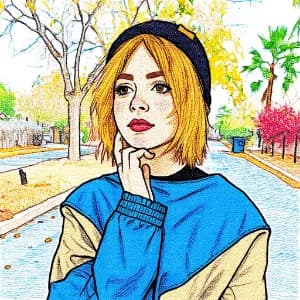
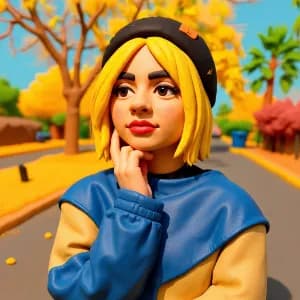
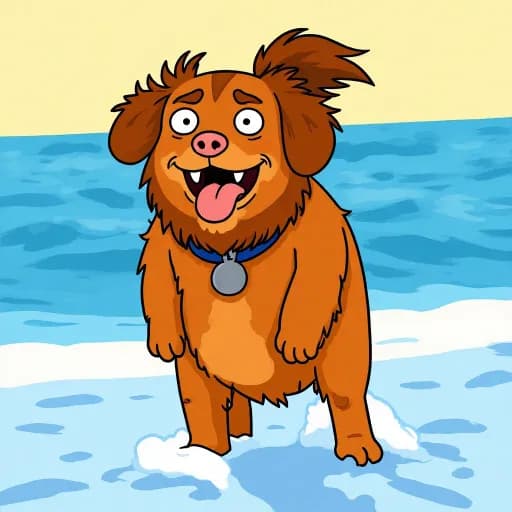
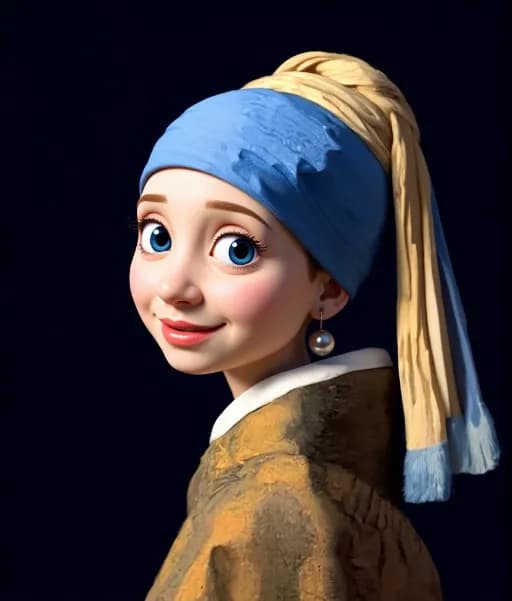
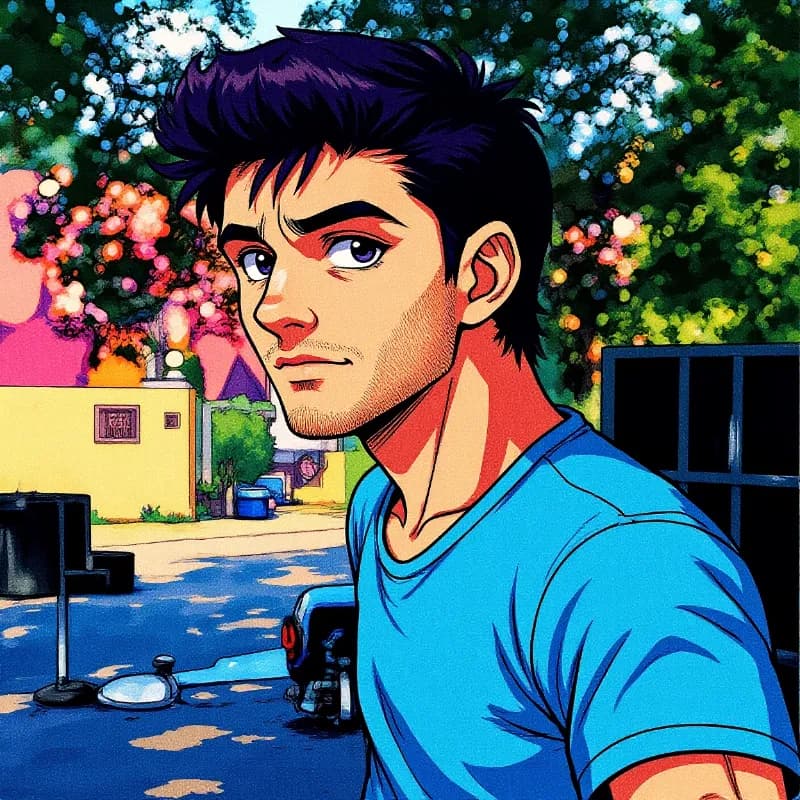
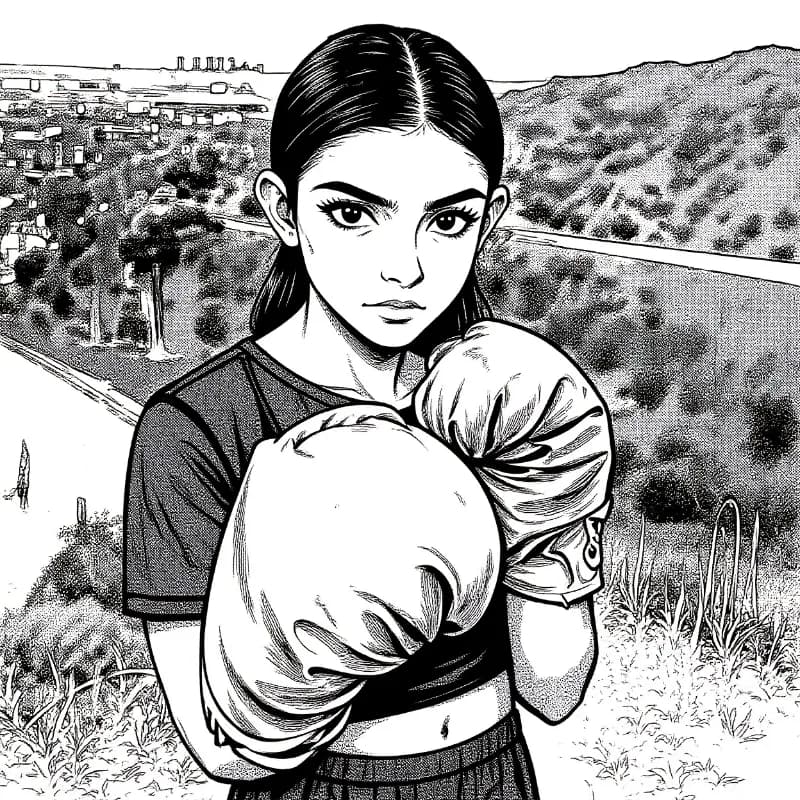
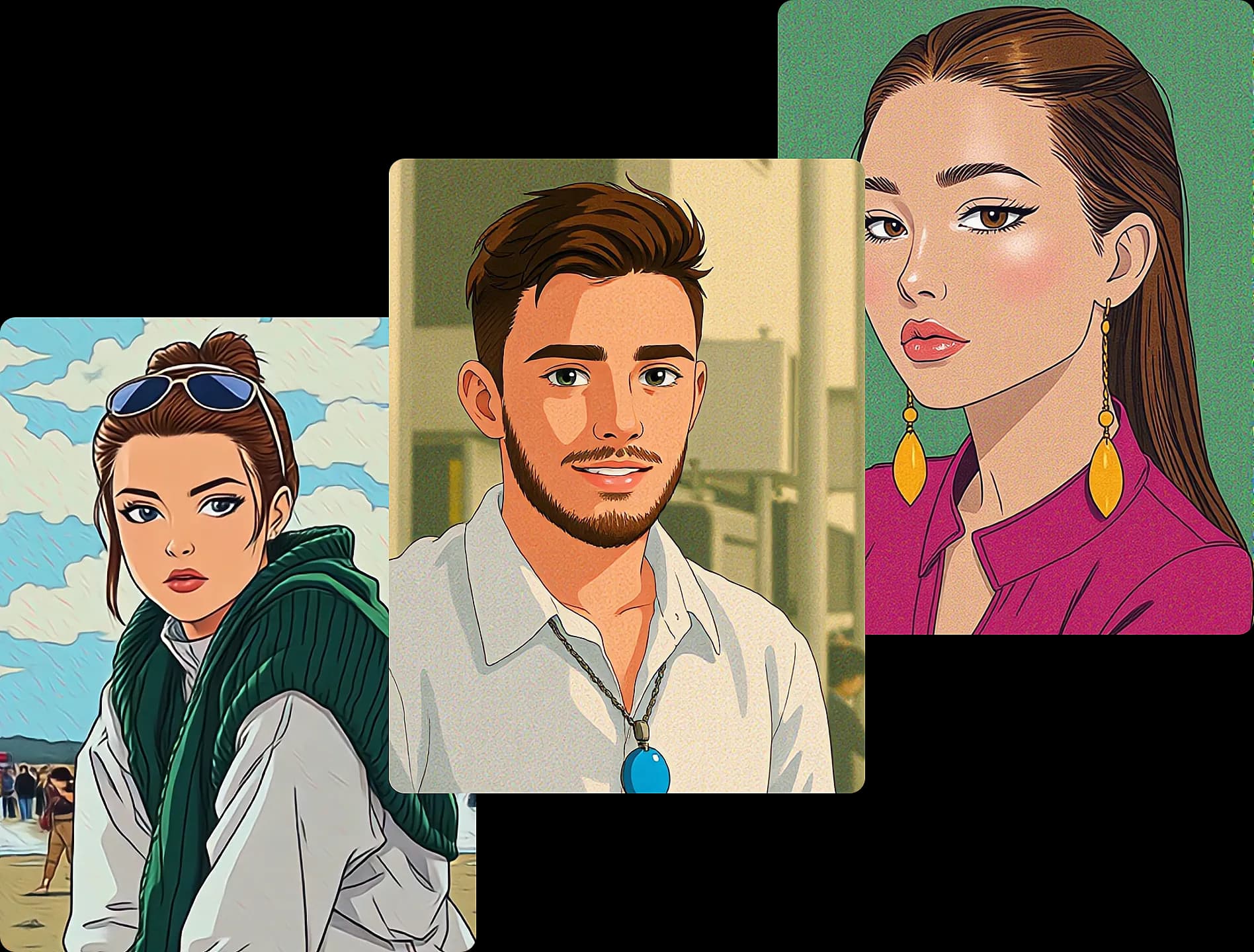
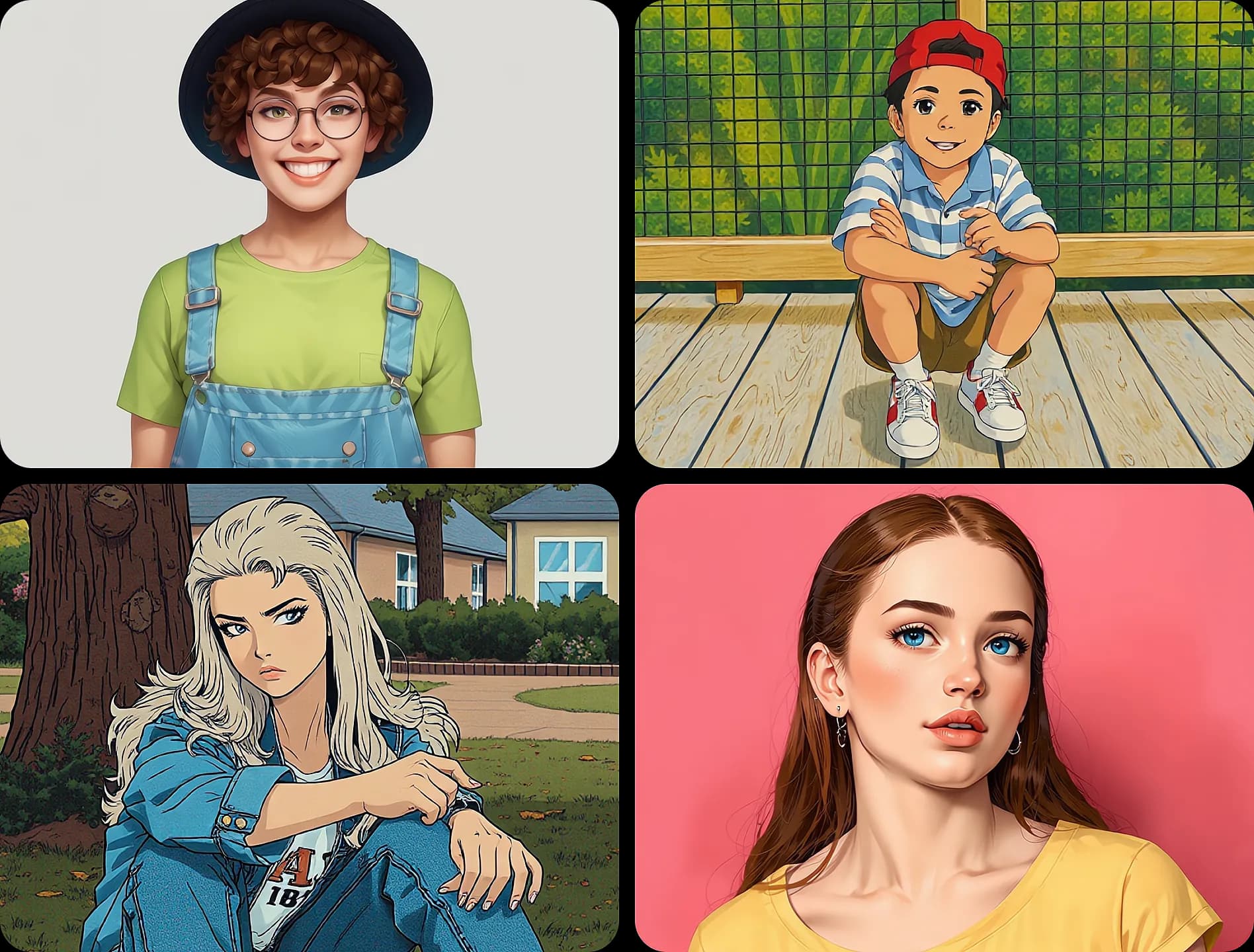
What is ImageToCartoon?
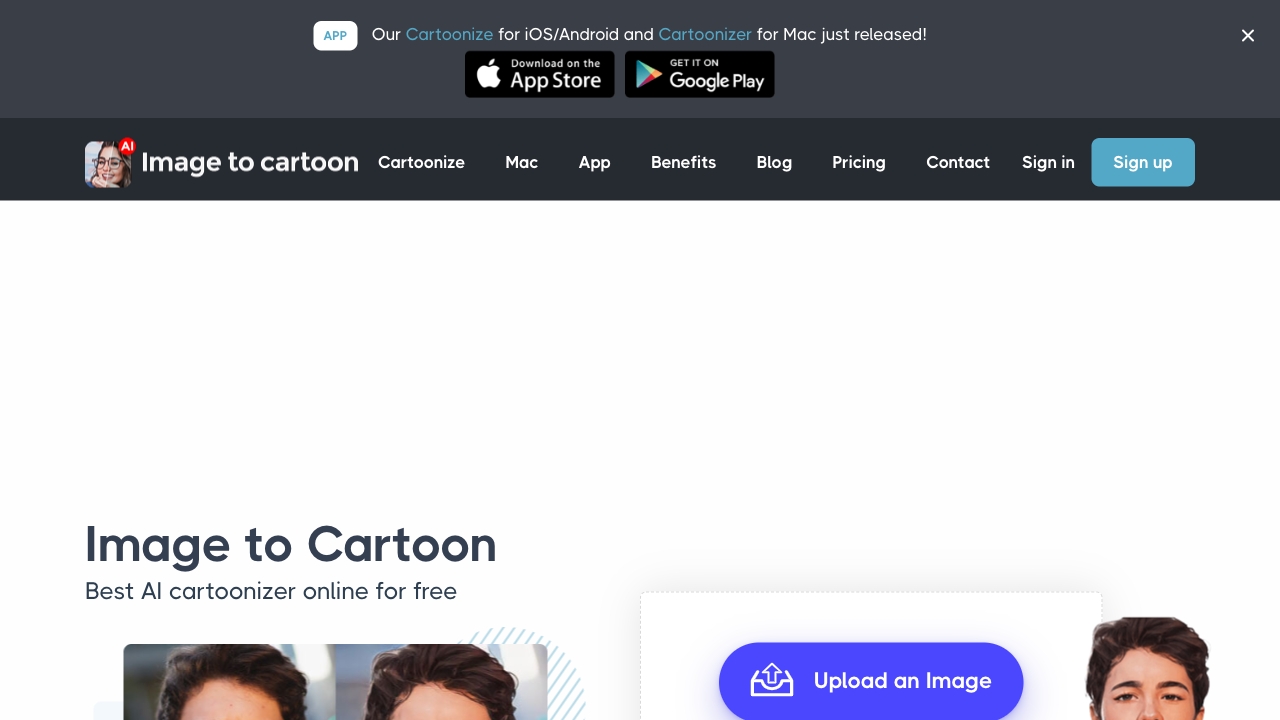
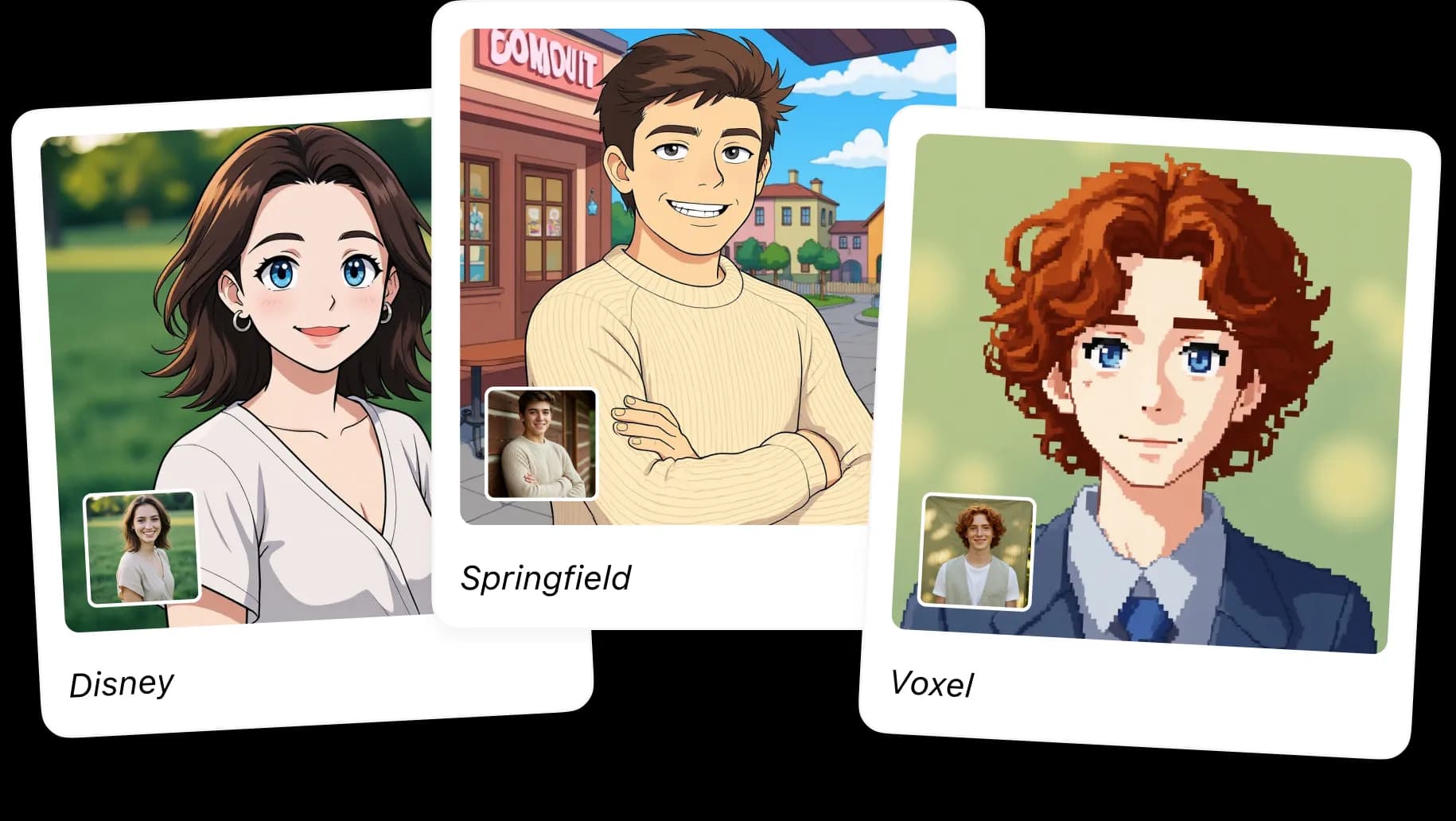
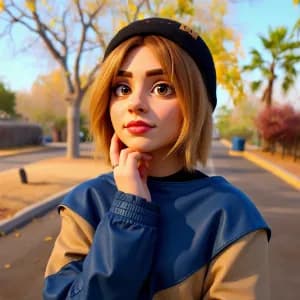
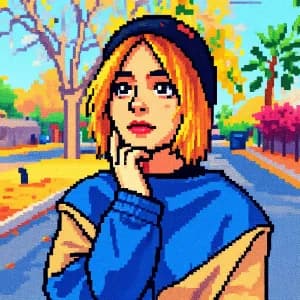
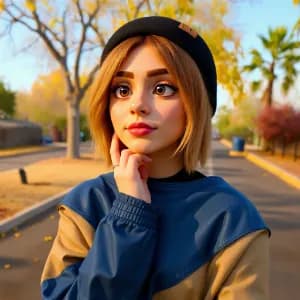
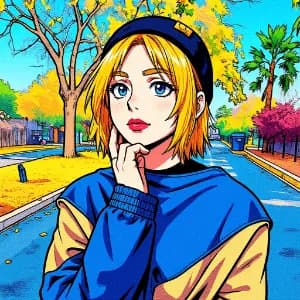
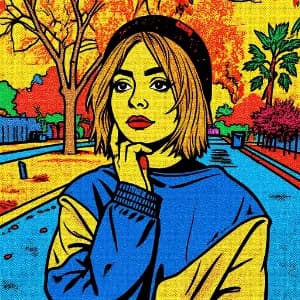
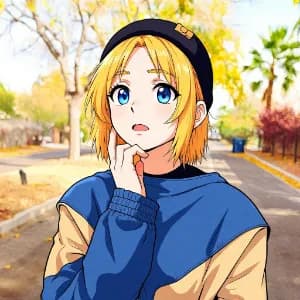
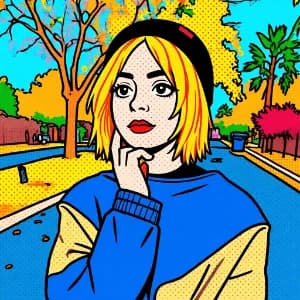
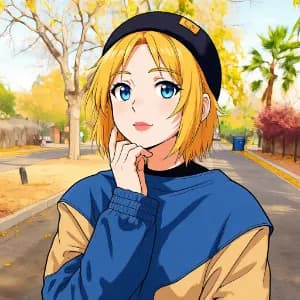
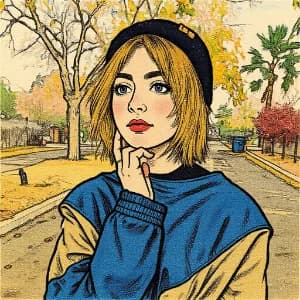
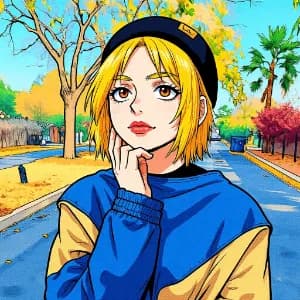
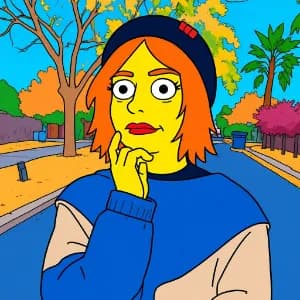
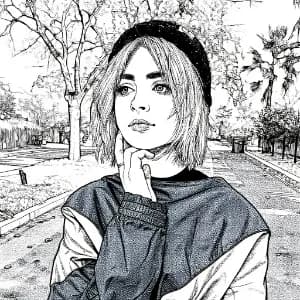
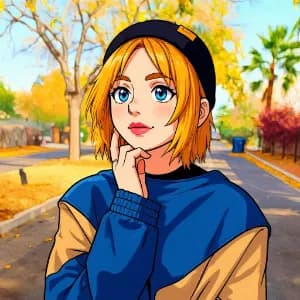
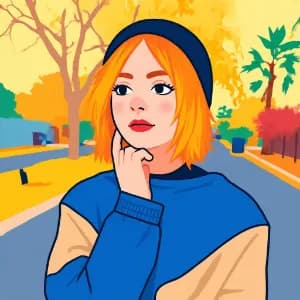
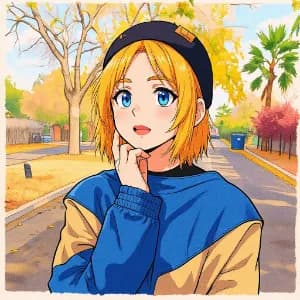
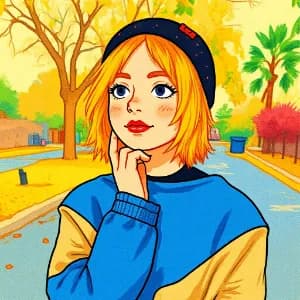
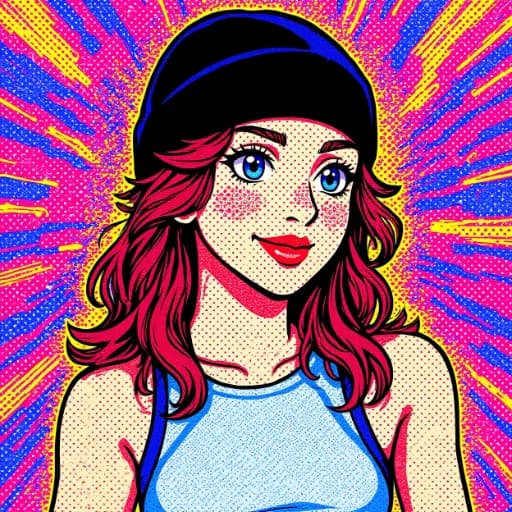
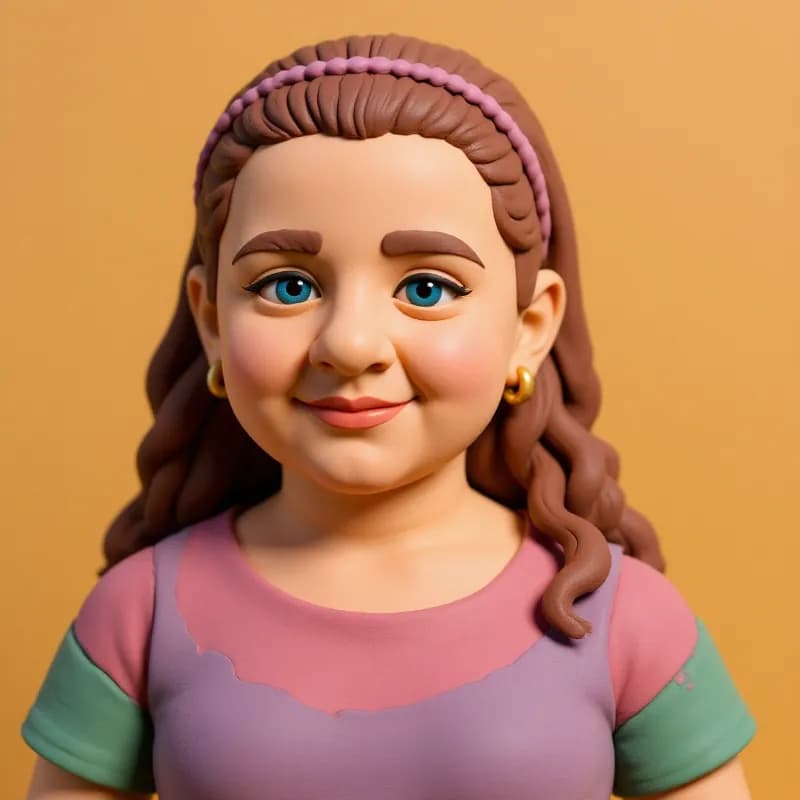
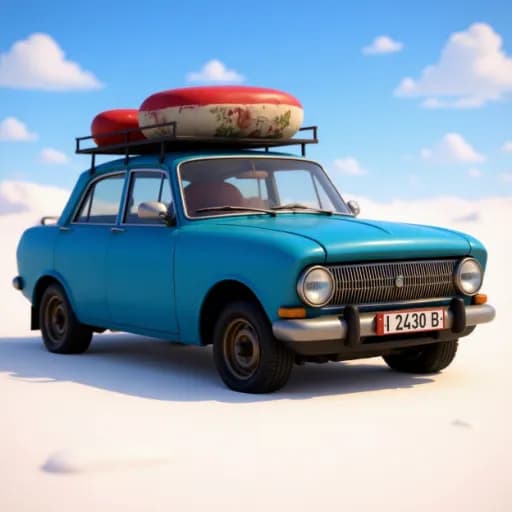
ImageToCartoon is a free AI-powered online photo cartoonizer that transforms photos into cartoon, anime, manga, comic, 3D, clay, and other artistic styles. It offers 80+ unique styles, supports JPG/PNG/WebP uploads up to 10MB, requires no sign-up, and automatically deletes uploaded images within 2 hours. The tool is web-based, mobile-friendly, and also offers a new mobile app for iOS/Android.
SpecificationsAI-estimated
Key Features of ImageToCartoon
Use Cases for ImageToCartoon
Create cartoon avatars and profile pictures
Turn selfies or pet photos into cartoon-style avatars for social media, gaming, or messaging profiles.
Social media content
Generate eye-catching cartoon versions of photos for posts, stories, and profile images on Instagram, TikTok, Facebook, etc.
Creative projects and prints
Use cartoonized images for posters, gifts, custom merchandise, or other personal and commercial creative projects.
Pet portraits
Convert pet photos into cute cartoon-style images for custom avatars, gifts, or fun keepsakes.
Group photo cartoonization
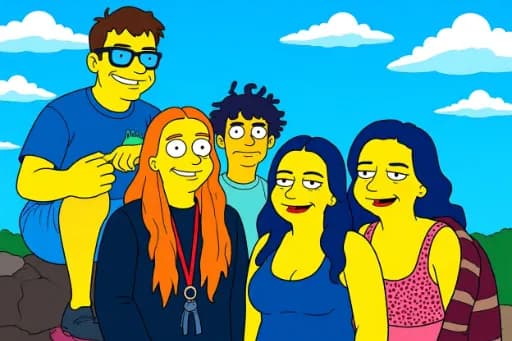
Cartoonize group photos and full-body shots while maintaining clean outlines and vibrant styles.
How to use ImageToCartoon?
Upload Your Image
Drag and drop or click to upload any photo. Supports JPG, PNG, and WebP formats up to 10MB.
Choose Your Style
Browse through 80+ unique cartoon styles and select the one that matches your vision.
AI Processing
The AI transforms your photo into a stunning cartoon image in seconds.
Download Result
Get your high-quality cartoon image ready for social media, printing, or any creative use.
Pros & Cons of ImageToCartoon
Pros
- Free to use with no sign-up or login required
- 80+ unique cartoon styles including anime, Disney, Pixar, comic, claymation, and more
- Fast AI processing with results in seconds
- No software download needed; works fully in the browser
- Mobile-friendly and also has a dedicated iOS/Android app
- Supports multiple image formats (JPG, PNG, WebP) up to 10MB
- Works for portraits, group photos, full-body shots, and pets
- Images are automatically deleted within 2 hours for privacy
- Generated images can be used for personal or commercial projects (with rights to original photo)
- Offers aspect ratio options and style strength adjustment
Cons
- Limited to 10MB file size for uploads
- Only supports JPG, PNG, and WebP formats (no GIF, BMP, TIFF, etc.)
- Requires internet connection as it is a web-based tool
- AI-generated results may vary depending on photo quality and style chosen
- Privacy policy relies on automatic deletion within 2 hours, which may not satisfy users needing immediate deletion
- No explicit batch processing mentioned for multiple images at once
Frequently Asked Questions
What is the best way to cartoonize a picture?
Use ImageToCartoon's AI-powered image to cartoon tool. It automatically converts photos into cartoon-style images with high precision. Just upload your photo, adjust the cartoon effect strength, and get your cartoon avatar in seconds — no manual editing needed.
Can I cartoon my face online for free?
Yes, you can cartoon your face online for free with ImageToCartoon. Simply upload a selfie or photo, adjust your settings, and download your cartoonized version without signing up or paying any fees.
Is it safe to cartoonize photos online?
Yes. Uploaded images are used only to create your cartoon result, and your original image and generated result are automatically deleted from the systems within 2 hours. No registration, login, or payment details are required.
What types of cartoon effects can I apply?
You can create a wide range of cartoon styles, including classic cartoon, anime, manga, comic, watercolor, clay-style, pop art, 3D animation-inspired portraits, and more.
Do I need to download any software?
No download is required. The tool is 100% web-based and works directly in your browser on any device — PC, Mac, tablet, or smartphone.
Can I use the cartoon images for commercial projects?
You can use generated cartoon images for personal or commercial projects as long as you own or have permission to use the original photo and your use complies with applicable laws and third-party rights.
Does it work for group photos or full-body shots?
Yes, the AI cartoonizer supports both portraits and group photos. It detects multiple faces and can cartoonize full-body pictures while maintaining clean outlines and vibrant cartoon styles.
How long does it take to cartoonize a photo?
The process is lightning-fast. Once you upload a photo and adjust the effect settings, it usually takes just a few seconds to generate your cartoon image.
Can I cartoon my pet's photo?
Yes, the tool works well with animal photos too. You can turn your pet's picture into a cute cartoon-style image with just a click — perfect for custom pet avatars or gifts.
Is this cartoon maker mobile-friendly?
Yes, the cartoonizer tool is fully mobile-friendly. Whether you're on an iPhone, Android, or tablet, you can cartoon a picture anytime, anywhere — no app installation needed.
Reviews & Ratings0.0
No reviews yet. Be the first to write one!
Top Alternatives & Similar Software
View all alternatives & similar software→


People also viewed



Related searches
About the Product
Is this your tool?
Claim this page to update details, reply to user reviews, and drive more traffic to your product.
Claim this Product →
Tags
Explore Related Topics
Keep up with ImageToCartoon alternatives
New alternatives, pricing changes and the week's biggest movers - one email every Tuesday.