



Cartoonize
From photo to cartoon in 1 click.
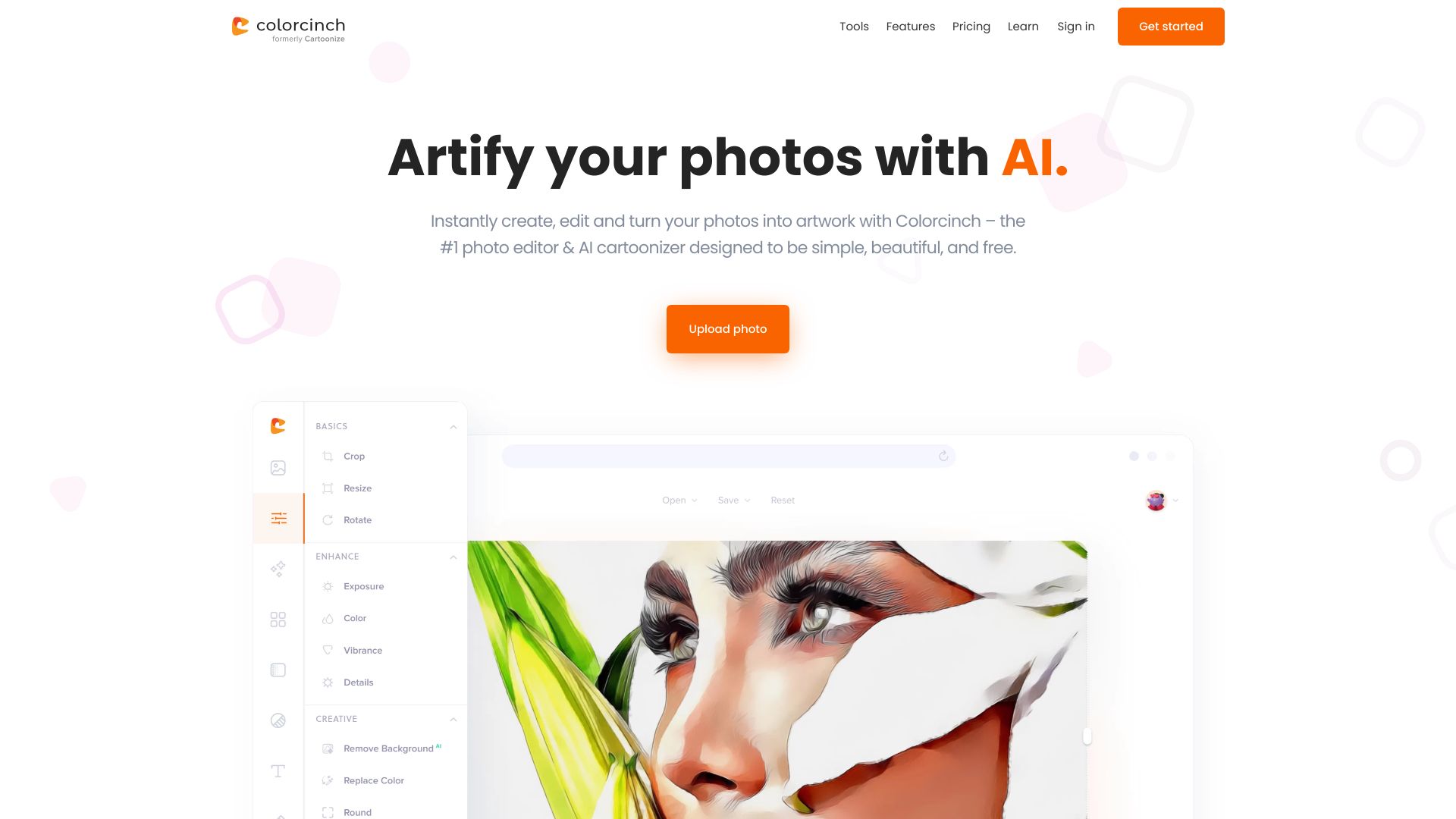


What is Cartoonize?
Cartoonize is an AI-powered photo cartoonizer and editor that turns photos into cartoons, sketches, and artwork in one click. It offers a simple interface with professional-grade tools including background removal, overlays, frames, drawing tools, color adjustments, layers, and high-resolution export. Available online, offline, and on mobile devices.
SpecificationsAI-estimated
Key Features of Cartoonize
Use Cases for Cartoonize
Cartoonize portraits
Turn personal photos into cartoon-style avatars and characters.
Social media content
Create eye-catching cartoon filters, frames, and overlays for posts.
Digital artwork
Apply sketch effects, masks, and drawing tools to create original art.
Print projects
Export high-resolution images at up to 400 DPI for print use.
How to use Cartoonize?
Upload your photo
Start by importing an image from your device or the built-in library.
Apply cartoonizer effect
Use the one-click cartoonizer or choose from filters and AI effects.
Edit and enhance
Adjust colors, remove backgrounds, add overlays, text, frames, or draw manually.
Export or share
Save your final image in JPG, PNG, or PDF format, or share directly.
Pros & Cons of Cartoonize
Pros
- One-click cartoonizer effects
- No sign-up required to start editing
- AI-powered editing tools for faster results
- Available online and offline
- Includes background removal, overlays, frames, and drawing tools
- Large asset library with 4 million+ photos, graphics, and icons
- Export quality up to 400 DPI for print
Cons
- Pricing and premium plan details are not clearly specified on the landing page
- Advanced editing features may feel overwhelming to absolute beginners
Frequently Asked Questions
Do I need to sign up to use Cartoonize?
No, the platform lets you start editing with ease and without requiring a subscription or account.
Is Cartoonize available on mobile?
Yes, Cartoonize is available free for iOS and Android.
Can I use Cartoonize offline?
Yes, it is available online and offline, allowing you to access and resume projects from anywhere.
Reviews & Ratings0.0
No reviews yet. Be the first to write one!
Top Alternatives & Similar Software
View all alternatives & similar software→
People also viewed


Related searches
About the Product
Is this your tool?
Claim this page to update details, reply to user reviews, and drive more traffic to your product.
Claim this Product →
Tags
Explore Related Topics
Keep up with Cartoonize alternatives
New alternatives, pricing changes and the week's biggest movers - one email every Tuesday.