


AI Cartoon Generator vs Cartoonize
Side-by-side comparison of features, pricing, ratings, and alternatives.

AI Cartoon Generator is a free online tool that transforms your photos into stylized cartoon artwork using advanced AI algorithms. With a library of over 80 distinct art styles—including anime, Disney, Studio Ghibli, Marvel comic, and watercolor—it lets you redefine your images with a single click. The service is designed for speed, processing most images in just 10 to 30 seconds, and delivers high-resolution results up to 4K, making it ideal for social media profiles, creative projects, and personal keepsakes. The platform also prioritizes privacy, automatically deleting uploaded photos after conversion to ensure your data is never stored. With a simple three-step interface—upload, choose a style, and download—it offers a user-friendly experience that works seamlessly on desktop, tablet, and mobile. Whether you're an artist seeking inspiration, a content creator looking for unique visuals, or an individual wanting a fun twist on your favorite memories, this tool makes cartoon conversion accessible to everyone without the need for sign-up or payment.
Cartoonize is an AI-powered photo cartoonizer and editor that turns photos into cartoons, sketches, and artwork in one click. It offers a simple interface with professional-grade tools including background removal, overlays, frames, drawing tools, color adjustments, layers, and high-resolution export. Available online, offline, and on mobile devices.
- Free to use with no signup required
- Over 80 distinct art styles including anime, Disney, and Marvel comic
- Fast processing results in 10-30 seconds
- High-quality 4K image output
- One-click cartoonizer effects
- No sign-up required to start editing
- AI-powered editing tools for faster results
- Available online and offline
- Limited to JPG, PNG, and WEBP formats (no support for BMP or TIFF)
- Maximum image size restricted to 10MB
- No offline functionality; requires an internet connection
- Advanced style customization is not available
- Pricing and premium plan details are not clearly specified on the landing page
- Advanced editing features may feel overwhelming to absolute beginners
More alternatives & similar tools
Alternatives to AI Cartoon Generator
View all →
Cartoon yourself without the generic AI look — studio-quality, likeness-preserving photo cartoons.
AI‑powered portrait generator that turns photos into stunning drawings and custom characters.
Turn your photos into Disney Pixar or Studio Ghibli style artwork instantly
Alternatives to Cartoonize
View all →Turn your photos into stunning cartoon art in seconds with 80+ unique AI styles.
Cartoon yourself without the generic AI look — studio-quality, likeness-preserving photo cartoons.
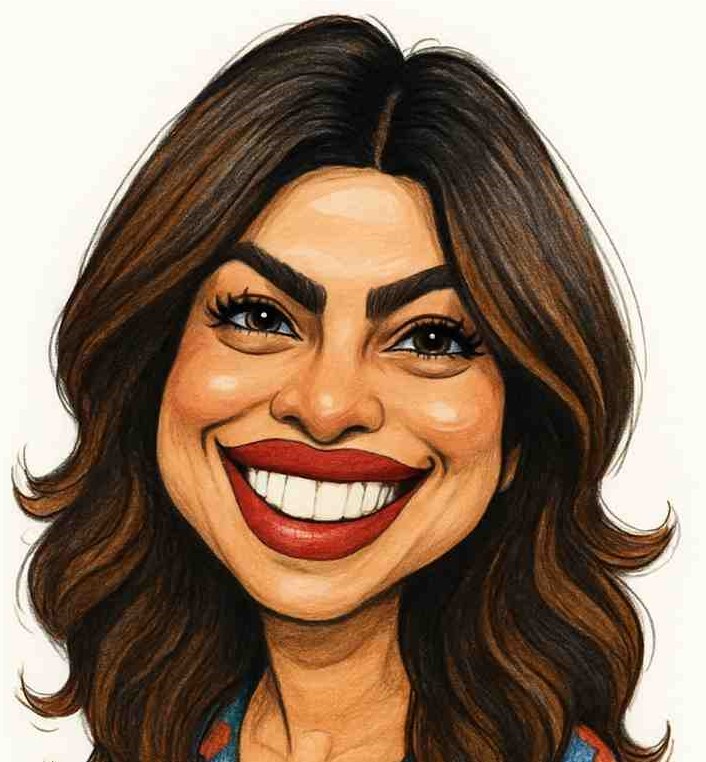
The Verdict
AI-generated from listing dataAI Cartoon Generator offers fast, free, web‑only cartoon conversion with 80+ styles but limited editing, while Cartoonize provides a richer editing suite, offline support, and higher‑resolution export at unclear cost.
Key differences
- •AI Cartoon Generator is strictly a photo‑to‑cartoon converter with 80+ preset styles; Cartoonize adds background removal, overlays, drawing tools, and layers.
- •AI Cartoon Generator works only online via a web browser; Cartoonize works both online and offline on web, iOS, and Android.
- •Output resolution: AI Cartoon Generator up to 4K; Cartoonize up to 400 DPI for print, which is lower pixel density but geared toward print quality.
- •File handling: AI Cartoon Generator auto‑deletes photos after conversion and supports only JPG/PNG/WEBP up to 10 MB; Cartoonize retains files, supports JPG/PNG/PDF and larger assets via its stock library.
- •Pricing clarity: AI Cartoon Generator’s cost is unknown but appears free; Cartoonize states basic use is free but premium pricing is not disclosed.
Pricing & value
Both claim free basic use; premium details are unspecified for both, making value comparison impossible.
Ease of use / learning curve
AI Cartoon Generator requires only three steps and no sign‑up; Cartoonize offers many tools that may overwhelm beginners.
Features & depth
Cartoonize includes background removal, overlays, drawing brushes, layers, and 4 million assets; AI Cartoon Generator is limited to style selection.
Integrations & ecosystem
Cartoonize provides asset library, export to PDF, and works on web, iOS, Android; AI Cartoon Generator is web‑only with no ecosystem.
Collaboration
Cartoonize’s layers panel and asset library support project organization; AI Cartoon Generator has no collaboration features.
Scalability
Cartoonize’s offline apps and broader format support allow larger, more complex projects; AI Cartoon Generator caps images at 10 MB.
Security & privacy
AI Cartoon Generator auto‑deletes photos after conversion; Cartoonize does not specify privacy or auto‑deletion.
Choose AI Cartoon Generator if…
Casual users who want a quick, free, web‑only cartoon conversion with no learning curve.
Choose Cartoonize if…
Content creators needing richer editing tools, offline access, and asset libraries, even if premium pricing is unclear.
Common questions
Is there any cost to use either tool?
Both list free basic access; however, premium pricing for Cartoonize is not disclosed and AI Cartoon Generator’s pricing is unknown.
Can I use the tools offline?
AI Cartoon Generator requires an internet connection; Cartoonize offers offline support on iOS and Android.
Which tool offers more privacy for my photos?
AI Cartoon Generator automatically deletes uploaded photos after conversion; Cartoonize does not specify a privacy policy.