



ImgUpscaler
A free, browser-based AI upscaler that turns blurry, low-resolution photos into sharp, 4K-class images in seconds.
What is ImgUpscaler?
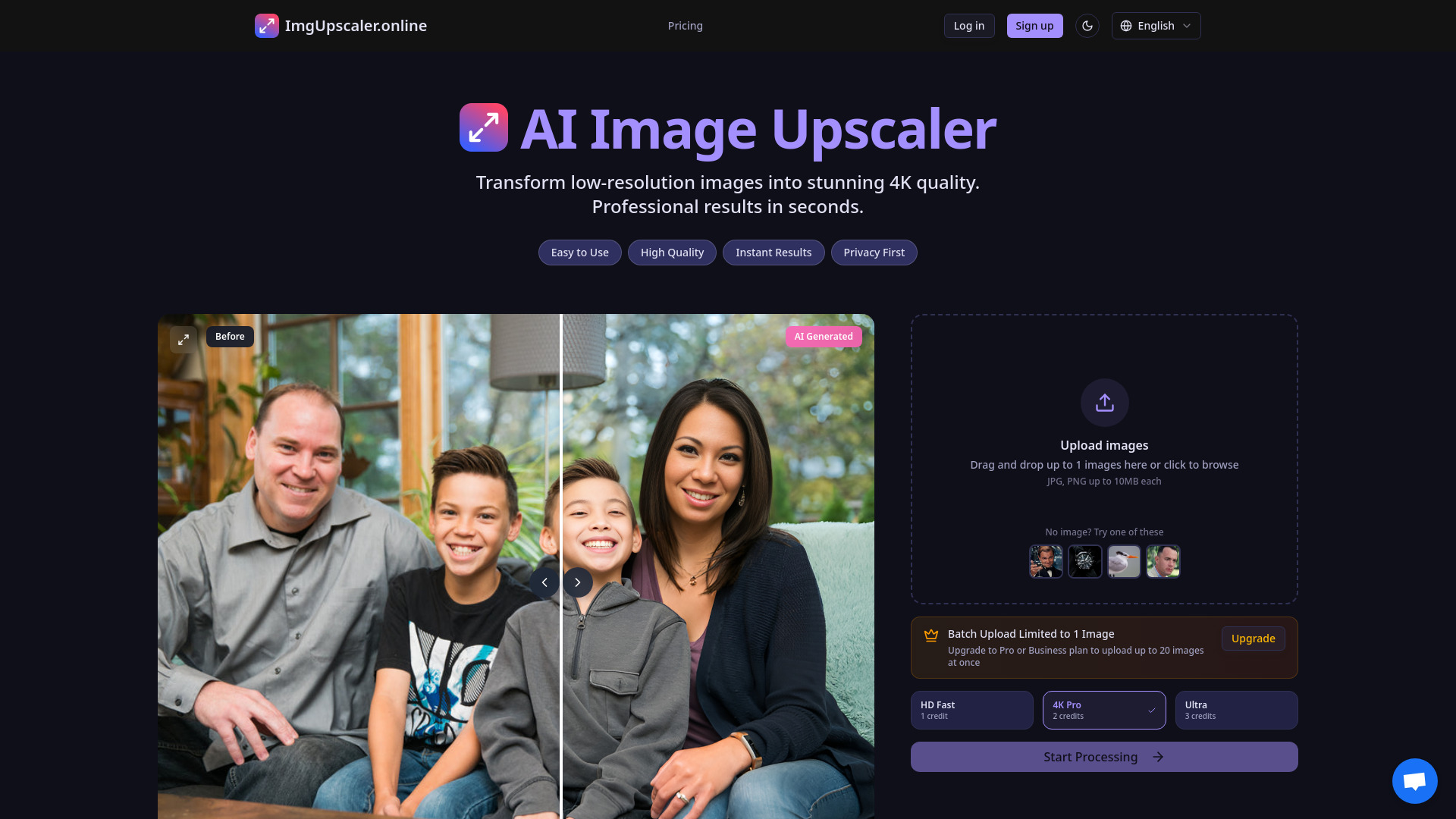
ImgUpscaler is a free, browser-based AI image upscaler that transforms low-resolution photos into sharper, higher-resolution images, with a stated target of 4K quality. It uses deep learning models to identify and reconstruct fine detail, aiming to bring blurry or pixelated photos back to life. The tool is designed to handle faces, objects, and general scenes, and it offers three quality presets so users can trade off speed against maximum detail. Uploads are processed online with no installation required. The standout capabilities center on its speed and face restoration. The fastest preset upscales images by 2x and is specifically optimized for restoring facial detail in old or low-quality photos, which makes it useful for family archives and social media previews. Processing is advertised as fast, the interface is mobile-friendly, and uploaded files are automatically deleted after 24 hours, a privacy-conscious choice for personal photos. The free tier is generous for single-image work, with batch uploads reserved for paid Pro and Business plans. The platform is aimed at a broad audience, from hobbyists restoring personal memories to professionals such as wedding and portrait photographers, e-commerce sellers preparing product photos, real estate agents producing listing images, and designers preparing print-ready assets. Anyone who needs a quick resolution boost without learning desktop editing software will find it approachable.
SpecificationsAI-estimated
Key Features of ImgUpscaler
Use Cases for ImgUpscaler
Restoring old family photos
Bring faded or low-resolution family snapshots back to life, with special attention to facial detail.
Professional portrait and wedding photography
Batch-enhance gallery images to deliver sharper, print-ready results to clients.
E-commerce product photos
Sharpen product images so customers can see fine details, supporting better conversion.
Real estate listings
Turn small or compressed property photos into high-resolution images for listings and brochures.
Social media content
Upscale images for crisp display in feeds and profile graphics.
Print and large-format preparation
Enlarge images to reduce pixelation in posters, photo books, and publications.
How to use ImgUpscaler?
Upload your image
Drag and drop a JPG or PNG up to 4MB, or click to browse your files.
Choose a quality mode
Select the fastest 2x preset for quick results, or a higher-quality mode for maximum detail.
Process the image
Let the AI model reconstruct details; processing typically completes in seconds.
Download the result
Save the upscaled image to your device for sharing, printing, or editing.
Pros & Cons of ImgUpscaler
Pros
- Free to use with no installation required, running entirely in the browser
- Dedicated face-restoration preset that is well suited to old and low-quality portraits
- Three quality modes let users choose between speed and maximum detail
- Uploads are automatically deleted after 24 hours, supporting a privacy-first approach
- Mobile-friendly interface for upscaling directly from a phone
Cons
- Free tier is limited to one image at a time; batch upload requires a paid Pro or Business plan
- Upload size is capped at 4MB per image, restricting very large source files
- The fastest preset only upscales 2x, which may not reach the advertised 4K output for many inputs
- Output quality depends heavily on the source image and cannot fully recreate detail that was never captured
Frequently Asked Questions
Is ImgUpscaler free to use?
Yes, a free tier is available that includes single-image upscaling with no credits required for the fastest preset. Batch uploads require a paid Pro or Business plan.
What is the maximum file size?
Each image can be up to 4MB, and supported formats are JPG and PNG.
How long are my photos stored?
Uploaded images are automatically deleted after 24 hours.
Can it restore faces in old photos?
Yes, the fastest preset is specifically optimized for face restoration in older or low-quality photos.
Can I upload multiple images at once?
Batch upload of up to 20 images is available on the Pro and Business plans; the free plan is limited to one image.
Does it work on mobile devices?
Yes, the interface is designed to be mobile-friendly and runs in the browser without installation.
Pricing Overview
View full pricing →The page offers a free AI image upscaler mode with no credits required, while batch upload is restricted to Pro or Business plans; no explicit prices are listed in the content.
Reviews & Ratings0.0
No reviews yet. Be the first to write one!
Top Alternatives & Similar Software
View all alternatives & similar software→No alternatives available yet.
People also viewed


Related searches
Is this your tool?
Claim this page to update details, reply to user reviews, and drive more traffic to your product.
Claim this Product →
Tags
Explore Related Topics
Keep up with ImgUpscaler alternatives
New alternatives, pricing changes and the week's biggest movers - one email every Tuesday.