



Imgupscaler AI Image Upscaler
A free, no-signup AI image upscaler that enlarges photos up to 16K while sharpening details and removing pixelation.
What is Imgupscaler AI Image Upscaler?
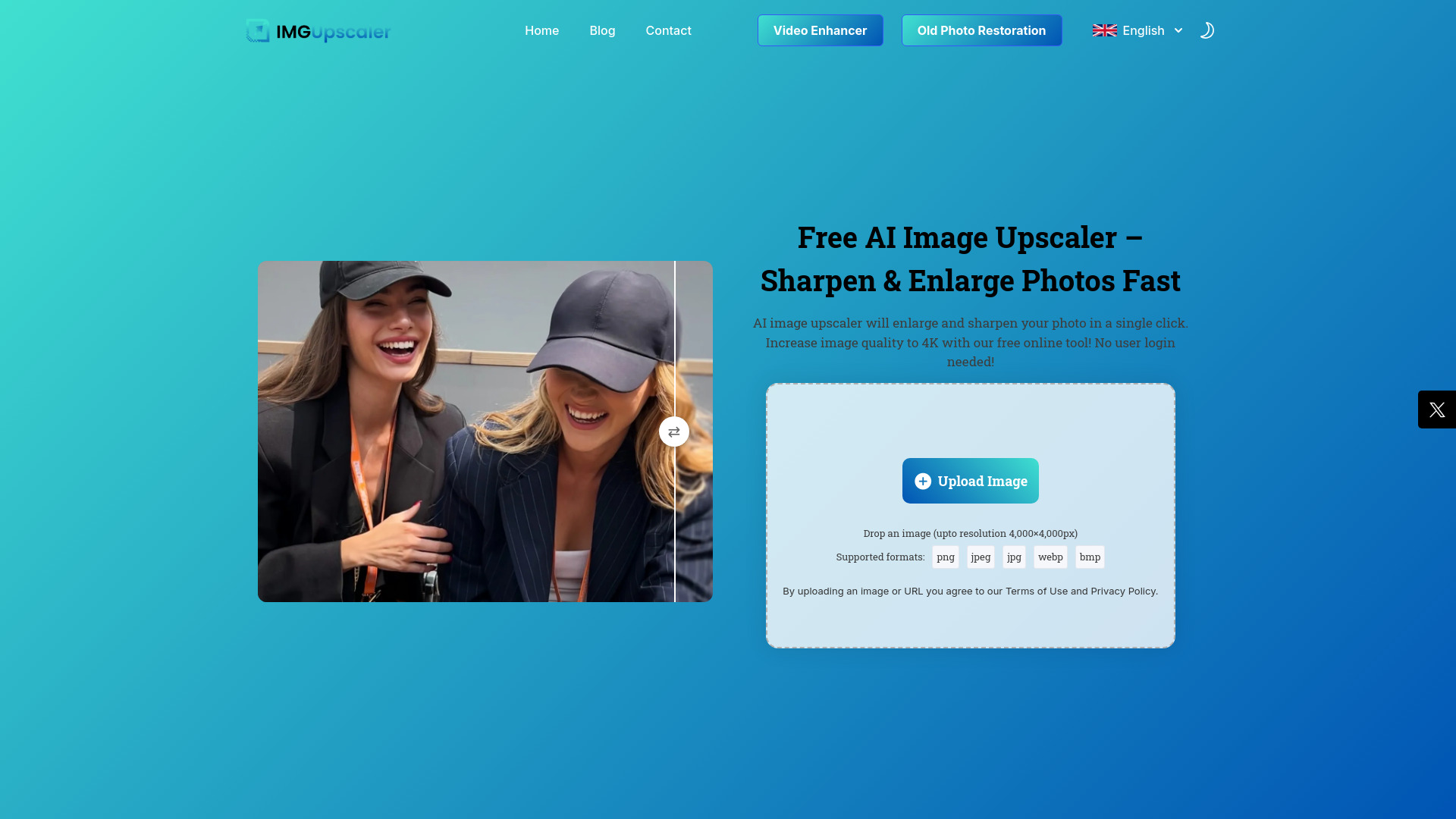
Imgupscaler AI Image Upscaler is a browser-based tool that uses artificial intelligence to enlarge and enhance images, increasing resolution up to 16K while aiming to preserve natural colors, lighting, and texture. Rather than simply stretching pixels, it analyzes edges, textures, and fine details to reduce blur, noise, and blockiness in photos, graphics, screenshots, and AI-generated art. It accepts common formats such as JPG, PNG, WebP, and HEIC and works directly in any modern web browser on desktop or mobile devices. The tool covers a wide range of practical scenarios. Users can repair pixelated or compressed photos, enlarge small logos and product images for ecommerce listings, sharpen portraits and facial details, upscale anime and AI artwork for wallpapers or print, and prepare large-format visuals for posters, banners, and presentations. It also offers related utilities for specialized tasks, including text enhancement for screenshots and scans, focused sharpening, and old photo restoration, along with an image-to-image generator and a photo-to-anime converter. Imgupscaler is positioned as a free, no-signup option for quick, high-quality enlargement without installing software. It is well suited to freelancers, ecommerce sellers, designers, marketers, and everyday users who need cleaner, larger images. Because it is a cloud-based AI service, results depend on the quality of the source file, and very heavily degraded images may still show limitations, but for most routine upscaling needs it offers a fast and accessible workflow.
SpecificationsAI-estimated
Key Features of Imgupscaler AI Image Upscaler
Use Cases for Imgupscaler AI Image Upscaler
Upscale Images for Printing
Prepare small photos and graphics for posters, flyers, banners, and framed prints at larger sizes.
Enhance Product Photos for Ecommerce
Improve product image clarity for Amazon, Shopify, Etsy, and ad creatives so customers can inspect details.
Upscale AI Art and Anime
Turn small AI-generated artwork and illustrations into high-resolution visuals for wallpapers, posters, or sharing.
Enhance Photos for Social Media
Sharpen and clean up photos before posting on Instagram, Facebook, TikTok, Pinterest, or LinkedIn.
Restore Old Family Photos
Increase resolution and enhance visible detail in small, grainy, or faded family pictures.
Sharpen Text in Screenshots and Scans
Make small text in screenshots, scanned documents, and labels easier to read.
How to use Imgupscaler AI Image Upscaler?
Upload Your Image
Select a JPG, PNG, WebP, or HEIC file from your device, ideally the highest-quality original you have.
Choose an Upscale Option
Select the output size or enhancement level you need, such as standard, HD, 4K, 8K, or 16K.
Let AI Enhance Details
The tool analyzes and improves edges, textures, and clarity while reducing blur, noise, and pixelation.
Preview and Download
Compare the before-and-after result and download the enhanced image for your project.
Pros & Cons of Imgupscaler AI Image Upscaler
Pros
- Free to start with no account or signup required
- Upscales images up to 16K for print and large-screen use
- Enhances faces, edges, and fine textures while keeping results natural
- Works directly in the browser on any device without installing software
Cons
- Output quality depends heavily on the quality of the original image
- Very large resolutions may require more processing time
- Advanced customization options appear limited compared with desktop editing software
Frequently Asked Questions
Is the Imgupscaler AI image upscaler free to use?
Yes, the tool is free to start and does not require signup, so you can test it without creating an account.
What is the maximum resolution I can upscale an image to?
The tool supports output resolutions up to 16K for printing and large-screen use.
What image formats are supported?
You can upload JPG, PNG, WebP, and HEIC files.
Will upscaling make my photo look unnatural?
The tool is designed to improve clarity while preserving original colors, lighting, and texture, though results depend on the source image.
Can it improve blurry or pixelated photos?
Yes, it reduces pixelation and blockiness and sharpens edges, though severely degraded images may show limits.
Is my uploaded image kept private?
Uploaded files are handled according to the platform's privacy policy, which you should review before uploading sensitive images.
Pricing Overview
View full pricing →The page describes the tool as free to start with no signup required, but lists no specific plans or dollar amounts.
Detailed plans are not listed. Visit the official website for pricing information.
Reviews & Ratings0.0
No reviews yet. Be the first to write one!
Top Alternatives & Similar Software
View all alternatives & similar software→No alternatives available yet.
People also viewed

Related searches
Is this your tool?
Claim this page to update details, reply to user reviews, and drive more traffic to your product.
Claim this Product →
Tags
Explore Related Topics
Keep up with Imgupscaler AI Image Upscaler alternatives
New alternatives, pricing changes and the week's biggest movers - one email every Tuesday.