



invideo AI
Turn a text prompt into a fully edited, publish-ready video with AI-generated script, stock footage, voiceover, music, and subtitles.



What is invideo AI?
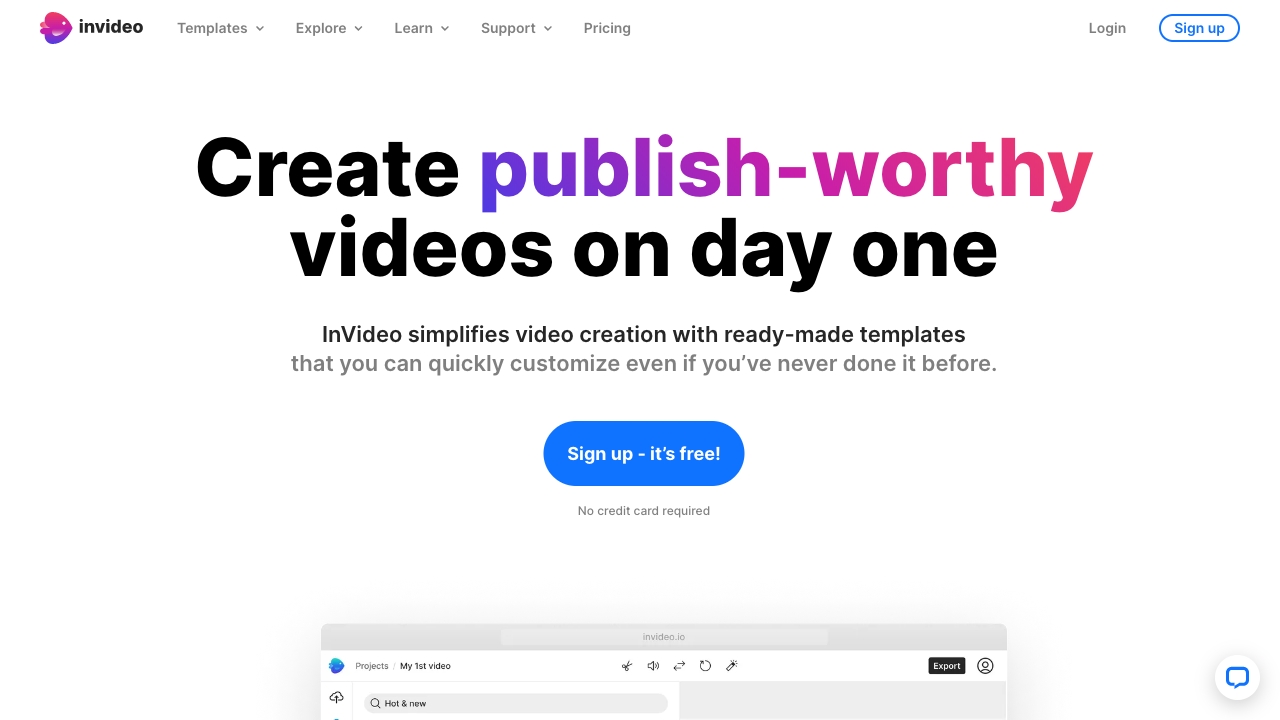
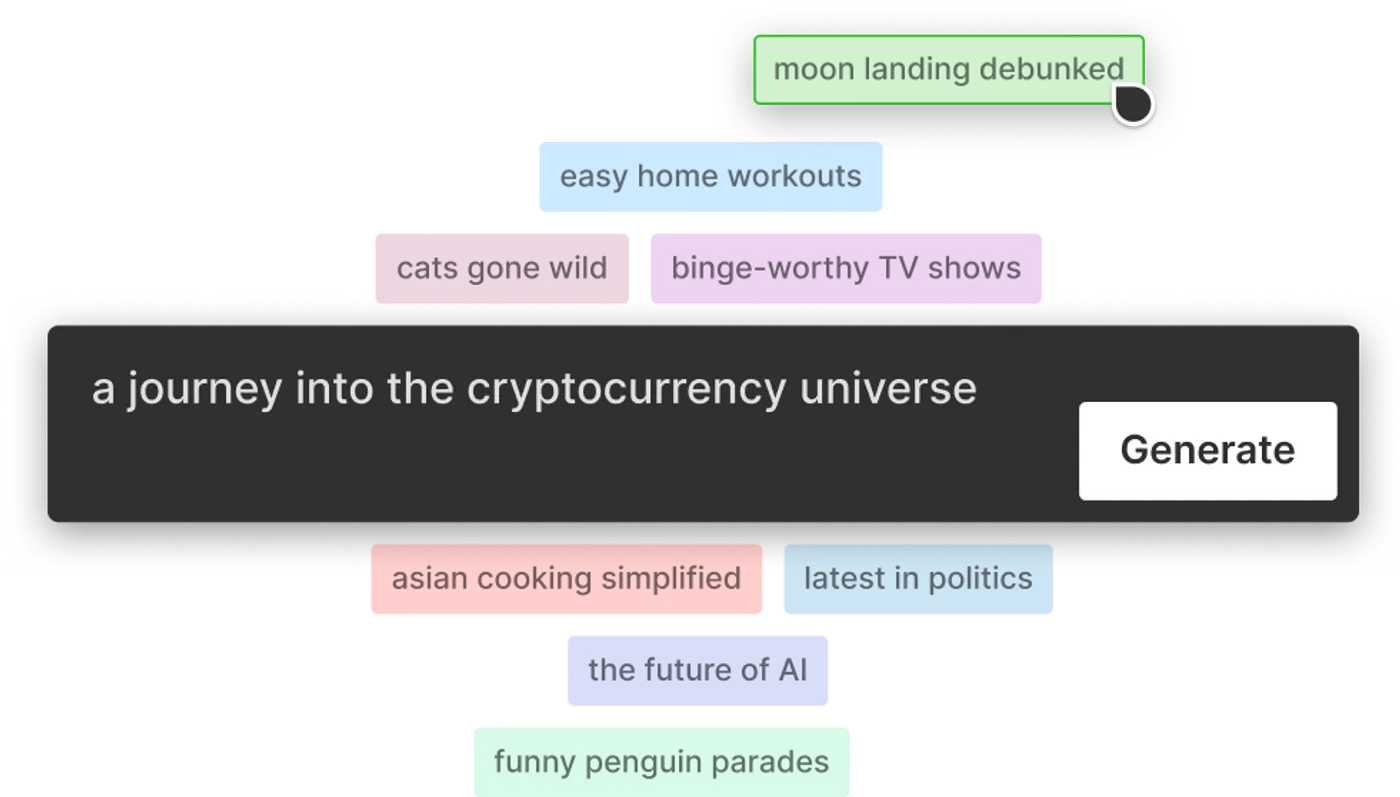
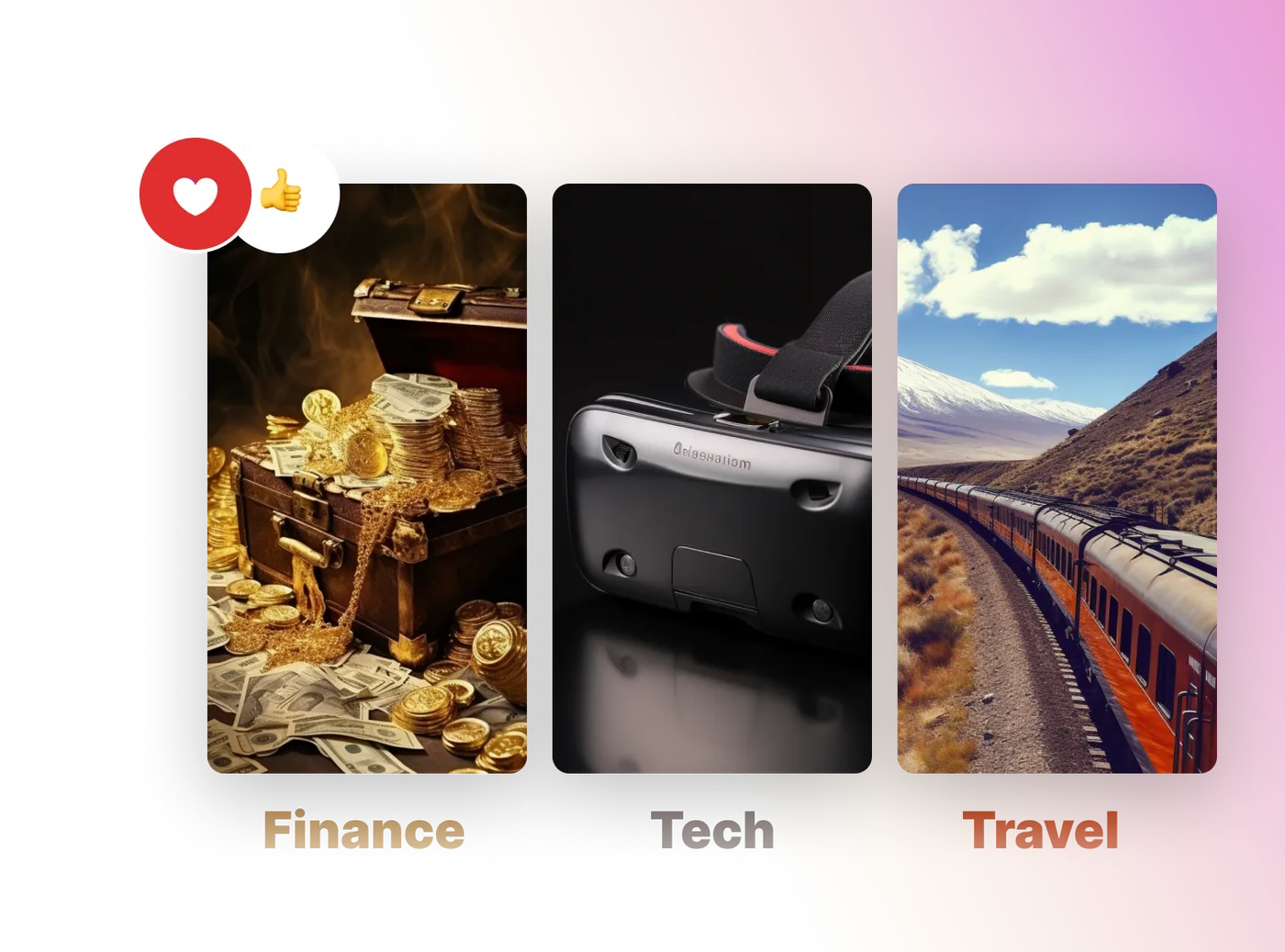
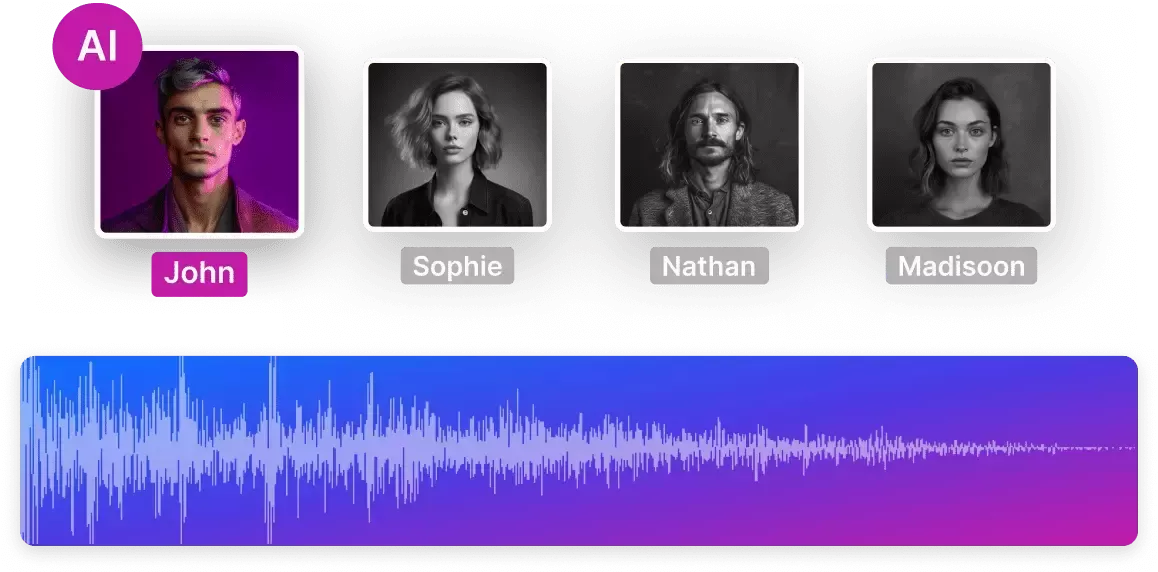
invideo AI is an online AI video generator that turns text prompts into complete, publish-ready videos. Instead of manually writing scripts, hunting for footage, and syncing audio, users simply describe their idea and the platform handles the heavy lifting: it generates the script, pulls from a library of 16 million+ stock photos and videos, and automatically adds subtitles, background music, and transitions. The result is a unique video tailored to a chosen audience and topic, with no camera or microphone required. Built around a conversational workflow, invideo AI asks creators to prompt their idea, select the audience and platform, and then refine the script and media. A signature magic box lets users edit the video using plain-language commands such as delete scene, replace stock, or narrate in a midwest male accent. Human-sounding AI voiceovers with male and female voices, multiple languages, and accent options bring scripts to life, while an intuitive editor gives a final layer of control. Real-time multiplayer editing is also in development for collaborative teams. For casual users, video marketers, social media managers, and faceless-channel creators, invideo AI promises a fast, low-learning-curve route to frequent content production. The service is fully web-based, works on popular browsers across mobile and desktop, and lets users start without a credit card. With 25 million customers in 190 countries, it positions itself as a practical co-pilot for turning ideas into videos at scale.
SpecificationsAI-estimated
Key Features of invideo AI
Use Cases for invideo AI
YouTube content creation
Generate complete YouTube videos, including scripts, footage, subtitles, and voiceovers, to maintain a frequent upload schedule.
Social media marketing
Produce short, engaging videos for platforms like Instagram, Facebook, and TikTok without professional editing skills.
Faceless video channels
Create stories and scenes using stock media and AI voiceovers, so creators never need to face the camera or record audio.
Business and brand promotion
Turn product descriptions or announcements into polished promotional videos that can boost awareness and engagement.
Educational and tutorial videos
Transform lesson notes or how-to topics into explainer videos with relevant stock footage and voice narration.
Ad creatives
Quickly generate multiple ad variants with different scripts, accents, and media choices for campaign testing.
Personal vlogs and storytelling
Bring personal ideas and narratives to life with automatically assembled video, music, and transitions.
How to use invideo AI?
Prompt your idea
Choose a workflow from the dropdown and describe your video idea, sharing details about how you want the video to look and feel.
Select your audience
Select the audience, platform, and appearance for the video so invideo AI can set the tone for the title, script, background music, and more.
Edit script and media
Change the script by clicking Edit script, or replace stock media with your own uploads.
Edit with a prompt
Use invideo AI's magic box to make changes, such as delete scene, replace stock, narrate in a midwest male accent, or more.
Pros & Cons of invideo AI
Pros
- No learning curve: videos can be generated from a simple text message with no editing experience.
- Huge stock library: 16 million+ stock photos and videos from top providers are matched automatically.
- Human-sounding AI voiceovers: supports male and female voices, languages, and accents.
- Prompt-based editing: natural-language commands make post-generation changes easy.
- Fully online and free to start: no downloads, no camera or microphone needed, and no credit card required to begin.
Cons
- Real-time multiplayer editing is not yet available; it is listed as coming soon.
- Creation relies heavily on stock media and AI-generated footage, so it may not suit projects needing custom live-action clips.
- Requires an internet connection and a browser since there is no native downloadable app.
- The free access may come with feature limitations, and full-featured use likely requires a paid plan.
Frequently Asked Questions
How does invideo AI generate videos automatically?
invideo AI uses powerful AI models to generate scripts from your prompts. It then searches through 16 million+ stock images and videos to select relevant content, produces voiceover for the script, and adds background music and transitions that fit your prompt.
Which is the best AI-powered video generator?
invideo AI describes itself as a first-of-its-kind online AI video generation tool. You can create first cuts for any video idea by simply entering the idea.
What kind of voices does the AI video generator provide?
You can choose from male or female human voices, and you can also select a language and an accent for the voiceover.
Do I need to download any software to use invideo AI?
No downloads are needed. invideo AI is a web-based tool and works well on popular browsers such as Safari, Google Chrome, and others, on all devices from mobile to desktops.
Is invideo AI free to start?
Yes. You can get started for free, and no credit card is required to begin generating videos.
Can I use my own media in invideo AI?
Yes. After the AI creates a first cut, you can replace stock media with your own footage or images by uploading them.
How do I make changes after a video is generated?
Use the prompt box, also called the magic box, to make edits. You can type requests like delete scene, replace stock, change accents, and the AI will apply the changes.
What platforms and devices can I use invideo AI on?
invideo AI is fully online and works on all popular browsers such as Safari and Google Chrome, across mobile and desktop devices.
Pricing Overview
View full pricing →Invideo AI offers tiered subscription plans billed annually, with monthly equivalents provided.
Reviews & Ratings0.0
No reviews yet. Be the first to write one!
Top Alternatives & Similar Software
View all alternatives & similar software→No alternatives available yet.
People also viewed


Related searches
Is this your tool?
Claim this page to update details, reply to user reviews, and drive more traffic to your product.
Claim this Product →
Tags
Explore Related Topics
Keep up with invideo AI alternatives
New alternatives, pricing changes and the week's biggest movers - one email every Tuesday.