


jpgHi
A cloud-based AI upscaler that boosts photos and anime art up to 16x with added detail and texture.
What is jpgHi?
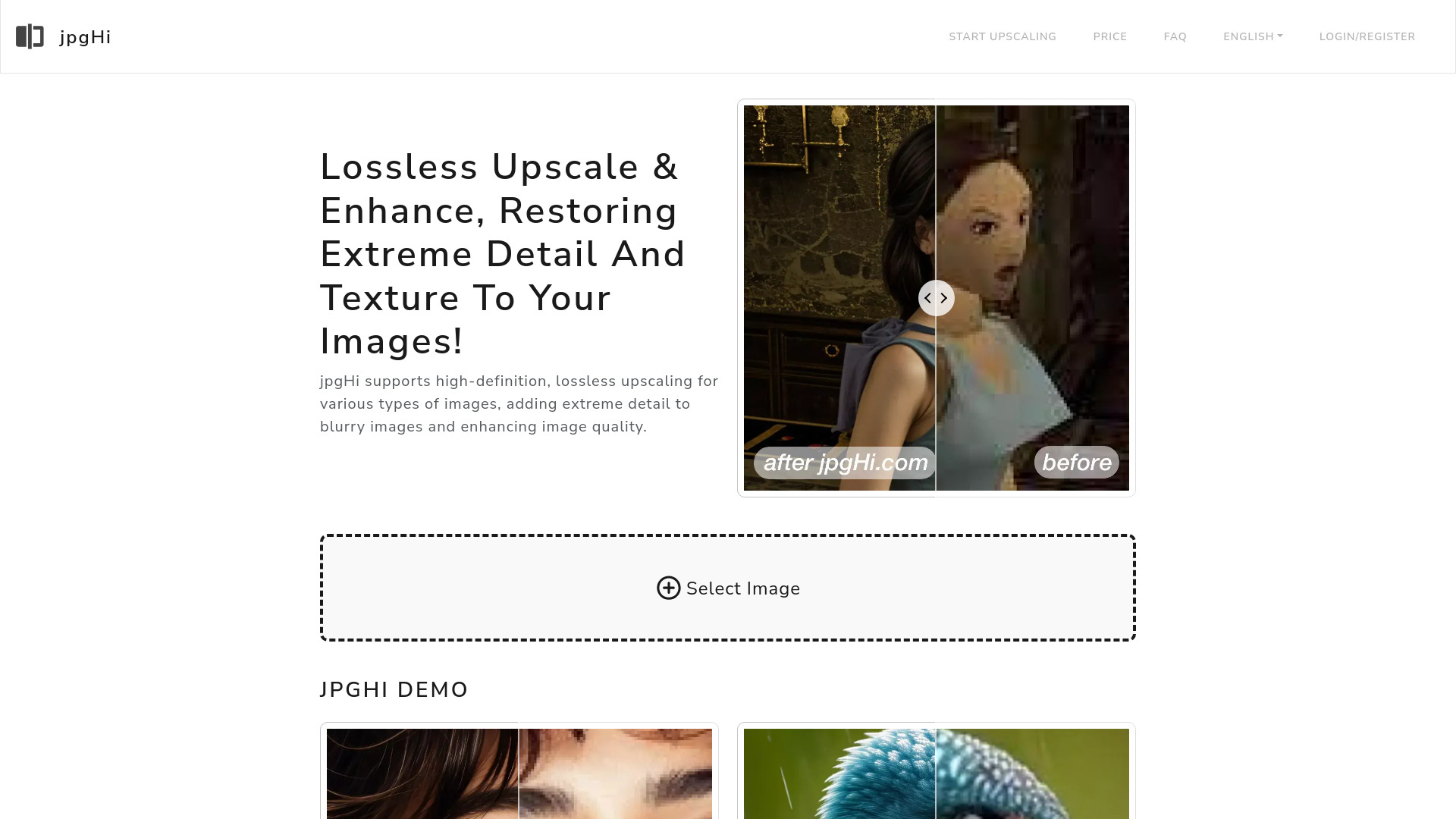
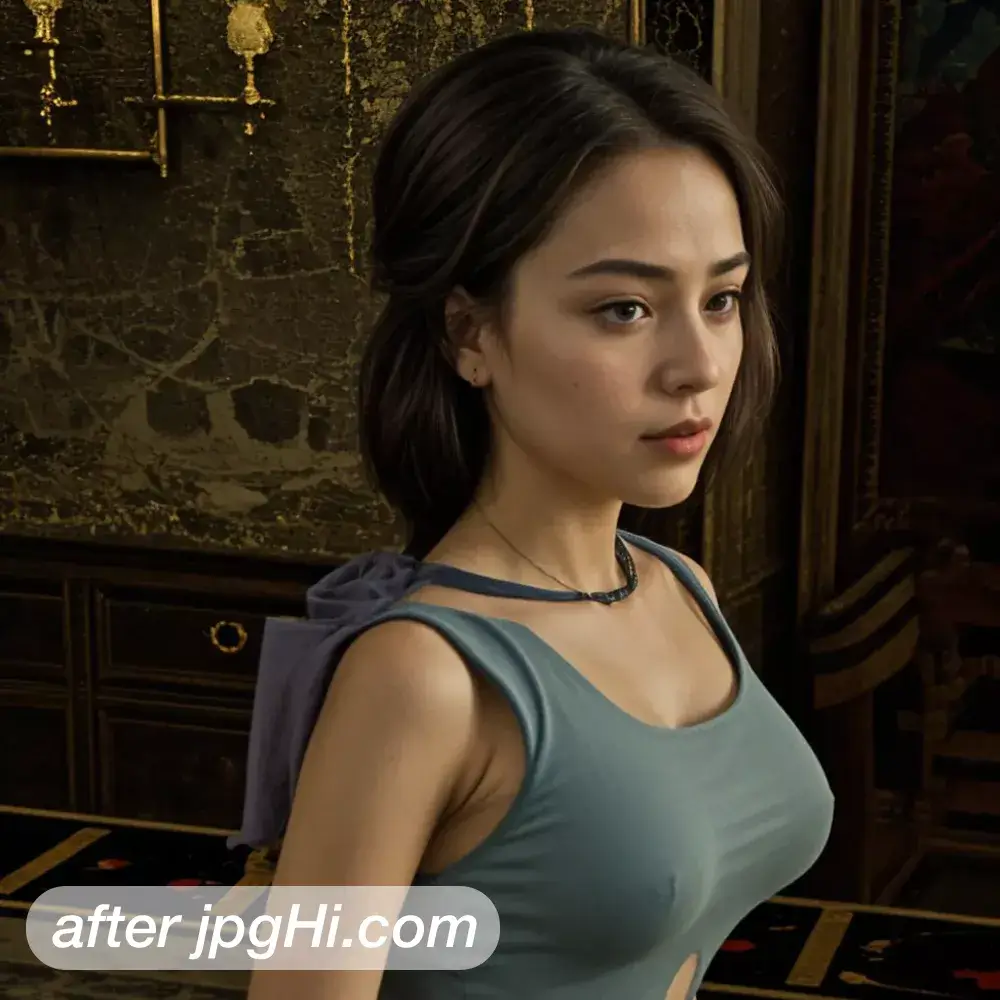
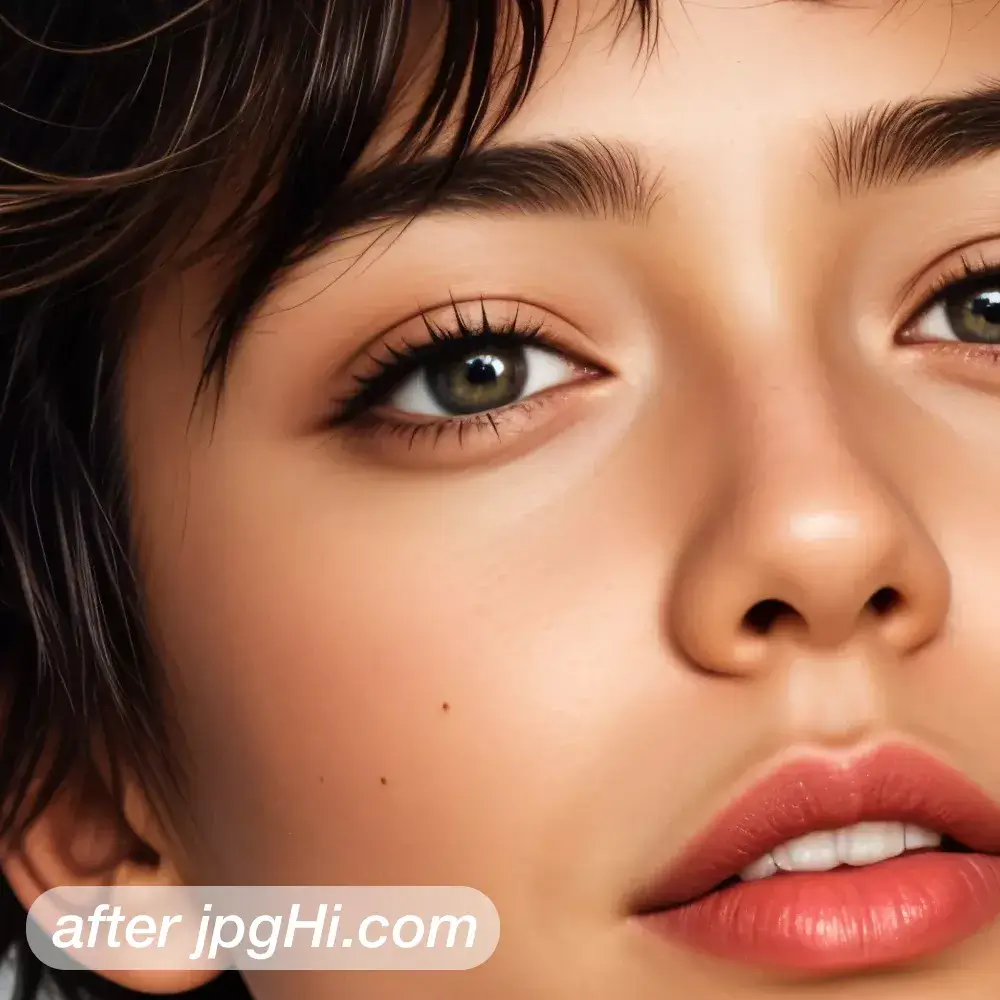
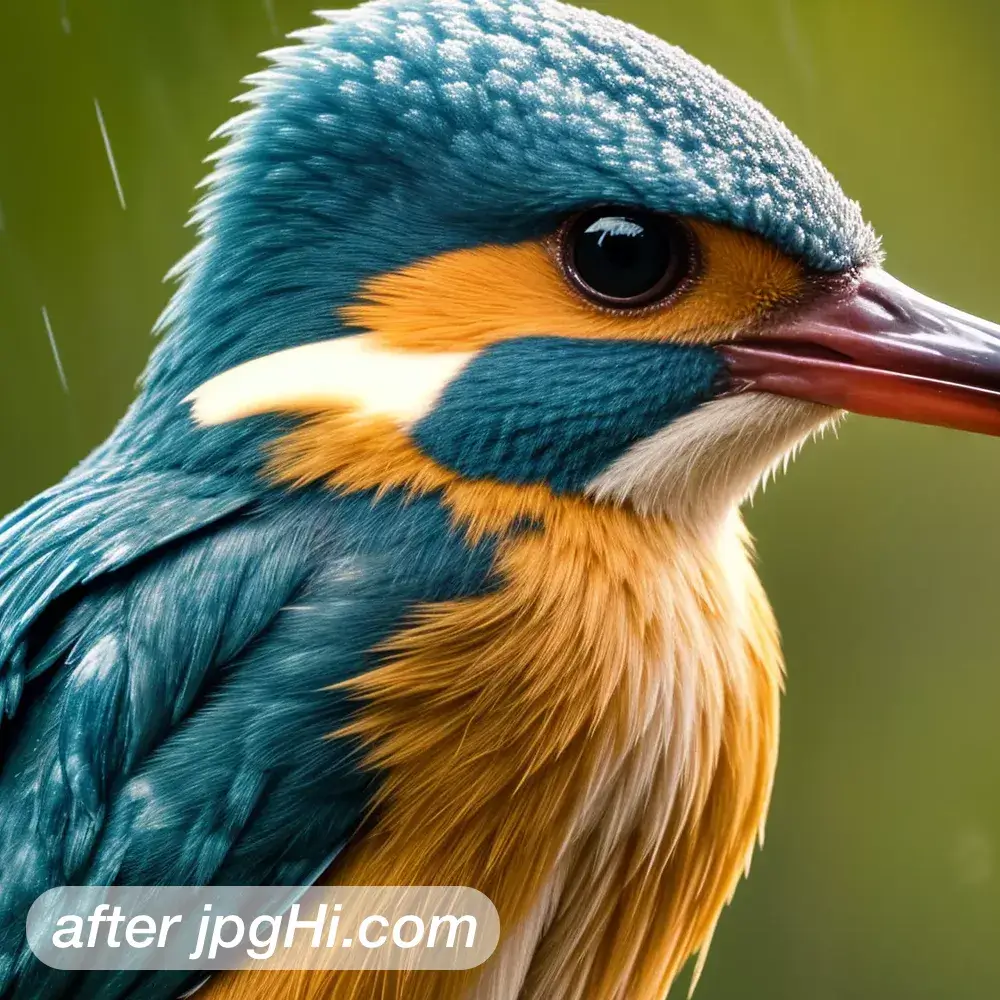
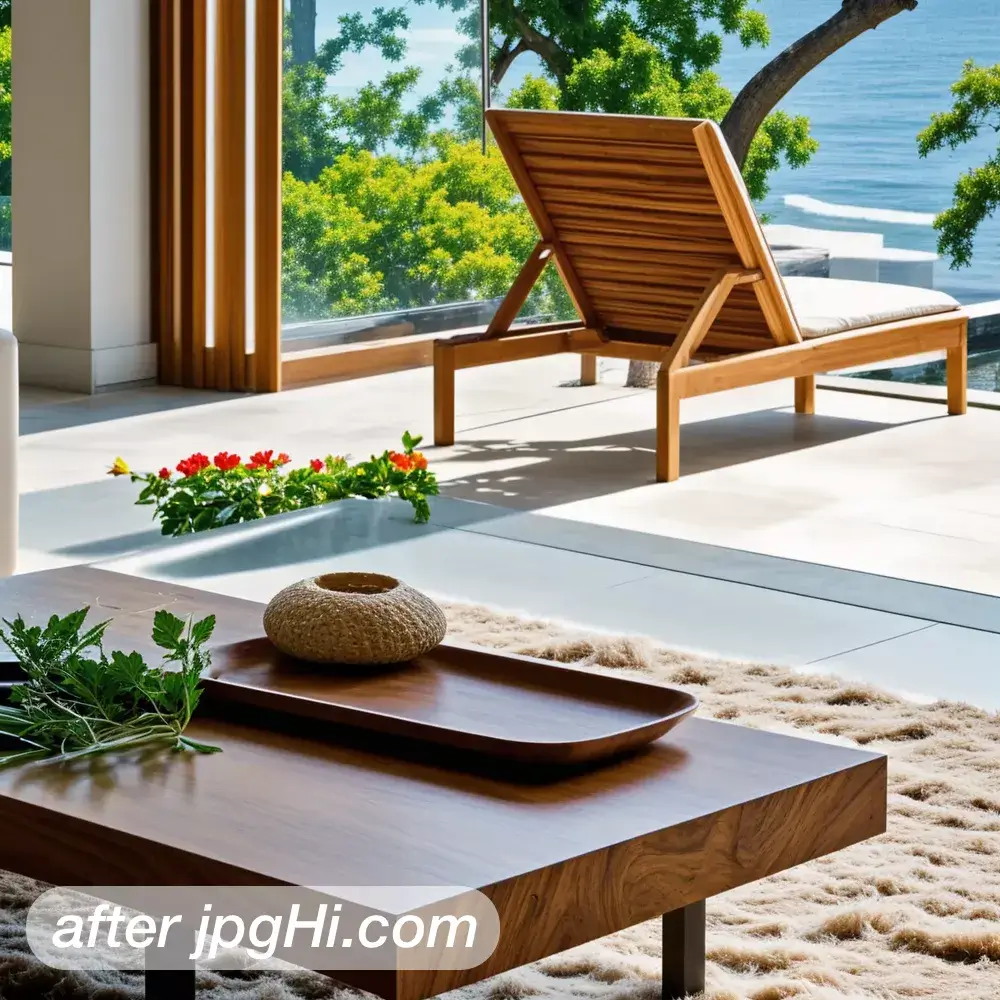
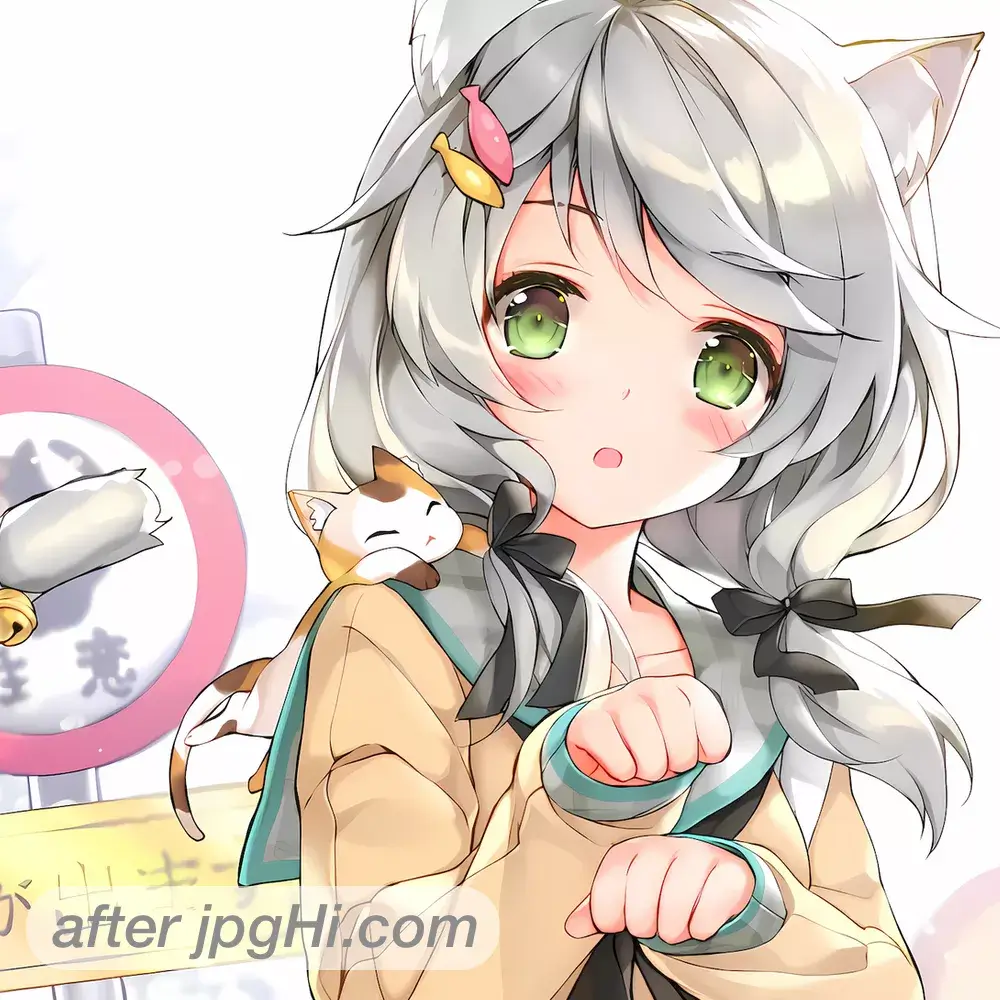
jpgHi is a cloud-based AI image upscaler that increases the resolution of photos, anime and cartoon artwork, and product images by up to 16x. Using what the site describes as the latest AI model and cloud GPU servers, it adds fine detail and texture to images, such as hair and skin in portraits, feather detail in bird photos, and clean edges in cartoon art, while aiming to remove pixelation and keep quality high. The workflow is simple: select an image, choose whether it is a photo or a cartoon, pick an upscaling factor, and click Start. Users can tune parameters such as image type, scale, creativity, image similarity, HDR, and sharpness. The site notes that higher factors are not always better, since they can introduce more AI-imagined detail and take considerably longer to process. Typical processing times range from one to two minutes for 2x up to 30 to 60 minutes for 16x, depending on image size. jpgHi suits photographers, e-commerce sellers, designers, and anime or illustration fans who need higher-resolution versions of existing images without manual retouching. It uses a token-based model with a free tier for trying the service before buying. Uploaded files are stated to be deleted immediately after processing, which addresses common privacy concerns with online tools.
SpecificationsAI-estimated
Key Features of jpgHi
Use Cases for jpgHi
Portrait restoration
Recover fine hair and skin detail in low-resolution portrait photos.
Product image enlargement
Prepare small product photos for high-resolution listings and print.
Anime and cartoon upscaling
Convert low-resolution anime or cartoon art into clean high-definition versions.
Wildlife photo enhancement
Bring out feather and texture detail in animal photography.
Old photo improvement
Increase the resolution of archived or small digital images for modern display.
Print preparation
Scale images to larger dimensions suitable for posters or canvas prints.
How to use jpgHi?
Select an image
Upload the photo or artwork you want to upscale.
Choose the image type
Pick Photo or Cartoon depending on the content.
Set the upscaling factor
Select a factor such as 2x, 4x, or higher; lower factors process faster.
Adjust optional settings
Tune creativity, similarity, HDR, and sharpness if needed.
Start and download
Click Start, wait for processing, then download the upscaled result.
Pros & Cons of jpgHi
Pros
- Upscales photos, anime, and product images up to 16x with AI-added detail
- Simple workflow with a clear photo or cartoon mode and adjustable parameters
- Uploaded images are stated to be deleted immediately after processing
- Free trial available before purchasing tokens
Cons
- Processing can take 30 to 60 minutes at high upscaling factors
- Higher factors can introduce AI-imagined details that may not match the original
- Tokens are non-refundable once processing has started due to GPU costs
Frequently Asked Questions
Is jpgHi free to use?
There is a free tier so you can test the service before buying tokens, and premium tokens are required for processing beyond that.
Does a higher upscaling factor always give better results?
No. Higher factors can add more AI-imagined detail and take much longer to process, so the best factor depends on the image.
How long does upscaling take?
Roughly 1 to 2 minutes for 2x, 5 to 6 minutes for 4x, 8 to 9 minutes for 6x, and 30 to 60 minutes for 16x, depending on image size.
Can I get a refund?
Refunds are not offered once processing has started because the GPU resources are expensive and the service cannot be canceled mid-task. Failed tasks that are deleted are refunded in tokens.
Is my data kept private?
The site states that uploaded data is deleted immediately after processing and not stored anywhere.
What should I do if an upload fails?
Refresh the page and retry, or try again in an incognito browser window, as failures are often caused by network or server issues.
Pricing Overview
View full pricing →jpgHi offers free trial usage before purchase, with paid token-based access for upscaling, though the page does not state specific dollar amounts or named plan tiers.
Detailed plans are not listed. Visit the official website for pricing information.
Reviews & Ratings0.0
No reviews yet. Be the first to write one!
Top Alternatives & Similar Software
View all alternatives & similar software→No alternatives available yet.
People also viewed

Related searches
Is this your tool?
Claim this page to update details, reply to user reviews, and drive more traffic to your product.
Claim this Product →
Tags
Explore Related Topics
Keep up with jpgHi alternatives
New alternatives, pricing changes and the week's biggest movers - one email every Tuesday.