


Kommodo
Record • Transcribe • Document — All-in-one. Finally.


What is Kommodo?
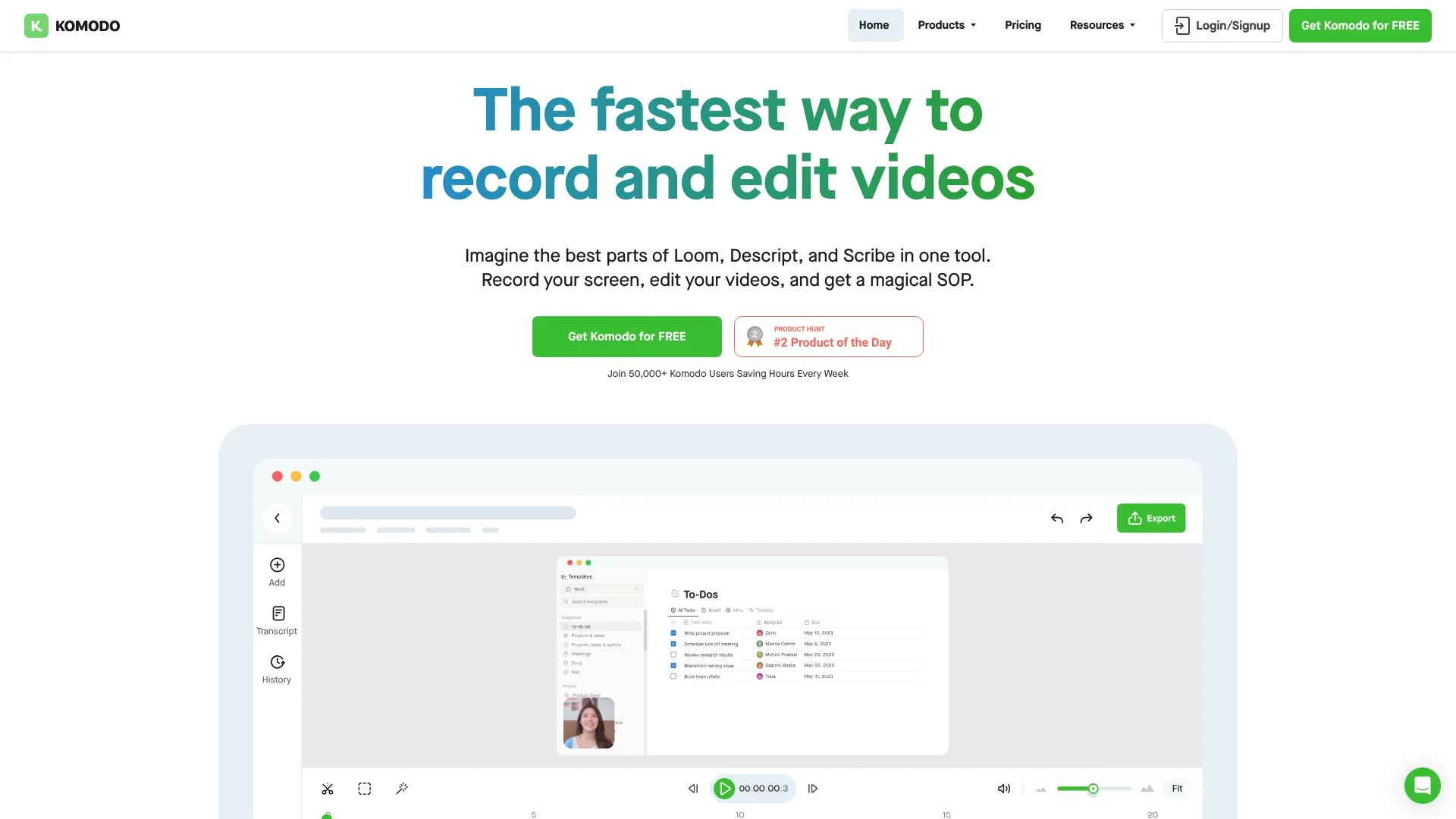
Kommodo is an AI-powered screen recorder and documentation tool that records, transcribes, and documents automatically. It offers unlimited free screen recording, AI meeting notes, searchable video library, auto-generated SOPs, and browser-based video editing.
SpecificationsAI-estimated
Key Features of Kommodo
Use Cases for Kommodo
Sales Calls
Record sales calls, jump to key moments, and share insights with the team.
Customer Success Sync
Document customer sync meetings and generate action items automatically.
Demo Recordings
Create product demos and turn them into shareable guides or SOPs.
Process Documentation
Record your screen while documenting a process, with automatic step tracking.
Team Training
Build training materials and SOPs from screen recordings.
How to use Kommodo?
Download and install
Get the Kommodo desktop app for Windows or Mac, or use the browser version.
Record your screen
Start recording your screen with unlimited time and no watermarks.
Let AI transcribe and summarize
Kommodo automatically generates transcripts, summaries, and action items.
Edit and refine
Use the browser-based editor to trim, overdub, or reorder steps.
Share and collaborate
Share via custom landing pages, embed in Slack or Jira, or export videos.
Pros & Cons of Kommodo
Pros
- No watermarks, no time limits, and no credit card required for free users
- Unlimited screen recording with shareable videos that never expire
- AI transcription, summaries, and action items for meetings
- Auto-generates SOPs and step-by-step guides from screen recordings
- Search across entire video library to find anything
- Built-in browser-based video editor with version control
- Custom branding options including subdomains, logos, and colors
- Replaces multiple tools like Loom, Scribe, and Fireflies
- Works on Windows and Mac with a clean, focused interface
- Custom landing pages with markdown and full JS support
Cons
- 4K resolution is only available on premium plans
- AI features may require a paid subscription for full access
- Browser-based editing may lack advanced features of dedicated video editors
- Desktop app only supports Windows and Mac, no Linux or mobile
- Relatively new product, so ecosystem and integrations may be limited
Frequently Asked Questions
Is Kommodo really free?
Yes, Kommodo offers unlimited recording for free users with no watermarks, no time limits, and no credit card required.
What platforms does Kommodo support?
Kommodo works on Windows and Mac, and also offers a browser-based experience.
Can I record meetings with Kommodo?
Yes, you can sync Kommodo with your Google Calendar and record meetings. AI generates summaries, recaps, and action items.
Does Kommodo replace Loom, Scribe, and Fireflies?
Kommodo combines screen recording, SOP generation, and AI meeting notes, so it can replace multiple tools.
Can I edit my recordings?
Yes, Kommodo includes a browser-based video editor with version control and video export.
Pricing Overview
View full pricing →Kommodo offers a free Starter plan with 15 videos and a paid Premium plan at $9/month billed annually.
Reviews & Ratings0.0
No reviews yet. Be the first to write one!
Top Alternatives & Similar Software
View all alternatives & similar software→
People also viewed




Related searches
Is this your tool?
Claim this page to update details, reply to user reviews, and drive more traffic to your product.
Claim this Product →
Tags
Explore Related Topics
Keep up with Kommodo alternatives
New alternatives, pricing changes and the week's biggest movers - one email every Tuesday.