


Let's Enhance
AI image upscaler and enhancer that restores detail and sharpness in photos, product shots, and AI art without the plastic over-processed look.


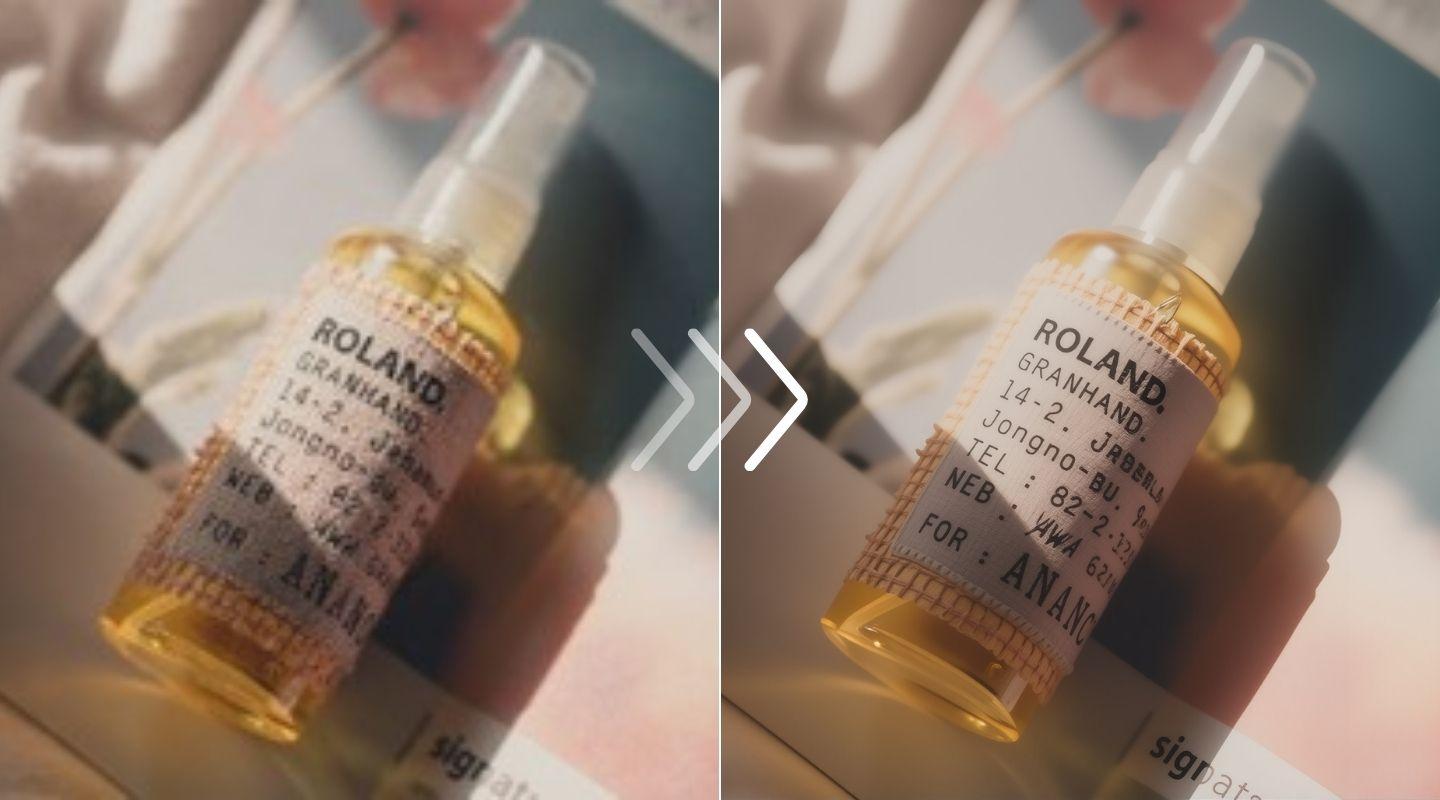
What is Let's Enhance?
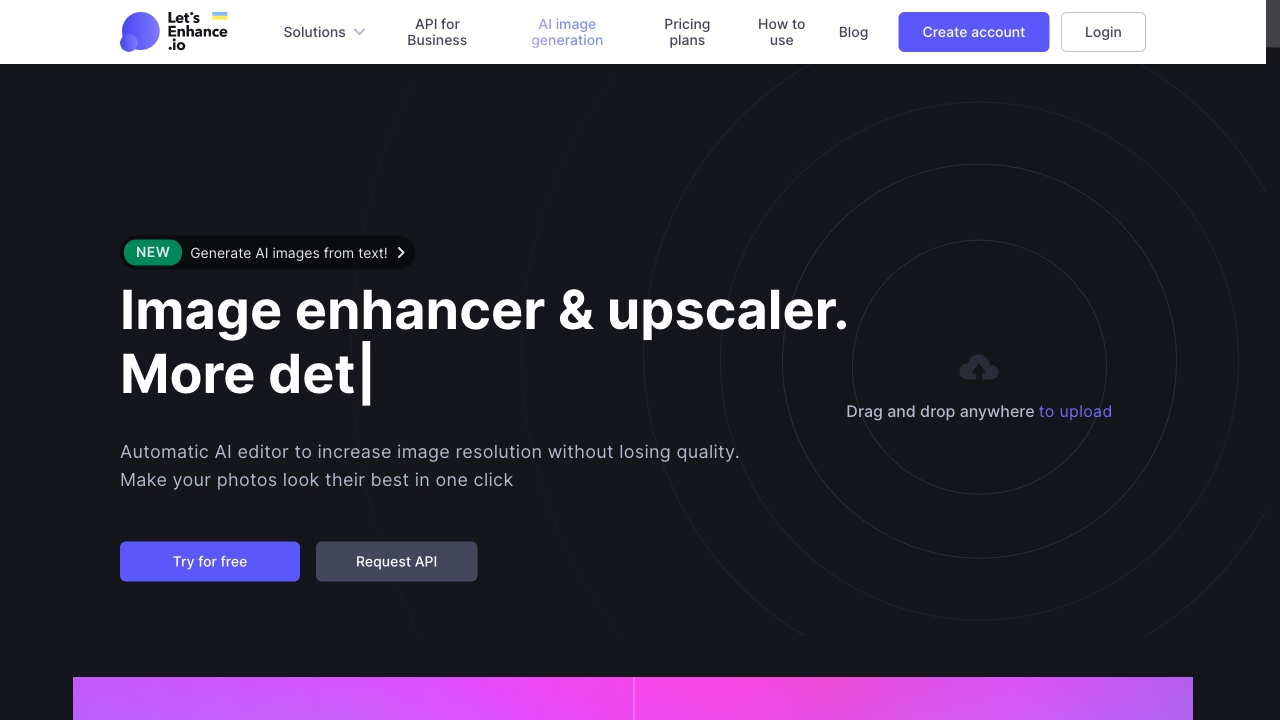
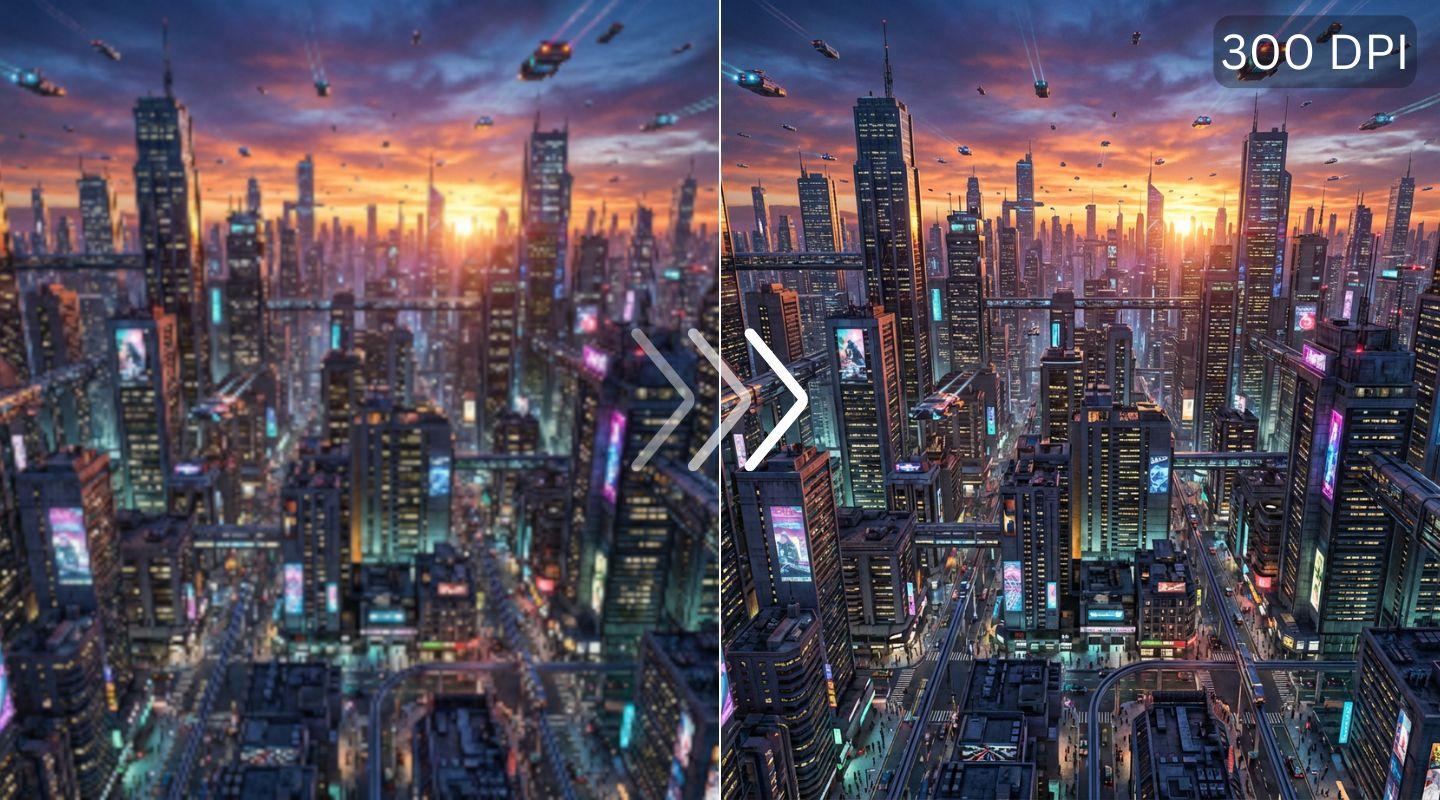
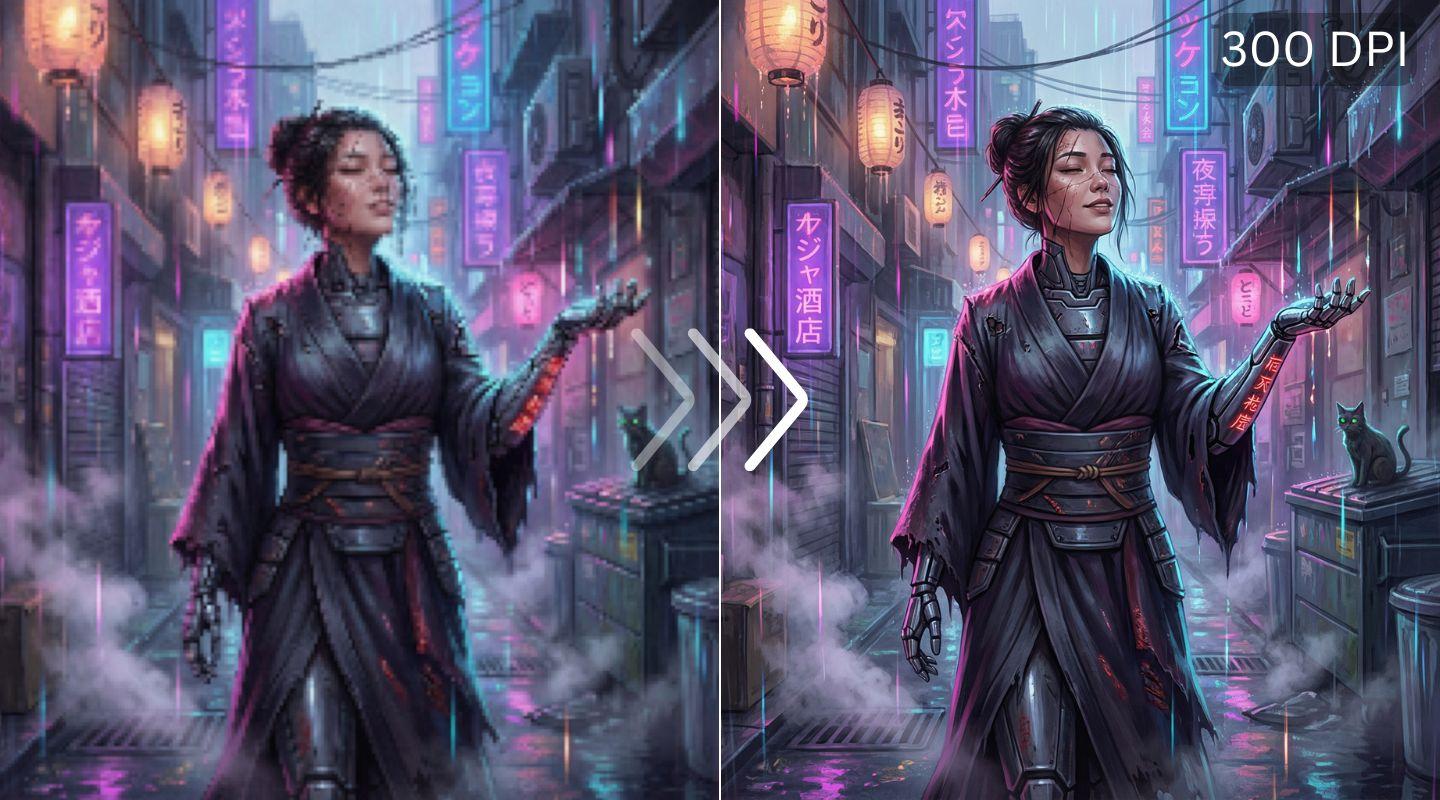
Let's Enhance is an AI-powered image enhancement platform that upscales, sharpens, and restores photos directly in the browser. Users upload a low-resolution or damaged image and the AI reconstructs fine detail, corrects color and exposure, and increases resolution by up to 16x, with output reaching up to 512 megapixels. Unlike many tools that over-process images into an artificial look, the platform aims to recover natural texture and tone so results appear professionally shot rather than obviously edited. The product covers a wide range of use cases. Photographers and print-on-demand sellers can bring thumbnails and small files up to 300 DPI for posters, canvas, and merchandise. E-commerce teams can enhance product and fashion photography at scale, including batch editing of up to 20 images at once. Restoration features address soft focus, compression artifacts, bad lighting, and old scanned or vintage photos, while the upscaler also works on AI-generated art from tools such as Midjourney, Stable Diffusion, and DALL-E. The workflow is intentionally simple: upload a JPG, PNG, or WebP, pick an enhancement mode such as Prime, Gentle, or Old Photo, and download the result at full resolution. Paid plans remove watermarks, and the platform connects to related tools like a chat-based editor and image-to-video animation. It is best suited to creators, marketers, and online sellers who need quick, high-quality results without learning complex desktop editing software.
SpecificationsAI-estimated
Key Features of Let's Enhance
Use Cases for Let's Enhance
Print-on-demand sellers
Upscale small artwork and photos so they look sharp on posters, canvas, and t-shirts.
E-commerce product photography
Enhance and enlarge product and fashion images in bulk for consistent catalog quality.
Photo restoration
Repair old, scanned, or vintage photos by removing blur, scratches, and artifacts.
Polishing AI art
Clean up artifacts and upscale outputs from generative AI tools for commercial use.
Rescuing soft or noisy shots
Sharpen soft-focus images, reduce noise, and correct exposure in one pass.
Enlarging logos and graphics
Turn pixelated thumbnails and logos into sharp, print-ready files.
How to use Let's Enhance?
Upload your image
Drag and drop or select a JPG, PNG, or WebP file from your device.
Choose enhancement type
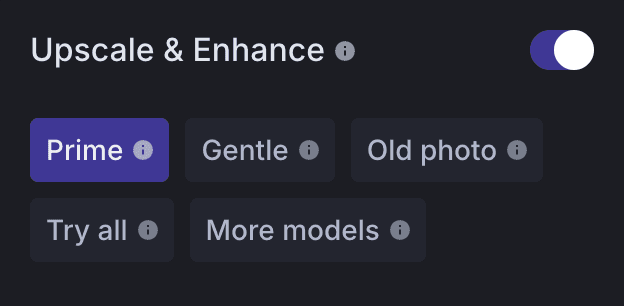
Select upscale, enhance, or sharpen, and pick Prime, Gentle, or Old Photo mode depending on the image.
Download your result
Save the enhanced image at full resolution, with no watermark on paid plans.
Pros & Cons of Let's Enhance
Pros
- Recovers natural detail and corrects color without the obvious over-processed look common to AI tools
- Upscales images up to 16x, reaching print-ready 300 DPI at large sizes
- Batch processing lets users edit up to 20 images at once, useful for product catalogs
- Handles a broad range of inputs including photos, logos, scanned images, and AI-generated art
Cons
- Free use is limited and full-resolution output without a watermark requires a paid plan
- Primarily an online tool, so offline or heavy local batch workflows are not supported
- Gentle mode is needed for small text or fine details, so results depend on choosing the right setting
Frequently Asked Questions
What image formats are supported?
JPG, PNG, and WebP files can be uploaded.
How much can an image be upscaled?
Images can be upscaled up to 16x, with output up to 512 megapixels.
Will my downloaded image have a watermark?
Paid plans download images without a watermark.
Which mode should I use for images with small text?
Gentle mode is recommended for preserving small text and fine details, while Prime works well for most portraits, products, and textures.
Can it restore old photos?
Yes, the Old Photo mode is designed to repair damage on vintage and scanned photos.
Can I edit images further after enhancement?
Yes, enhanced images can be refined in the Chat Editor or animated with Image to Video.
Pricing Overview
View full pricing →Let's Enhance offers a free tier with 10 credits, subscription plans (Starter, Pro, Max) billed monthly, and pay-as-you-go bundles, with 1 image = 1 credit.
Reviews & Ratings0.0
No reviews yet. Be the first to write one!
Top Alternatives & Similar Software
View all alternatives & similar software→No alternatives available yet.
People also viewed


Related searches
Is this your tool?
Claim this page to update details, reply to user reviews, and drive more traffic to your product.
Claim this Product →
Tags
Explore Related Topics
Keep up with Let's Enhance alternatives
New alternatives, pricing changes and the week's biggest movers - one email every Tuesday.