


LipsyncX
A browser-based AI lip sync generator that makes photos, cartoons, and videos speak or sing from your own audio or script.

What is LipsyncX?
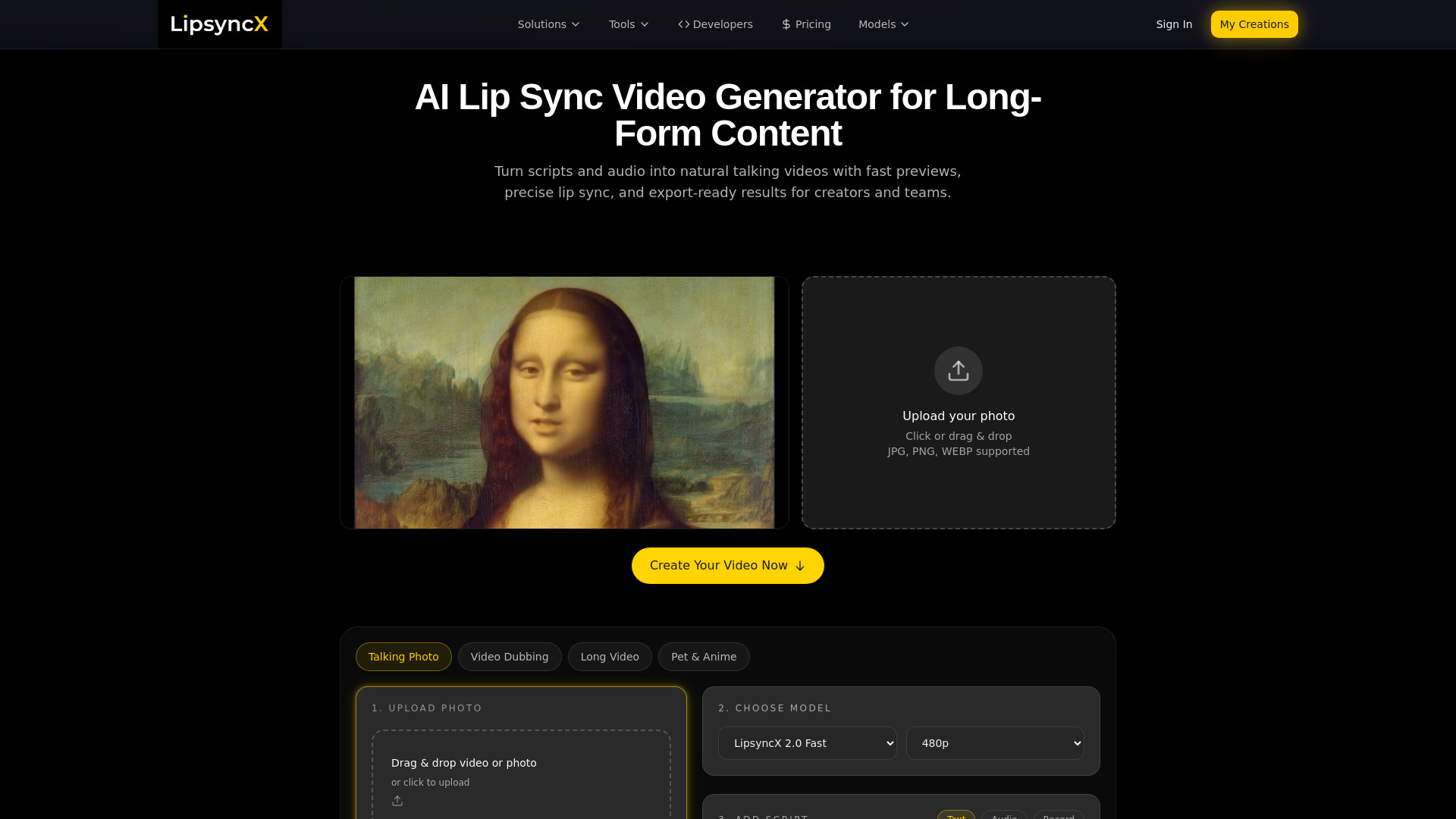
LipsyncX is an online AI lip sync tool that turns a still photo or an existing video into a synchronized talking, singing, or dubbed video. Users start from a single page: they choose a face (a template, an uploaded photo, or a video), then add speech by typing a script, uploading an audio track, recording directly in the browser, or using text-to-speech and voice cloning. The platform matches the speech audio to facial landmarks, mouth shapes, and timing so that a single source can be rendered as a talking photo, a dubbed clip, or a multilingual version without opening a separate video editor. The product is positioned for a broad range of creator and business workflows. Musicians can make a portrait sing a short chorus or cover, educators can turn a teacher's photo and narration into a lesson intro, and marketers can produce localized or UGC-style ads at scale. It also supports animating cartoon, anime, and mascot characters, and dubbing existing footage with a new voice track. Multilingual exports with translated captions and batch dubbing of one source video into several languages are highlighted as core strengths for podcasts, e-learning, and YouTube-style content. LipsyncX uses a credit-based pricing model. New accounts receive 20 free trial credits, and one-time top-up packs start at $2.99 for 60 credits, with larger packs offering more credits per dollar and credits that never expire. Trial videos carry a watermark, while paid credits unlock watermark-free downloads. Cost varies with model, resolution, and audio length, and the tool displays the credit cost before generation. A monthly subscription plan is also referenced on the pricing page.
SpecificationsAI-estimated
Key Features of LipsyncX
Use Cases for LipsyncX
Animate a cartoon character
Add lip sync to cartoons, anime characters, or mascots using dialogue audio.
Create a teaching video
Turn a teacher's photo and narration into a lip-synced lesson or course introduction.
Make a photo sing
Turn a portrait and a song into a singing clip for a chorus, cover, or music post.
Give a character a voice
Bring avatars or characters to life using recorded lines, narration, or text-to-speech.
Dub existing video
Add a new voiceover to existing footage and sync the lips for localized versions.
Produce multilingual marketing and UGC ads
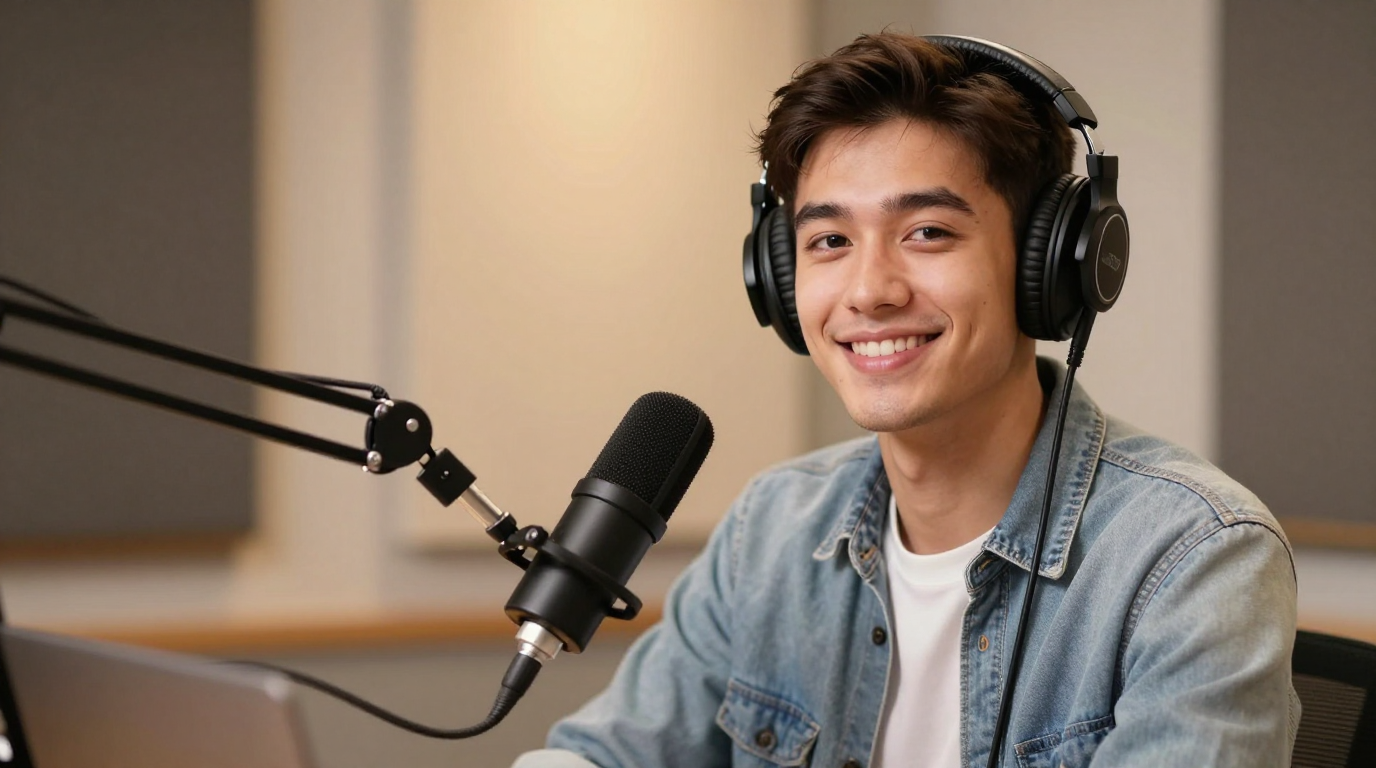
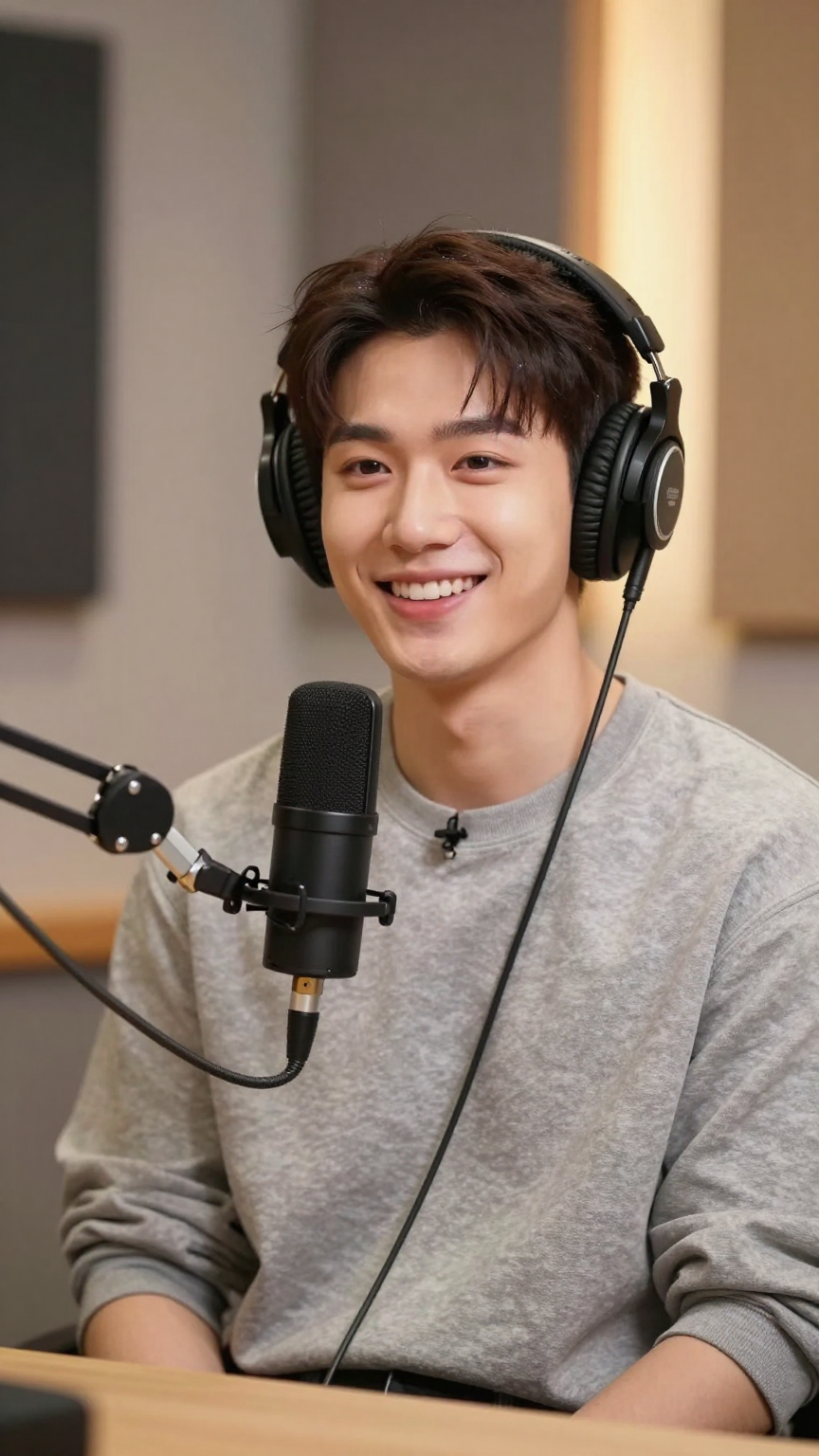
Generate localized or batch-produced talking-head ads for podcasts, YouTube channels, and e-learning.
How to use LipsyncX?
Choose a face
Select a template or upload a clear portrait, avatar, or talking-head video to serve as the speaking source.
Add speech
Type a script, upload a voice track, record directly in the browser, or use text-to-speech or voice cloning.
Adjust settings
Keep the default settings or adjust resolution and other advanced options; review the credit cost shown before generating.
Generate and review
Create the lip sync video, check the result, and reopen finished videos from your creations.
Pros & Cons of LipsyncX
Pros
- Works fully in the browser with no separate editor needed, going from face to audio to rendered video on one page
- Flexible audio inputs including text-to-speech, uploaded voice tracks, in-browser recording, and voice cloning
- Credit-based one-time top-ups with credits that never expire and no subscription required
- Supports a wide range of subjects including humans, cartoons, anime, mascots, and pets
Cons
- Free trial output carries a watermark, and watermark-free downloads require purchasing credits
- Cost per video depends on model, resolution, and duration, so total spend can be hard to predict in advance
- Best lip sync quality is reported for audio under one minute, with a 10-minute upload ceiling
Frequently Asked Questions
Is LipsyncX free to use?
New accounts receive 20 free trial credits. Trial videos include a watermark, and paid credit packs are needed for watermark-free downloads and larger generations.
What kinds of input can I use?
You can start from a photo or an existing video. Speech can come from typed text via text-to-speech, uploaded MP3, WAV, or M4A audio, in-browser recordings, or voice cloning.
Do credits expire?
No. The one-time credit packs are described as never expiring, and no subscription is required for them.
How much does a video cost?
Cost depends on the model, resolution, and duration of the output. The tool shows the credit cost before generation, and a 60-credit pack is described as roughly five seconds of 1080p lip sync with the Pro model.
What audio length works best?
Audio under one minute is recommended for the best lip sync quality. Uploads can be up to 30MB or 10 minutes.
Can it be used for characters other than humans?
Yes. The site showcases cartoon, anime, mascot, and pet examples in addition to human portraits.
Pricing Overview
View full pricing →LipsyncX sells one-time prepaid credit packs with no subscription required, ranging from $2.99 for 60 credits to $199.99 for 6,350 credits, with credits that never expire and failed renders refunded.
Reviews & Ratings0.0
No reviews yet. Be the first to write one!
Top Alternatives & Similar Software
View all alternatives & similar software→No alternatives available yet.
People also viewed


Related searches
Is this your tool?
Claim this page to update details, reply to user reviews, and drive more traffic to your product.
Claim this Product →
Tags
Explore Related Topics
Keep up with LipsyncX alternatives
New alternatives, pricing changes and the week's biggest movers - one email every Tuesday.