


MagicEdit
Turn a text prompt and a reference character into a consistent, cinematic short video in seconds.
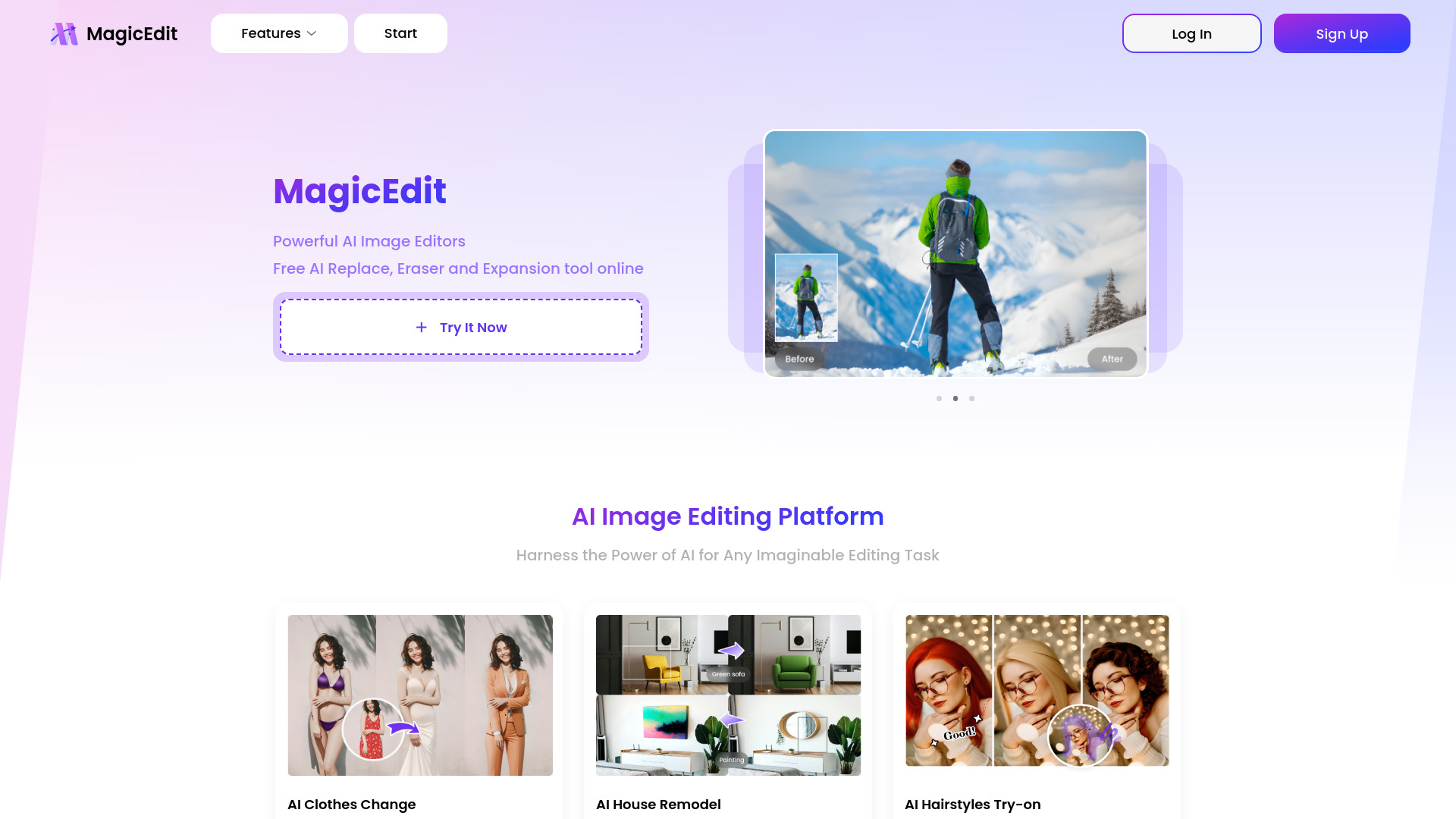


What is MagicEdit?
MagicEdit is an AI-powered platform for generating and editing short videos from text prompts, reference images, and existing character imagery. Users describe a scene in natural language, optionally attach one or more reference images tagged as @image1, @image2 and so on, and the system produces a video clip with the chosen character's identity, proportions, and styling maintained across frames. The platform supports text-to-video (T2V), image-to-video (I2V), and reference-to-video (R2V) workflows, along with a remix feature that lets users adapt public template prompts for their own characters. The product is built around a community-driven discovery feed. Public template videos span genres including cinematic, action, anime, commercial, dance, fashion, fantasy, horror, romance, sci-fi, travel, and experimental styles. Each template exposes its original prompt, which makes it easy to learn prompt-writing techniques, study how multi-shot timelines and camera directions are described, and then remix the result with a different character or setting. Output quality and duration options (for example 5s or 10s to 15s clips at 720p and 16:9 aspect ratios) are selectable per generation. MagicEdit is best suited to content creators, marketers, storytellers, and hobbyists who want cinematic or stylized short clips without a traditional video production pipeline. Its strongest value is consistent character identity across shots and fast iteration through remixing, while the prompt-driven nature means results depend heavily on how well the user writes and structures their descriptions.
SpecificationsAI-estimated
Key Features of MagicEdit
Use Cases for MagicEdit
Cinematic short films
Create dramatic, genre-driven short scenes such as adventure, fantasy, or noir sequences with consistent characters.
Brand and product commercials
Produce stylized luxury or lifestyle commercial clips featuring a product or brand-aligned character.
Character-driven social content
Generate dance, fashion, or personality clips for TikTok, Reels, or Shorts using a recurring character.
Concept previsualization
Quickly mock up scenes and camera moves before committing to a full production.
Learning prompt craft
Study public template prompts and remix them to understand how cinematic video prompts are structured.
Animated mascots and avatars
Bring a static character or mascot image to life with motion and scene variation.
How to use MagicEdit?
Choose a starting point
Pick text-to-video for a pure prompt, image-to-video for a starting frame, or reference-to-video to lock a character's identity.
Upload reference images
Attach character or scene images and reference them in your prompt with tags such as @image1.
Write your prompt
Describe the scene, camera movement, lighting, and action, optionally using timestamped shot breakdowns.
Set quality and format
Select duration, resolution, and aspect ratio before generating.
Generate and remix
Review the output, refine the prompt, or remix a public template to iterate further.
Pros & Cons of MagicEdit
Pros
- Maintains character identity and facial features across generated frames using reference images
- Supports text-to-video, image-to-video, and reference-to-video workflows in one platform
- Public template discovery feed with reusable prompts makes it easy to learn and remix
- Multi-shot, timestamped prompt support enables more directed, cinematic storytelling
Cons
- Output quality and consistency depend heavily on prompt-writing skill
- Clip durations are short (around 5 to 15 seconds), limiting long-form content
- Credit-based usage may become costly for high-volume iteration
- Limited public information about detailed model capabilities and licensing for commercial use
Frequently Asked Questions
What is MagicEdit?
MagicEdit is an AI platform that generates short videos from text prompts and reference images, with a focus on keeping characters visually consistent.
Do I need video editing experience?
No. The platform is prompt-driven, so describing the scene in natural language is enough to generate a clip, though better prompts yield better results.
What does @image1 mean in a prompt?
@image1 refers to the first reference image you uploaded, telling the model which character or subject to preserve across the video.
How long can generated videos be?
Templates show clips ranging from about 5 to 15 seconds, with duration selectable per generation.
What is the discover feed?
It is a public gallery of template videos with their prompts, which you can browse for inspiration and remix into your own versions.
Can I use the videos commercially?
Commercial usage terms should be confirmed in the Terms of Service and Privacy pages linked on the website before publishing paid content.
What output resolution is available?
Templates are shown at 720p, with 16:9 and other aspect ratios supported.
Pricing Overview
View full pricing →The page content does not include any explicit pricing plans or dollar amounts; pricing structure could not be verified from the provided text.
Detailed plans are not listed. Visit the official website for pricing information.
Reviews & Ratings0.0
No reviews yet. Be the first to write one!
Top Alternatives & Similar Software
View all alternatives & similar software→No alternatives available yet.
People also viewed


Related searches
Is this your tool?
Claim this page to update details, reply to user reviews, and drive more traffic to your product.
Claim this Product →
Tags
Explore Related Topics
Keep up with MagicEdit alternatives
New alternatives, pricing changes and the week's biggest movers - one email every Tuesday.