


make.ad
Write a paragraph. Get a finished AI-made cartoon video ad — with character, script, sung soundtrack and animation included.
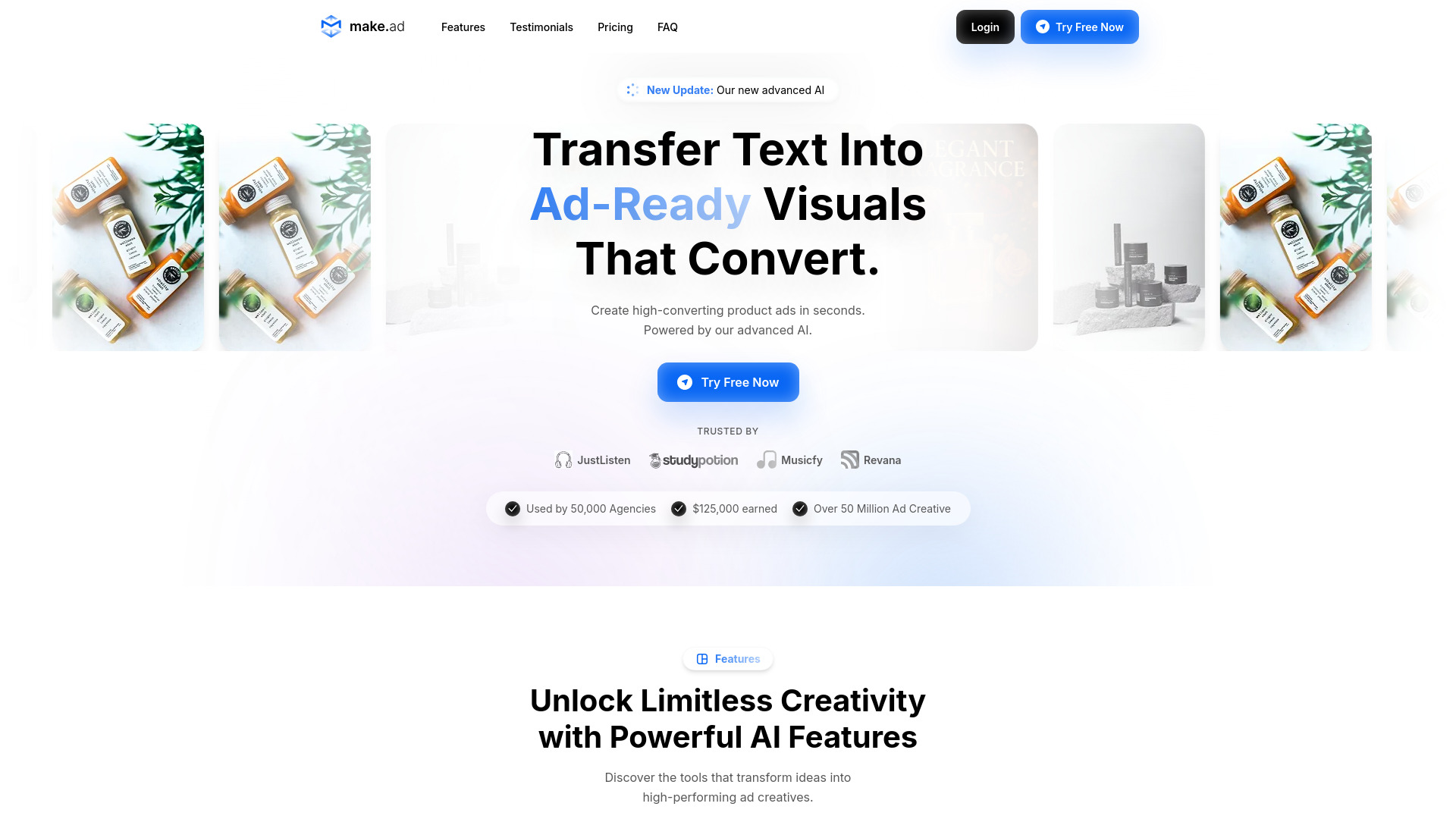
What is make.ad?
make.ad is an AI-powered video ad generator that turns a short written brief into a finished animated advertisement. You describe the brand, the character, the look and the runtime, and the platform handles everything downstream: drawing the character, writing the script, singing or reading the voiceover, animating every scene, and assembling the final MP4. It is built around a seven-stage production pipeline, with four approval checkpoints where you can review and send work back in your own words before the expensive rendering happens.
SpecificationsAI-estimated
Key Features of make.ad
Use Cases for make.ad
Direct-response video ads
Produce a complete cartoon ad from a single brief, including script, sung voiceover, visuals and final MP4.
Batch creative testing
Give a theme and a number, and get multiple ads written from different angles to test hooks and messaging.
Brand storytelling with consistent characters
Keep one anchor character drawing across every scene so the face never drifts during a story.
Musical and jingle-driven ads
Use Suno to create a sung track before animation so the ad can follow the music's rhythm and length.
Multilingual ad campaigns
Create scripted, sung and read ads in both English and Spanish for broader audience reach.
Story-driven movie-style ads
Use the Movies feature to build a storyboard, cast characters and voices, and render every shot into a joined video.
Asset-based creative production
Reuse approved characters, places, props, styles and voices from the library to make new ads faster.
Iterative creative review
Approve or send back the character, script, sound and stills before the expensive clip rendering stage.
How to use make.ad?
Write your brief
Describe the product and character in a paragraph, then set the brand, who appears in it, the look and runtime. Choose the video, picture and sound models and see the ad's credit cost before submitting.
Approve the early stages
Review the character drawing, script, voice track and scene stills as they are produced. Send any stage back with a note in your own words, or let it run straight through.
Let animation and assembly run
After approval, the remaining stages animate each still for exactly as long as its line is sung, then ffmpeg joins the clips and mixes the audio.
Collect your finished ad
Find the final MP4 in your workspace and share the link with anyone. You can also review retakes, rerun stages, or launch a batch from the same theme.
Pros & Cons of make.ad
Pros
- Four human approval gates (character, script, voice, scenes) before expensive video clips are rendered
- Song-first workflow means the sung track is made before animation, so clip timing matches the audio naturally
- Access to 49 models across video, image and sound — all selectable from a form without typing model names
- A failed stage can be retried without spending extra credits, so mistakes never waste a whole ad
- Batch mode generates multiple ad angles from a single theme while you are away
Cons
- No free tier; creating ads requires a paid credit plan starting at $59 per month
- Scripts, sung voices and read voiceovers are currently limited to English and Spanish
- Each stage involves minutes of rendering, so full ads are not produced instantly
- Credit-based pricing means heavy experimentation can consume credits quickly
Frequently Asked Questions
How much does make.ad cost?
The Basic plan is $59 per month billed monthly and includes 6,500 credits, which is about $9.08 per 1,000 credits. A default ad costs roughly 1,040 credits.
What is a credit?
A credit is one cent. Rendering is what costs money, so each ad is quoted in credits before it starts; unused credits from an ad are released when it finishes.
What happens if a stage fails?
A failed stage costs only that stage. You can retry it without a new credit hold, and you never lose the renders you already paid for or have to redo the whole ad.
Can I choose which AI models are used?
Yes. The brief lets you pick the clip model and the still model, and you can see what each costs in credits before starting. All 49 models are available on every plan.
Which languages are supported?
English and Spanish. Scripts can be written, sung and read in either language.
Do I need a credit card to explore?
No card is required to look around. Nothing renders until you pick a paid plan.
Can I cancel my subscription?
Yes, you can cancel anytime. Your next renewal stops, and every ad, brand and video in your workspace stays where it is.
How does the approval process work?
Four stages — character, script, voice and scenes — stop and wait for your approval. You can send any of them back with a note, and that stage reruns with your note while keeping everything you did not complain about unchanged.
Reviews & Ratings0.0
No reviews yet. Be the first to write one!
Top Alternatives & Similar Software
View all alternatives & similar software→


People also viewed


Related searches
About the Product
Is this your tool?
Claim this page to update details, reply to user reviews, and drive more traffic to your product.
Claim this Product →
Tags
Explore Related Topics
Keep up with make.ad alternatives
New alternatives, pricing changes and the week's biggest movers - one email every Tuesday.