


Mejorar Calidad de Imagen
A browser-based AI upscaler that enlarges images up to 10x and 12K resolution, with three free enhancements per day.


What is Mejorar Calidad de Imagen?
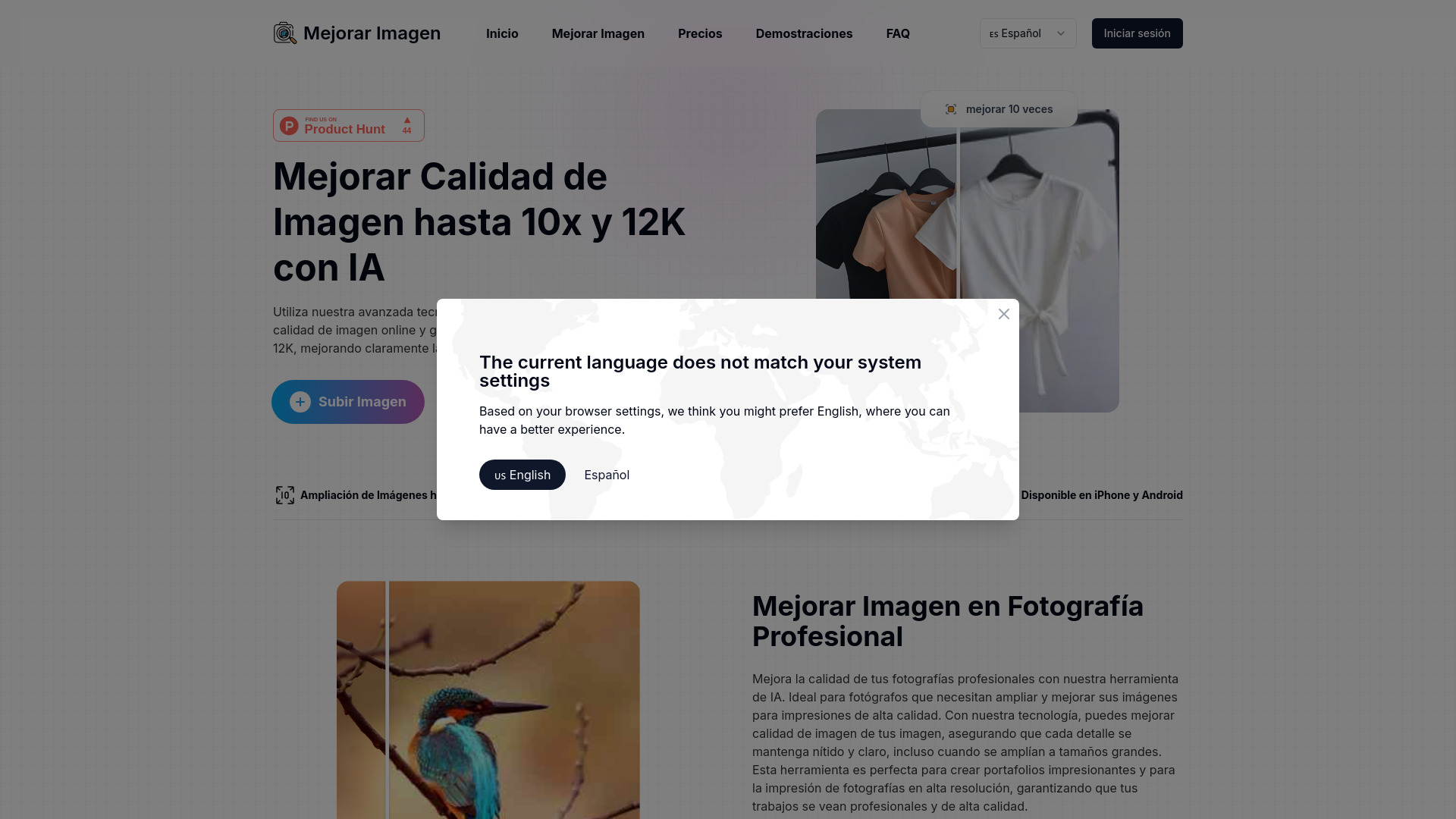
Mejorar Calidad de Imagen is a browser-based AI image upscaler that enlarges photos up to 10 times while sharpening detail, with an output ceiling of 12K (12000x12000 pixels). It is aimed at users who need to take a small or low-resolution image and make it usable at a larger size, whether for print, a design layout, or a social media post. The platform accepts common formats including JPG, JPEG, PNG, WEBP, BMP, and TIFF, with a 20 MB limit per file, and processes images in seconds without requiring an account or a credit card. The service uses a free tier of three image enhancements per day, with each image consuming one credit. Paid credit packs are available for heavier use. The tool also offers a dedicated portrait enhancement mode, and the site claims compatibility with PDFs and old photographs, as well as screenshots. Enhanced files are kept on the company's servers for only one hour before automatic deletion, so users are expected to download results promptly. The product positions itself for photographers building portfolios, graphic designers preparing posters and banners, and social media creators who want sharper posts. Because it works in any modern browser and is also described as available on iPhone and Android, it lowers the barrier for quick edits that would otherwise require desktop software such as Photoshop. Users should note that AI upscaling invents plausible detail rather than recovering information that was never captured, so results on heavily degraded sources may look synthetic at high magnification.
SpecificationsAI-estimated
Key Features of Mejorar Calidad de Imagen
Use Cases for Mejorar Calidad de Imagen
Print-ready photography
Photographers enlarge their work to make high-resolution prints and portfolio pieces.
Graphic design assets
Designers upscale raster images for posters, banners, and large-format advertising.
Social media content
Influencers and brands sharpen images before posting to platforms that compress uploads.
Restoring old photographs
Users improve the clarity of scanned or aging family photos to preserve memories.
Enhancing screenshots
Presenters and documentation writers make screenshots clearer for slides and guides.
Quick portrait touch-ups
Users improve facial detail in portraits using the dedicated portrait mode.
How to use Mejorar Calidad de Imagen?
Open the website
Visit mejorarimagen.org in any modern browser, on desktop or mobile.
Upload your image
Drag and drop a file or select one from your device. Supported formats include JPG, PNG, WEBP, BMP, and TIFF up to 20 MB.
Choose enhancement mode
Select the general upscale option or the portrait enhancement mode depending on your image.
Run the enhancement
Start processing and wait a few seconds for the AI to produce the enlarged result.
Download promptly
Save the enhanced image to your device, since processed files are removed from servers after one hour.
Pros & Cons of Mejorar Calidad de Imagen
Pros
- Free tier of 3 image enhancements per day with no sign-up or credit card required
- Upscales images up to 10x, with a maximum output resolution of 12K
- Supports a wide range of formats including JPG, PNG, WEBP, BMP, and TIFF
- Fast processing that typically completes in seconds
- Works from both desktop browsers and mobile devices
Cons
- Free daily allowance is limited to three images, which may not suit heavy users
- Uploaded images are only stored for one hour, so users must download results quickly
- Output is AI-generated detail rather than true recovered information, which can look artificial at high magnification
- Maximum file size of 20 MB per image restricts very large source files
Frequently Asked Questions
Is it really free to improve image quality?
Yes. Users get 3 free image enhancements per day without signing in or providing a credit card. Credits reset daily, and additional credits can be purchased for more volume.
How much can an image be enlarged, and at what resolution?
Images can be upscaled up to 10 times, with a maximum output of 12000x12000 pixels (12K). For example, a 1024x1024 image becomes 10240x10240 after a 10x enlargement.
How does the AI improve image quality?
The AI uses learned algorithms to add pixel detail intelligently during upscaling, which increases resolution and perceived sharpness rather than simply stretching the existing pixels.
Which file formats are supported?
JPG, JPEG, PNG, WEBP, BMP, and TIFF are supported, with a maximum file size of 20 MB per image. The site also states that images embedded in PDF files can be enhanced.
How long does processing take?
Processing time depends on image size and resolution, but the service states that most images are enhanced within a few seconds.
Is it safe to upload my images?
The site states that uploaded images are protected. Enhanced files are stored on servers for only one hour before being automatically deleted, so users should download results promptly.
Pricing Overview
View full pricing →The page offers 3 free image upscales per day with no sign-up or credit card required, and mentions that additional credits can be purchased, but no paid plan prices are stated in the content.
Reviews & Ratings0.0
No reviews yet. Be the first to write one!
Top Alternatives & Similar Software
View all alternatives & similar software→No alternatives available yet.
People also viewed

Related searches
Is this your tool?
Claim this page to update details, reply to user reviews, and drive more traffic to your product.
Claim this Product →
Tags
Explore Related Topics
Keep up with Mejorar Calidad de Imagen alternatives
New alternatives, pricing changes and the week's biggest movers - one email every Tuesday.