



Merge JPGs
A free, no-install browser tool that stitches multiple JPG images into one file in seconds.




What is Merge JPGs?
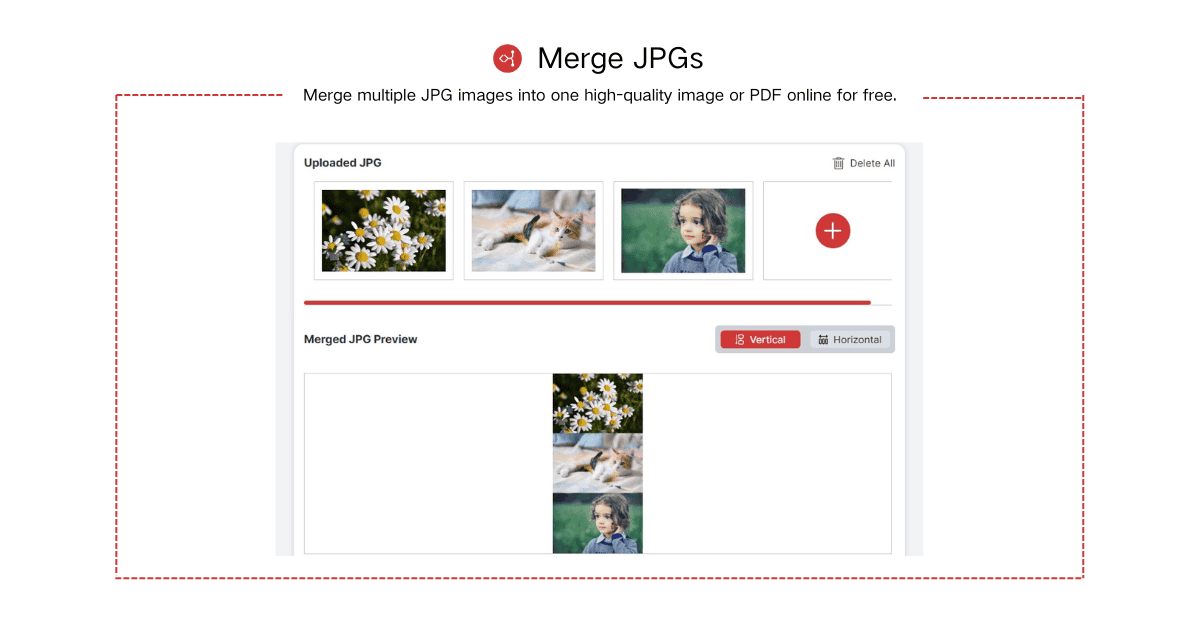
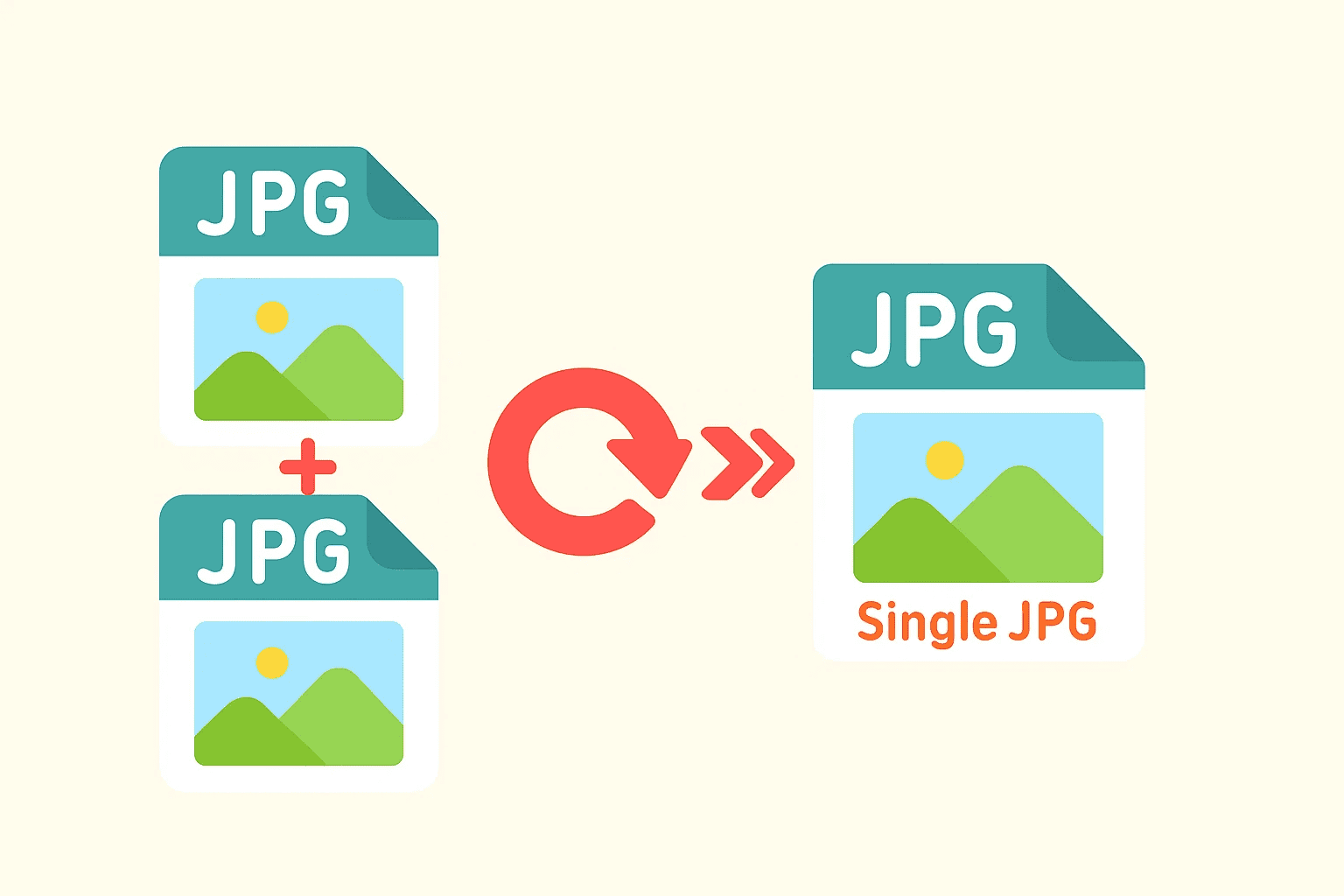
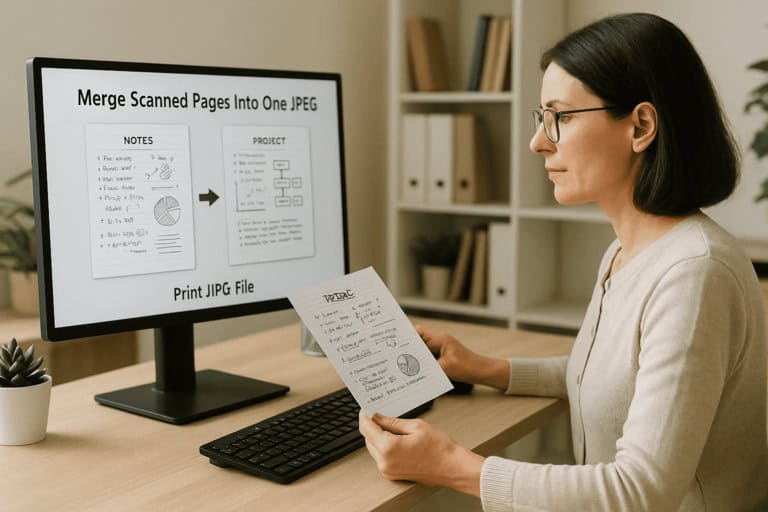
Merge JPGs is a free, browser-based online tool that lets users combine multiple JPG images into a single image or document in a few clicks. Designed for speed and simplicity, it requires no software installation and no account creation. Users upload their images by drag-and-drop or file selection, arrange them in the desired order, choose whether to merge vertically or horizontally, and download the combined result instantly. The tool accepts JPG, JPEG, PNG, and WebP files and aims to preserve original resolution and layout while minimizing recompression artifacts. The tool serves a wide range of practical needs. Students and professionals can merge scanned invoices, contracts, receipts, or ID documents into one file for easier storage and submission. Online sellers can combine multiple product photos showing different angles, colors, or features into one listing image. Content creators and everyday users can build photo collages for social media, blogs, or personal albums, while designers and reviewers can place images side by side for comparison or before-and-after reporting. Because it runs entirely in the browser and works across desktop, tablet, and mobile devices, Merge JPGs suits both beginners and experienced users who need a quick, no-fuss solution. The platform states that uploaded images are deleted automatically after processing to protect user privacy, making it a convenient option for combining images without installing heavy desktop applications.
SpecificationsAI-estimated
Key Features of Merge JPGs
Use Cases for Merge JPGs
Photo Collage Creation
Combine several photos into one JPG for social media posts, blogs, or personal albums.
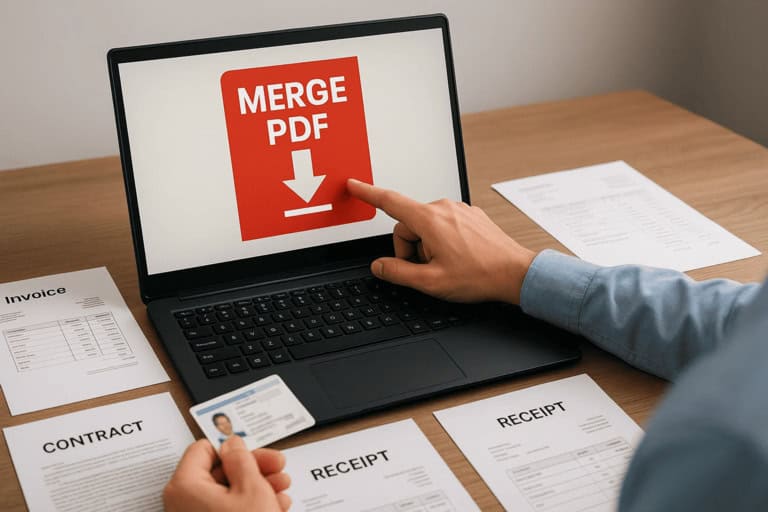
Document Scanning & Archiving
Merge scanned pages such as invoices, contracts, or receipts into a single file for easier storage and sharing.
Product Images for E-Commerce
Join multiple product angles or color variants into one image for cleaner online listings.
Printing & PDF Submission
Combine JPG pages into one image before printing or converting to PDF for assignments and forms.
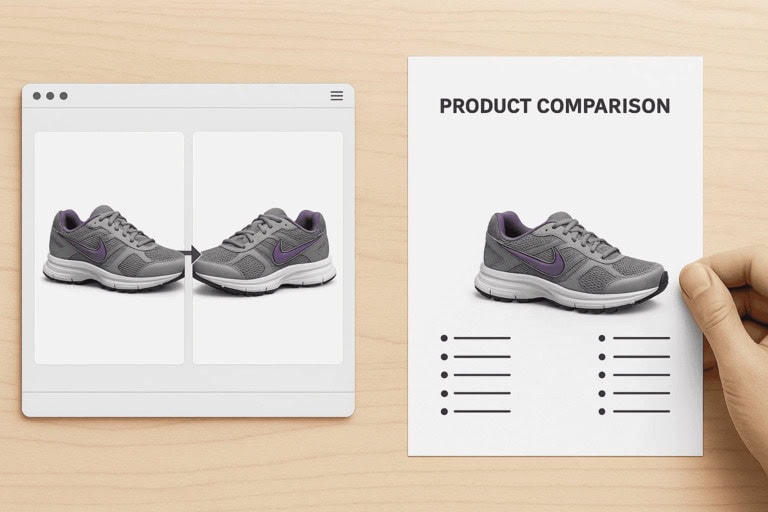
Image Comparison & Reports
Place before-and-after or design variations side by side for visual reporting and analysis.
Presentations & Learning Materials
Combine related visuals into one image to simplify slides and educational materials.
How to use Merge JPGs?
Upload JPG Images
Drag and drop or select multiple JPG, JPEG, PNG, or WebP files into the tool.
Arrange the Order
Reorder the images to control the final layout of the merged output.
Choose Output Options
Select vertical or horizontal merging and pick your preferred export format.
Download Instantly
Download the merged JPG or document within seconds.
Pros & Cons of Merge JPGs
Pros
- Completely free with no sign-up or software installation required
- Fast processing that works directly in any modern browser
- Preserves original resolution and minimizes recompression quality loss
- Supports vertical and horizontal merging with custom image ordering
- Uploaded images are automatically deleted after processing for privacy
Cons
- Limited to combining images rather than offering advanced editing features
- Individual file size limits apply, which may restrict very large images
- Requires an internet connection since processing happens online
Frequently Asked Questions
Is Merge JPGs free to use?
Yes, the tool is completely free and requires no sign-up or account creation.
How many images can I merge at once?
You can upload multiple images, but for best performance it is recommended to keep individual files under reasonable size limits.
Does merging reduce image quality?
The tool aims to preserve original resolution and minimize recompression, so quality loss is kept to a minimum.
What happens to my uploaded images?
Images are processed securely and automatically deleted shortly after merging is completed; they are not stored or shared.
Can I use merged images for PDF workflows?
Yes, merged images can be used for document or PDF workflows such as printing or submission.
Do I need to install any software?
No installation is required. The tool runs directly in your web browser on desktop or mobile devices.
Pricing Overview
View full pricing →Merge JPGs is a free online tool with no sign-up required, and the page lists no paid plans or prices.
Detailed plans are not listed. Visit the official website for pricing information.
Reviews & Ratings0.0
No reviews yet. Be the first to write one!
Top Alternatives & Similar Software
View all alternatives & similar software→No alternatives available yet.
People also viewed



Related searches
Is this your tool?
Claim this page to update details, reply to user reviews, and drive more traffic to your product.
Claim this Product →
Tags
Explore Related Topics
Keep up with Merge JPGs alternatives
New alternatives, pricing changes and the week's biggest movers - one email every Tuesday.