


Microsoft Excel
Powerful spreadsheet tool for calculations, analysis, and visualisation
Alternatives

Choose FreeOffice if…
- you need a zero‑cost spreadsheet solution
- you run Linux and need native Office compatibility
- you can’t justify a Microsoft 365 subscription
- you only require basic formula support, not advanced

Choose Equals if…
- you need automatically refreshed GTM data without manual
- you want unlimited collaborators at no extra per‑user cost
- you require write‑back to Salesforce from spreadsheet
- you prefer an AI ‘Ask’ layer for non‑technical stakeholders

Choose OnlyOffice if…
- you need self‑hosted spreadsheet editing
- you require granular permission controls
- your team collaborates in real‑time on sheets
- you want native integration with existing storage services
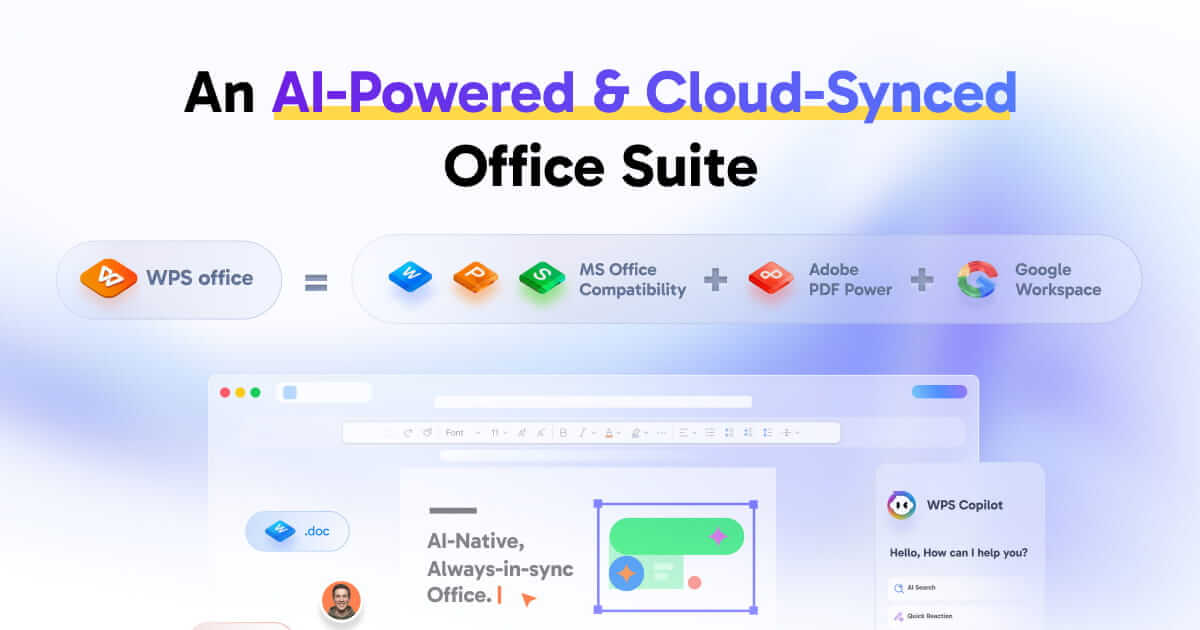
Choose WPS Office if…
- you need a spreadsheet that works on Linux or iOS
- you want AI‑driven formula help without extra add‑ins
- you prefer an integrated PDF editor for quick annotations
- you rely on cloud sync across all devices

Choose Rows if…
- you need to pull data from ad platforms or PDFs without
- you want minute‑level automatic refreshes for dashboards
- your team collaborates on reports that must stay up‑to‑date
- you prefer natural‑language queries over learning Excel’s
How to Decide
Microsoft Excel is known for its powerful formulas, PivotTables, and charting capabilities and is used by analysts, finance teams, and general business users. The alternatives split into a few clear camps: OnlyOffice leans on a self‑hosted deployment option with granular security controls; Google Sheets emphasizes a free, browser‑based real‑time collaboration experience; Apache OpenOffice is chosen for being completely free and open‑source with no account required; SoftMaker FreeOffice stands out with a classic Office‑like interface and strong .xlsx compatibility; LibreOffice is distinguished by its extensible extensions ecosystem and cross‑platform desktop app.
When comparing Excel to its alternatives, focus on (1) the licensing and pricing model – freemium versus fully free or open‑source; (2) deployment and collaboration mode – cloud‑only, self‑hosted, or desktop‑centric; (3) fidelity of Microsoft file‑format compatibility, especially for complex .xlsx workbooks; (4) availability of advanced analysis features such as PivotTables, VBA/macros, or comparable data tools; and (5) the presence of APIs or extension ecosystems that enable custom automation or integration.
All Alternatives
“FreeOffice’s PlanMaker is a fully compatible spreadsheet application, offering core Excel functionality at no cost.”
“Spreadsheet focused on revenue and operations dashboards, providing Excel‑like formulas and syncing features.”
“AI‑driven spreadsheet that pulls live data into reports, serving the same analytical and reporting role as Excel.”

“AI‑powered spreadsheet offering similar calculations, charts and automation as Excel, but with built‑in AI insights.”

“AI‑native spreadsheet handling massive rows and natural‑language queries, matching Excel’s data analysis core.”
About the Product
Is this your tool?
Claim this page to update details, reply to user reviews, and drive more traffic to your product.
Claim this Product →