



Miro
Online collaborative whiteboard for visual teamwork
Best for
Remote teams needing visual brainstorming and real‑time whiteboards
Skip if
Skip if you need heavy offline work or unlimited free features
What is Miro?
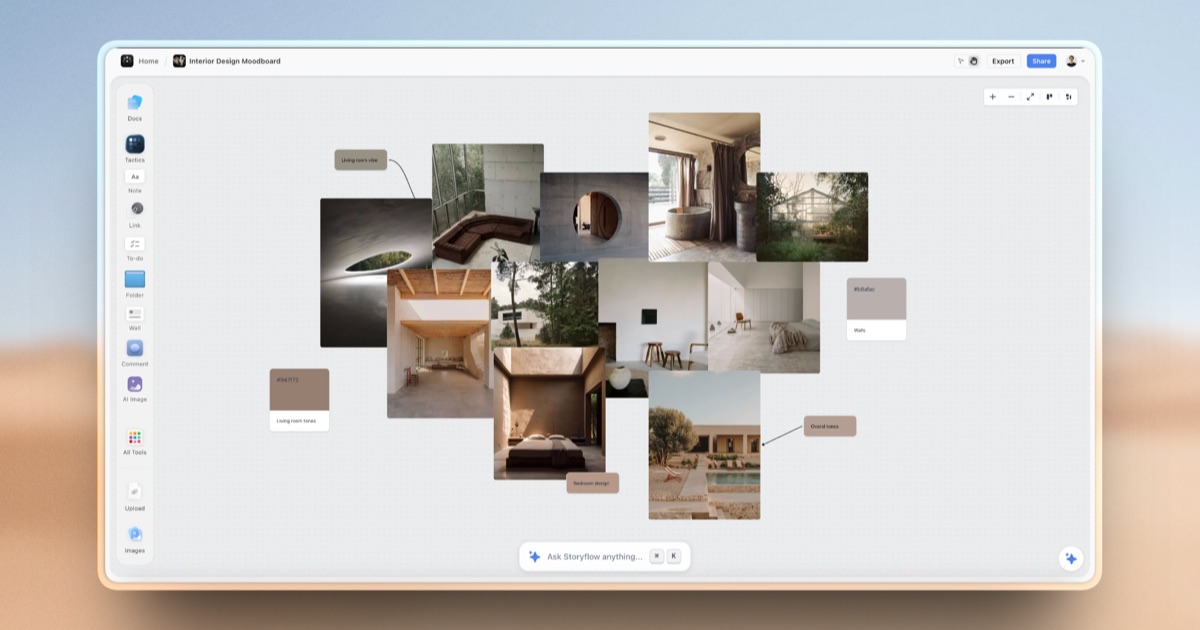
Miro is a cloud‑based visual collaboration platform that lets teams create, share, and iterate on ideas using an infinite canvas. It supports real‑time editing, sticky notes, diagrams, and a rich library of templates to accelerate brainstorming, planning, and design sessions. The platform integrates with popular productivity tools, offers native mobile apps, and provides granular permission controls, making it suitable for remote teams, educators, and enterprises seeking a unified visual workspace.
SpecificationsAI-estimated
Key Features of Miro
Use Cases for Miro
Remote brainstorming
Teams generate ideas together on a shared visual canvas.
Agile sprint planning
Create Kanban boards and sprint backlogs with built-in templates.
UX/UI design workshops
Sketch wireframes and gather feedback in real time.
Project roadmap mapping
Visualize milestones and dependencies across timelines.
Pros & Cons of Miro
Pros
- Intuitive drag‑and‑drop interface
- Extensive template library
- Strong integrations with popular SaaS tools
- Real‑time collaboration across devices
Cons
- Performance can lag on very large boards
- Advanced features require paid subscription
- Limited offline functionality
Frequently Asked Questions
Is there a free version of Miro?
Yes, Miro offers a free tier with three editable boards and core collaboration features.
Can I integrate Miro with Slack?
Miro provides a native Slack integration that lets you share boards, receive updates, and start meetings directly from Slack.
Does Miro support mobile devices?
Miro has native iOS and Android apps that sync with the web version for on‑the‑go access.
Is there an API for developers?
Miro offers a RESTful API and SDKs to embed boards and automate workflows.
Pricing Overview
View full pricing →Reviews & Ratings0.0
No reviews yet. Be the first to write one!
Top Alternatives & Similar Software
View all alternatives & similar software→


People also viewed


Best For
Related searches
Is this your tool?
Claim this page to update details, reply to user reviews, and drive more traffic to your product.
Claim this Product →
Tags
Explore Related Topics
Keep up with Miro alternatives
New alternatives, pricing changes and the week's biggest movers - one email every Tuesday.