


Mixfont
Turn a prompt or picture into a unique, downloadable font in seconds.

What is Mixfont?
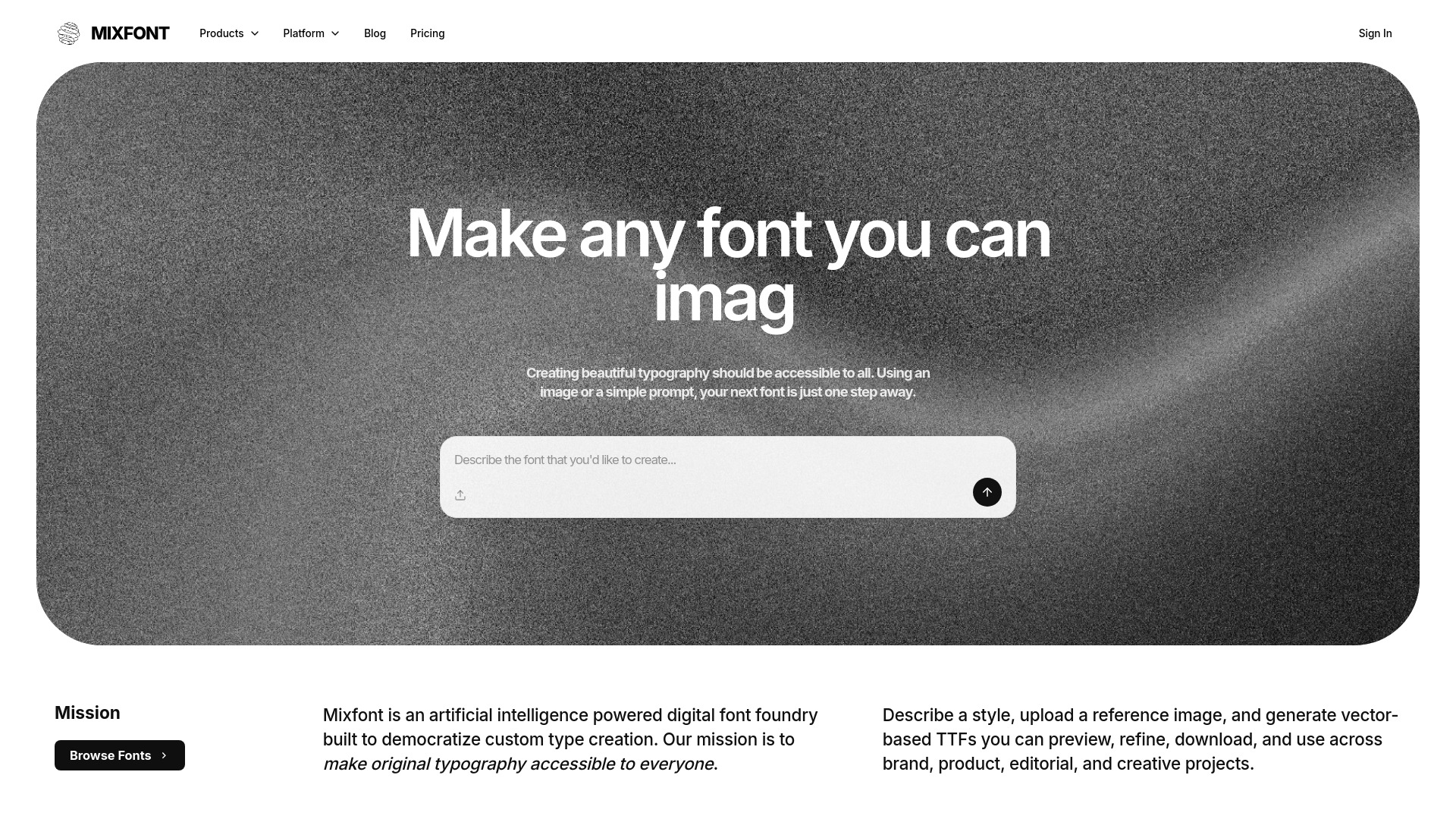
Mixfont is an AI-powered typography tool that creates original, production-ready font files from a simple text prompt or an uploaded reference image. It bills itself as the world's first and only AI font generator, letting designers and developers skip traditional type design work and go straight from idea to usable typeface in seconds. Whether you need a logo-worthy display face or a bubbly custom font, Mixfont aims to turn imagination into downloadable TTF files. The platform is built around two main workflows: prompt-based generation and image-based style capture. With prompt-based generation, users describe the typeface they want—like "a cute and bubbly font"—and Mixfont produces a unique glyph set. With image-based generation, users can capture the font style from any image and convert it into an editable, usable font file, making it easy to match existing branding or recreate text from a visual. Mixfont is designed for both creative and technical workflows. It generates more than 320 glyphs per font, supporting 26+ languages, and produces fonts that are positioned as commercial-ready. For developers, the Mixfont API and JavaScript SDK make it possible to generate fonts programmatically and integrate font creation into product workflows. The platform is available online and starts with a free sign-in.
SpecificationsAI-estimated
Key Features of Mixfont
Use Cases for Mixfont
Brand typography
Create distinctive display fonts for logos, campaign headlines, and launch assets from a single prompt.
Editing text in images
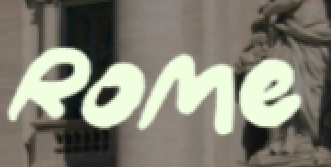
Capture a font style from any image and turn it into an editable, usable font file.
Custom display fonts
Generate unique headline or title fonts for campaigns, posters, social graphics, and websites.
Decorative typefaces
Produce fonts in any style, from sans-serifs to decorative styles, for themed or creative projects.
Product integration
Use the Mixfont API to generate custom fonts programmatically inside apps or design workflows.
Multilingual typography
Create fonts with 320+ glyphs covering 26+ languages, punctuation, and symbols.
Marketing assets
Create original launch assets that don't rely on stock fonts.
How to use Mixfont?
Sign in to Mixfont
Go to Mixfont and sign in to start creating for free.
Describe or upload your inspiration
Enter a text prompt like "a cute and bubbly font", or upload a reference image to capture a font style.
Generate the font
Let Mixfont generate the typeface; it produces a glyph set with 320+ glyphs.
Download or integrate
Download the TTF file for use in any product or project, or use the Mixfont API/SDK to integrate generation into your workflow.
Pros & Cons of Mixfont
Pros
- Generate unique typefaces from a single text prompt in seconds.
- Extract and convert font styles from images into editable font files.
- More than 320 glyphs per font with support for 26+ languages.
- Commercial-ready font files available as TTF for direct use.
- Offers a developer API/SDK for programmatic font generation.
Cons
- Requires sign-in before you can create or try the generator.
- No public pricing or detailed plan information is listed on the homepage.
- The website doesn't mention advanced type design controls like kerning, hinting, or manual glyph editing.
- Language coverage is currently limited to 26+ languages.
Frequently Asked Questions
What is Mixfont?
Mixfont is an AI font generator that creates unique, commercial-ready typefaces from a text prompt or reference image in seconds.
Is Mixfont really the first AI font generator?
The website describes Mixfont as "the world's first and only AI font generator."
Can I turn an image into a font?
Yes. You can capture the font style from any image, and Mixfont turns it into an editable, usable font file.
What font file format does Mixfont output?
Mixfont generates downloadable TTF font files that can be used in any type of product or project.
How many languages does Mixfont support?
It generates more than 320 glyphs per font, covering 26+ languages along with punctuation and symbols.
Is there an API for developers?
Yes. Mixfont offers an API, with a JavaScript/TypeScript SDK example that can generate fonts programmatically.
Can I use the generated fonts commercially?
Yes, Mixfont positions its generated fonts as original and commercial-ready for production use.
Do I need to pay to start using Mixfont?
The site says you can sign in to start creating for free; specific pricing plans are not listed on the homepage.
Reviews & Ratings0.0
No reviews yet. Be the first to write one!
Top Alternatives & Similar Software
View all alternatives & similar software→

People also viewed



Related searches
Is this your tool?
Claim this page to update details, reply to user reviews, and drive more traffic to your product.
Claim this Product →
Tags
Keep up with Mixfont alternatives
New alternatives, pricing changes and the week's biggest movers - one email every Tuesday.