



MkAnime
Turn prompts into anime videos—and stories into complete, dubbed episodes.




What is MkAnime?
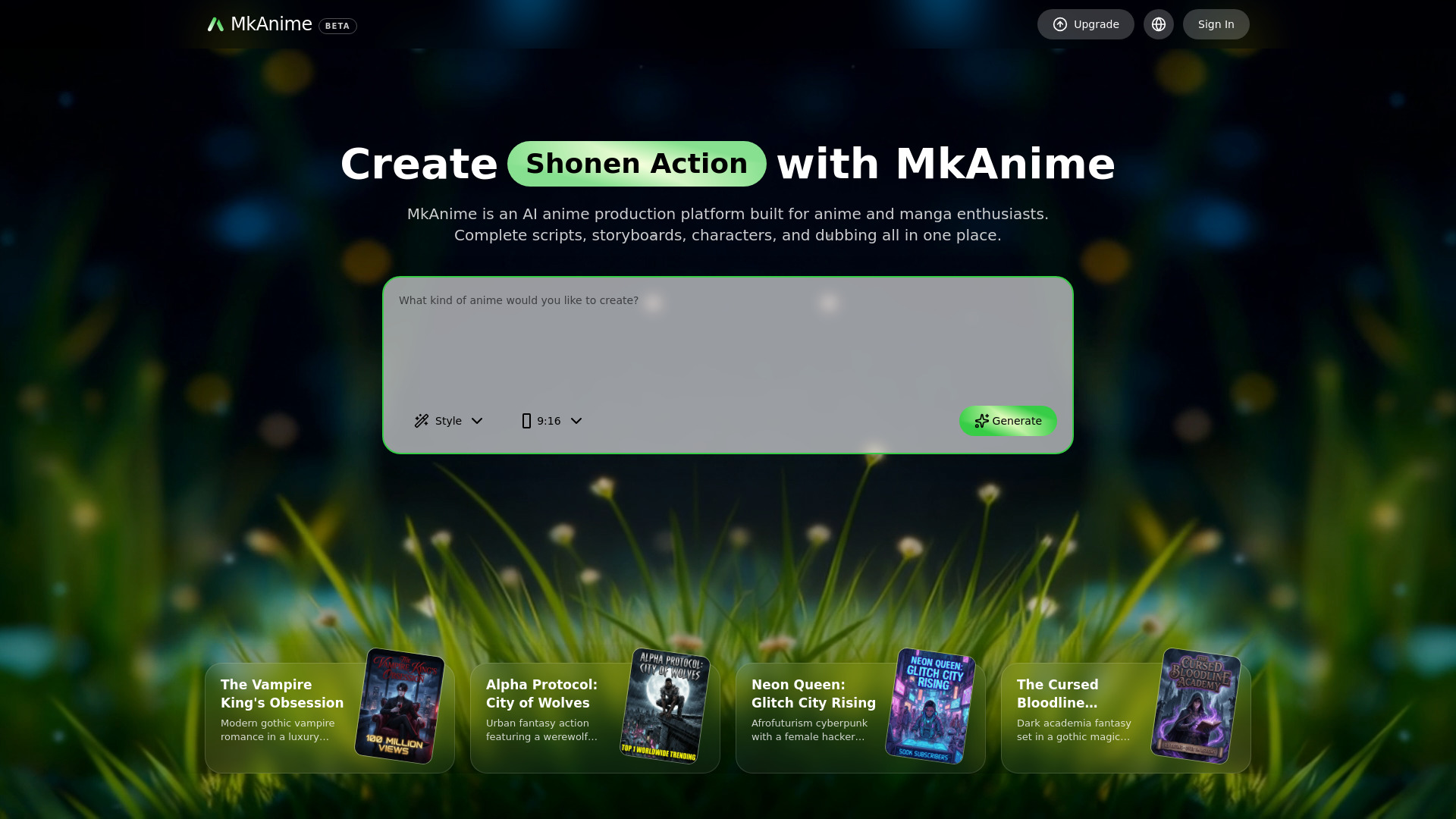
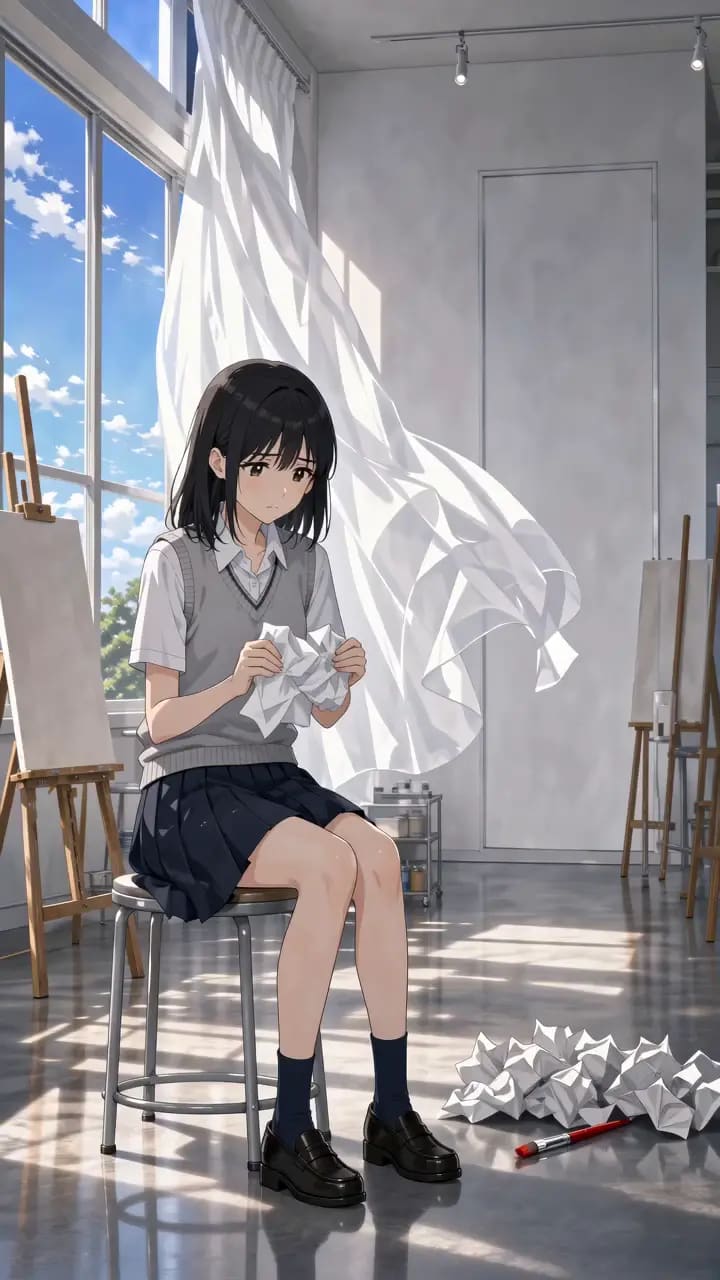
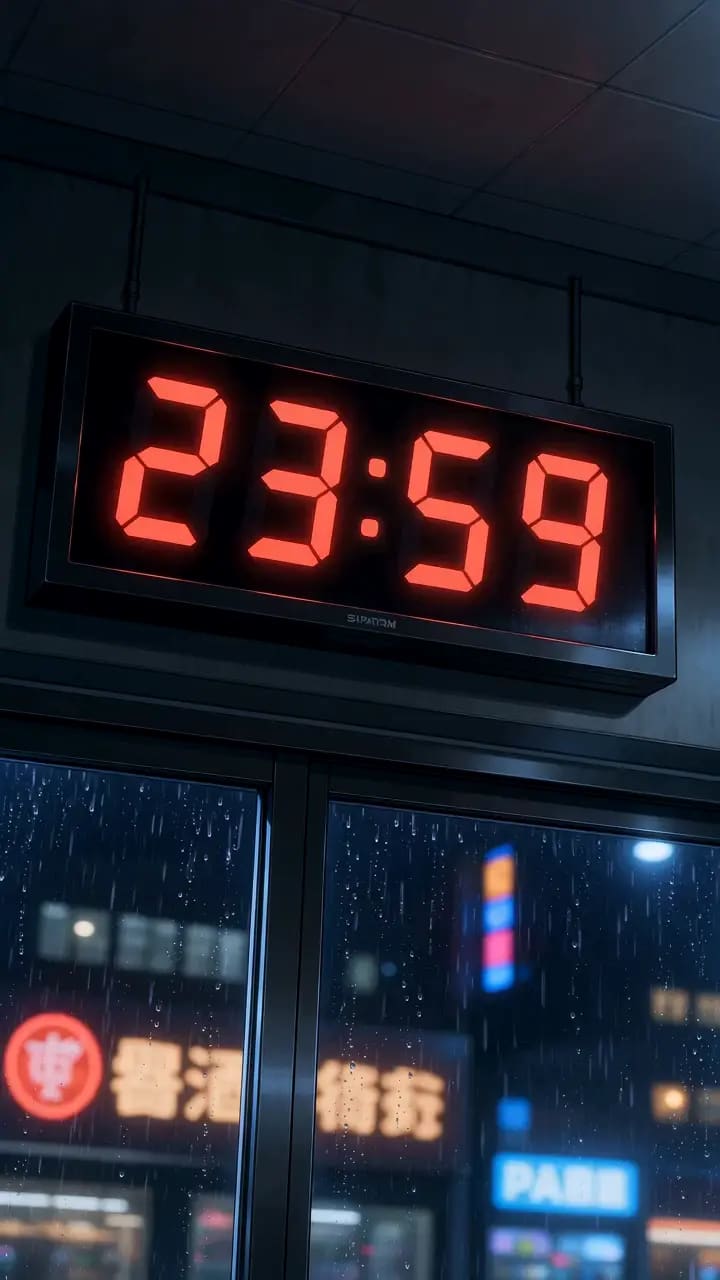
MkAnime is an AI-powered anime production studio that runs in the browser. It transforms written prompts into anime videos, and it can also take a story idea through a fuller production pipeline: outline, script, characters, scenes, storyboard shots, AI dubbing, lip sync, and final export. Creators can choose between a quick prompt-to-video path for standalone shots or an anime project path designed for recurring characters, multi-scene episodes, and series continuity. The platform's standout workflows focus on controllability. Storyboards are generated as editable shots so pacing, framing, and hook timing can be reviewed before heavy scene generation; weak shots can be regenerated individually. Reusable character sheets preserve a character's look across scenes and episodes, while scene-by-scene dubbing and lip-sync keep dialogue aligned to the animation. It also supports 9:16 and 16:9 formats, making it useful for Shorts, Reels, and widescreen releases. MkAnime targets short-form creators, indie series builders, solo creators, and multilingual release teams who need an all-in-one studio rather than multiple disconnected tools. Review quotes from creators highlight storyboarding speed, character consistency, lip-sync turnaround, and the ability to finish projects in a single workflow.
SpecificationsAI-estimated
Key Features of MkAnime
Use Cases for MkAnime
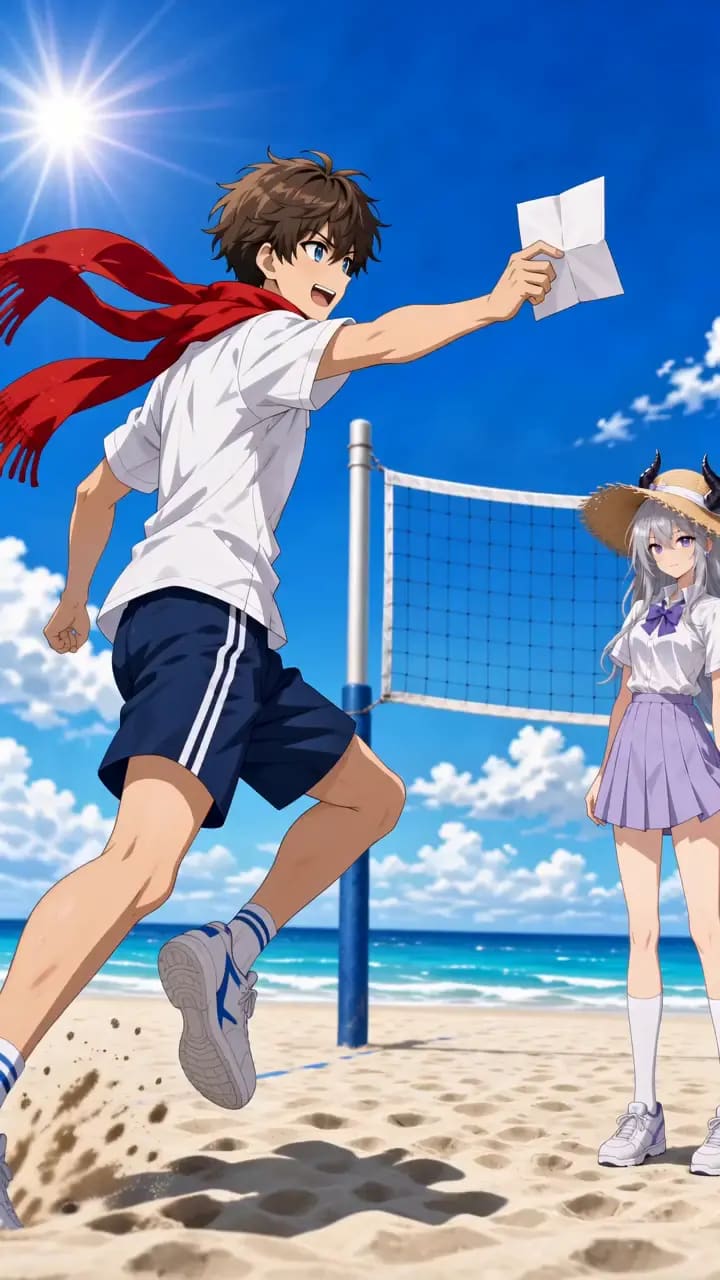
Shonen Action Shorts
Turn quick prompts into viral-style anime action clips with character, action, setting, and camera direction.
Indie Series Production
Build structured outlines, recurring cast, storyboards, and episodes inside one connected project.
Vertical Social Posting
Create 9:16 anime Shorts/Reels with framing designed for mobile feeds and subtitles.
Storyboard Pre-Visualization
Review shot order, pacing, framing, and beat structure before committing to full scene generation.
Multilingual Dubbing
Assign voice profiles and generate dialogue tracks for multiple release languages without rebuilding the workflow.
Motion Comics
Use storyboard and shot workflows to build motion-comic style panel animations.
Client and Stakeholder Review
Produce structured boards and scene previews that clients can approve or iterate on quickly.
How to use MkAnime?
Pick a creation path
Choose Quick Anime Video for a standalone shot or Anime Project when you need a script, cast, scenes, and storyboard connected.
Describe your idea
Write your story premise or describe the character, action, setting, and camera direction you want.
Review the AI-generated pre-production
MkAnime builds the outline, script, characters, scenes, and storyboard shots; check shot order and pacing.
Refine and fill gaps
Regenerate weak shots, adjust dialogue or voices, and lock reusable character sheets for continuity.
Dub, preview, and export
Add AI dubbing and lip sync, preview the scene, and export the finished video from the dashboard.
Pros & Cons of MkAnime
Pros
- One prompt can generate either a standalone anime video or a full project with script, storyboard, characters, and scenes.
- Reusable character sheets keep recurring cast members consistent across scenes and episodes.
- Editable storyboards let you review pacing and fix weak shots without rebuilding the entire board.
- AI dubbing with lip sync and multilingual dialogue tracks streamlines finishing dialogue-heavy scenes.
- Native 9:16 and 16:9 format support suits both vertical social posts and widescreen releases.
Cons
- Generator output is currently capped at 720p resolution.
- Standalone clips are limited to short durations (the quick video flow highlights 5s and the generator form offers 30s).
- The video model is currently fixed to Seedance 2.5; no other model option is presented.
- The tool is fully browser/cloud-based, so creating requires an internet connection.
Frequently Asked Questions
What is MkAnime?
MkAnime is a browser-based AI anime studio that turns prompts into anime videos and story ideas into scripts, storyboards, characters, scenes, and complete episodes.
What is the difference between Quick Anime Video and Anime Project?
Quick Anime Video is for a single scene, motion test, social post, or visual experiment. Anime Project is for connected stories with recurring characters, multiple scenes, and room to grow into full episodes.
Can I generate a video without starting a project?
Yes. The Quick Anime Video path lets you describe the shot and generate immediately without creating a project first.
Can I keep characters consistent across scenes and episodes?
Yes. MkAnime uses reusable character reference sheets that lock character looks and help keep the cast recognizable across new scenes and later episodes.
Does MkAnime support dubbing and lip sync?
Yes. You can assign voice profiles, generate dialogue audio, sync lines scene by scene, preview, and export the dubbed result.
What output formats and resolutions are available?
The generator supports 9:16 vertical and 16:9 widescreen formats at 720p resolution, with optional generated audio.
Who is MkAnime designed for?
It is aimed at short-form creators, indie series builders, solo creators, motion comic hobbyists, and multilingual release teams.
Does MkAnime require other tools to finish a video?
No. Scriptwriting, storyboarding, character management, dubbing, lip sync, and export are all designed to happen inside the same workflow.
Reviews & Ratings0.0
No reviews yet. Be the first to write one!
Top Alternatives & Similar Software
View all alternatives & similar software→No alternatives available yet.
People also viewed

Related searches
Is this your tool?
Claim this page to update details, reply to user reviews, and drive more traffic to your product.
Claim this Product →
Tags
Explore Related Topics
Keep up with MkAnime alternatives
New alternatives, pricing changes and the week's biggest movers - one email every Tuesday.