


OmniParser
From raw screenshots to structured UI actions—OmniParser gives language models a clear view of any interface.
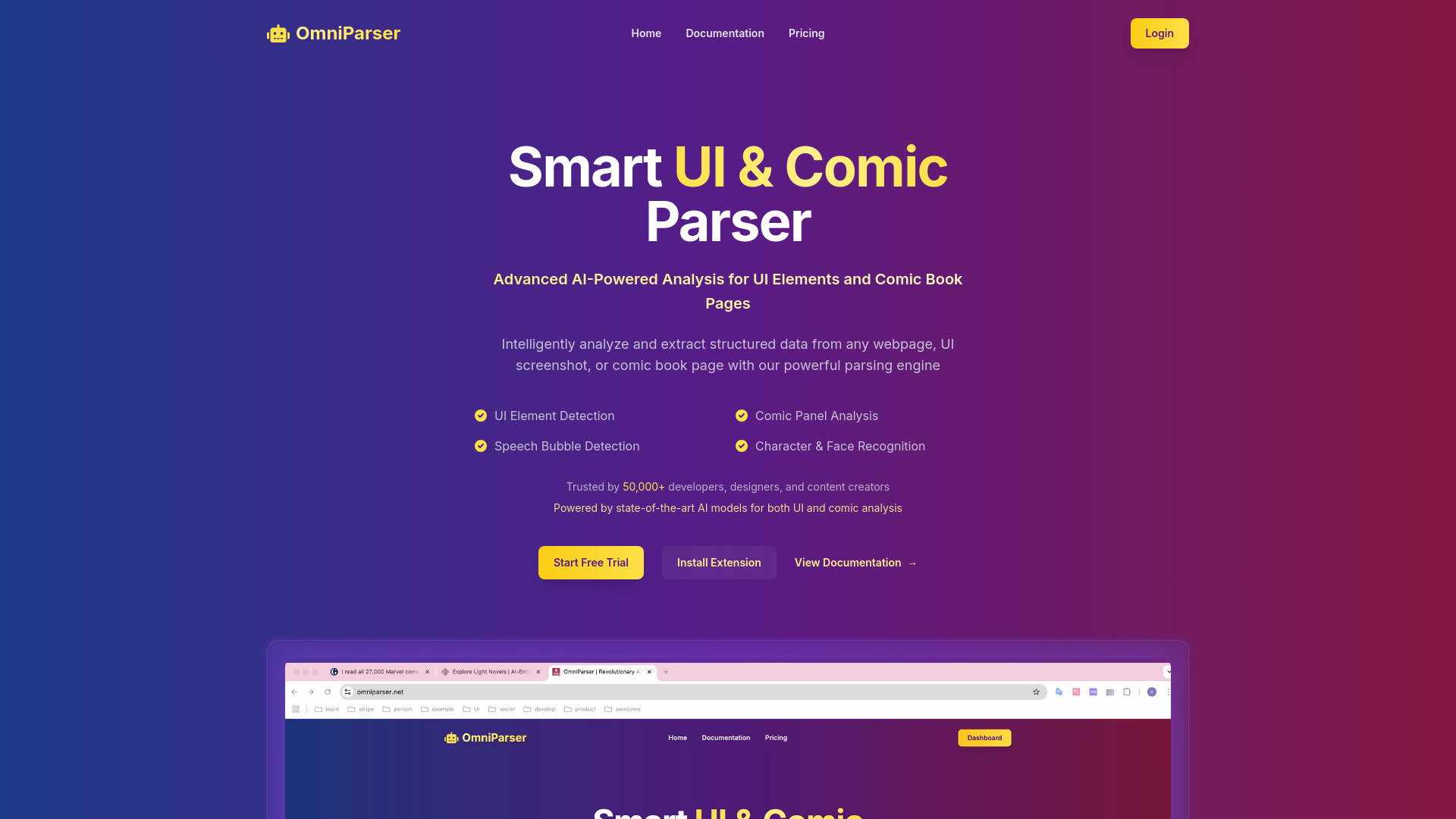
What is OmniParser?
OmniParser is an AI-powered screen parsing tool aimed at making graphical user interfaces understandable to large language models. Instead of feeding a raw screenshot to a model and hoping it guesses the layout, OmniParser detects the meaningful pieces of a UI—icons, buttons, text fields, menus—and outputs them as a structured list with locations and natural-language descriptions. That structured representation effectively converts a visual interface into a prompt ingredient, enabling LLM-based agents to reason about what to click, type, or read next. The public site at omniparser.net is intentionally compact. Its main element is a “Researches” section where visitors can explore related papers and resources behind tracked links. This gives the tool a decidedly academic character: OmniParser is presented as a research-backed approach rather than a polished commercial SaaS. Developers are expected to follow the research trail to find code, weights, and integration examples for their own pipelines. For teams building browser automation, desktop agents, or AI-driven UI testing, OmniParser provides a practical bridge from pixels to structured actions. It is especially relevant for AI researchers and engineers who want a robust, vision-only grounding layer that works across operating systems and rendering environments.
SpecificationsAI-estimated
Key Features of OmniParser
Use Cases for OmniParser
LLM-powered browser automation
Provide a model with parsed screen elements so it can decide which button to click or field to fill.
Desktop UI automation
Parse native application screenshots into actions for AI-driven workflow bots.
Automated UI testing
Turn screenshots into structured UI maps that test agents can verify and interact with.
GUI grounding research
Use OmniParser as a benchmark or reference for vision-based interface understanding.
Accessibility enhancement
Detect and label interactive elements that may be missing from standard accessibility metadata.
Multi-step agent reasoning
Repeatedly parse new screenshots after each action so an agent can track state changes.
Datasets for screen understanding
Generate structured labels from screenshots for training or evaluating vision-language models.
How to use OmniParser?
Set up OmniParser
Clone or download the project and load the required model weights using the linked research resources from omniparser.net.
Capture or provide a screenshot
Use a PNG or JPG image of the UI screen you want the agent to understand.
Run the parsing pipeline
Execute detection and captioning to produce UI elements with bounding boxes and descriptions.
Build the LLM prompt
Format the parsed elements into a text representation the language model can reason over.
Let the agent act and repeat
Have the model choose an action, then re-parse the updated screen until the task is complete.
Pros & Cons of OmniParser
Pros
- Converts raw UI screenshots into a structured, LLM-readable element list.
- Uses vision-only detection and captioning, so it doesn't depend on accessibility trees or platform hooks.
- Designed specifically for LLM-based GUI agents, making it a natural fit for modern automation stacks.
- Research-backed approach with links to papers and resources from the official site.
- Open-source-friendly structure allows custom fine-tuning and self-hosting.
Cons
- Landing page offers little immediate documentation or usage guidance.
- Requires model setup and weights rather than a turnkey hosted API.
- Focused primarily on screenshots and GUI parsing, so it is not a general-purpose document parser.
- Click-tracked research links can obscure direct URLs to papers and resources.
Frequently Asked Questions
What is OmniParser?
OmniParser is a research and software project that converts UI screenshots into structured, machine-readable UI elements for use by LLM-based agents.
Does OmniParser need an API key?
The landing page does not mention an API; the project is positioned as a self-hostable software resource rather than a hosted API.
Can I use OmniParser for PDF or document parsing?
OmniParser is focused on parsing graphical user interface screenshots, not general document formats.
What information does it output?
It outputs detected UI elements along with their locations and natural-language descriptions, ready for an LLM to reason over.
Where can I find more detail?
The 'Researches' section on omniparser.net is the intended starting point for papers and related resources.
Who is OmniParser built for?
AI researchers, automation engineers, and developers building vision-based GUI agents.
Is OmniParser open source?
The project is research-oriented and open-source in nature; check the linked repository for the exact license and setup steps.
Reviews & Ratings0.0
No reviews yet. Be the first to write one!
Top Alternatives & Similar Software
View all alternatives & similar software→No alternatives available yet.
People also viewed




Related searches
Is this your tool?
Claim this page to update details, reply to user reviews, and drive more traffic to your product.
Claim this Product →
Tags
Explore Related Topics
Keep up with OmniParser alternatives
New alternatives, pricing changes and the week's biggest movers - one email every Tuesday.