


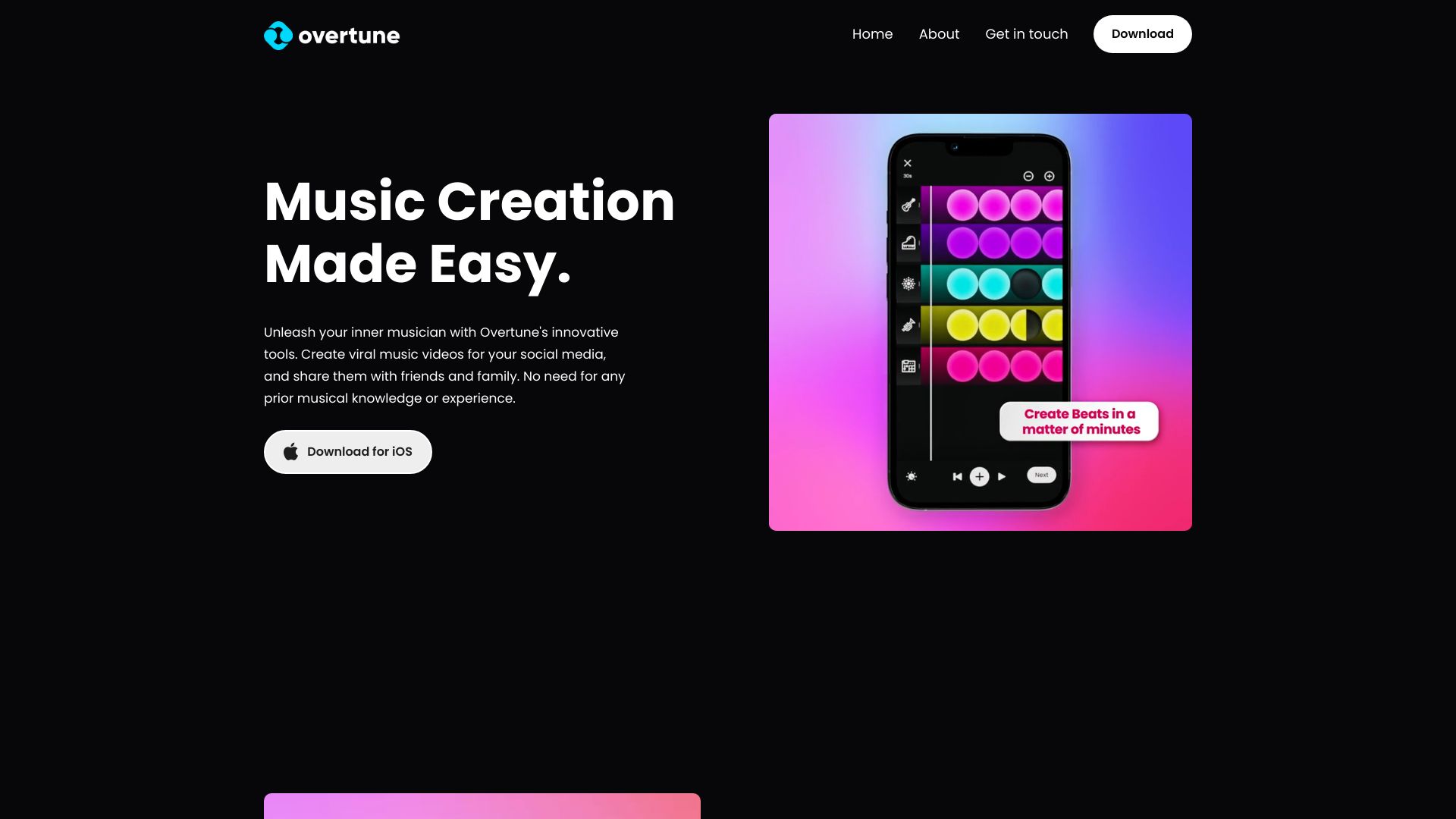
What is Overtune?
Overtune is a simple, browser-based beat maker and music sequencer designed for recording artists and creators who want to quickly build professional-sounding instrumentals without a steep learning curve. It offers a large library of producer-made Beat Packs, intuitive arrangement tools, unrestricted WAV/stem exports, and royalty-free distribution under one simple license.
SpecificationsAI-estimated
Key Features of Overtune
Use Cases for Overtune
Quick beat creation
Create polished instrumentals in minutes using pre-made Beat Packs and a simple sequencer.
Songwriting for vocalists
Singers and recording artists can build backing tracks without needing advanced music production knowledge.
Studio-ready exports
Export stems or full WAV files to send to a producer or mix engineer.
Royalty-free releases
Distribute finished music anywhere without worrying about royalties or platform restrictions.
How to use Overtune?
Choose a Beat Pack
Browse the library and select a Beat Pack that fits your style.
Adjust key and BPM
Set your preferred key and tempo to match your song or flow.
Arrange your beat
Use the simple sequencer to arrange instruments and sections.
Export and release
Download WAV files or stems and distribute your music royalty-free.
Pros & Cons of Overtune
Pros
- Very easy to use with a simple, intuitive sequencer
- Large library of professionally produced loops and Beat Packs
- Export stems or full WAV files for mixing and mastering
- Royalty-free distribution with no platform restrictions
- No hidden fees or caps on exports
- Great for vocalists and non-technical music creators
Cons
- Not a full-featured DAW; limited to beat arrangement rather than deep sound design
- Advanced producers may find it too simplistic
- Pricing details are not fully clear from the site; freemium model with upgrades
Frequently Asked Questions
Can I use Overtune beats commercially?
Yes. Overtune allows royalty-free distribution with no platform restrictions.
Can I export stems?
Yes, Overtune supports exporting stems as well as full WAV files.
Is Overtune good for beginners?
Yes. It is designed to be simple and intuitive, with a low learning curve.
Reviews & Ratings0.0
No reviews yet. Be the first to write one!
Top Alternatives & Similar Software
View all alternatives & similar software→


People also viewed



Related searches
About the Product
Is this your tool?
Claim this page to update details, reply to user reviews, and drive more traffic to your product.
Claim this Product →
Tags
Explore Related Topics
Keep up with Overtune alternatives
New alternatives, pricing changes and the week's biggest movers - one email every Tuesday.