


Amped Studio
Create beats, record vocals, and generate full songs in your browser with AI assistance and collaborative tools.



What is Amped Studio?
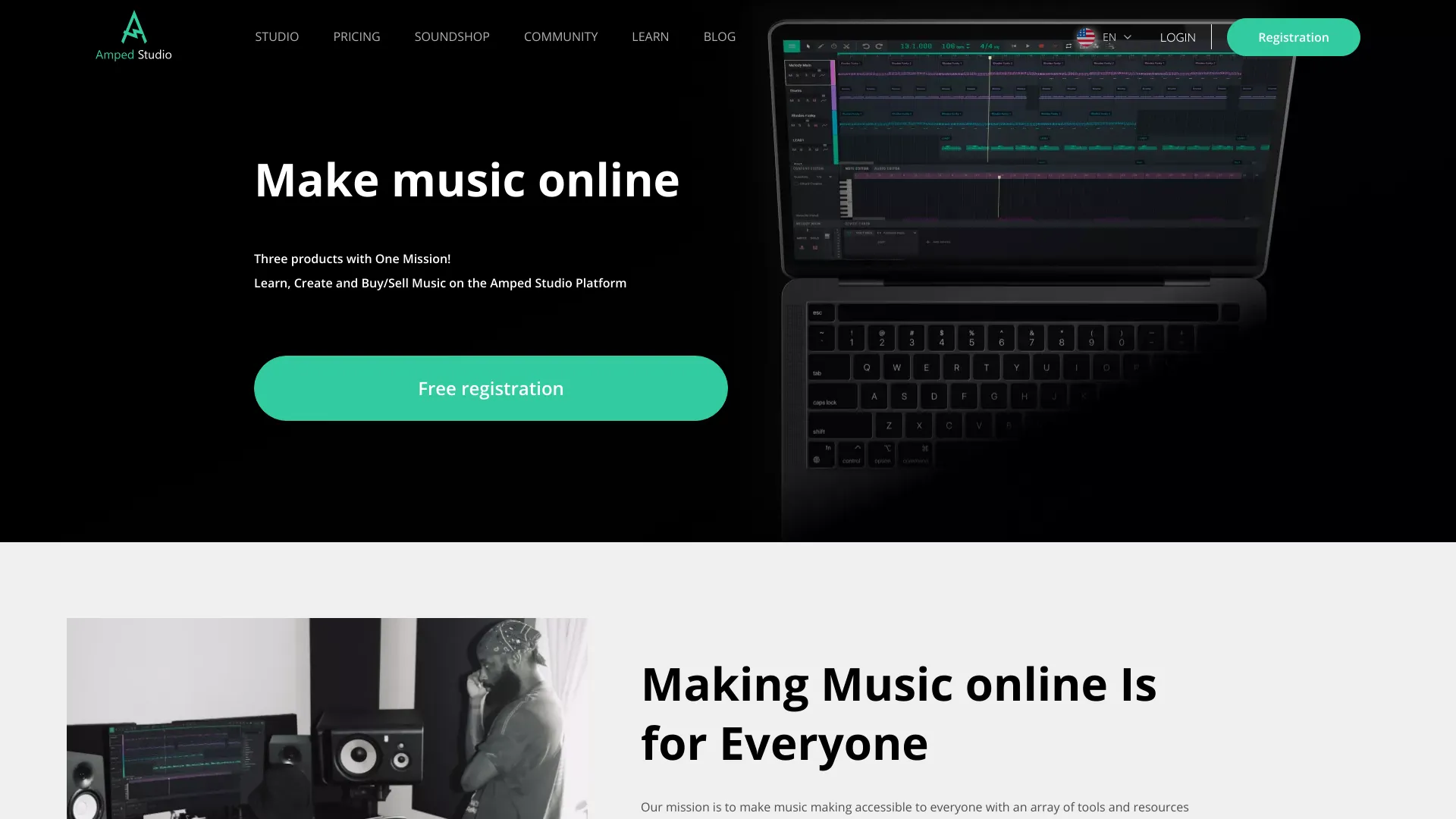
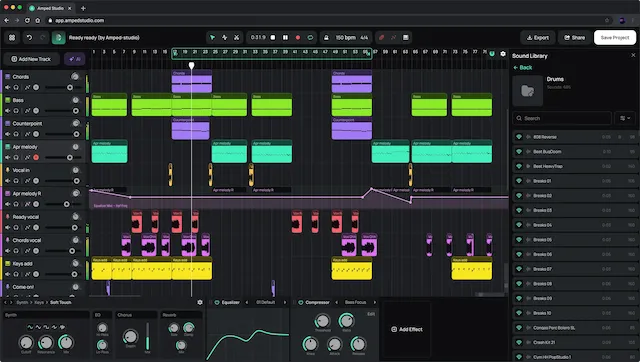
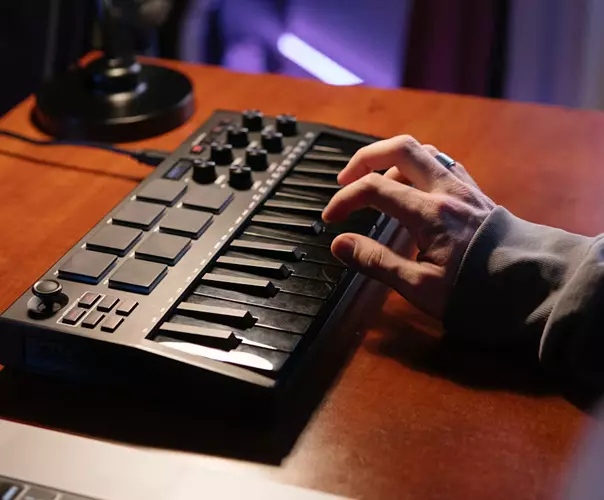
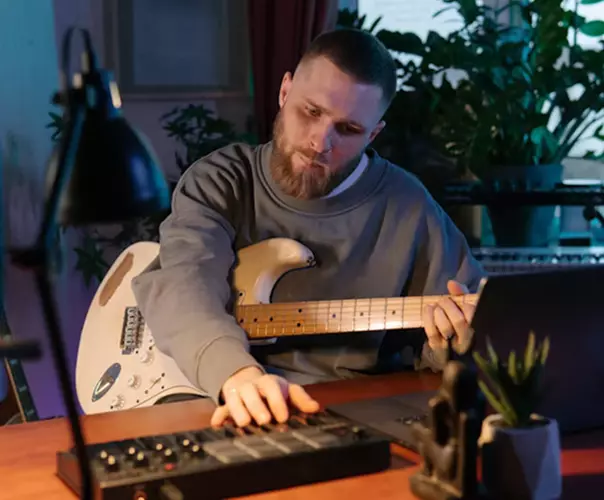
Amped Studio is a free, browser-based music maker and AI song creator that lets you produce music online without installing or configuring software. It combines a full digital audio workstation (DAW) interface with virtual instruments, original sample packs, and real-time collaboration tools, making it accessible to complete beginners as well as experienced producers who want a portable creative workspace. At its core, Amped Studio is built around fast, intuitive workflows: you can start a new project with the AI assistant by selecting a style template and setting the BPM, then edit the generated stems with effects and arrangement tools. The platform also supports MIDI controllers and VST 3 plugins, so producers can keep using familiar hardware and software inside a web-based interface. Vocal recording is supported directly onto tracks, and collaborations can be started by simply sharing a link with another musician. Beyond the editor itself, Amped Studio offers demo projects across genres like Reggae, Hip-Hop, Funk, and Drum & Bass, plus a music production blog covering beginner topics from recording vocals to posting music on Spotify. For anyone looking to sketch ideas, make beats, or build complete songs from any computer, Amped Studio provides a low-friction way to create music online.
SpecificationsAI-estimated
Key Features of Amped Studio
Use Cases for Amped Studio
Create beats
Use the online sequencer, virtual instruments, and drum samples to quickly build rhythm tracks and melodies.
Produce full songs
Arrange chord progressions, edit MIDI, and mix audio in the browser to take a project from idea to finished track.
Record vocals
Plug in a microphone, record vocal takes directly onto a track, and then add effects and arrange the parts.
Collaborate with other musicians
Generate a shareable link to a project so a friend or bandmate can contribute their parts remotely.
Generate ideas with AI
Select a music style and tempo to have the AI assistant create an original composition you can edit and build on.
Make rap and trap beats
Use the beat-making tools and sample packs to create rhythmic rap or trap instrumentals.
Learn music production
Explore demo projects and blog articles covering production basics, home recording, VST plugins, and releasing music.
Enhance tracks with VST plugins
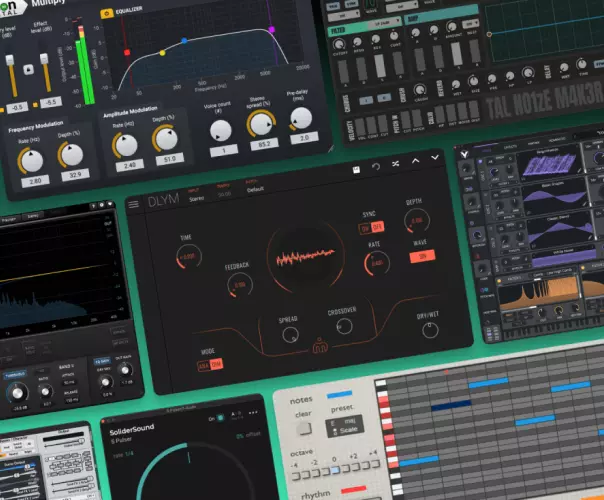
Use VST 3 plugins installed on your computer to add unique processing and sounds to your browser-based projects.
How to use Amped Studio?
Open Amped Studio in your browser
Go to the website and start a new project directly in your browser with no downloads or setup.
Generate a starting point with AI
Pick a style template, set the BPM, and let the AI assistant create a composition you can use as a foundation.
Edit and arrange
Refine the generated stems, add virtual instruments or samples, and apply effects to shape your sound.
Record or collaborate
Record vocals or external MIDI, or share a project link so other musicians can contribute.
Mix and finalize
Arrange, mix, and finish your song in the browser before exporting or sharing your result.
Pros & Cons of Amped Studio
Pros
- Runs entirely in the browser with no installation or setup required
- AI assistant generates original compositions based on style and tempo
- Built-in virtual instruments, original samples, and VST 3 plugin support
- Real-time collaboration through simple shareable project links
- Includes vocal recording and a full set of arranging and mixing tools
Cons
- AI generation is driven by style templates and BPM, not free-form text prompts
- Requires a stable internet connection, with no clear offline mode
- Using VST 3 plugins depends on plugins already installed on your own computer
- Browser-based performance can vary depending on device and project complexity
Frequently Asked Questions
Is Amped Studio an AI music generator?
Amped Studio is not a text-prompt-based AI music generator, but it includes advanced AI tools to help you create music online.
Can I record vocals in Amped Studio?
Yes, you can record vocals with a microphone directly onto a track in Amped Studio. Once recorded, you can add effects, arrange parts, and edit takes.
Can I use Amped Studio as a song maker?
Yes, Amped Studio is an ideal song maker for artists of all levels. You can arrange chord progressions, edit MIDI, and mix audio directly in your browser.
Can I make rap beats in Amped Studio?
Absolutely. Amped Studio is a powerful online sequencer and beatmaker tool that lets you create rap beats, trap rhythms, and more.
Do I need to install software to use Amped Studio?
No. Amped Studio runs directly in your browser, so you can create music online without installations or setup.
Does Amped Studio support VST plugins?
Yes, Amped Studio supports VST 3 plugins, allowing you to use software instruments and effects installed on your computer.
Can I collaborate with other musicians?
Yes. You can create collaborative songs by generating a link and sending it to another musician to record and contribute.
What styles of samples and demo projects are available?
Amped Studio offers original samples in styles from House to Reggae, as well as demo projects in Reggae, Hip-Hop, Funk, and Drum & Bass.
Reviews & Ratings0.0
No reviews yet. Be the first to write one!
Top Alternatives & Similar Software
View all alternatives & similar software→


People also viewed



Related searches
Is this your tool?
Claim this page to update details, reply to user reviews, and drive more traffic to your product.
Claim this Product →
Tags
Explore Related Topics
Keep up with Amped Studio alternatives
New alternatives, pricing changes and the week's biggest movers - one email every Tuesday.