


palette.fm
An AI photo colorizer that turns old black-and-white photos into realistic, vibrant color in seconds.
What is palette.fm?
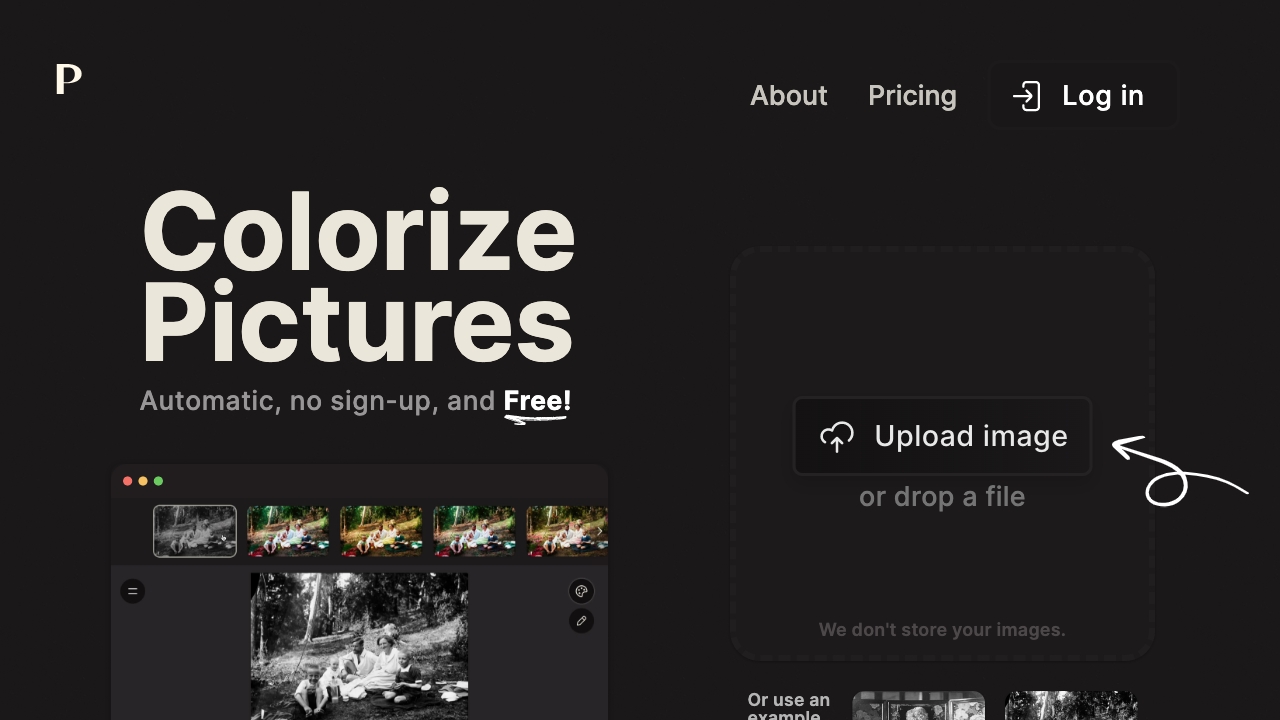
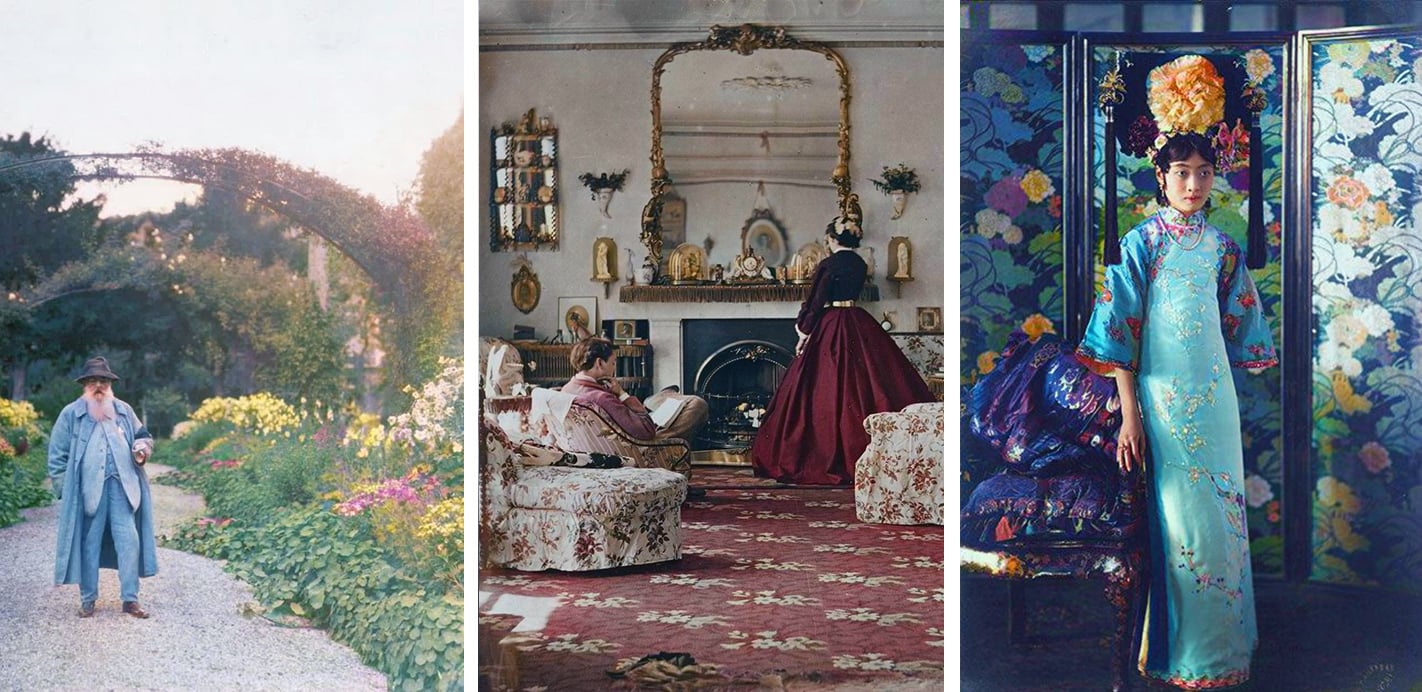
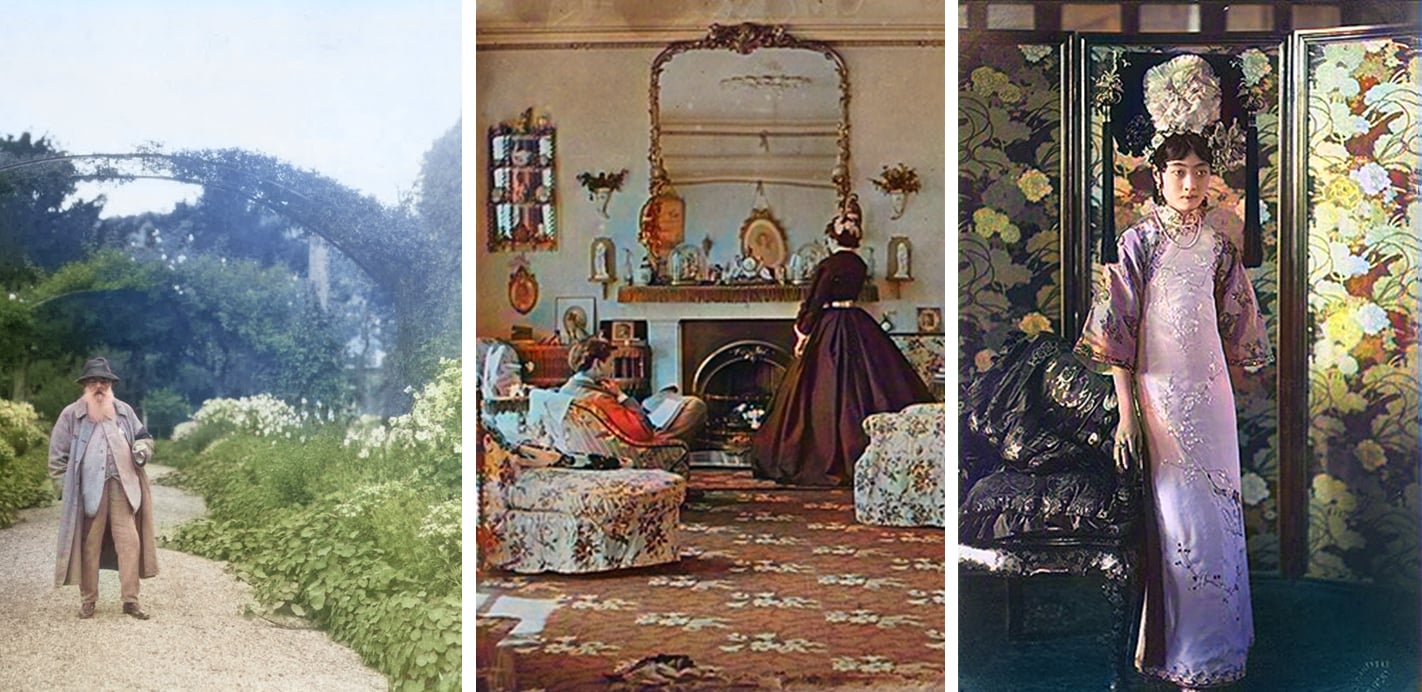
Palette.fm is an online AI photo colorization service that turns black-and-white or faded photographs into realistic, vibrant color images within seconds. Users upload a photo, choose from more than 21 color filters, and optionally fine-tune the palette by adjusting descriptive keywords before downloading the result. The platform is positioned around realistic skin tones, natural lighting, and attention to small details, and it claims a large user base of over 6.6 million people and more than 54 million photos colorized. The workflow is intentionally simple: upload, pick a filter, then download or refine. Free users can preview unlimited colorizations at reduced resolution (500x500 pixels) with a watermark, which makes it easy to test results before committing. Paid options include a subscription with a monthly or annual credit allowance and a one-time pack of credits, with each credit covering one watermark-free, full-resolution image of up to 5000x5000 pixels. Palette.fm is best suited to families preserving old photographs, genealogy hobbyists, photographers and retouchers who want a fast starting point, and content creators working with archival imagery. Its strengths are ease of use and natural-looking results, while the credit-based pricing and the limits of AI colorization on ambiguous historical details are the main considerations for heavier or professional use.
SpecificationsAI-estimated
Key Features of palette.fm
Use Cases for palette.fm
Restoring family archives
Bring old family photos from grandparents and earlier generations to life in color for albums and keepsakes.
Historical and genealogy projects
Add color to archival or ancestral photos to make historical figures and eras feel more immediate.
Gifts and memorial pieces
Create colorized prints for anniversaries, memorials, or family reunions.
Content creation
Colorize vintage imagery for videos, presentations, or social media posts about history.
Photography and retouching starting points
Use colorized outputs as a quick base that can be further refined in editing software.
Museum and archival exploration
Experiment with color versions of historical photos for educational or exhibition purposes.
How to use palette.fm?
Upload your photo
Click the upload button or drag and drop one or more images onto the page.
Pick a filter
Browse the 21+ color filters and select the one that best suits the photo's mood and era.
Refine the colors (optional)
Open the adjust option and add descriptive keywords to fine-tune the palette, then click Colorize.
Download or keep editing
Download the colorized result; paid users get full-resolution, watermark-free images.
Pros & Cons of palette.fm
Pros
- Simple three-step workflow that requires no design or editing skills
- Realistic skin tones and natural lighting compared to many alternatives
- 21+ color filters with keyword-based fine-tuning for customization
- Free tier lets users preview results before paying
- Flexible pricing with both subscription and one-time credit packs
Cons
- Free previews are watermarked and limited to 500x500 pixels
- Paid usage is credit-based, which can add up for large photo collections
- AI colorization may guess colors for historical details and can be inaccurate
- Ads appear on the free plan
Frequently Asked Questions
How accurate is the colorization?
Palette.fm uses AI to produce realistic colors, especially for skin tones and natural scenes. Colors for ambiguous details such as clothing or objects are estimated and may not match the original reality exactly.
Is there a free version?
Yes. The free plan offers unlimited colorized previews at 500x500 pixels with a watermark and includes one free full-resolution trial credit.
What are credits?
Each credit lets you colorize one photo without the watermark at up to 5000x5000 pixels. Subscription credits refresh periodically and unused credits can roll over, while one-time packs remain valid for two years.
Can I colorize multiple photos at once?
Yes, you can upload several photos in one go to speed up the workflow.
How do I remove the watermark?
Purchase a subscription or credit pack, sign in, and use your credits to generate watermark-free, full-resolution colorizations.
Can I customize the colors?
Yes. Select a filter, open the adjust icon, and add clear descriptive keywords to guide the colorization before processing.
What should I do if I have a problem?
Check the site's FAQ section and contact support through the website for further help.
Pricing Overview
View full pricing →The page offers a free start ('Start for Free') and mentions one-time payment options, but no specific prices or plan tiers appear in the provided content.
Reviews & Ratings0.0
No reviews yet. Be the first to write one!
Top Alternatives & Similar Software
View all alternatives & similar software→No alternatives available yet.
People also viewed


Related searches
Is this your tool?
Claim this page to update details, reply to user reviews, and drive more traffic to your product.
Claim this Product →
Tags
Explore Related Topics
Keep up with palette.fm alternatives
New alternatives, pricing changes and the week's biggest movers - one email every Tuesday.