



Percify
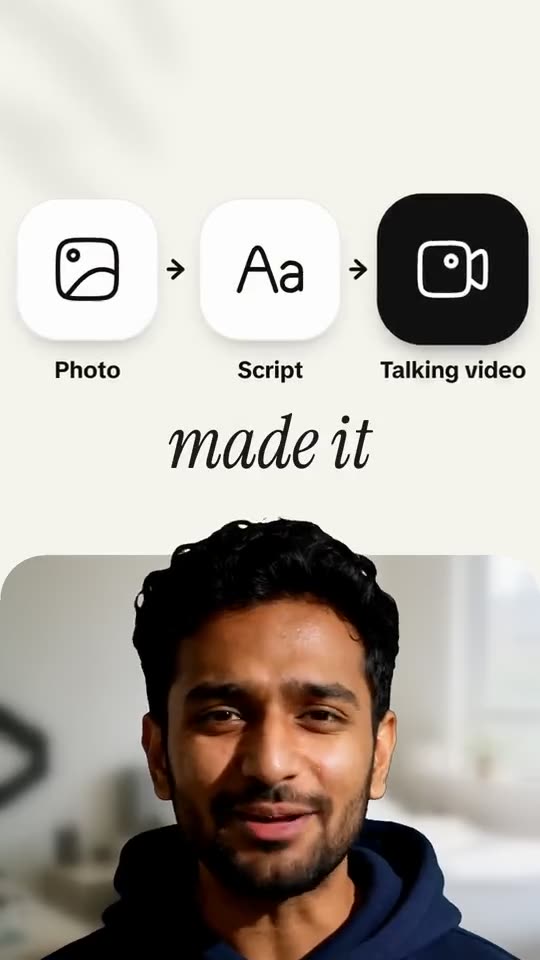
One photo, one script, and a realistic talking video - no camera or editing required.







What is Percify?
Percify is a web-based AI avatar platform that turns a single front-facing photo into realistic, lip-synced talking videos. Instead of setting up cameras, lighting, or editing timelines, users upload one clear photo, add a voice track, and get back an MP4 of that face speaking the script. The platform is built for people who want to publish video consistently without appearing on camera, with more than 28,000 accounts created and users in over 180 countries. Beyond basic talking photos, Percify includes tools for voice cloning, video translation, image-to-video animation, and audio-to-video conversion. Users can record their own voice, clone it once and then type new lines, or choose a text-to-speech voice in another language. Finished videos can be translated with re-synced lips, making it possible to reach multiple audiences with the same presenter. A unified credit system powers all of these tools, and failed runs are automatically refunded. Percify emphasizes ownership and clean output: talking videos have no watermark on any plan, and users own the content they create as long as they have rights to the photo and voice they use. The Studio workflow lets creators edit scripts and regenerate takes while keeping the same face and voice across a series. With plans starting at $12 per month and per-second pricing, it is aimed at solo creators, marketers, educators, and businesses that want camera-free video at scale.
SpecificationsAI-estimated
Key Features of Percify
Use Cases for Percify
Social Media Content
Post daily talking videos without filming, editing, or being on camera.
Client Updates
Create polished product updates or project summaries with a consistent AI presenter.
Multilingual Marketing
Translate finished videos into other languages with lips re-synced for each audience.
News and Announcements
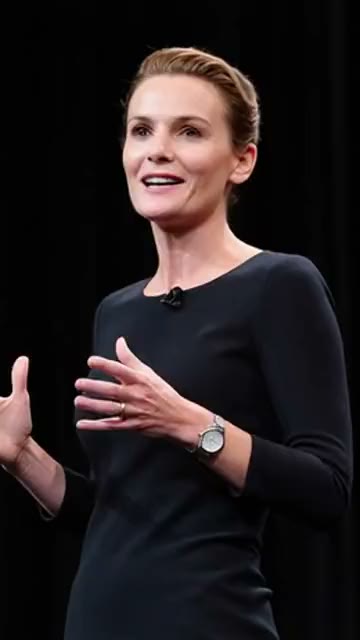
Produce news-style presenter videos, event host clips, or keynote-style content.
Podcast to Video
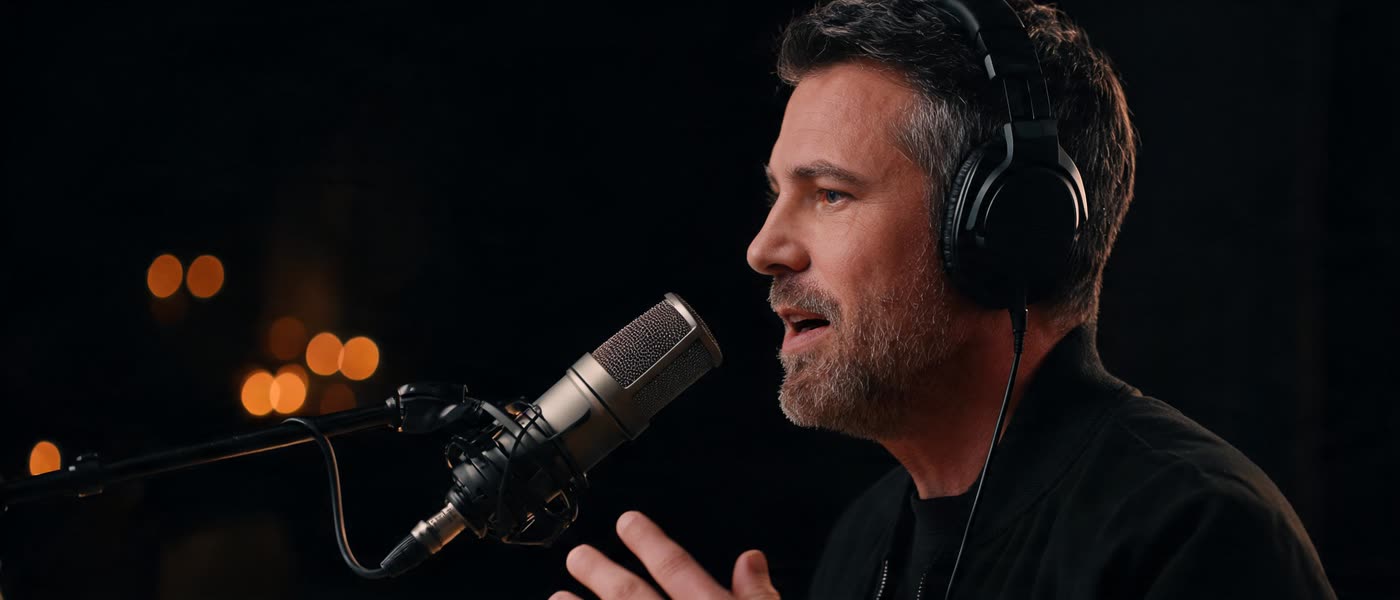
Turn a voice recording or podcast clip into a talking video of a face saying the words.
Training and Education
Deliver lessons or guides using an AI presenter in multiple languages.
Personal Branding
Build a consistent on-camera presence even if you are camera-shy.
How to use Percify?
Upload a photo
Choose one clear, front-facing photo of a single person. No training session or studio footage is needed.
Add a voice
Record yourself, upload an audio file, clone your voice, or pick a voice and type a script.
Write or record the script
Type what the avatar should say or provide a recording. Percify voices it and syncs the lips.
Generate the video
Run the generation. Failed runs are refunded, so you only pay for videos you get.
Download, translate, or edit
Download the MP4 and post it, or use the Studio to change a line, translate it, and regenerate with the same face and voice.
Pros & Cons of Percify
Pros
- No watermark on talking videos on any plan
- One clear photo is enough - no training session or studio footage needed
- Failed generation runs are refunded automatically
- You own the videos you create
- Built-in voice cloning and multi-language translation with lip sync
Cons
- Requires a sharp, front-facing photo of a single person and rights to the face and voice used
- Credit-based pricing can add up, with a minute of talking video costing roughly $2 to $3.20
- No free tier is mentioned, and plans start at $12 per month
- The Remake tool adds a small AI-disclosure mark, so not every output is completely mark-free
Frequently Asked Questions
How do I make a talking video of myself?
Upload a clear, front-facing photo, add the voice (record it, upload an audio file, or pick a voice and type what it should say), and generate. You get an MP4 of that face speaking, lip synced to the audio.
What does it cost?
Talking photos cost 2 credits a second on InfiniteTalk Fast, so a 30-second clip is 60 credits and a minute is 120. Credits work out at about 2 to 3 cents each depending on the plan, so a minute costs roughly $2 to $3.20. Plans start at $12 a month.
Is there a watermark?
No. Talking videos come out clean on every plan. The one tool that marks its output is Remake, with a small AI-disclosure mark.
Can I use my own voice?
Yes. Record or upload your voice for a clip, or clone it once and type new scripts for it.
Can I make the video in another language?
Yes. Pick a voice in your language and type the script, or upload a finished video and translate it, with the lips re-synced to the new speech.
Which models can I use?
Talking photos run on InfiniteTalk. The same credits also run video models such as Kling, Veo, and Seedance.
Who owns the videos?
You do. Percify's terms say you own the content you create, subject to the terms. You need the rights to the photo and the voice you use.
What if a video fails?
Runs that fail are refunded, so you only pay for videos you get.
Reviews & Ratings0.0
No reviews yet. Be the first to write one!
Top Alternatives & Similar Software
View all alternatives & similar software→No alternatives available yet.
People also viewed

Related searches
Is this your tool?
Claim this page to update details, reply to user reviews, and drive more traffic to your product.
Claim this Product →
Tags
Explore Related Topics
Keep up with Percify alternatives
New alternatives, pricing changes and the week's biggest movers - one email every Tuesday.