


PhotoAI
Turn a single photo into 1000+ AI-powered images and short videos with no editing skills required.


What is PhotoAI?
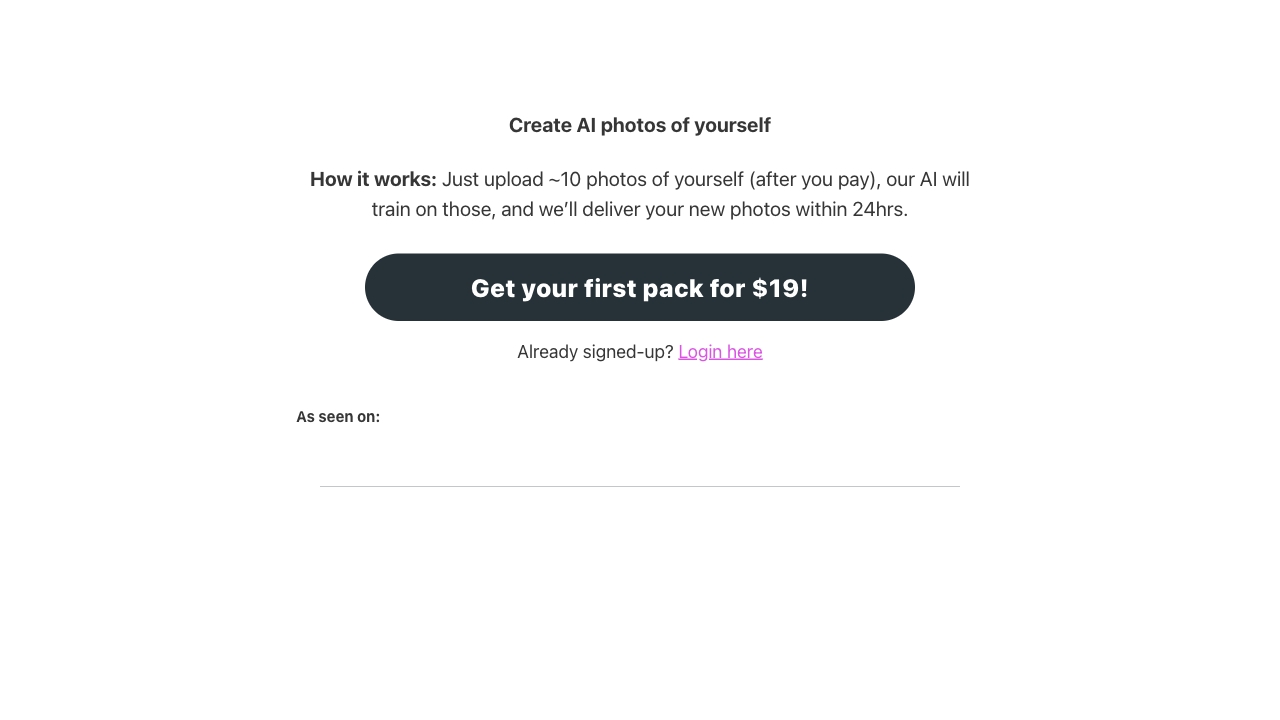
PhotoAI is an online AI-powered photo and video generator designed for anyone who wants to transform a single uploaded photo into stylized portraits, themed images, or short AI-generated videos. It offers a library of more than 1000 AI photo and video effects, spanning professional headshots, dating photos, YouTube thumbnails, seasonal themes like autumn and Christmas, plus anime, fantasy, superhero, and glamour styles. The workflow is intentionally simple: choose an effect, upload a clear photo, and let the AI create a new visual result. No Photoshop or video editing experience is required. The platform also supports photo-to-video effects, turning still images into short AI video clips, and allows users to generate multiple versions so they can pick the result that works best. With a strong focus on memes, viral trends, and social media content, PhotoAI targets casual creators and everyday users who want eye-catching content without learning complex editing tools. It makes AI photo experimentation accessible, convenient, and practical for anyone looking to refresh their profile pictures, create fun content, or explore new visual styles.
SpecificationsAI-estimated
Key Features of PhotoAI
Use Cases for PhotoAI
Professional headshots
Create polished AI headshots for LinkedIn profiles, resumes, or business pages without a photo shoot.
Dating photos
Transform casual photos into more attractive dating profile images using curated AI styles.
YouTube thumbnails
Generate eye-catching AI thumbnails that stand out in video feeds and search results.
Seasonal and holiday posts
Use themed effects like autumn and Christmas to create festive social media content.
Memes and viral trends
Apply popular meme and viral trend effects to turn regular photos into shareable content.
Short AI videos
Turn a still photo into a short AI-generated video clip for social stories or posts.
Profile pictures and avatars
Create stylized portraits, including anime, fantasy, superhero, and glamour looks, for social profiles.
Creative experimentation
Try different AI styles and transformations to see imaginative versions of a single photo.
How to use PhotoAI?
Choose an AI effect
Browse PhotoAI's library of 1000+ AI photo and video effects and select the transformation that matches the result you want to create.
Upload a clear photo
Pick a clear image where the subject is easy to recognize so the AI has good visual information for faces, hair, clothing, proportions, and background.
Generate and review
Generate your AI photo or video, then review important details such as the face, hands, body, clothes, background, and movement.
Try another version
If you want a different composition, movement, or style, generate another version and choose the result you like best.
Pros & Cons of PhotoAI
Pros
- Huge library of 1000+ AI photo and video effects
- No editing or design skills required to get results
- Combines AI photo generation and photo-to-video in one platform
- Great for memes, viral trends, and social media content
- Users can generate multiple versions and choose the best result
Cons
- AI results can vary between generations, so faces, hands, hair, and movement may need review
- Quality depends on uploading a clear, well-lit source image
- Web-based only, with no mention of an offline or native desktop version
- Users may need to try several versions before getting the desired output
Frequently Asked Questions
What is Photo AI?
Photo AI uses artificial intelligence to create or change photos. With PhotoAI, you can make AI photos and short AI videos from your images.
What can I do with PhotoAI?
You can try AI photo styles, image effects, transformations, and AI video effects all from one platform.
How does PhotoAI work?
Choose an effect, upload a photo, and let the AI generate a new image or video for you.
Do I need editing skills?
No. You do not need Photoshop or video editing experience. Choose an effect and PhotoAI handles the transformation.
Can I turn a photo into an AI video?
Yes. PhotoAI includes photo-to-video effects that create short AI videos from a still photo.
What photo should I upload?
Use a clear, well-lit photo where the person or main subject is easy to see.
Can I create more than one version?
Yes. You can generate different versions and choose the result you like best.
Can I use PhotoAI for social media?
Yes. You can create AI photos and videos for posts, stories, profile content, memes, and creative trends.
Why can AI results look different?
AI generation can vary each time. Faces, hands, hair, backgrounds, and movement may look slightly different between versions.
Reviews & Ratings0.0
No reviews yet. Be the first to write one!
Top Alternatives & Similar Software
View all alternatives & similar software→No alternatives available yet.
People also viewed


Related searches
Is this your tool?
Claim this page to update details, reply to user reviews, and drive more traffic to your product.
Claim this Product →
Tags
Explore Related Topics
Keep up with PhotoAI alternatives
New alternatives, pricing changes and the week's biggest movers - one email every Tuesday.