


Picture to Drawing AI
Turn any photo into a pencil sketch, watercolor, line drawing, or other hand-drawn artwork in seconds with AI.
What is Picture to Drawing AI?
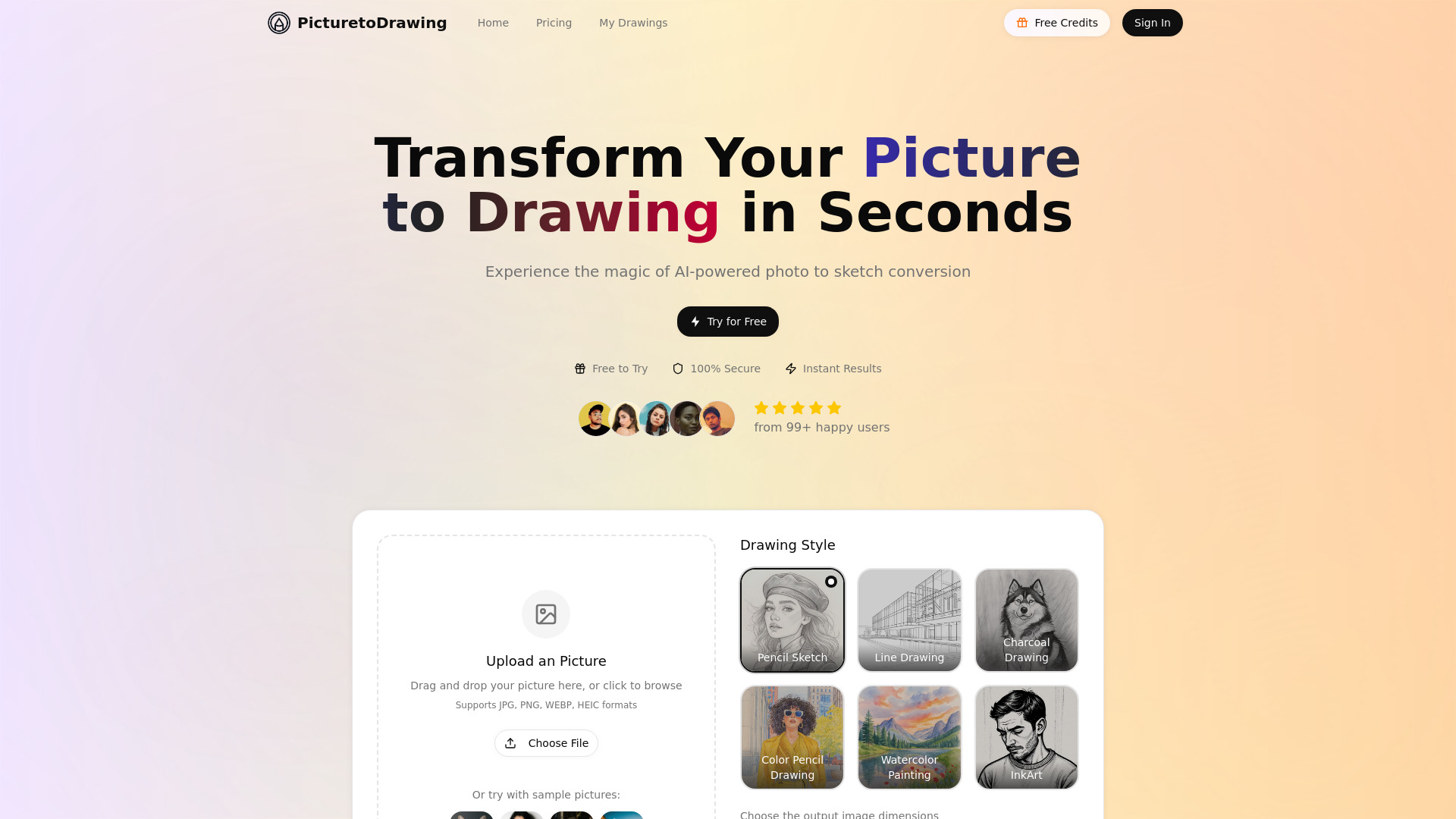
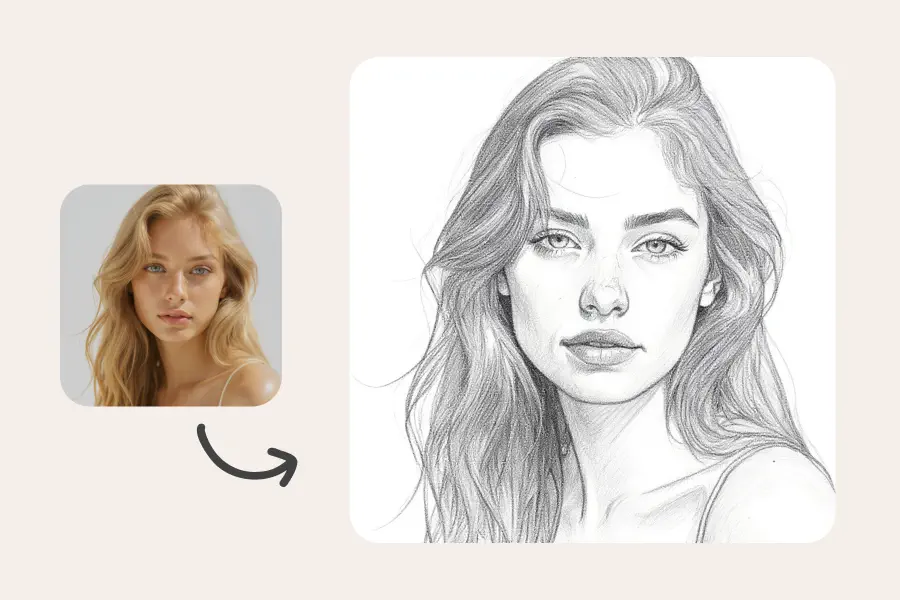
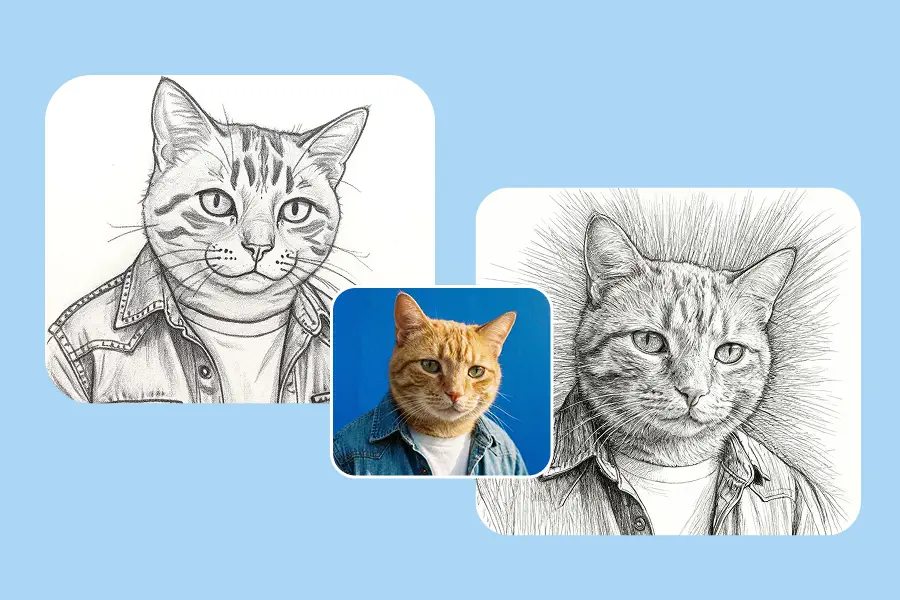
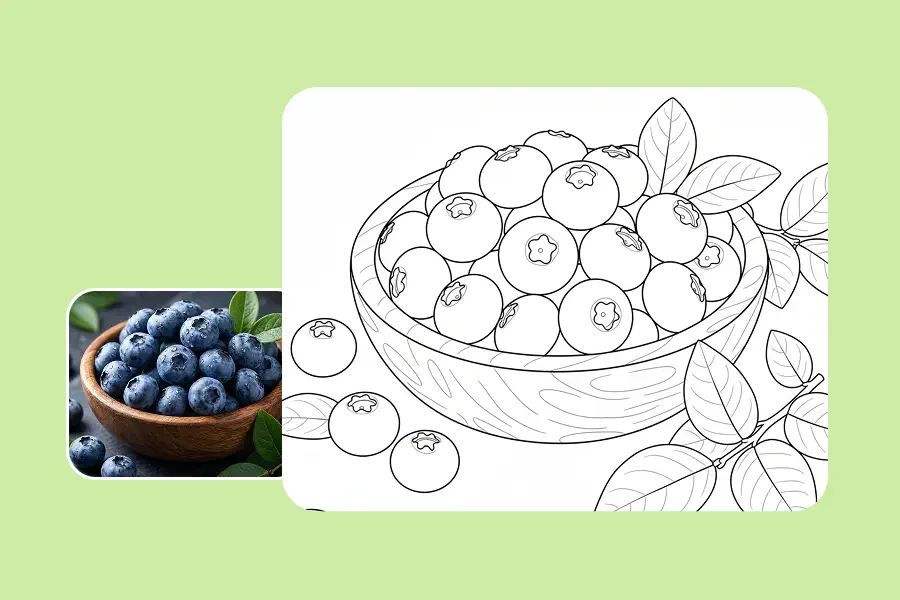
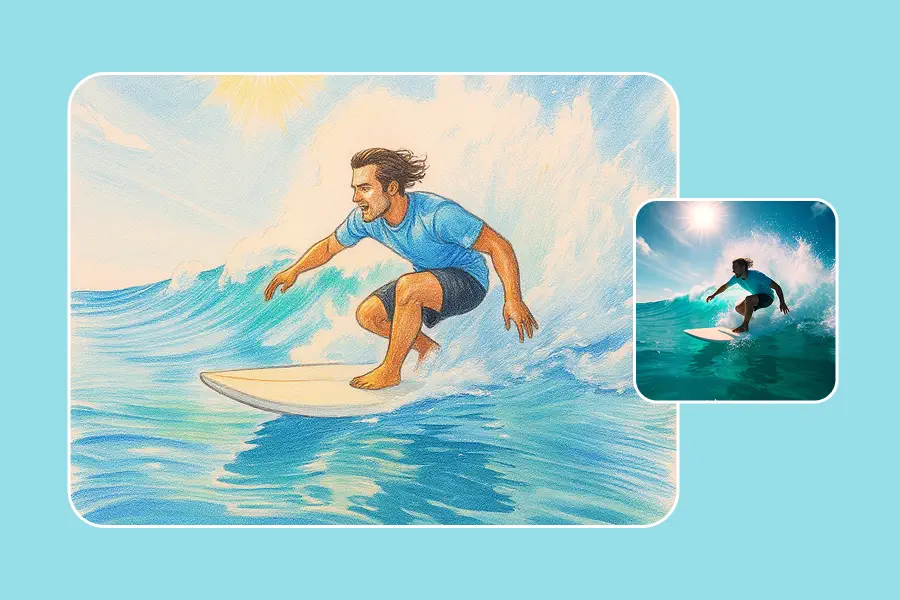
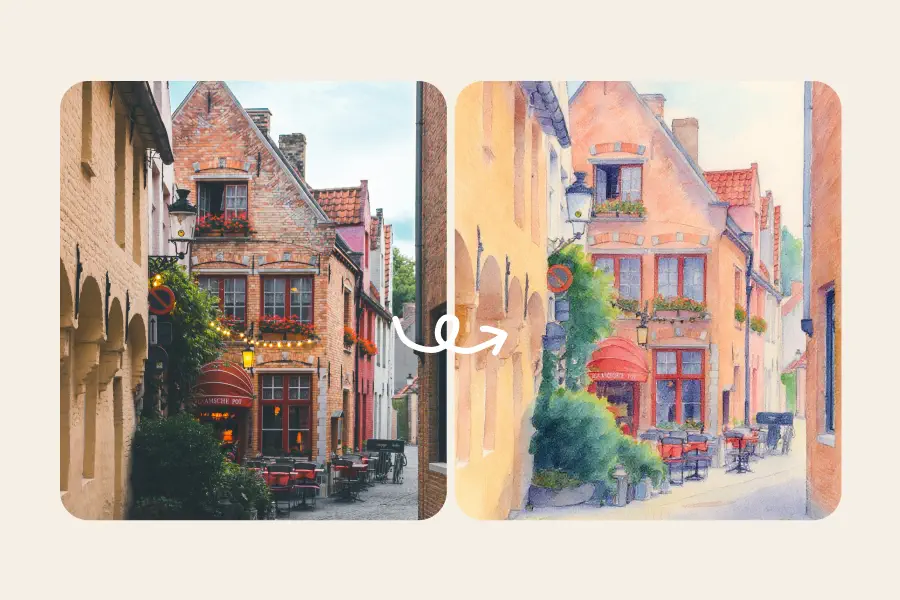
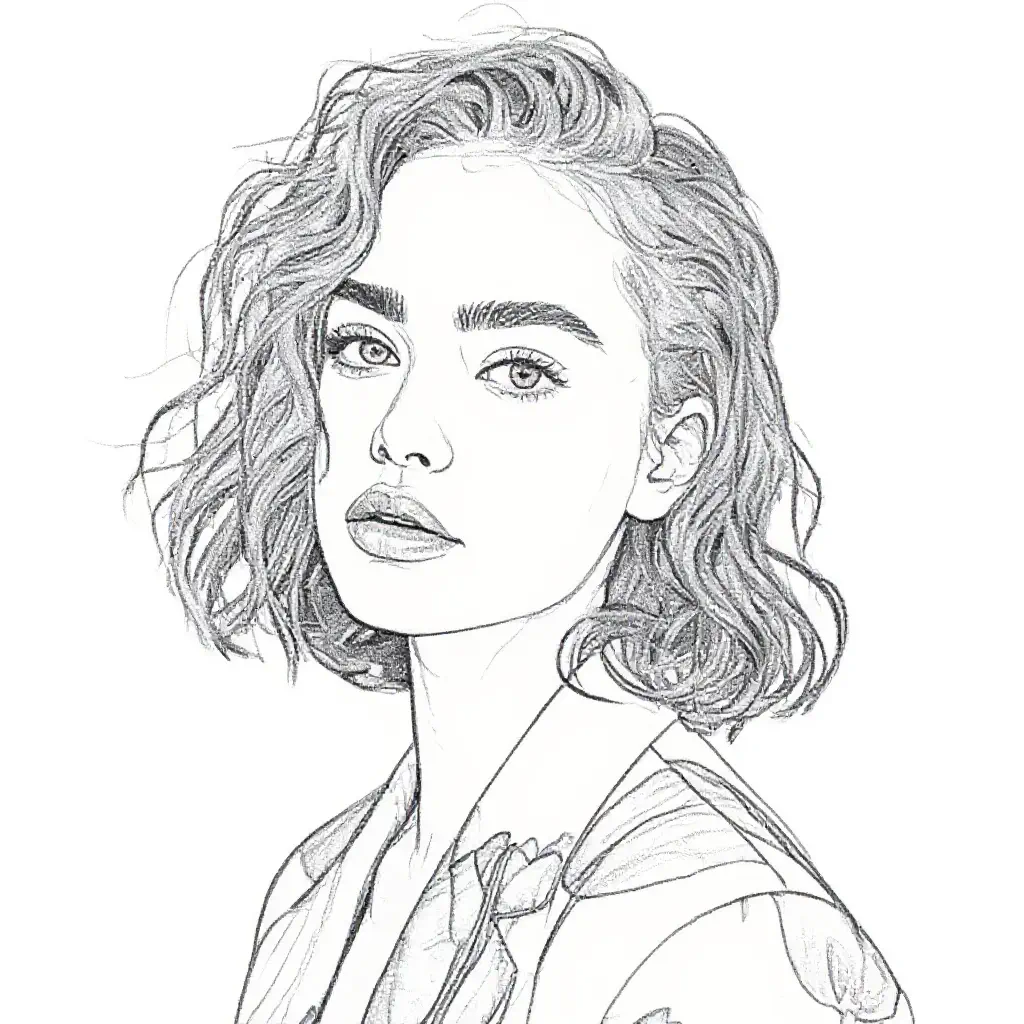
Picture to Drawing AI is an online web application that converts ordinary photographs into hand-drawn style artwork using artificial intelligence. Users upload an image (JPG, PNG, WEBP, or HEIC) and select from a range of artistic styles, including pencil sketch, line drawing, color pencil, watercolor painting, charcoal, ink, and anime-style cartoons. The platform also offers aspect ratio options such as auto, 1:1, 3:4, 4:3, 9:16, and 16:9, making outputs suitable for social media, printing, or wall art. The tool positions itself as a step above basic photo filters. Rather than applying a generic overlay, its AI analyzes composition, lighting, textures, and fine details to produce results that mimic traditional hand-drawn techniques such as shading, line weight, and texture rendering. Sample transformations on the site demonstrate pencil sketches with realistic shading, clean minimalist line art, vibrant color pencil renderings, and soft watercolor washes, each illustrating how the same photo can be reinterpreted in different media. The service is aimed at a broad range of people, from consumers creating personalized gifts and home decor to marketers producing distinctive brand visuals, educators illustrating art concepts, and artists building diverse portfolios. A limited daily free trial is available, with sign-in and credits unlocking additional conversions and styles, and the company states that uploaded photos are processed securely and deleted after conversion.
SpecificationsAI-estimated
Key Features of Picture to Drawing AI
Use Cases for Picture to Drawing AI
Personalized Gifts
Turn family photos into hand-drawn artwork for anniversaries, birthdays, and other special occasions.
Social Media Content
Create distinctive artistic posts that stand out on Instagram, Facebook, and other platforms.
Marketing Materials
Produce unique illustrations for brochures, websites, and advertisements to differentiate a brand.
Home Decoration
Transform favorite photographs into wall art that matches a personal decor style.
Educational Projects
Help teachers and students illustrate art concepts and create creative assignments.
Creative Portfolios
Allow artists and designers to show range across multiple artistic mediums.
How to use Picture to Drawing AI?
Upload Your Photo
Click to upload or drag and drop a JPG, PNG, WEBP, or HEIC image, or try one of the sample pictures.
Choose Your Style
Select from styles such as pencil sketch, line drawing, color pencil, watercolor, charcoal, ink, or anime.
Select Aspect Ratio
Keep the original proportions with Auto or choose 1:1, 3:4, 4:3, 9:16, or 16:9.
Generate and Download
Click convert, wait for processing, and download the high-resolution result.
Pros & Cons of Picture to Drawing AI
Pros
- Wide range of artistic styles, including pencil sketch, watercolor, color pencil, line art, and anime
- Fast browser-based conversion that works on both desktop and mobile devices
- Preserves textures, shading, and fine details for a more authentic hand-drawn look than simple filters
- Daily free use allows people to try the tool before committing to credits
- States that uploaded photos are automatically deleted after processing
Cons
- Creating conversions requires signing in, so the tool is not fully anonymous
- Free users face limited daily conversions and slower processing than premium subscribers
- Output quality and resemblance to traditional art will vary depending on the source image
- Pricing and credit details are not fully spelled out on the landing page
Frequently Asked Questions
How does the AI create the drawing effect?
The AI analyzes composition, lighting, textures, and details, applying techniques such as shading, line weight, and texture rendering to mimic hand-drawn art rather than applying a simple filter.
What artistic styles are available?
Styles include realistic pencil sketch, charcoal, watercolor painting, bold ink, colored pencil, line drawing, and anime-style cartoons.
Are my photos kept private?
The company states that photos are processed on secure servers and automatically deleted after conversion, and that they are not stored, shared, or used for other purposes.
How long does conversion take?
Free users can expect results in roughly 50-60 seconds, while premium subscribers receive priority processing in about 20-30 seconds.
Can I use the results for printing?
Yes. Downloads are offered in high resolution, and the site states the output is suitable for printing, framing, and social media sharing.
Do I need an account?
AI conversions require an account, although some free tools are available without signing up. Accounts give access to credits and additional styles.
Does it work on phones?
Yes. The responsive design supports smartphones and tablets, including uploading photos directly from a camera or gallery.
Pricing Overview
View full pricing →The page advertises daily free use and free credits after sign-in, but lists no plans or prices in the provided content.
Reviews & Ratings0.0
No reviews yet. Be the first to write one!
Top Alternatives & Similar Software
View all alternatives & similar software→No alternatives available yet.
People also viewed


Related searches
Is this your tool?
Claim this page to update details, reply to user reviews, and drive more traffic to your product.
Claim this Product →
Tags
Explore Related Topics
Keep up with Picture to Drawing AI alternatives
New alternatives, pricing changes and the week's biggest movers - one email every Tuesday.