


Routerra
Plan 200 delivery stops in minutes, not hours
What is Routerra?
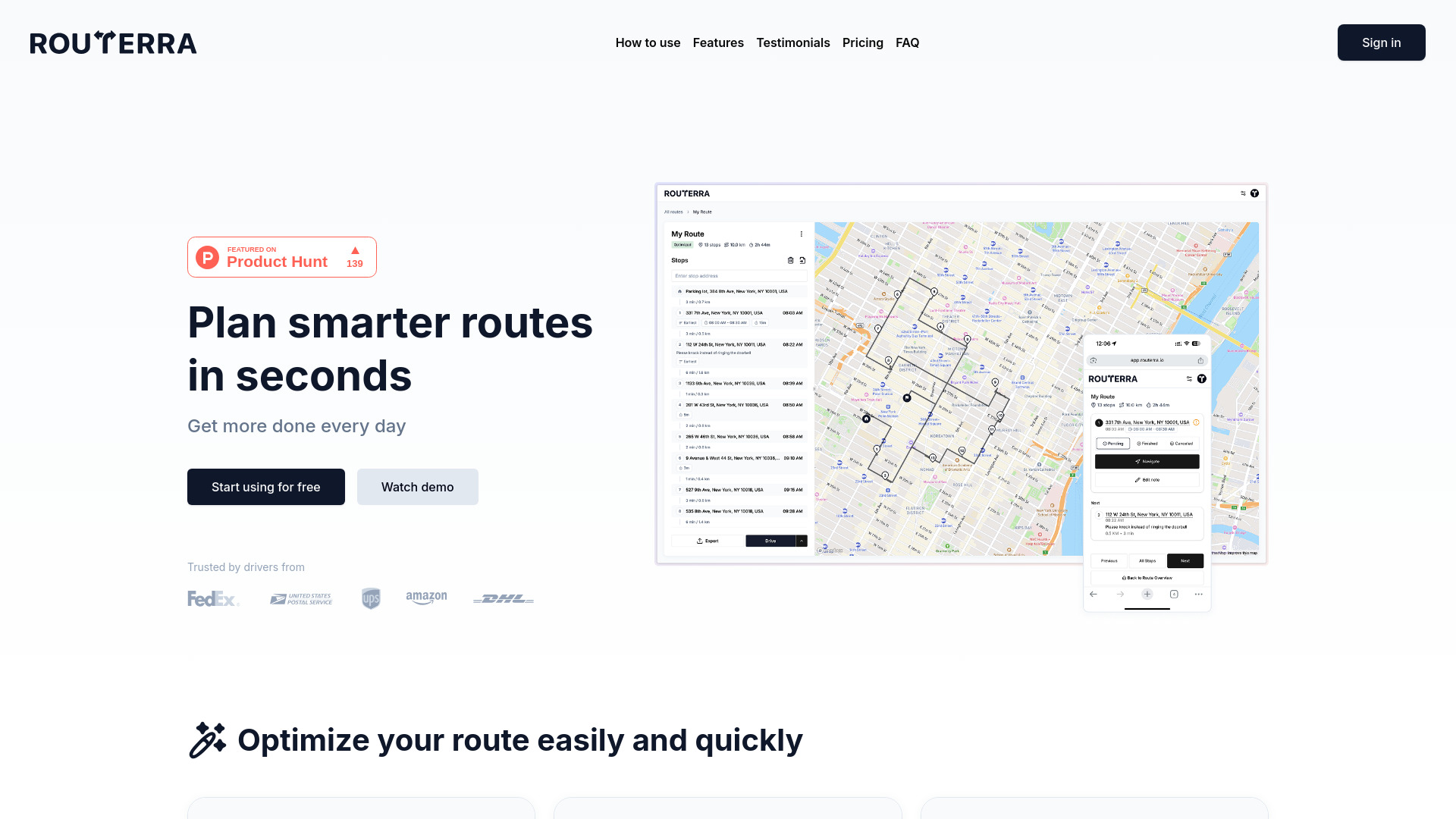
Routerra is a delivery route planner and multi-stop route optimizer that helps drivers and small businesses plan up to 200 stops in minutes. It imports addresses from spreadsheets, pasted lists, or even photos, optimizes stop order with traffic and time windows, and hands off navigation to Google Maps, Waze, or Apple Maps. Routerra also offers a Teams plan with a dispatcher console, live route tracking, and proof of delivery.
Key Features of Routerra
Use Cases for Routerra
Gig drivers
Amazon Flex, DoorDash, Uber Eats, and Instacart drivers can import stops from screenshots and optimize up to 200 stops quickly.
Small local businesses
Bakeries, florists, meal prep services, and e-commerce shops can plan routes on desktop and drive on phone without expensive dispatch software.
Field service professionals
Technicians, inspectors, real estate agents, and sales reps can set time windows to ensure they arrive on time.
Delivery teams
Couriers, wholesalers, meal prep companies, and pharmacies can use Teams to dispatch routes, track drivers live, and collect proof of delivery.
How to use Routerra?
Import stops
Paste addresses, upload a spreadsheet, or photograph package labels and let Routerra extract the addresses automatically.
Optimize
Tap optimize and Routerra arranges the route using traffic and any time windows or service durations.
Navigate
Step through the route one stop at a time and open navigation in Google Maps, Waze, or Apple Maps.
Pros & Cons of Routerra
Pros
- Handles up to 200 stops per route, far beyond Google Maps' 10-stop limit
- Supports AI-powered address import from screenshots, spreadsheets, and pasted text
- Optimizes stop order with traffic and time windows
- Works with Google Maps, Waze, and Apple Maps for familiar navigation
- Affordable pricing: free tier, $5 day pass, and Pro plans
- Routerra Teams adds dispatching, live tracking, and proof of delivery for small fleets
Cons
- Pro features like traffic optimization and AI import require a paid plan
- No built-in turn-by-turn navigation; relies on third-party mapping apps
- Limited to 200 stops per route, which may not suit very large delivery fleets
- No mention of APIs or deep enterprise integrations
- Some advanced team features are not detailed on the site
Frequently Asked Questions
How many stops can I plan?
The free tier lets you plan 20 stops per day. The Pro tier supports up to 200 stops per route.
Can I try Pro without a subscription?
Yes, Routerra offers a $5 day pass when you need Pro features for just one day.
Does Routerra have its own navigation?
It optimizes the route and then lets you navigate stop-by-stop using Google Maps, Waze, or Apple Maps.
Who is Routerra best for?
Gig drivers, small delivery businesses, and small fleets that need faster route planning than Google Maps but don't want heavy enterprise dispatch software.
Pricing Overview
View full pricing →Free to start. Pro when you're ready.
Reviews & Ratings0.0
No reviews yet. Be the first to write one!
Top Alternatives & Similar Software
View all alternatives & similar software→




People also viewed



Related searches
Is this your tool?
Claim this page to update details, reply to user reviews, and drive more traffic to your product.
Claim this Product →
Tags
Keep up with Routerra alternatives
New alternatives, pricing changes and the week's biggest movers - one email every Tuesday.