



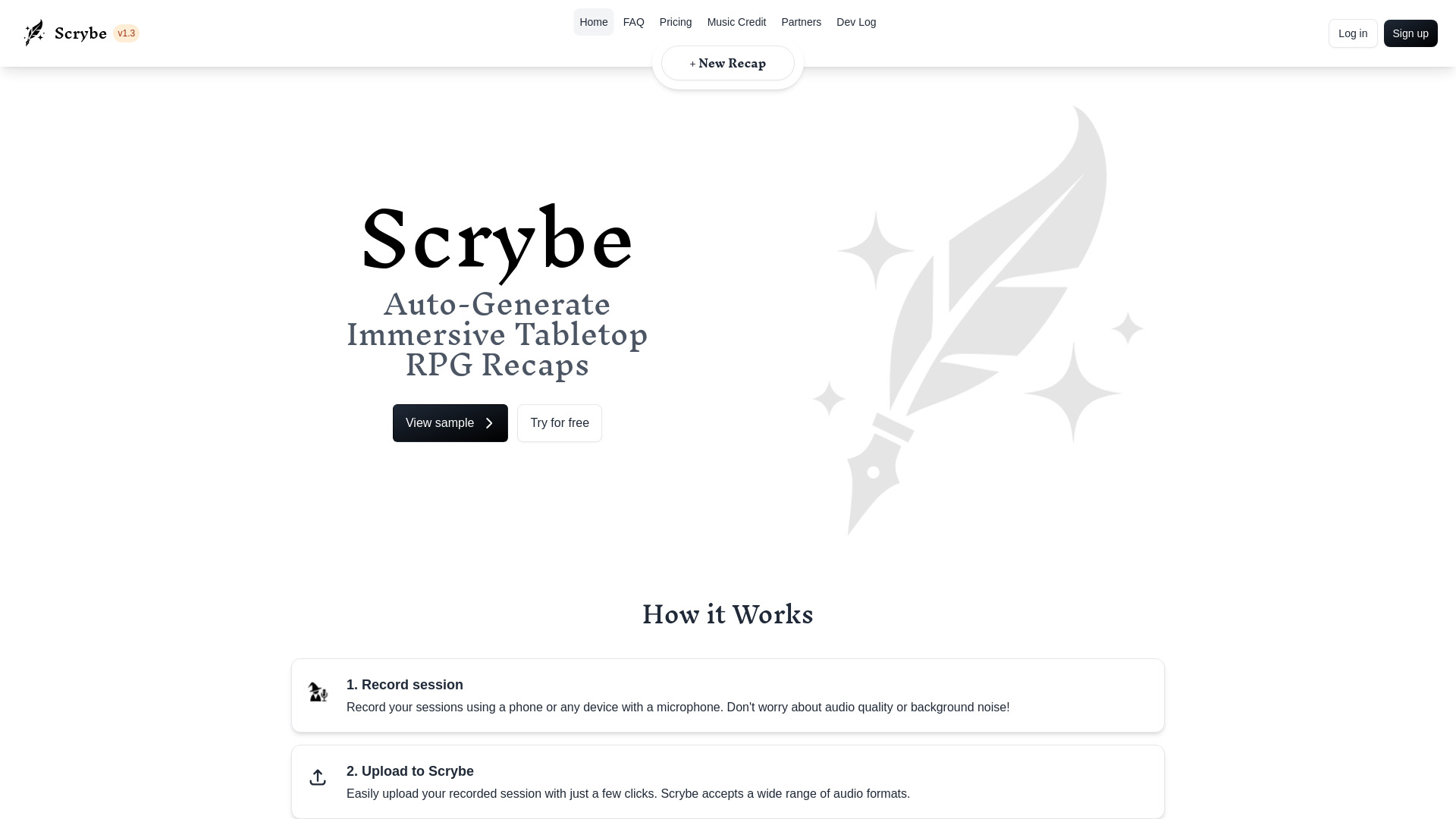
What is Scrybe Quill?
Scrybe Quill is a specialized web application designed for tabletop role-playing game (TTRPG) enthusiasts, turning raw audio recordings of game sessions into polished, shareable recaps and structured campaign notes. The tool promises "automagic" recaps, meaning it handles the tedious work of summarizing hours of gameplay so players and Game Masters can relive the story or catch up on missed sessions without re-listening to recordings. Using the service is straightforward: record your session with any microphone-equipped device, upload the audio file to Scrybe Quill, then select a narrator voice and background music to set the tone. The platform then generates an audio/video recap that can be shared with your party. Beyond recaps, the app maintains an auto-updating campaign wiki that captures quotes, outlines, NPCs, items, and locations, serving as a living reference for the campaign. Scrybe Quill places a strong emphasis on ethical AI practices. All illustrations and music on the site are created by human artists, and the service explicitly does not use user data to train AI models. The text-to-speech narrators are based on real voice actors who voluntarily license their voices and are compensated for usage. The platform positions itself as a tool that organizes and summarizes your story without interfering with your creative process, making it a respectful companion for any role-playing group.
SpecificationsAI-estimated
Key Features of Scrybe Quill
Use Cases for Scrybe Quill
Session recap creation
Transform hours of recorded gameplay into a short, engaging recap.
Campaign onboarding
Help new players catch up on the story with a narrated overview.
NPC and lore tracking
Use the auto-updating wiki to remember key NPCs, items, and locations.
Missed session catch-up
Players can listen to the recap before the next game to stay in the loop.
Podcast-style shows
Create audio recap episodes for a TTRPG actual-play podcast.
Immortalizing story moments
Preserve dramatic or funny in-game moments as polished audio/video keepsakes.
How to use Scrybe Quill?
Record session
Record your sessions using a phone or any device with a microphone. Don't worry about audio quality or background noise!
Upload to Scrybe Quill
Easily upload your recorded session with just a few clicks. Scrybe Quill accepts a wide range of audio formats.
Choose narrator and music
Choose from a wide selection of narrators and background music to customize your recap and match the mood of your session.
Done!
Your game session is now immortalized with a captivating audio/video recap! Share it with your party at the beginning of the next session to pick up where you left off.
Pros & Cons of Scrybe Quill
Pros
- Saves hours of manual note-taking and recap writing
- Customizable narration and background music for mood
- Auto-updating campaign wiki keeps track of NPCs, items, and locations
- Strong privacy stance: no AI training on user data
- Human-made art and ethically compensated voice actors
Cons
- Requires JavaScript and a modern browser; the app content won't render otherwise.
- Account sign-up is mandatory to use the service.
- No offline mode - an internet connection is required.
- Primarily focused on audio input; no built-in video recording feature.
Frequently Asked Questions
What is Scrybe Quill?
Scrybe Quill is a web app that automatically creates audio/video recaps and structured campaign notes from recorded TTRPG sessions.
How do I create a recap?
Record your session with any microphone device, upload the audio to Scrybe Quill, choose a narrator and music, and the app will generate a shareable recap.
Does Scrybe Quill use my data to train AI models?
No. Scrybe Quill does not use your data for AI training, both on the site itself and via third-party services, which are explicitly opted out.
Are the narrators and music AI-generated?
No. All graphics and music are human-made, and narrators are based on real voice actors who voluntarily license their voices.
What audio formats are supported?
Scrybe Quill accepts a wide range of audio formats, though specific format names are not listed on the homepage.
Can I customize the narration and background music for each recap?
Yes, you can choose from a wide selection of narrators and background music to match the mood of your session.
Is Scrybe Quill free to use?
The site offers a "Try for free" option, indicating a free tier or trial is available, but full pricing details are not shown on this page.
Reviews & Ratings0.0
No reviews yet. Be the first to write one!
Top Alternatives & Similar Software
View all alternatives & similar software→No alternatives available yet.
People also viewed



Related searches
Is this your tool?
Claim this page to update details, reply to user reviews, and drive more traffic to your product.
Claim this Product →
Tags
Keep up with Scrybe Quill alternatives
New alternatives, pricing changes and the week's biggest movers - one email every Tuesday.