


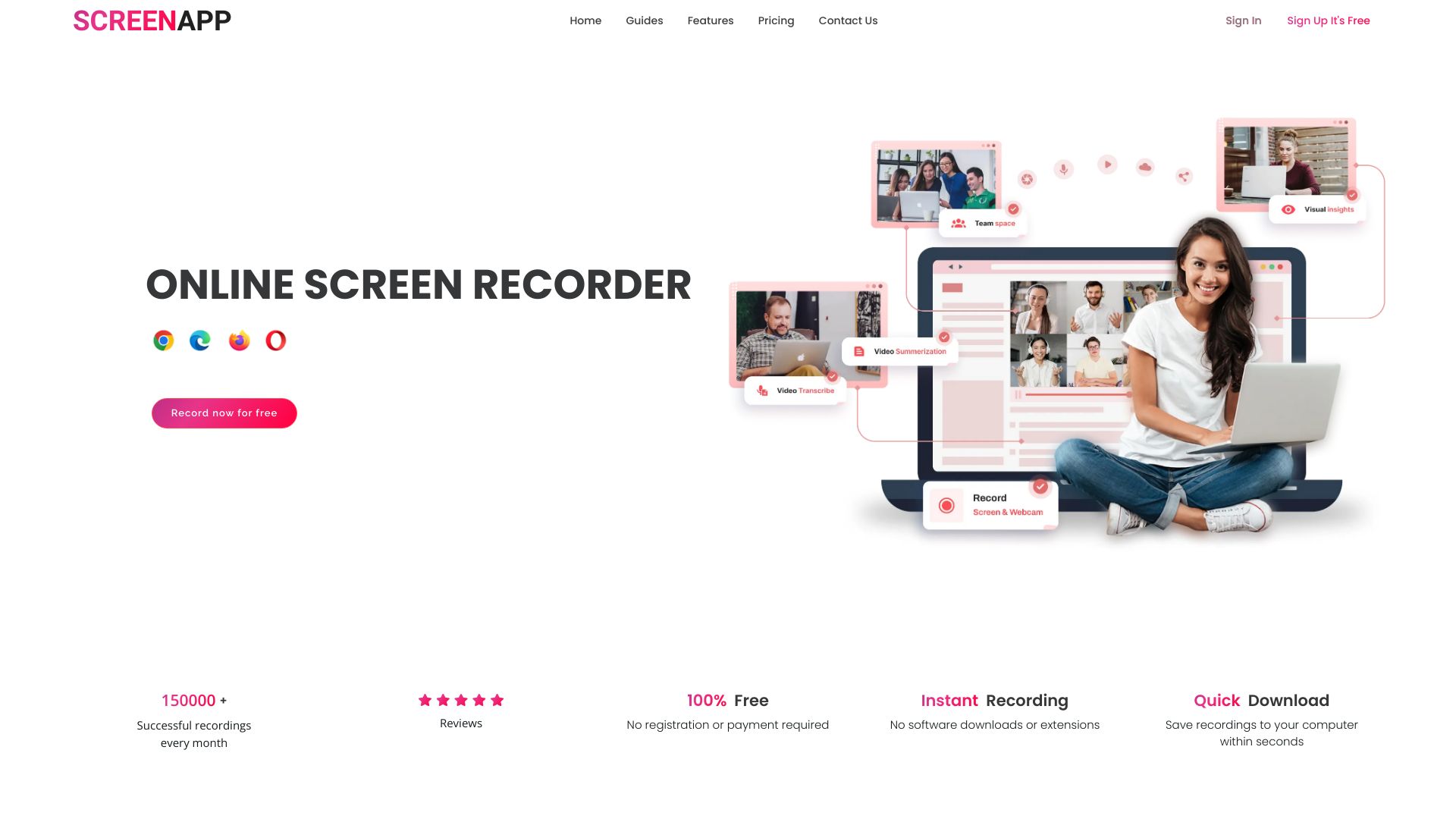
What is ScreenApp?
ScreenApp is an AI-powered notetaker, transcription, summarizer, and recorder for audio and video. It captures meetings, lectures, and conversations, then uses AI to summarize, search, translate, and structure the content for quick understanding.
SpecificationsAI-estimated
Key Features of ScreenApp
Use Cases for ScreenApp
Meeting Notes
Automatically capture and summarize meetings with action items and decisions.
Lecture Transcription
Record lectures and turn them into searchable, structured notes.
Content Creation
Convert audio or video recordings into formatted documents, PDFs, or text files.
Research & Interviews
Transcribe interviews and search across conversations for key insights.
Translation
Translate recordings in real time on web and mobile.
How to use ScreenApp?
Record or import
Use the web app, mobile app, desktop app, Chrome extension, or upload a recording/YouTube link.
Let AI process
ScreenApp transcribes and summarizes the content automatically.
Search and export
Ask questions, search moments, apply templates, and export as documents, PDFs, or text files.
Pros & Cons of ScreenApp
Pros
- AI transcription with up to 95.8% accuracy on clear English audio
- Real-time recording and note-taking without requiring a bot
- AI summaries with key points, action items, and decisions
- Search across meetings, recordings, and conversations
- Video frame analysis to find specific moments
- Built-in translation for audio and video
- Templates for consistent transcript formatting
- Works on web, mobile, desktop, and Chrome extension
- Imports from Zoom, Google Meet, Microsoft Teams, and YouTube
Cons
- Accuracy may drop on noisy or multi-speaker recordings
- Current accuracy may differ due to provider stack changes
- Free plan is limited to 2 transcriptions per month
Frequently Asked Questions
How does the AI Notetaker work?
ScreenApp automatically captures, transcribes, and transforms conversations into structured notes with key points, action items, and decisions in real time.
What makes the AI Summarizer different?
It extracts the most important insights from hours of content in seconds, providing executive summaries, key decisions, and action items without watching entire recordings.
Do I need to install anything?
No. ScreenApp works directly in the browser, but mobile apps and a Chrome extension are also available.
Can I import from Zoom, Google Meet, or YouTube?
Yes. You can record without a bot, send a meeting bot to Zoom/Google Meet/Microsoft Teams, upload recordings, or import a YouTube link.
Is my data secure?
All recordings and transcripts are encrypted during transfer and storage, and you control access.
What's included in the free plan?
2 transcriptions of recordings up to 45 minutes each, 3 uploads/imports, and 10 AI chats per month. No credit card needed.
Pricing Overview
View full pricing →ScreenApp offers a free tier, paid Pro and Max plans billed annually or monthly, and an Enterprise plan with custom pricing starting at $199/mo.
Reviews & Ratings0.0
No reviews yet. Be the first to write one!
Top Alternatives & Similar Software
View all alternatives & similar software→No alternatives available yet.
People also viewed


Related searches
Is this your tool?
Claim this page to update details, reply to user reviews, and drive more traffic to your product.
Claim this Product →
Tags
Explore Related Topics
Keep up with ScreenApp alternatives
New alternatives, pricing changes and the week's biggest movers - one email every Tuesday.