



VoiceTaking
AI meeting notes, summaries and action items
What is VoiceTaking?
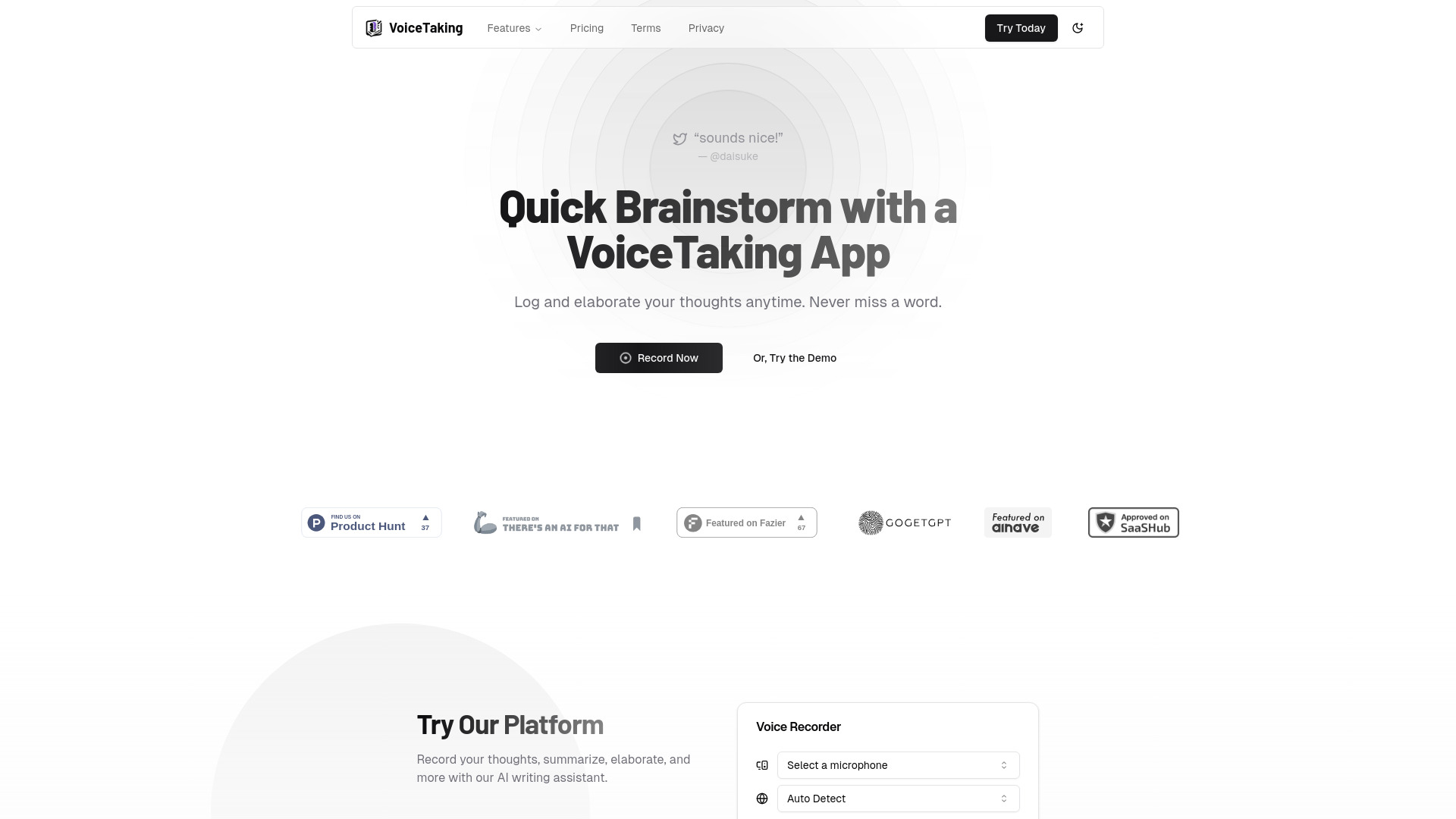
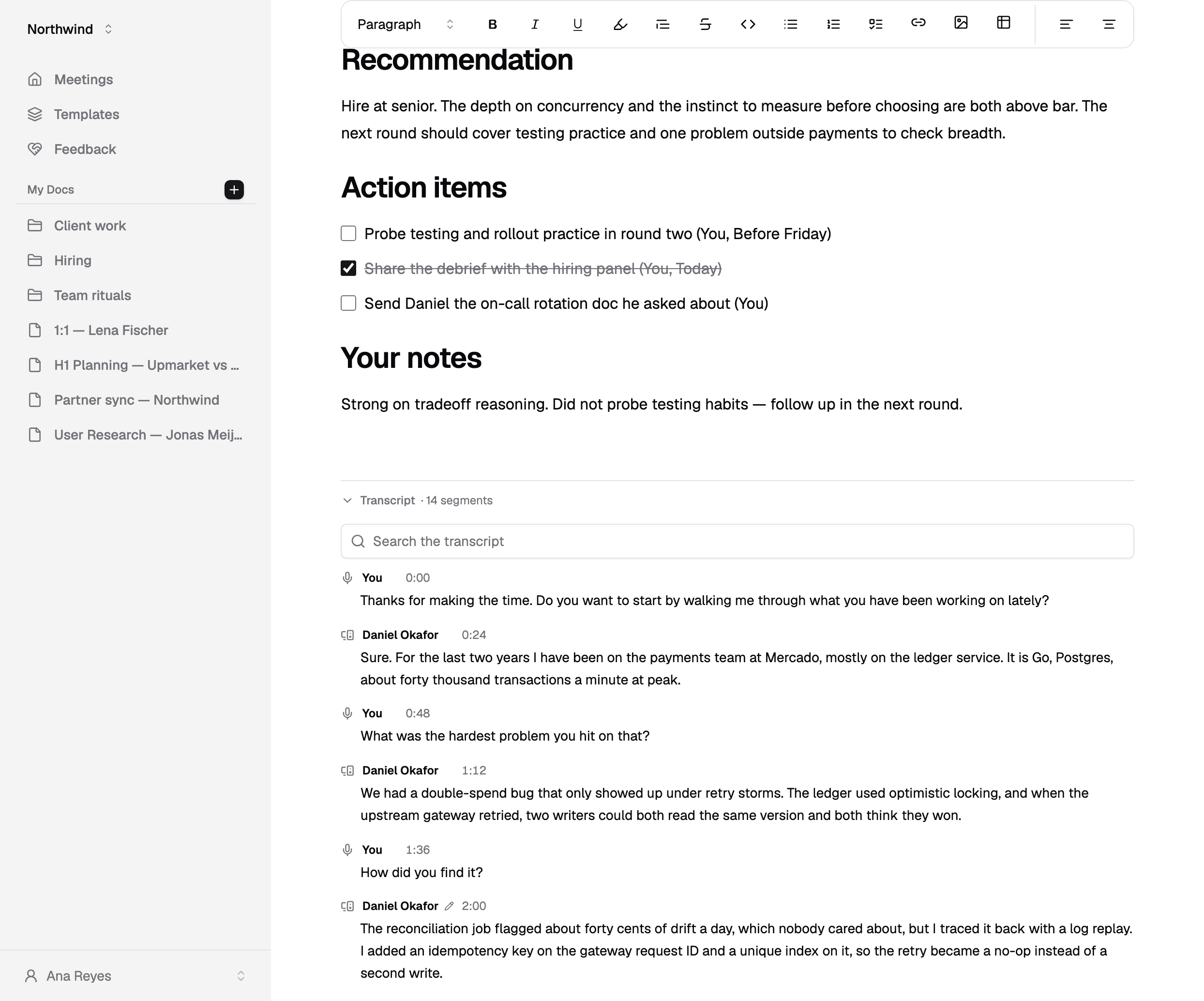
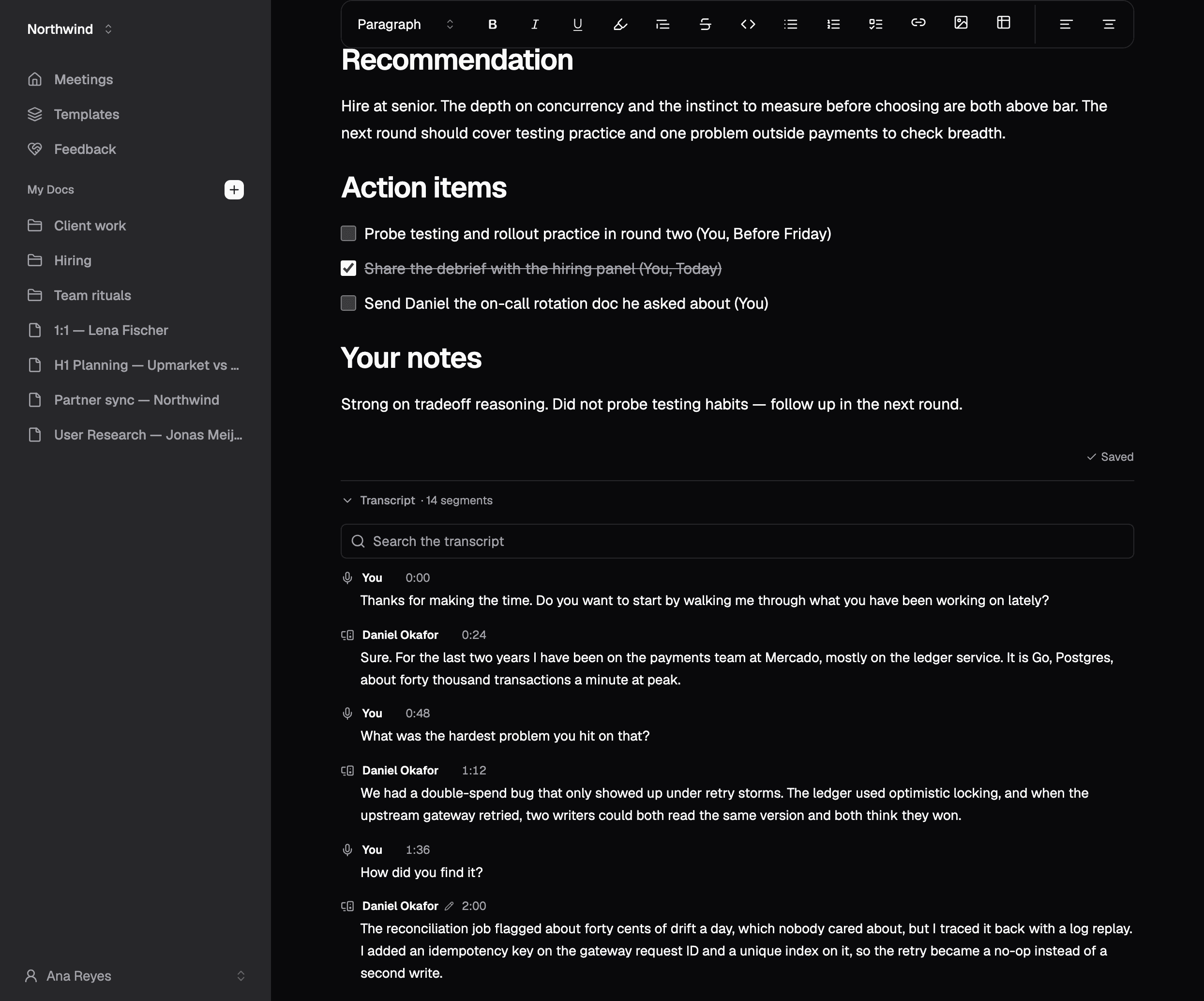
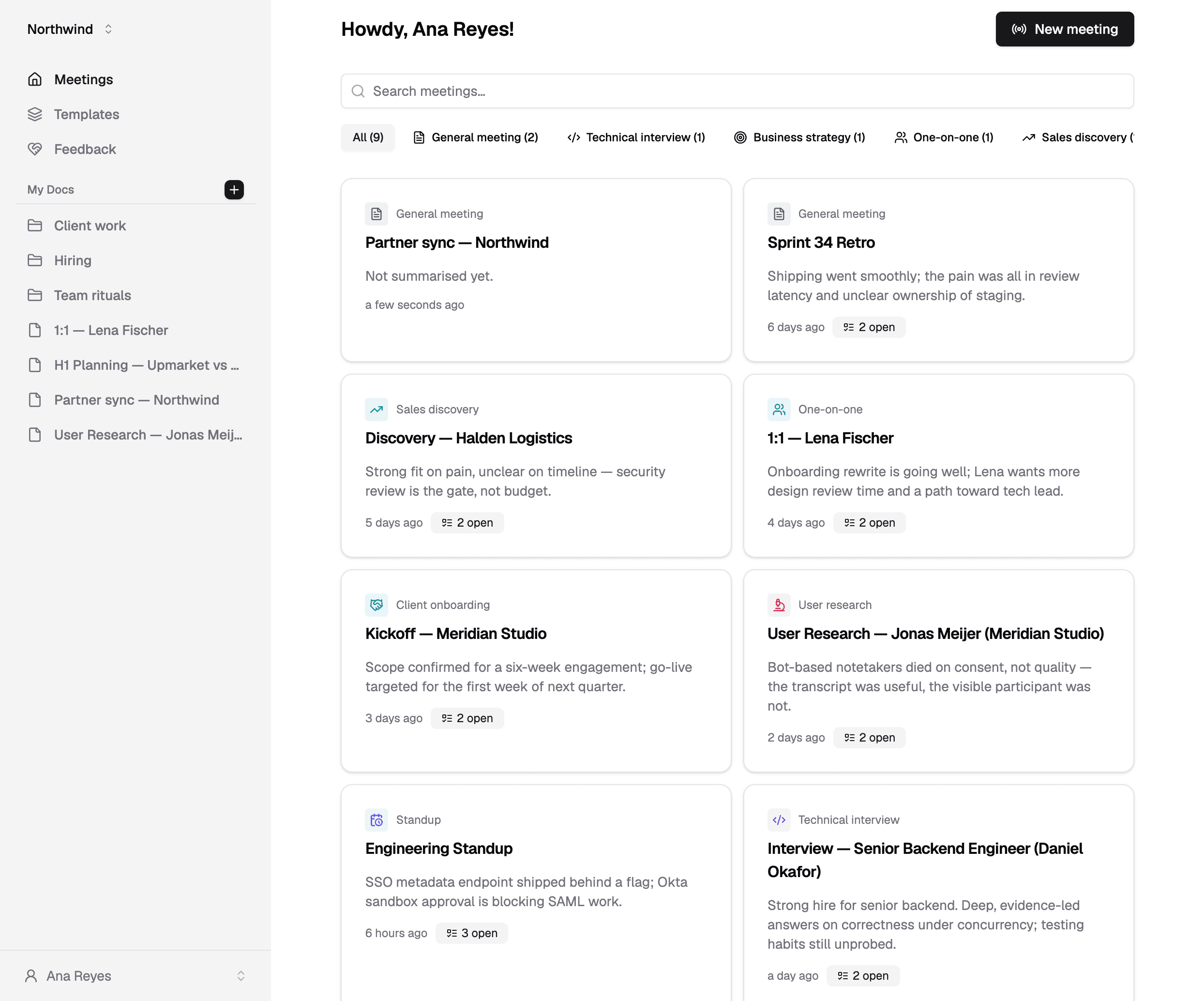
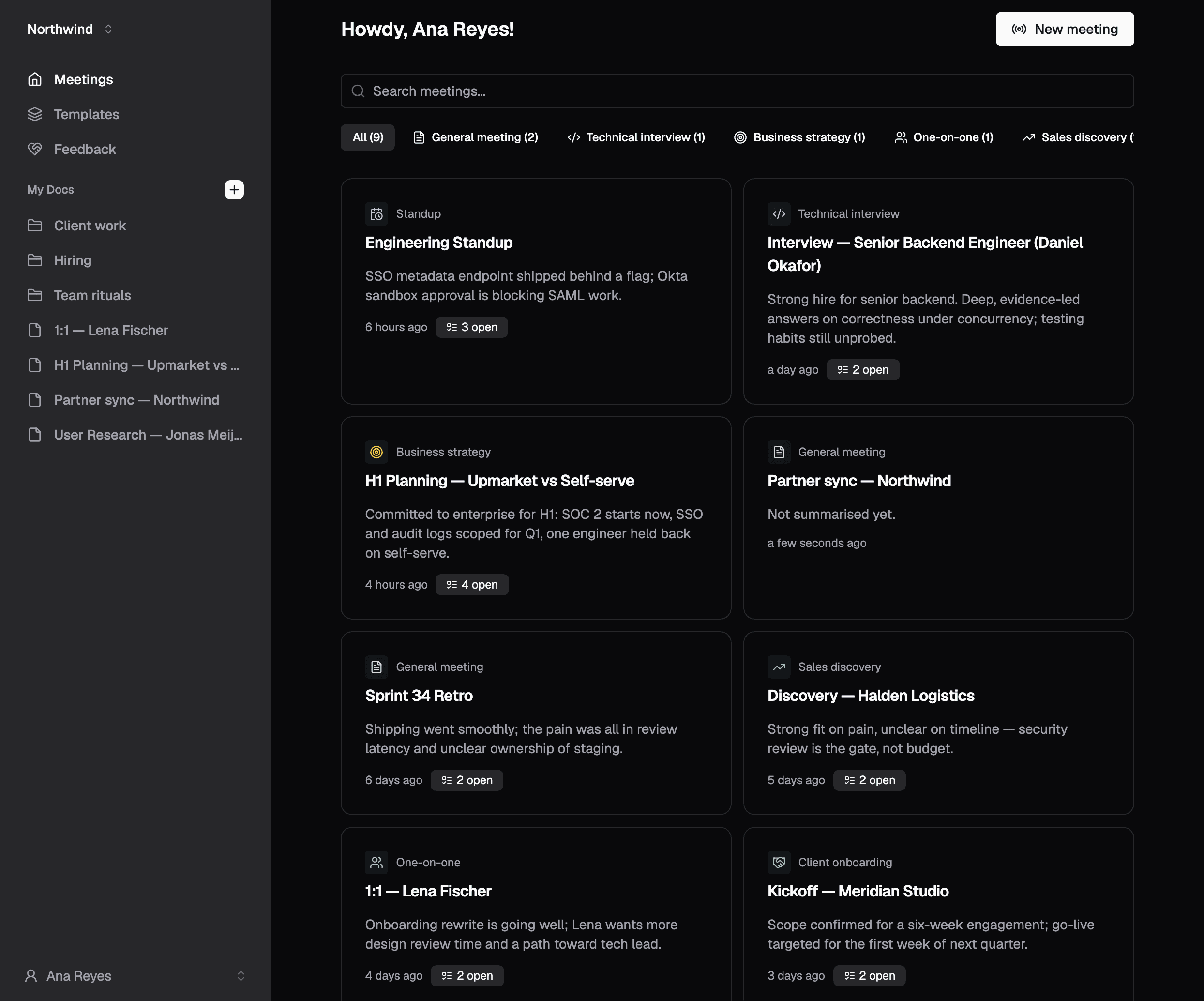
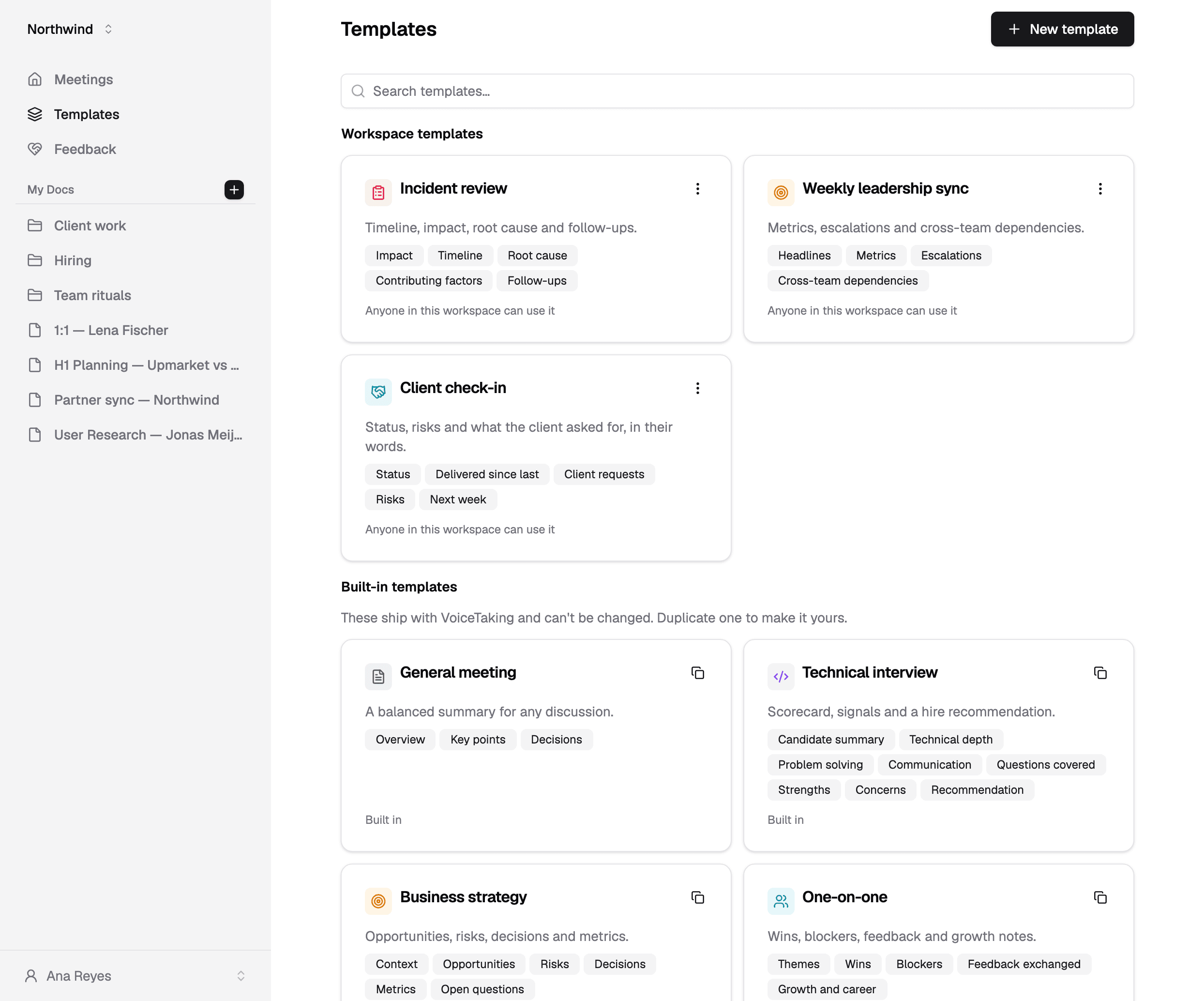
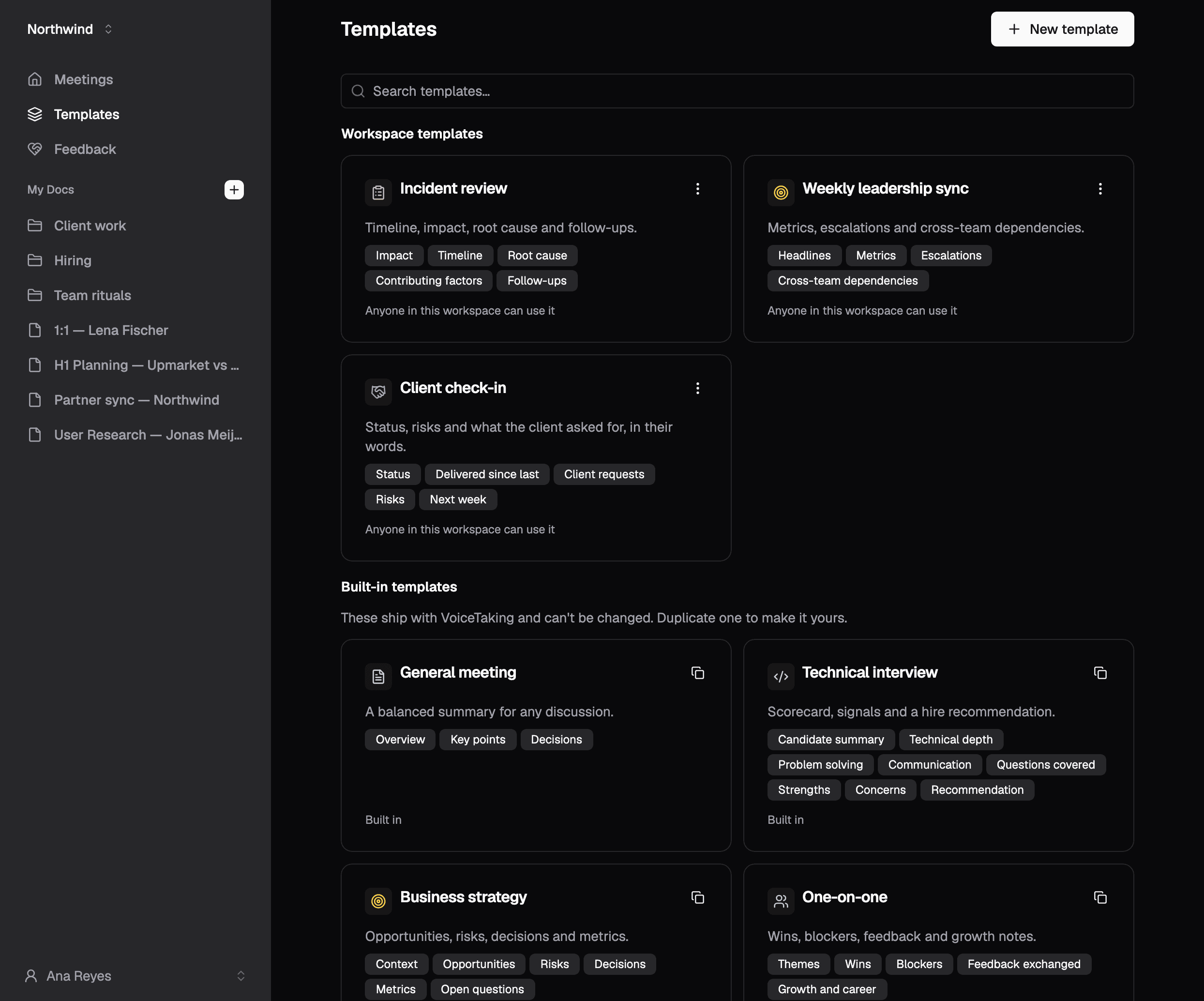
VoiceTaking is an AI-powered meeting notes and transcription tool that captures both sides of a call, attributes statements to each speaker, and uses templates to generate summaries and action items. It also includes a Notion-like editor with voice transcription and AI writing assistance.
SpecificationsAI-estimated
Key Features of VoiceTaking
Use Cases for VoiceTaking
Meeting Notes
Automatically capture and transcribe both sides of a call, then generate summaries and action items.
Technical Interviews
Use a scorecard template to structure interview feedback and decisions.
Strategy Reviews
Capture decisions and metrics with a strategy-focused meeting template.
Team Collaboration
Share notes, decisions, and action items with teammates so work stays in one place.
How to use VoiceTaking?
Open a meeting
Open your meeting in VoiceTaking and start capture.
Share tab audio
Pick the browser tab running your call and tick 'Also share tab audio' to hear other participants.
Add notes
Add your own notes as the meeting progresses.
Generate summary
Pick a template and VoiceTaking writes the summary and pulls out action items.
Pros & Cons of VoiceTaking
Pros
- Captures both meeting tab audio and microphone simultaneously
- Keeps speaker attribution clear
- Generates summaries and action items automatically
- Offers meeting templates for different use cases
- Includes a Notion-like editor with AI writing assistant
- No credit card required to start
Reviews & Ratings0.0
No reviews yet. Be the first to write one!
Top Alternatives & Similar Software
View all alternatives & similar software→No alternatives available yet.
People also viewed



Related searches
About the Product
Is this your tool?
Claim this page to update details, reply to user reviews, and drive more traffic to your product.
Claim this Product →
Tags
Explore Related Topics
Keep up with VoiceTaking alternatives
New alternatives, pricing changes and the week's biggest movers - one email every Tuesday.