



SheetAI
A Google Sheets add-on that turns one formula into bulk AI text and image generation across every row.





What is SheetAI?
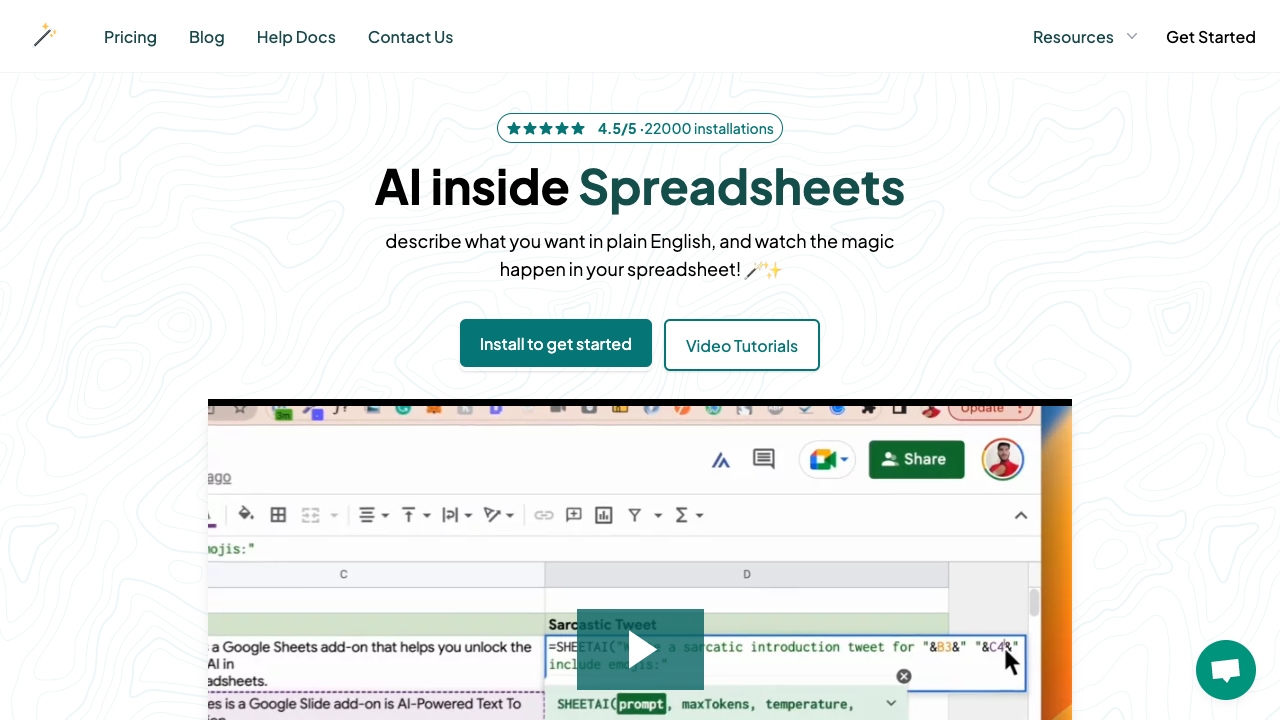
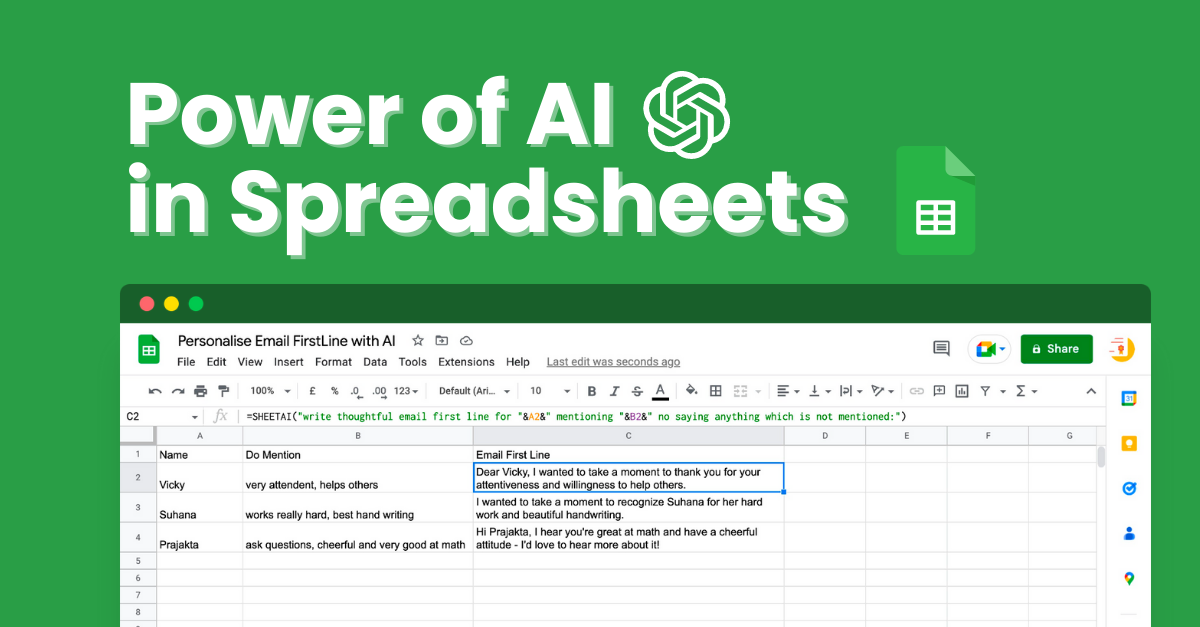
SheetAI is a Google Sheets add-on that brings generative AI directly into spreadsheets. Instead of copying rows into a chatbot one cell at a time, you write a single formula such as =SHEETAI("Write a one-line product description for "&A2), drag it down, and every row fills with AI-generated text. A companion function, =SHEETAI_IMAGE, produces an image per row, and video and music generation run through Replicate models, so a single sheet can handle copy, visuals, and audio at spreadsheet scale. The product is aimed at people whose working data already lives in Sheets: e-commerce catalogs, ad campaign planning, translations, review replies, and research tables. Typical jobs include writing product descriptions and SEO titles, generating Facebook ad headlines and primary text, cleaning or classifying data, and producing product photos. The value is in the bulk: jobs that would take hours of copy-paste across a chat window become a single drag operation, with results staying aligned to the rows they came from. Setup is intentionally light. After installing the add-on from the Google Workspace Marketplace, users either connect their own API keys for OpenAI, Claude, Gemini, Grok, or Replicate, paying those providers directly, or choose a hosted plan starting at $12 per month that requires no keys. Credit packs are available for one-off bulk runs. For teams that want to avoid juggling multiple tools and tabs, SheetAI keeps the entire AI workflow inside the spreadsheet they already use.
SpecificationsAI-estimated
Key Features of SheetAI
Use Cases for SheetAI
E-commerce product descriptions
Generate one-line or long-form descriptions for every SKU in a catalog directly from product names and attributes.
SEO titles at scale
Produce keyword-aware page or product titles for hundreds of listings in one pass.
Ad creative copywriting
Create headline and primary text variations for Meta or other ad campaigns tied to specific offers.
Product image generation
Generate studio-style product photos and alt text for catalog pages without a photo shoot.
Translation and localization
Translate product or UI copy across a column into multiple languages while keeping rows aligned.
Data cleanup and classification
Categorize, tag, or normalize messy text fields across large datasets.
How to use SheetAI?
Install the add-on
Open the Google Workspace Marketplace, click Install for SheetAI, and open the Extensions menu in any Sheet to access it.
Connect a key or choose a hosted plan
Paste an OpenAI, Claude, Gemini, Grok, or Replicate API key into the sidebar to use SheetAI free, or select a hosted plan to skip key setup.
Write the formula
In the first row of an output column, type a formula such as =SHEETAI("Write a product description for "&A2) referencing the relevant cells.
Fill down
Drag the formula cell down the column so every row runs the prompt with its own data and returns a result.
Pros & Cons of SheetAI
Pros
- Fills entire columns with AI output by dragging a single formula down, with no copy-pasting
- Supports text models from OpenAI, Claude, Gemini, and Grok plus Replicate media models
- Free to use with your own API key, and you pay providers directly without markup
- Covers images, video, and music in addition to text from within the same sheet
Cons
- Requires a Google Sheets workflow, so it is of limited use outside that ecosystem
- Costs scale with usage on hosted plans or through your own provider bill
- Output quality depends on prompt design and the underlying model chosen
Frequently Asked Questions
Do I need an API key to use SheetAI?
No. You can bring your own OpenAI, Claude, Gemini, Grok, or Replicate key and pay those providers directly, or choose a hosted plan starting at $12 per month with no keys required.
How do I fill a whole column with AI output?
Enter =SHEETAI("your prompt") in the first row, reference cells as needed, then drag the cell down. Each row runs the prompt with its own data.
Can SheetAI generate images, video, and music?
Yes. =SHEETAI_IMAGE generates an image per row, and video and music are produced through Replicate models.
What are common uses for SheetAI?
Product descriptions, product images, SEO titles, ad headlines, translations, review replies, and data cleanup are typical uses, along with any task you would otherwise repeat down a column.
How much does SheetAI cost?
It is free if you use your own API key. Hosted plans start at $12 per month, and credit packs are available for one-off bulk runs starting at $29.
Does SheetAI access or share my data?
According to the product's stated policy, SheetAI does not look at or share user data and only stores what the add-on needs to function.
Pricing Overview
View full pricing →SheetAI offers a free tier using your own API key, paid subscriptions (Starter at $12/mo and Pro at $29/mo) with AI calls included, and one-off credit packs ranging from $29 to $299.
Reviews & Ratings0.0
No reviews yet. Be the first to write one!
Top Alternatives & Similar Software
View all alternatives & similar software→No alternatives available yet.
People also viewed



Related searches
Is this your tool?
Claim this page to update details, reply to user reviews, and drive more traffic to your product.
Claim this Product →
Tags
Explore Related Topics
Keep up with SheetAI alternatives
New alternatives, pricing changes and the week's biggest movers - one email every Tuesday.